GameCuki is reader-supported. When you buy through links on our site, we may earn an affiliate commission at no extra cost to you. As an Amazon Associate I earn from qualifying purchases. Learn more.
GameCuki VerdictRecommended
What Our Verdicts Mean
GameCuki Top PickThe best option in its class, with no serious, repeated problems.
RecommendedA good buy for most people. Weaknesses are minor or only matter to some players.
Buy With CaveatsRight for a specific kind of player only, because of a significant drawback.
Skip ItNot recommended. A better option exists at a similar price.
The Bottom LineThe pick for PC, Steam Deck and Android players who want drift-resistant TMR sticks, extra buttons and a charging dock, but not for Xbox, Switch or large hands.
Hall effect triggers with a linear and tactile switch
Two back paddles plus L4 and R4 bumpers
6-axis gyro over 2.4G
Charging dock with a storage slot for the dongle
Low dongle latency for a wireless pad
Cons
No official Xbox or Switch support
Short, straight grips can cramp large hands
D-pad and plastics feel cheaper than the sticks
8BitDo Ultimate 2 Wireless Specs
Sticks
TMR with a 12-bit ADC chip
Triggers
Hall effect, switchable linear or tactile
Extra buttons
2 back paddles, L4 and R4 bumpers
Motion
6-axis gyro (2.4G mode)
Connection
2.4G dongle, Bluetooth, wired USB-C
Polling rate
1000Hz on 2.4G and wired
Battery
1000mAh
Weight
246g
Size
147 x 103 x 61.3 mm
Platforms
Windows 10, Android 13, SteamOS 3.7.13, Apple devices on iOS 26 or later
Software
Ultimate Software V2 with 3 custom profiles
Drift is the failure that sends people shopping for a new controller, and this 8BitDo Ultimate 2 review is about whether the Ultimate 2 Wireless avoids it without adding bulk or hassle. It pairs TMR sticks and switchable Hall effect triggers with four extra buttons, a gyro and a charging dock, all in an Xbox-style body. The catches are real: no Xbox or Switch support, a shape that suits small and medium hands best, and a D-pad that does not match the sticks.
Design and Comfort: Compact, With Short Straight Grips
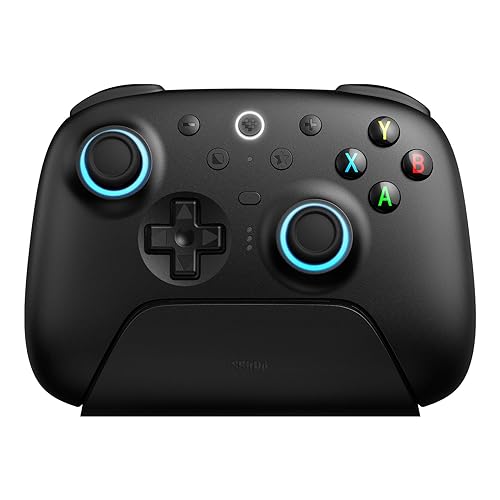
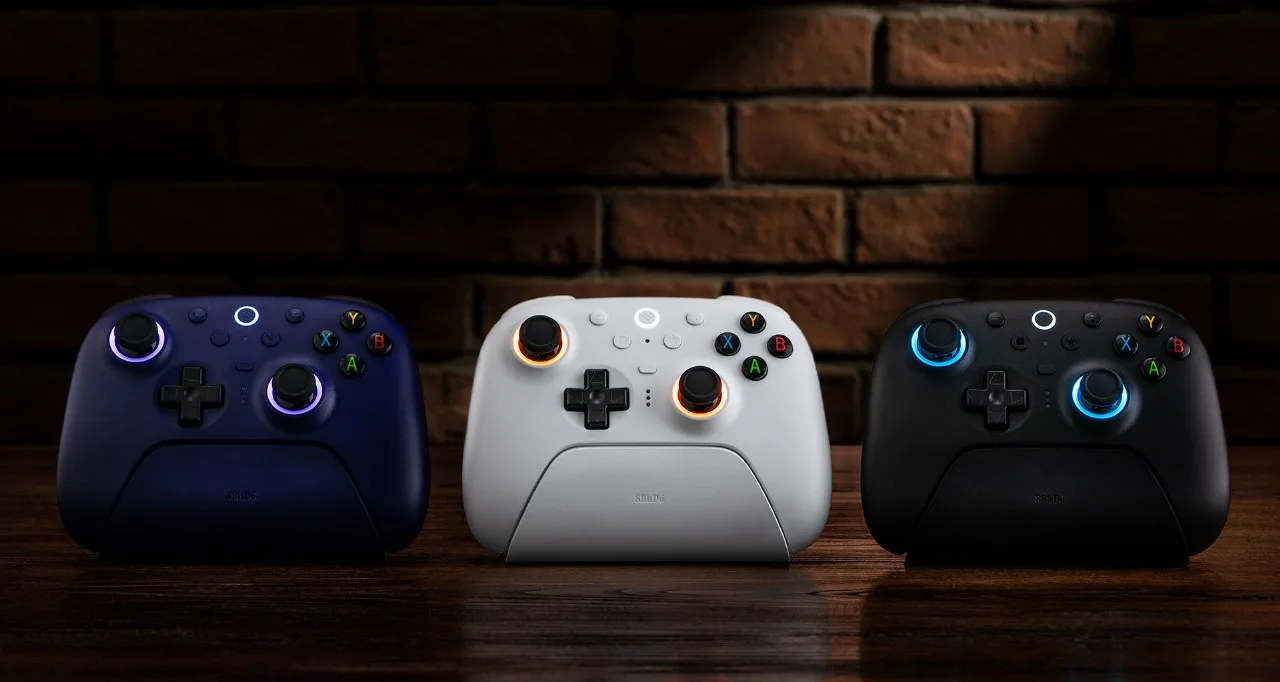
The Ultimate 2 weighs 246g and is 147 x 103 x 61.3 mm, so it sits a little lighter and narrower than a full-size Xbox pad. It comes in white, black and purple, with RGB rings around both sticks that can be switched off. The grips are short and nearly straight, closer to a Switch Pro Controller or DualSense than to Xbox’s angled handles. Players with small or medium hands will find it comfortable, while large hands may feel the arms pressing into the palms, and the raised stick caps can leave thumbs sore after long sessions.
The Ultimate 2 has short, straight grips and an Xbox-style button layout. (Image: 8BitDo)
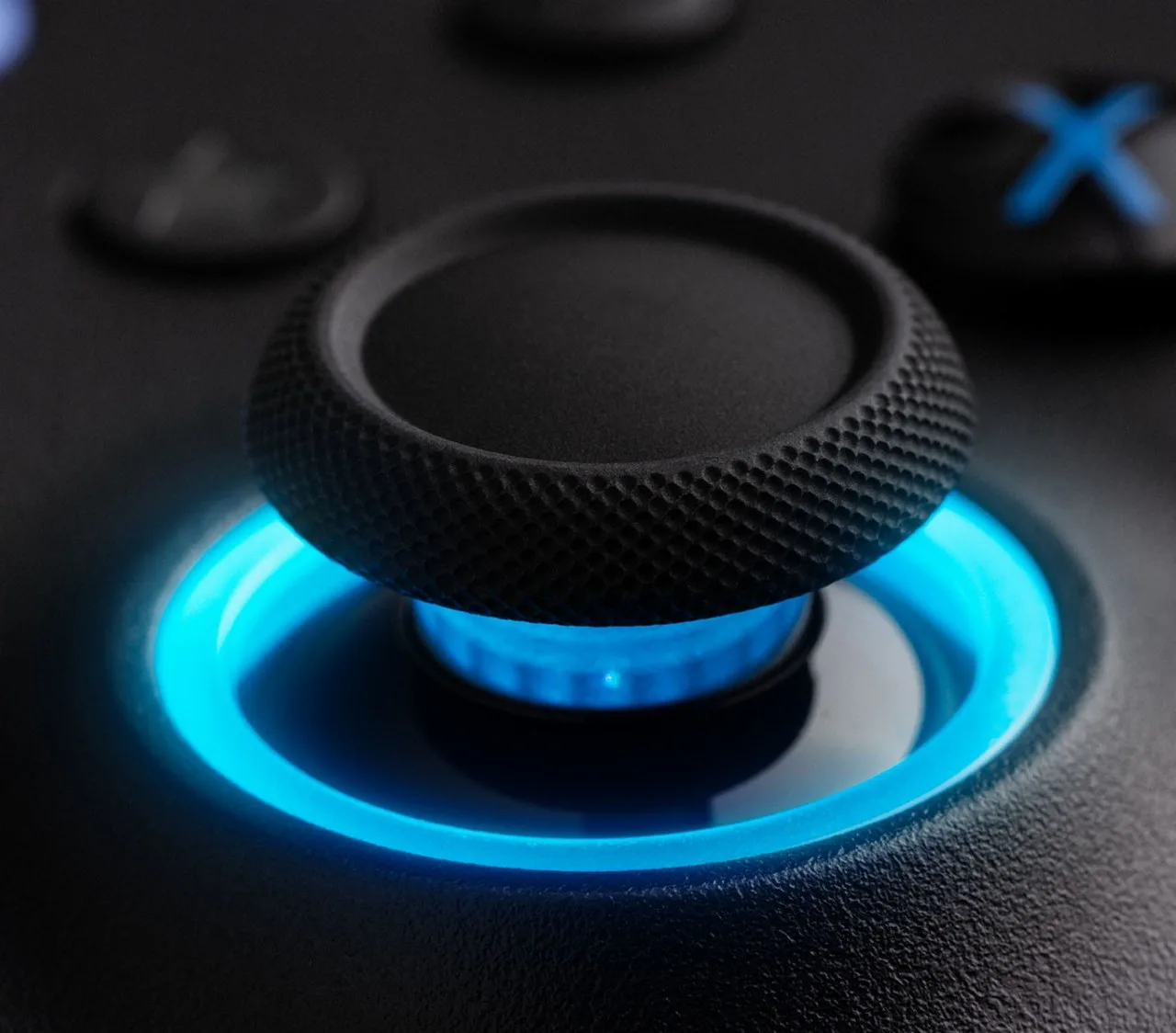
The sticks use TMR sensors with a 12-bit ADC sampling chip. TMR works like Hall effect, tracking magnets instead of wearing contacts, but it is more position-accurate and draws less power. In practice that means no drift-prone potentiometer to wear out, which is the main reason to choose this pad over a standard Xbox controller. The stick caps are textured and raised, and the springs are on the light side, with most resistance early in the throw.
The triggers are Hall effect and switch between a smooth linear pull and a tactile, clicky mode. Toggles on the back also shorten the travel, so you can run a short-throw trigger for shooters and the full pull for racing games.
The textured stick cap sits inside an RGB ring. (Image: 8BitDo)
Buttons and D-Pad: Good Bumpers, Average D-Pad
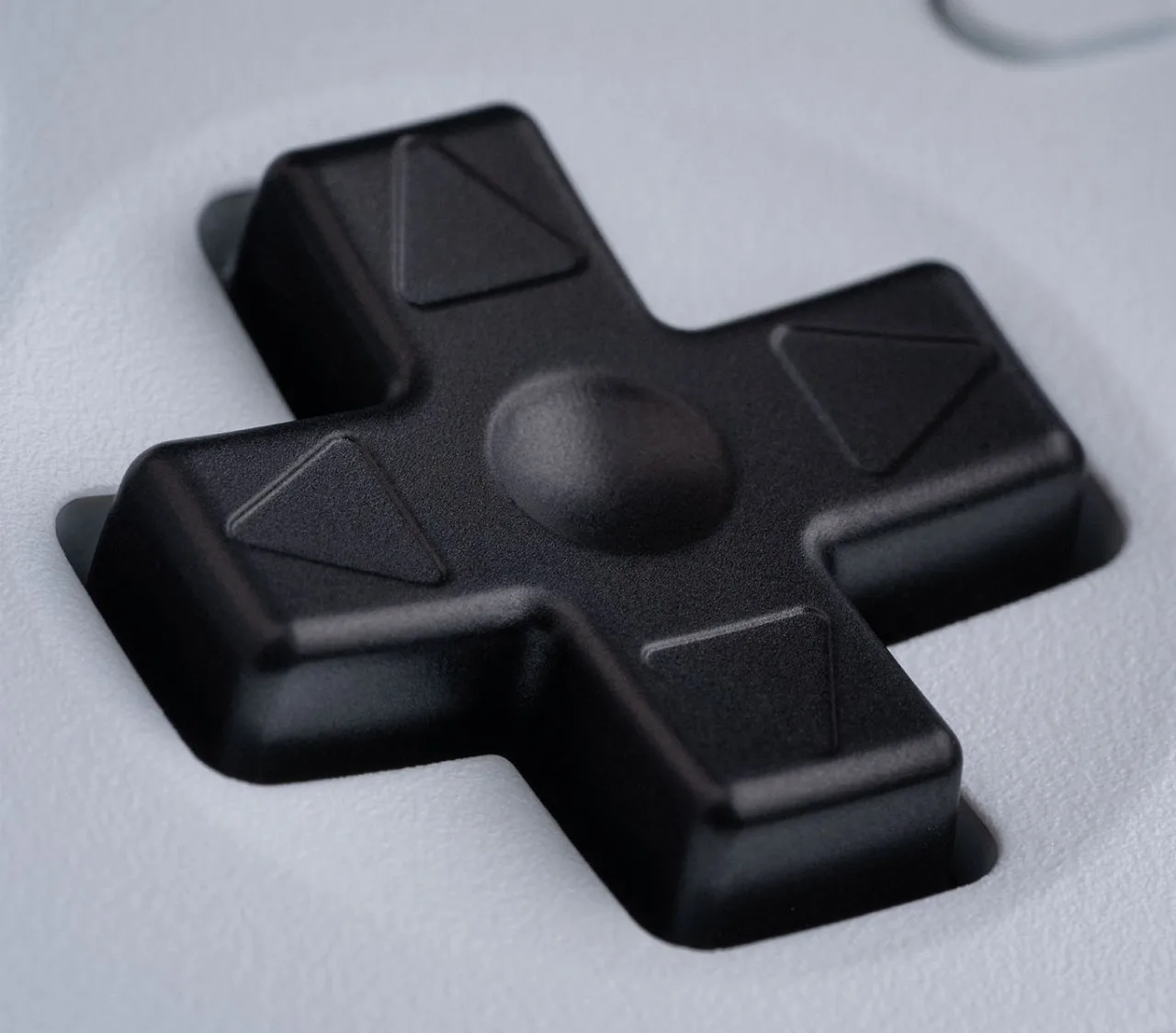
The face buttons are membrane and feel softer than the clicky bumpers. The D-pad is where opinions split. It is a raised cross with a tactile click that suits platformers, but its plastic and muted feedback can feel cheap next to the sticks and triggers. If you play fighters or retro games, our best controller for 2D platformers guide covers pads with stronger D-pads.
The Ultimate 2’s D-pad is a raised cross with a central dish. (Image: 8BitDo)
Extra Buttons and Gyro: Four Inputs and Motion Aiming
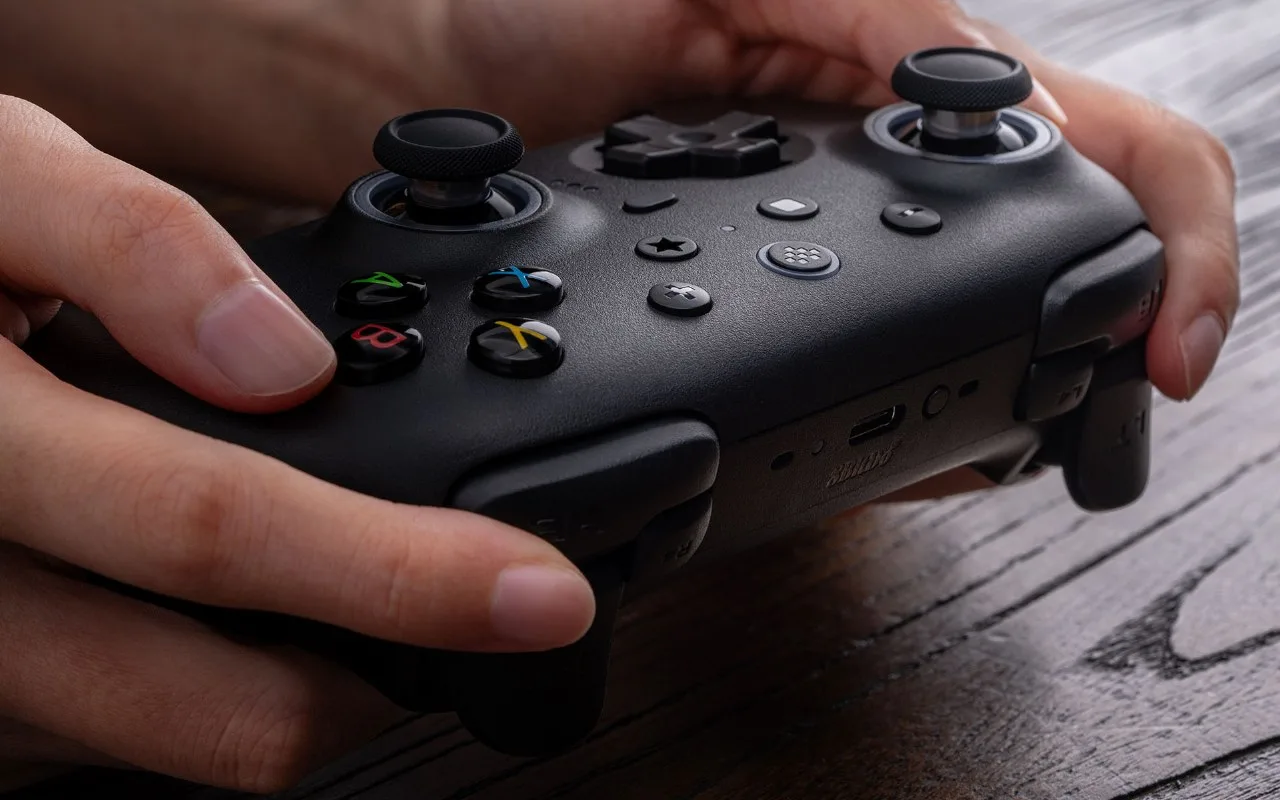
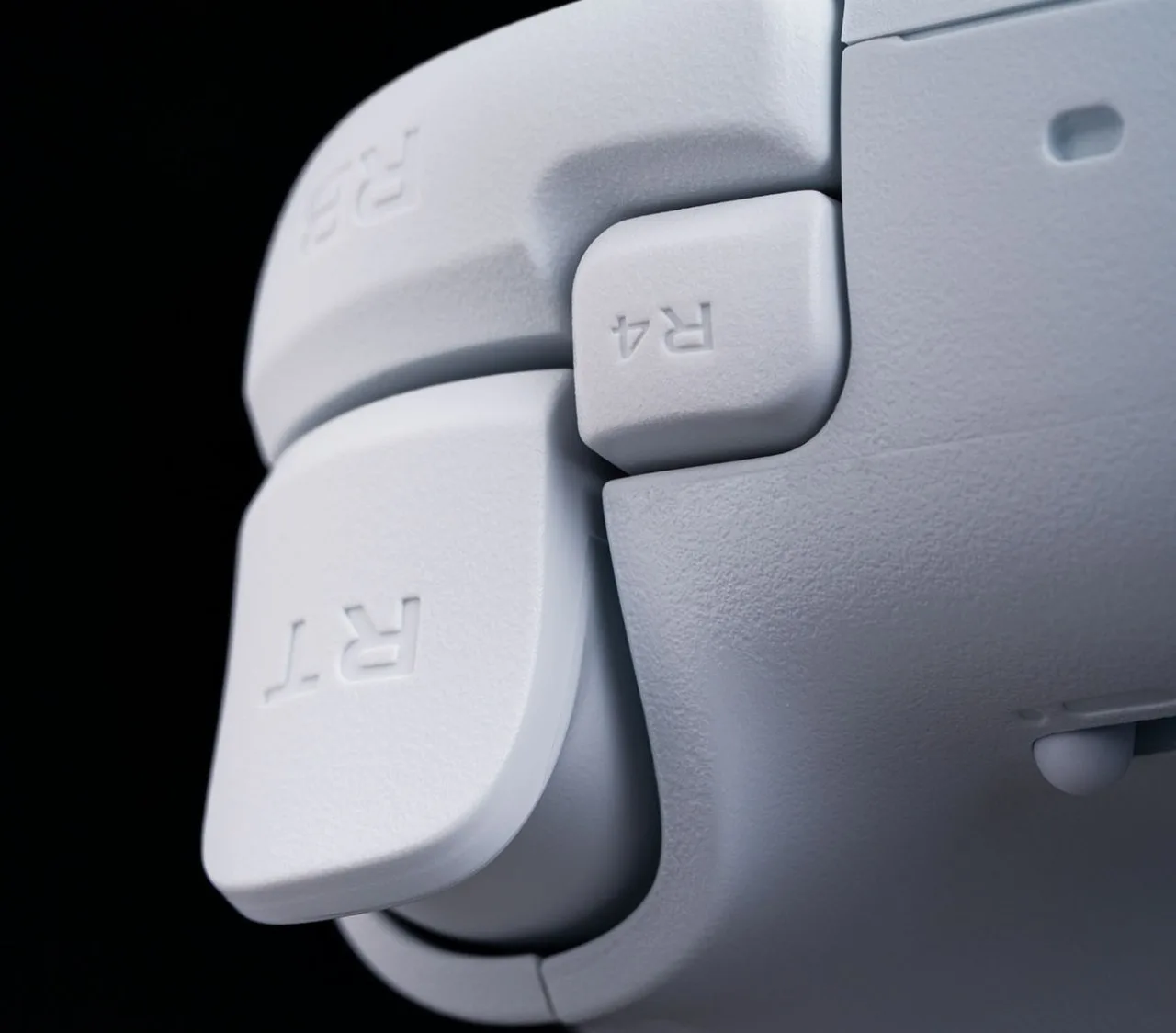
Two Pro back paddles sit on the grips, and remappable L4 and R4 bumpers sit beside the triggers, for four extra inputs without lifting a thumb. The back paddles are easy to find. L4 and R4 are small and can be awkward for larger fingers, and they add a slight click to the shoulders. A 6-axis gyro works in 2.4G mode, which helps in games with motion aiming, and the pad also has turbo and rumble. Three custom profiles can be stored on the controller.
The R4 button sits just beside the trigger and bumper. (Image: 8BitDo)
Connectivity and Compatibility: Great on PC, Limited Elsewhere
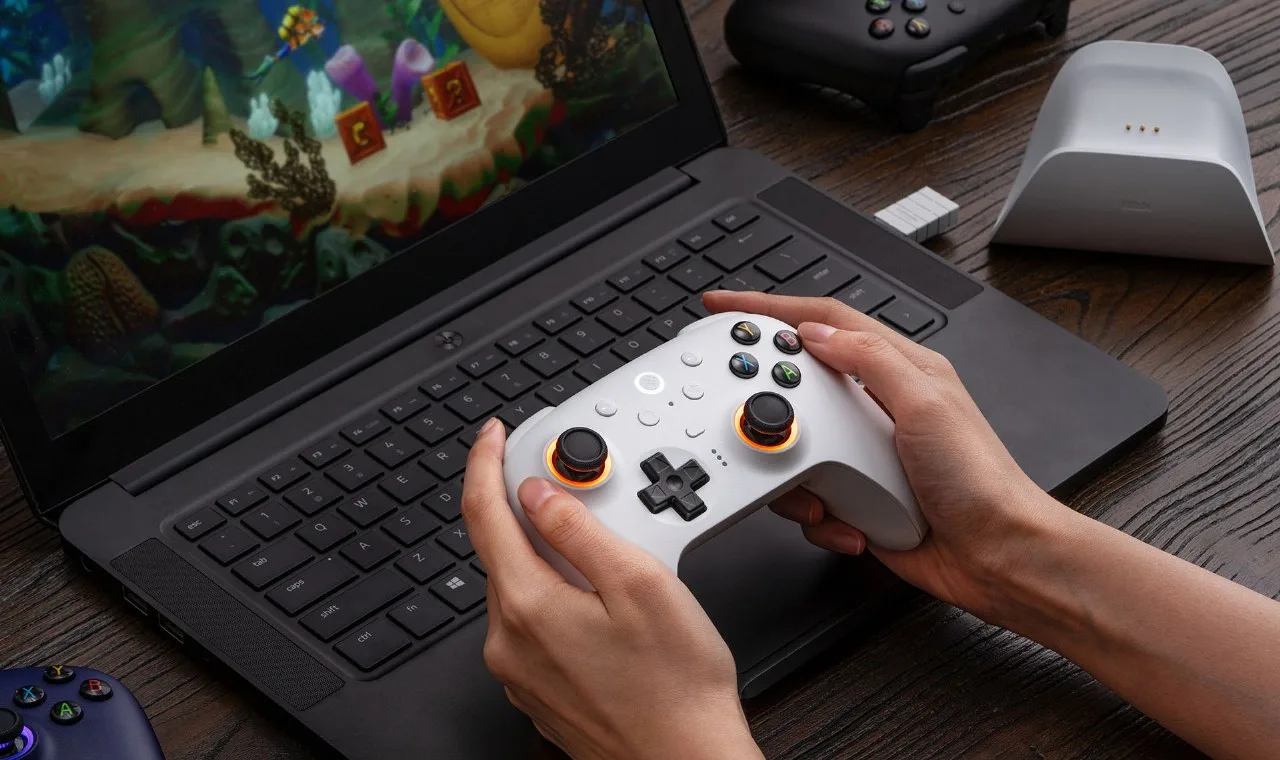
The Ultimate 2 connects over a USB-C 2.4G dongle, Bluetooth or a USB-C cable. 8BitDo lists support for Windows 10, Android 13, SteamOS 3.7.13 and Apple devices on iOS, iPadOS, macOS, tvOS and visionOS 26 or later. That makes it a flexible pick for a gaming PC, a Steam Deck, a Mac or an iPad, and our best controller for Steam Deck docked, best game controller for Mac and best controller for iPad guides include it.
What it does not support is Xbox or an official Switch mode. Switch 2 can work after a firmware update, but it is not what this model is built for. The 8BitDo Pro 3 vs Ultimate 2 comparison shows a pad that covers Switch natively.
The dongle plugs into a PC and the controller rests in the dock. (Image: 8BitDo)
Latency: Fast Buttons, Slightly Slower Sticks
Button latency is about 2.8 ms over a cable and 4 ms over the 2.4G dongle, which is quick enough that the controller is rarely the bottleneck in a shooter or fighting game. Stick latency is higher, at about 7 ms wired and 8.1 ms on the dongle. Over Bluetooth, button latency rises to about 12 ms, so use the dongle for competitive play. If stick response matters most, the cheaper 8BitDo Ultimate 2C is faster on sticks. The buying section below links a full comparison of the two. If you are choosing for a competitive game, our best controller for Rocket League on PC guide includes the Ultimate 2 among its picks.
Charging Dock and Battery: Always Topped Up
The Ultimate 2 ships with a dock that holds the controller and stores the 2.4G adapter. Set the pad on it when you finish and it is charged and paired for the next session, which matters more than any single runtime figure. The 1000mAh battery is more than double the 480mAh cell in the 2C. Battery life lands somewhere between about 10 and 20 hours depending on settings, so expect several evening sessions between charges, fewer with the RGB rings on. The dock can also plug into a PC by USB to extend the wireless signal.
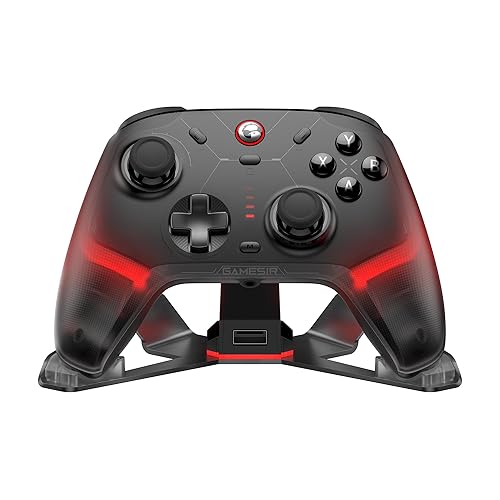
Each controller rests in its own charging dock. (Image: 8BitDo)
Software: Powerful, but PC Only
Ultimate Software V2 handles button mapping, macros, stick and trigger tuning, vibration, RGB and firmware updates. It gives you more control than most pads in this class, but it runs on a PC, so you need one for firmware updates. That matters if you are buying the pad mainly for Switch 2 or a console.
Which Ultimate 2 Is This? Clearing Up the Lineup
8BitDo sells several similar names. This review covers the Ultimate 2 Wireless, the Xbox-layout model for Windows, Android, Steam and Apple devices. The Ultimate 2 Bluetooth has a Nintendo layout and targets Switch. The Ultimate 2C is a cheaper pad without a dock, paddles or gyro.
Should You Buy the 8BitDo Ultimate 2?
Buy it if:
You play on PC, Steam Deck, Android or an Apple device and want sticks that resist drift.
You want four extra inputs and a gyro without paying elite-controller money.
You like a dock that keeps the pad charged and the dongle in one place.
You have small or medium hands and like short, straight grips.
This 8BitDo Ultimate 2 review lands on a clear recommendation for the right player. The TMR sticks, switchable triggers, four extra buttons, gyro and dock add up to a feature set that usually costs more, and dongle latency is low enough for competitive play. It loses points for a mediocre D-pad, grips that suit smaller hands and a PC-only software setup. If you play on PC, Steam Deck or Android and your hands are not large, it is an easy pick. If you need Xbox or Switch, buy the model built for that console instead.
I'm Fraser, and I write the reviews on GameCuki. That covers consoles and handhelds, PC gaming hardware, controllers, headsets and accessories, from big purchases like gaming laptops to small add-ons like screen protectors and grips. I build each review from the manufacturer's specs, professional reviews and verified owner feedback, and I check long-term issues like comfort, battery life and durability against several sources before they make it into the pros and cons. Every review ends with who the product is for and who should skip it. I don't accept free products or paid placements, and what I write comes from research, not my own use of the products. You can read my full process on our How We Review page.