GameCuki is reader-supported. When you buy through links on our site, we may earn an affiliate commission at no extra cost to you. As an Amazon Associate I earn from qualifying purchases. Learn more.
Both pack TMR sticks and a charging dock into an Xbox-style body for well under the price of an Elite controller. The GameSir G7 Pro vs 8BitDo Ultimate 2 choice hinges on one question: do you need Xbox support, or will a cheaper pad built for PC and Android do the job? Price, platforms, design, sticks, buttons, latency, battery and software decide it round by round.
Best for Xbox
GameSir G7 Pro
Bottom LineThe more complete pro controller and the one to buy if you play on Xbox, though it connects to the console by cable only.
8BitDo sells the Ultimate 2 in two versions. The Ultimate 2 Wireless is the original PC and Android model with a 2.4GHz dongle and 1000Hz polling, and it’s the version we compare here, since it competes directly with the G7 Pro on PC. The Ultimate 2 Bluetooth is a separate model for Nintendo Switch, Switch 2 and Windows, which we cover in the platforms section. To compare them, we went through both makers’ specs, professional reviews and owner feedback.
Wired on Xbox, 2.4GHz or wired on PC, Bluetooth on Android
2.4GHz dongle, Bluetooth, wired USB-C
Polling rate
1000Hz on PC (2.4GHz and wired), 250Hz Bluetooth
1000Hz (2.4GHz and wired), 125Hz Bluetooth
Sticks
TMR (Mag-Res), 4096-level resolution
TMR
Triggers
Hall effect with micro-switch trigger stops
Hall effect with linear/tactile mode switch
Trigger rumble
Yes
No
Face buttons
Optical micro-switch ABXY
Membrane
Extra buttons
L5/R5 + 2 lockable back buttons
L4/R4 + 2 back paddles
Gyro
Yes (PC only)
6-axis motion
3.5mm audio jack
Yes
No
Battery
1200mAh
1000mAh
Weight
About 275g
About 250g
Lighting
None (swappable magnetic faceplates)
RGB rings around the sticks
Charging dock
Yes, auto start-stop charging
Yes, stores the 2.4GHz dongle
Software
GameSir Nexus
8BitDo Ultimate Software V2
Price: The 8BitDo Costs Less
The 8BitDo Ultimate 2 usually sells for noticeably less than the GameSir G7 Pro, and it still includes a charging dock, TMR sticks, switchable Hall effect triggers and four extra buttons. Special editions of the G7 Pro, like the Wuchang: Fallen Feathers model, cost more again. If you’re shopping on a budget, the Ultimate 2 gives you the most pro features per dollar.
Winner8BitDo Ultimate 2
Platforms: Xbox Support Is the Big Divide
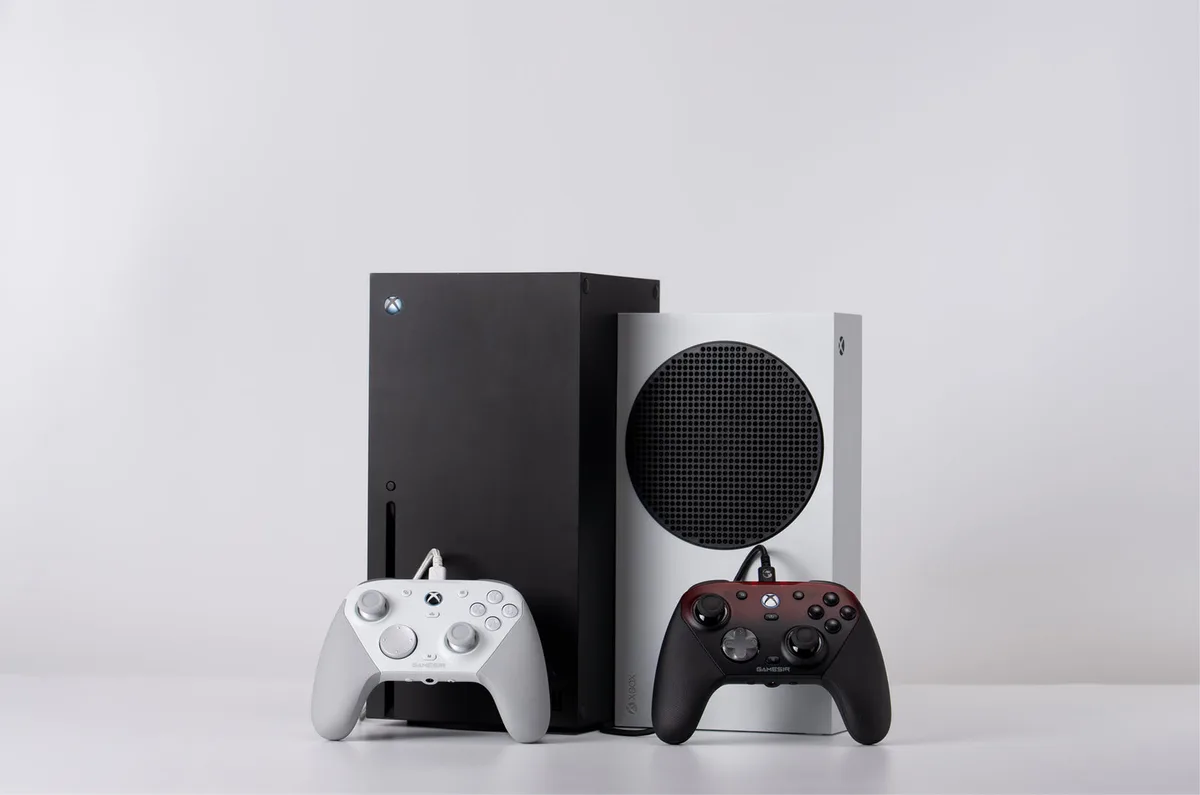
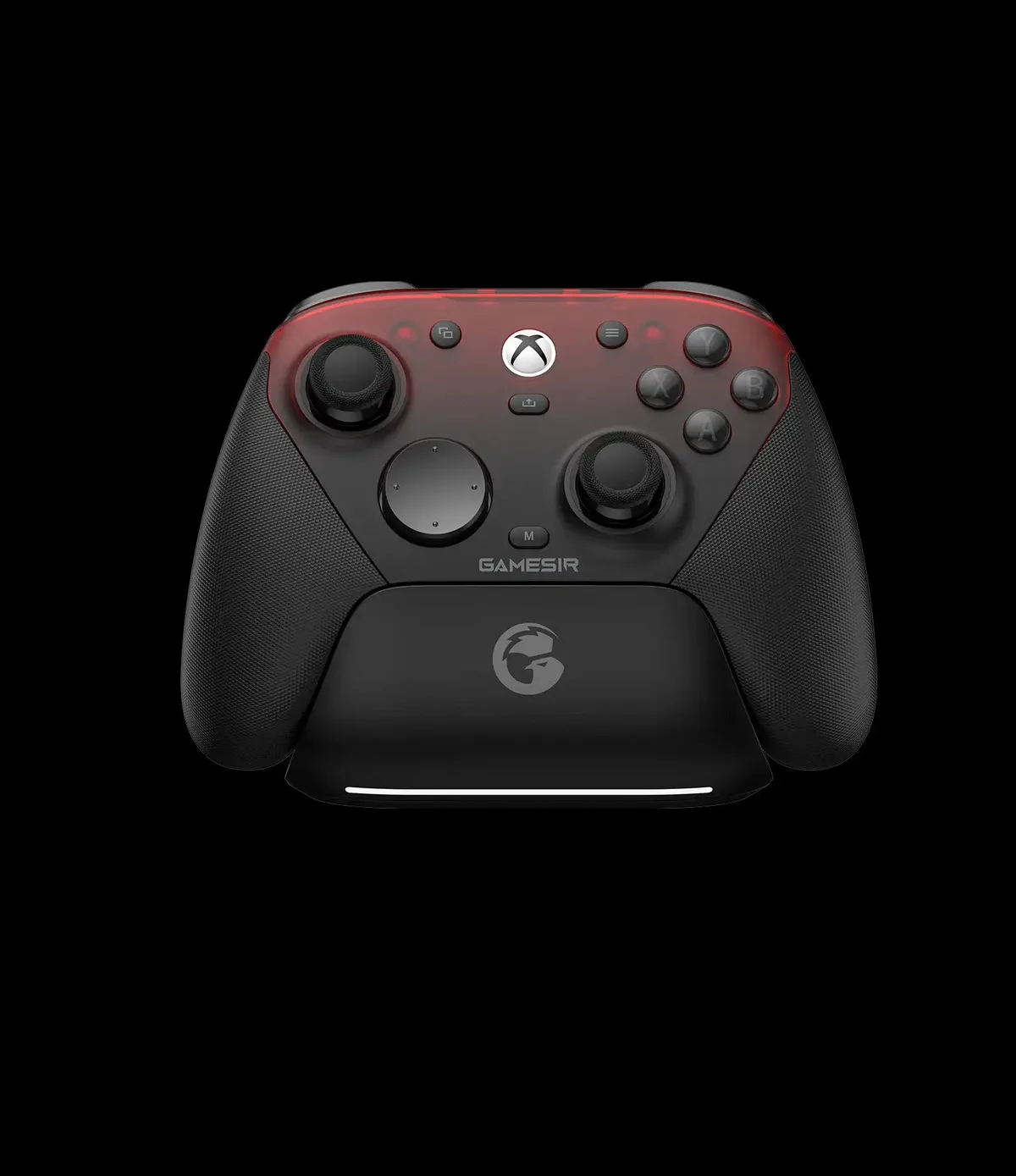
This is the round that decides it for most people. The G7 Pro is officially licensed for Xbox and works on Xbox Series X|S and Xbox One, plus PC over its 2.4GHz dongle or a cable and Android over Bluetooth. A physical switch moves between modes. The catch is that the standard G7 Pro connects to Xbox by cable only. If you want to play wirelessly on Xbox, GameSir’s G7 Pro Wireless (Wuchang: Fallen Feathers edition) adds a 2.4GHz Xbox connection and one-press console wake-up.
The G7 Pro is officially licensed for Xbox Series X|S and Xbox One. (Image: GameSir)
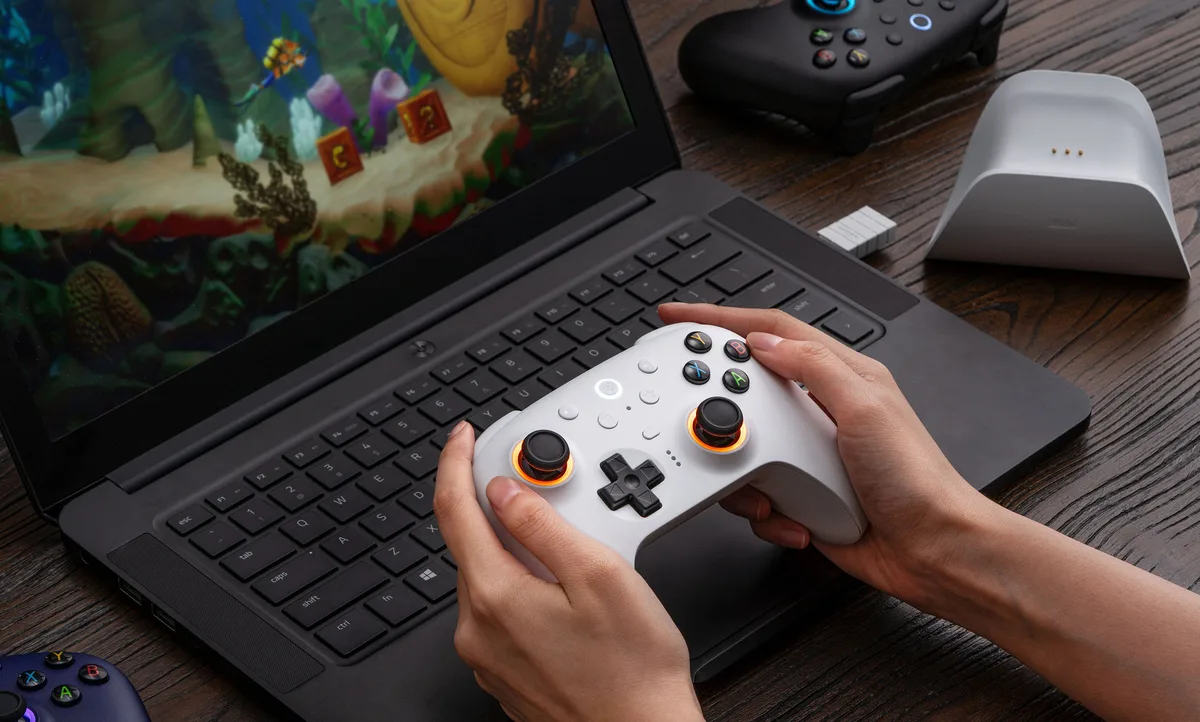
The Ultimate 2 Wireless works with PC, Steam, Apple devices and Android, but not with Xbox or Nintendo Switch.
The Ultimate 2 Wireless is built for PC, Steam and Android. (Image: 8BitDo)
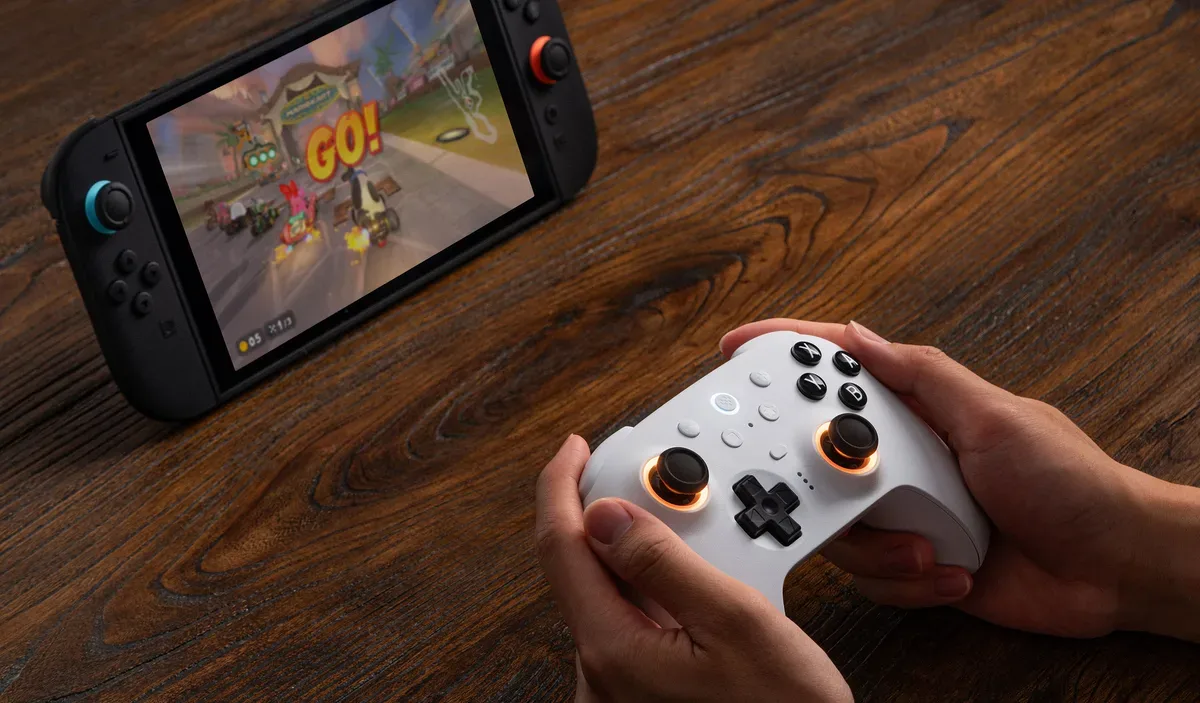
Switch players should look at the Ultimate 2 Bluetooth instead. It shares the TMR sticks, trigger switch and RGB rings, comes with an integrated charging dock and wake-on-shake, and works with Switch, Switch 2 (after a firmware update) and Windows, with vibration and motion controls on Switch.
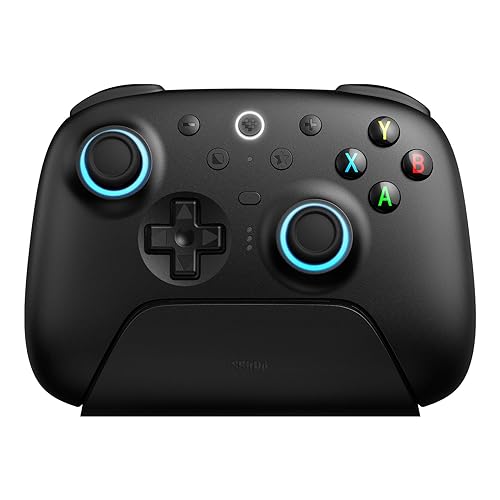
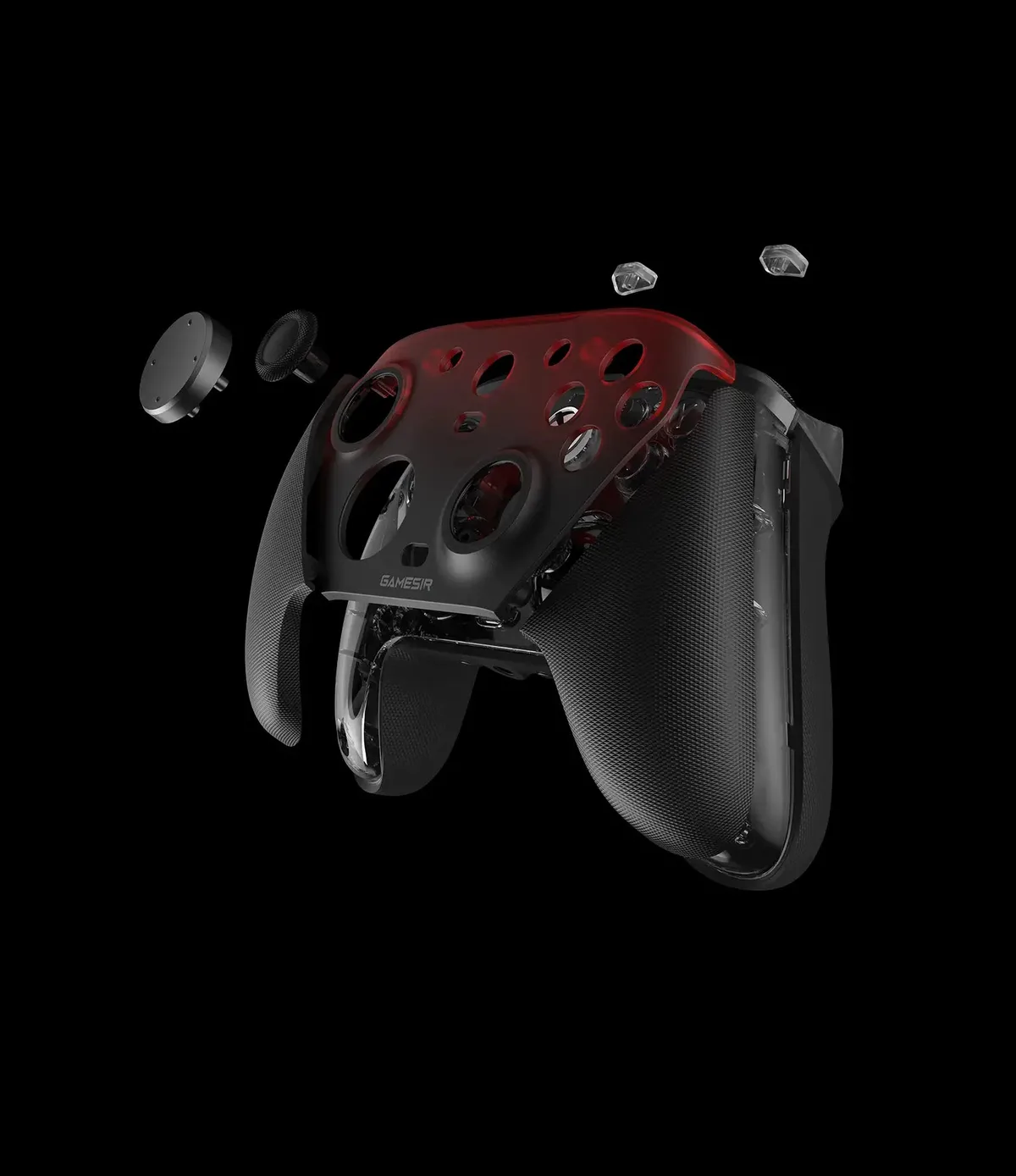
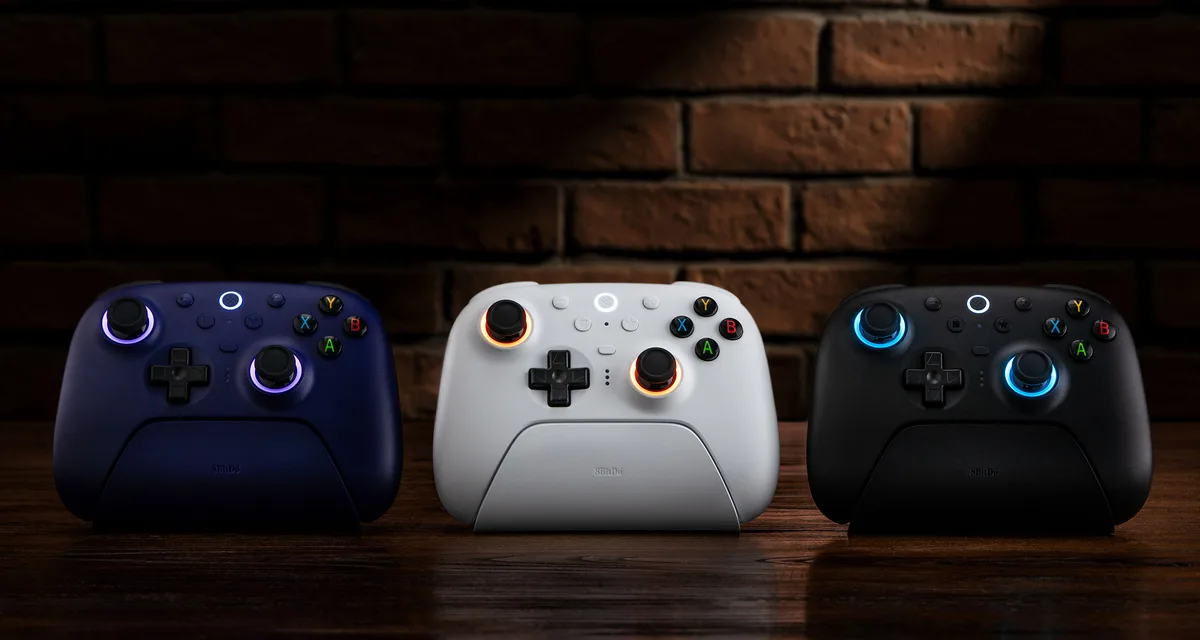
The G7 Pro uses a familiar Xbox-style shape with wider, flared grips, and its three-part magnetic faceplate pops off for cleaning or swapping with other G7-series plates. It’s also the heavier of the two, at about 275g. The Ultimate 2 is lighter, at about 250g, with a boxier shape closer to Nintendo’s Switch Pro Controller, and RGB rings around both sticks that react as you move them.
The G7 Pro’s magnetic faceplate pops off for cleaning or swapping. (Image: GameSir)The Ultimate 2’s RGB rings light up around each stick. (Image: 8BitDo)
Which feels better comes down to your hands and habits. If you’ve spent years on Xbox controllers, the G7 Pro will feel natural. If you prefer a lighter pad or want RGB on your desk, the Ultimate 2 is the better fit.
WinnerTie
Sticks and Triggers: TMR on Both, Rumble Triggers on One
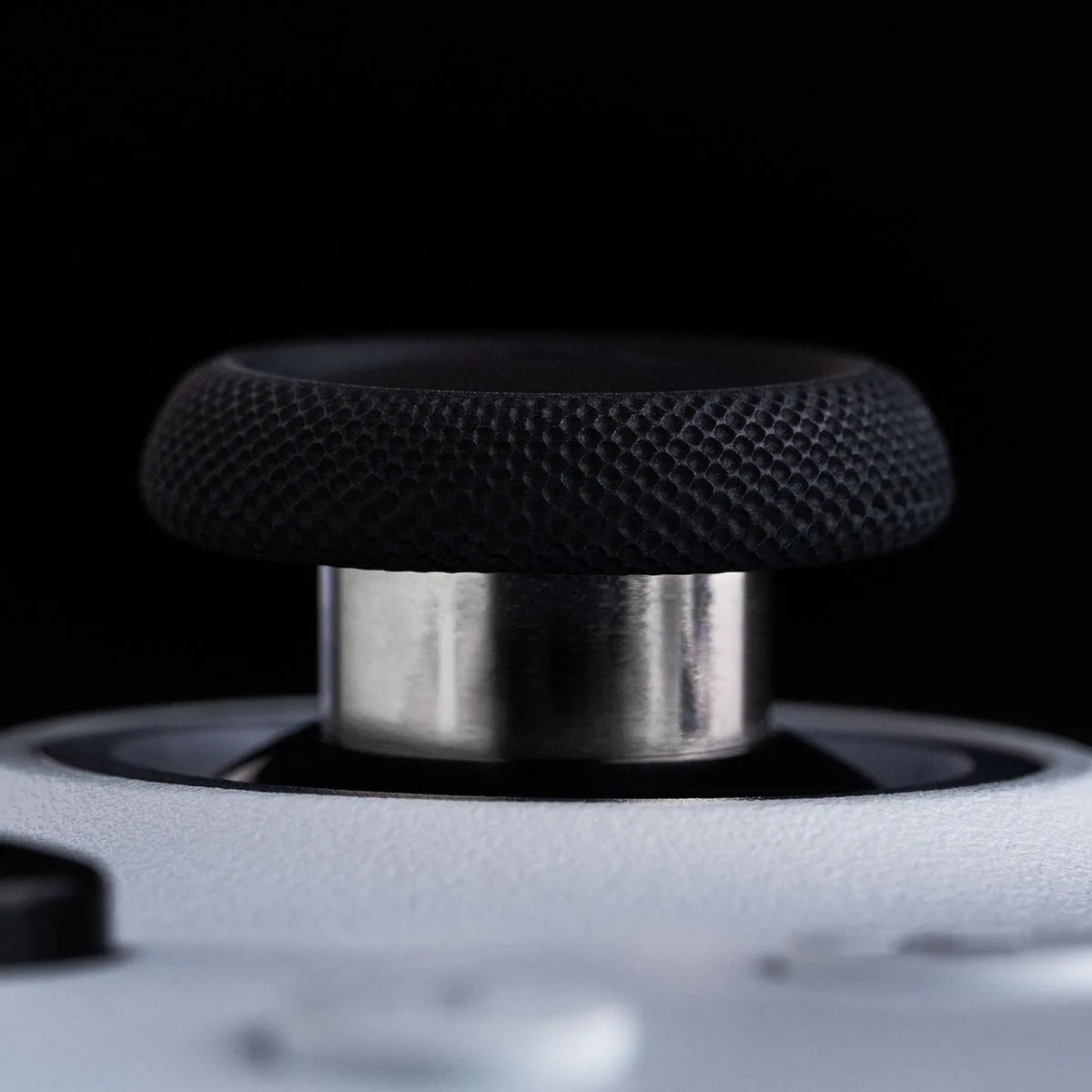
Both controllers use TMR sticks, a magnetic sensor design that resists drift and wears better than traditional potentiometer sticks. GameSir quotes a 4096-level stick resolution from a 12-bit chip for the G7 Pro.
Both controllers use TMR sticks, and the Ultimate 2’s have metal shafts. (Image: 8BitDo)
The triggers are where the G7 Pro pulls ahead. Both have Hall effect triggers with a way to shorten their travel: the Ultimate 2 switches between linear Hall effect and short tactile pulls, while the G7 Pro uses clicky micro-switch trigger stops. The G7 Pro also has Xbox-style rumble motors in its triggers, which the Ultimate 2 lacks.
WinnerGameSir G7 Pro
Buttons and Extras: Optical Clicks and a Headset Jack
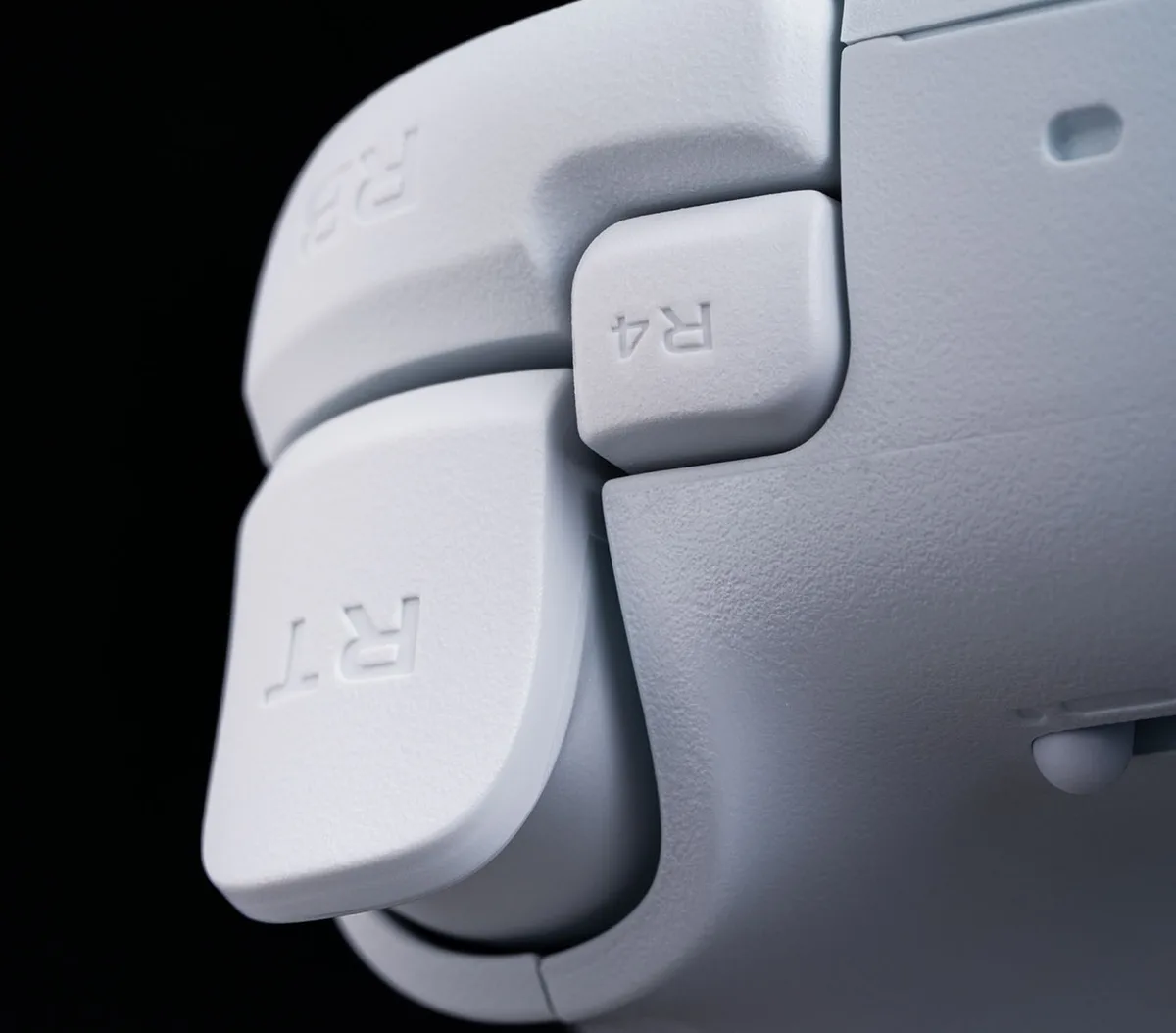
Both controllers give you four extra buttons. The G7 Pro has L5/R5 bumpers next to the triggers and two back buttons with a lock switch, while the Ultimate 2 has L4/R4 buttons and two back paddles without a lock. The G7 Pro’s ABXY buttons use optical micro-switches with a short, mouse-like click, while the Ultimate 2 uses softer membrane buttons.
The Ultimate 2’s R4 button sits beside the right trigger. (Image: 8BitDo)
The G7 Pro also has a 3.5mm audio jack for plugging in a headset and a PC-only gyro you can map to sticks, buttons or the mouse. The Ultimate 2 has 6-axis motion controls but no audio jack.
WinnerGameSir G7 Pro
Connectivity and Latency: 1000Hz on PC for Both
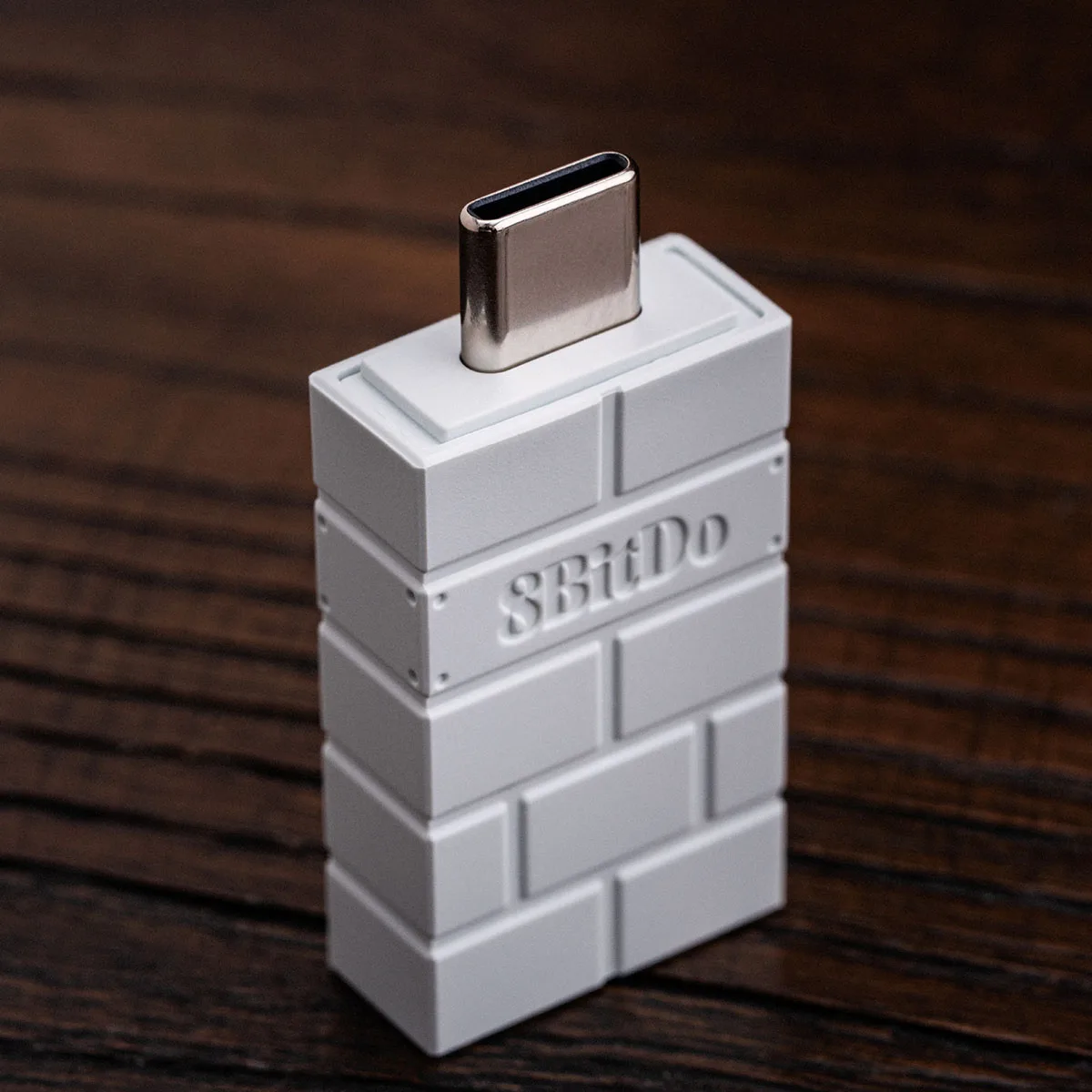
On PC, both controllers poll at 1000Hz over their 2.4GHz dongles and over a cable, so you won’t notice a difference in competitive games. Over Bluetooth, the G7 Pro runs at 250Hz versus the Ultimate 2’s 125Hz, but Bluetooth is mainly for Android on both. The Ultimate 2’s dongle uses USB-C and lives inside the charging dock, so a PC without a USB-C port needs an adapter. On Xbox, the G7 Pro’s polling is limited by the console itself.
The Ultimate 2’s 2.4GHz dongle plugs into USB-C. (Image: 8BitDo)
WinnerTie
Battery Life and Charging Dock
The G7 Pro has the bigger 1200mAh battery, but the Ultimate 2 tends to last longer per charge as long as you switch off its RGB rings. With the lights on, the Ultimate 2’s battery drains much faster. Both come with a charging dock: the G7 Pro’s starts charging as soon as you set the controller down, and the Ultimate 2’s dock also houses its 2.4GHz dongle, so docking after each session keeps either one ready.
The G7 Pro starts charging as soon as you set it on its station. (Image: GameSir)
Winner8BitDo Ultimate 2
Software: Nexus vs. Ultimate Software V2
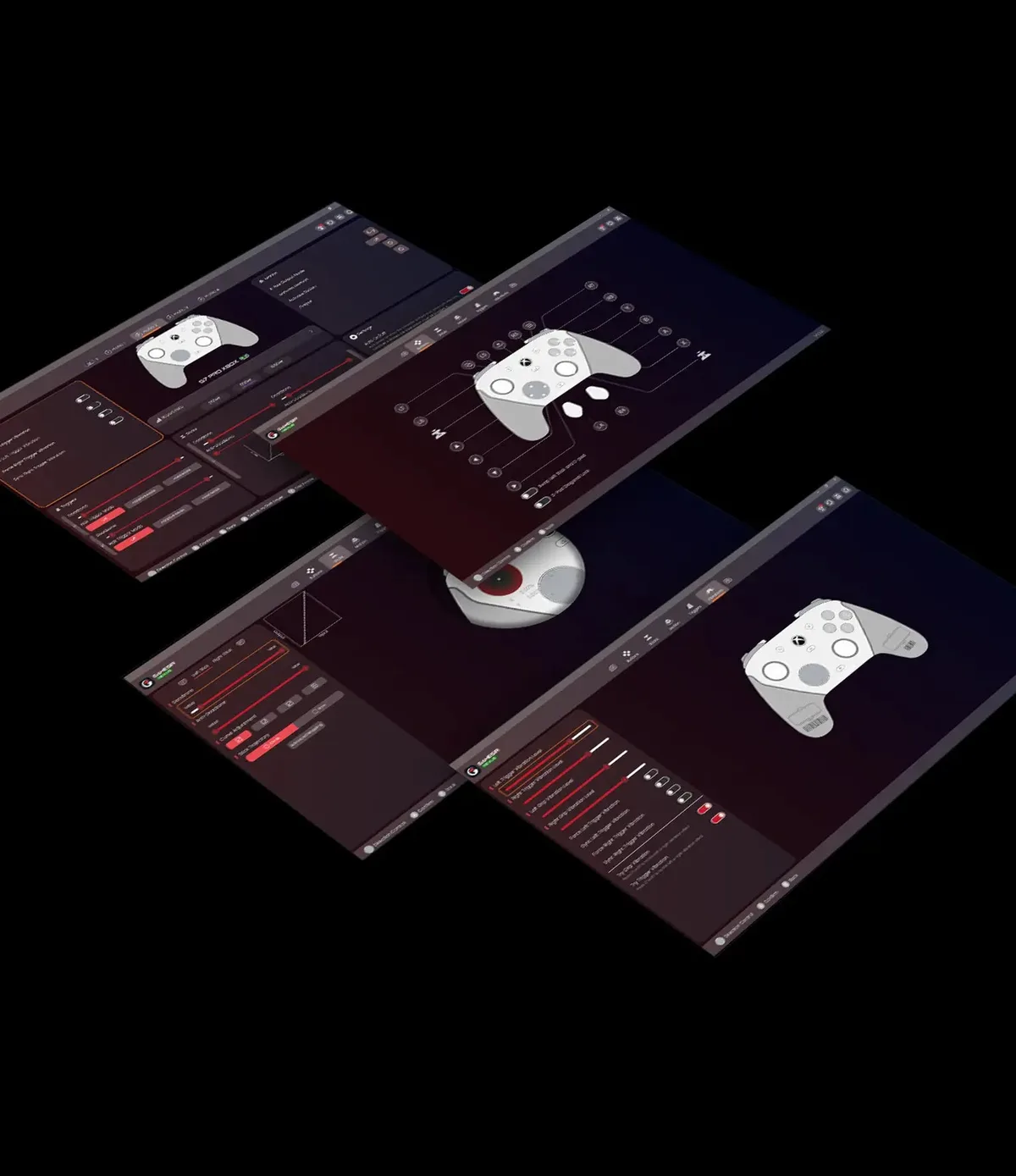
Both controllers have capable PC apps. GameSir’s Nexus app adds gyro settings, stick curve adjustments and button-to-mouse mapping for the G7 Pro. 8BitDo’s Ultimate Software V2 lets you remap every button, including the extra ones, set macros, and adjust stick and trigger sensitivity and vibration strength. You can also set turbo and control the Ultimate 2’s RGB without the app.
GameSir’s Nexus app adds gyro, stick curve and mouse mapping settings for the G7 Pro. (Image: GameSir)
WinnerTie
And the Winner Is…
WinnerGameSir G7 Pro
The G7 Pro wins more rounds in this comparison, and it’s the controller we’d buy. It’s officially licensed for Xbox, adds rumble triggers, optical face buttons and a headset jack, and matches the Ultimate 2 on TMR sticks, polling and software, which makes it the more complete pro controller on PC too. The Ultimate 2 is still a smart pick if you only play on PC, Steam or Android, since it costs less, weighs less and lasts longer per charge with the RGB off. But if you want one controller that does it all, the GameSir G7 Pro vs 8BitDo Ultimate 2 matchup goes to the G7 Pro. Just note that it connects to Xbox by cable, so get the G7 Pro Wireless edition if you want to play wirelessly on Xbox.
I'm Sean, and I write the comparisons on GameCuki. I cover anything gamers weigh up before buying: consoles and handhelds, PC components and gaming laptops, monitors, controllers, headsets and accessories, plus subscriptions and services like Game Pass and PlayStation Plus. I put both options on the same checklist, using official specs, professional reviews and owner feedback, and I only mention what owners say when at least two of them report the same thing. Every comparison ends with one clear verdict and the type of player each option suits. I don't accept free products or payment from brands, and what I write comes from research, not my own use of the products. You can read my full process on our How We Review page.
Areas of Focus
Controller Match-UpsHeadset Match-UpsConsole vs. ConsoleSpecs & Latency