GameCuki is reader-supported. When you buy through links on our site, we may earn an affiliate commission at no extra cost to you. As an Amazon Associate I earn from qualifying purchases. Learn more.
The 8BitDo Ultimate 2 comes in two versions that look identical, and picking the wrong one can cost you features on your main system. The 8BitDo Ultimate 2 Wireless vs Bluetooth question really comes down to what you play on, since the hardware is the same. Platforms, latency, gyro, battery life and software show where they split.
Best for PC and Steam
8BitDo Ultimate 2 Wireless
Bottom LineThe better buy for most players, with lower latency, wider platform support and close to twice the battery life.
Despite the names, “Wireless” and “Bluetooth” are two separate models, not two connection modes. Both include a 2.4G USB-C adapter and both support Bluetooth on some devices. 8BitDo simply named each version after its main use: the Wireless for PC over its low-latency dongle, the Bluetooth for Nintendo Switch.
1000Hz polling over the 2.4G dongle and over a cable
Lower button and stick latency on PC
Official support for Windows, SteamOS, Android and Apple devices
Xbox button layout that matches PC game prompts
Rated for 20 hours on 2.4G and 25 hours on Bluetooth
Works with the 8BitDo Mobile Gaming Clip (sold separately)
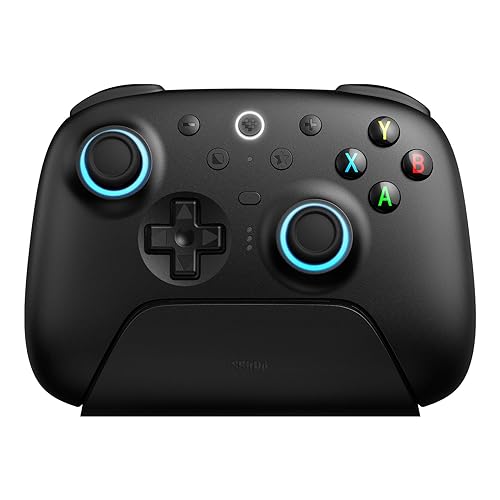
The Ultimate 2 Wireless comes in an Xbox layout for PC, Steam and mobile. (Image: 8BitDo)
Why pick the 8BitDo Ultimate 2 Bluetooth:
Built for Switch and Switch 2, with Bluetooth, 2.4G or wired connections on the console
Nintendo button layout and player LEDs
6-axis motion controls on Switch and Switch 2
Wake-on-shake for Switch 2, added in firmware v2.00
Supports the iOS and Android version of Ultimate Software V2
Also works on Windows over 2.4G or a cable
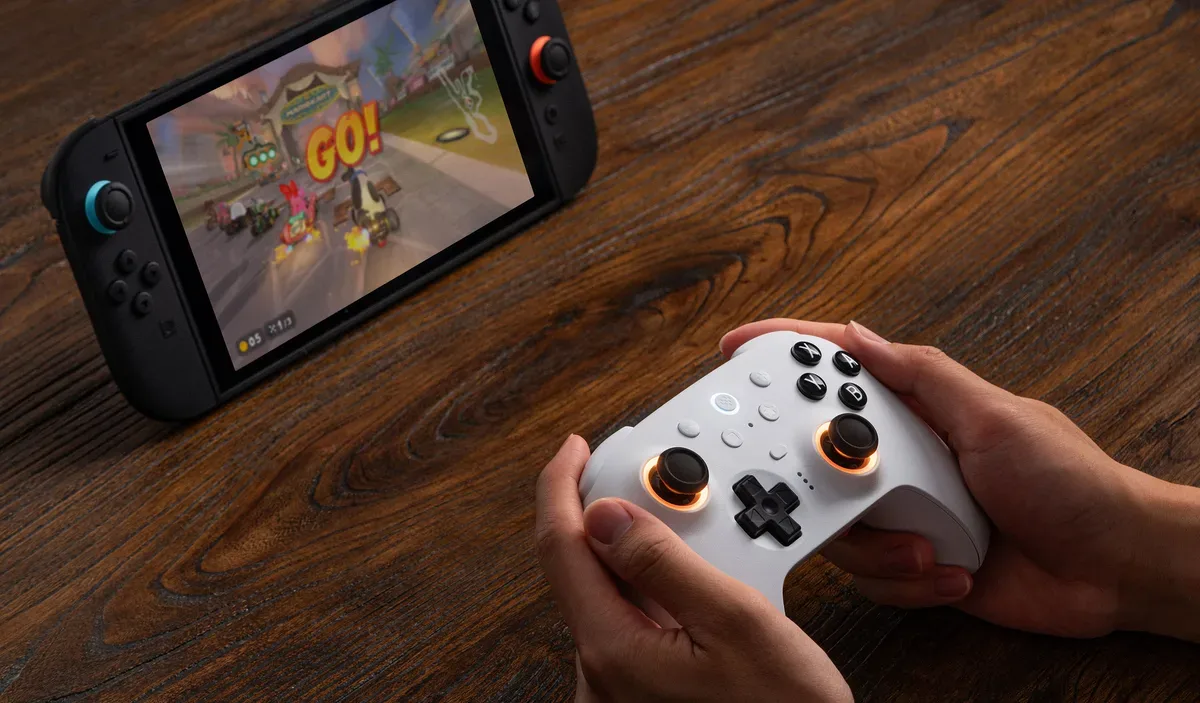
The Ultimate 2 Bluetooth is the version 8BitDo designed for Switch and Switch 2. (Image: 8BitDo)
Latency: The Wireless Is Faster on PC
8BitDo rates the Ultimate 2 Wireless at 1000Hz over both its 2.4G dongle and a cable, powered by what it calls 8Speed, its own 2.4G technology. 8BitDo doesn’t list a polling rate for the Ultimate 2 Bluetooth.
On PC, the latency gap is clear:
Latency
Ultimate 2 Wireless
Ultimate 2 Bluetooth
Buttons, cable
2.8ms Wins
6.3ms
Sticks, cable
7ms Wins
16.2ms
Buttons, 2.4G dongle
4ms Wins
8.4ms
Sticks, 2.4G dongle
8.1ms Wins
18.1ms
Buttons, Bluetooth
12ms
11.1ms Wins
Sticks, Bluetooth
16ms Wins
29.7ms
Over a cable or the dongle, the Wireless responds in about half the time. Over Bluetooth, button latency is close, but the Bluetooth model’s sticks are much slower. The Wireless also has slightly higher stick resolution (10.5 bits versus 9.3), while the Bluetooth version is a bit better on stick asymmetry and circularity. For Switch games and casual play you won’t feel these numbers, but for shooters and other fast games on PC, the Wireless is the better controller.
8BitDo Ultimate 2 Wireless vs Bluetooth: Full Specs
Feature
Ultimate 2 Wireless
Ultimate 2 Bluetooth
Platforms
Windows 10 (1903+), Android 13+, SteamOS 3.7.13+, Apple iOS, iPadOS, tvOS, macOS and visionOS 26+
Switch (3.0.0+), Switch 2 (20.1.1+), Windows 10 (1903+)
Connection
Windows: 2.4G or wired. Android and Apple: Bluetooth
Switch: Bluetooth, 2.4G or wired. Windows: 2.4G or wired
Polling rate
1000Hz (2.4G and wired) Wins
Not listed
Button layout
Xbox
Nintendo Switch
Sticks
TMR, 12-bit ADC, wear-resistant rings
TMR, 12-bit ADC, wear-resistant rings
Triggers
Mode switch: linear Hall effect or tactile
Mode switch: linear Hall effect or tactile
Extra buttons
L4/R4 bumpers + 2 back paddles
L4/R4 bumpers + 2 back paddles
Motion controls
6-axis, over 2.4G (mapped to a stick)
6-axis, Switch only Wins
Switch wake-up
No Switch support listed
Wake-on-shake on Switch 2 Wins
Vibration
Yes
Yes
Turbo
Yes
Yes
Lighting
RGB Fire Ring
RGB Fire Ring
Software
Ultimate Software V2 (Windows and macOS)
Ultimate Software V2 (Windows and macOS, plus iOS and Android app) Wins
Battery
1000mAh, about 20 hours on 2.4G and 25 hours on Bluetooth Wins
1000mAh, about 12 hours
Charging time
About 4 hours
About 3 hours Wins
Charging dock
Yes
Yes
2.4G adapter
USB-C
USB-C
Weight
246g
246g
Dimensions
147 x 103 x 61.3mm
147 x 103 x 61.3mm
3.5mm audio jack
No
No
Colors
White, Black, Purple (Green and N64 Clear Blue editions also sold)
White, Black (Yellow sold on 8BitDo's eShop)
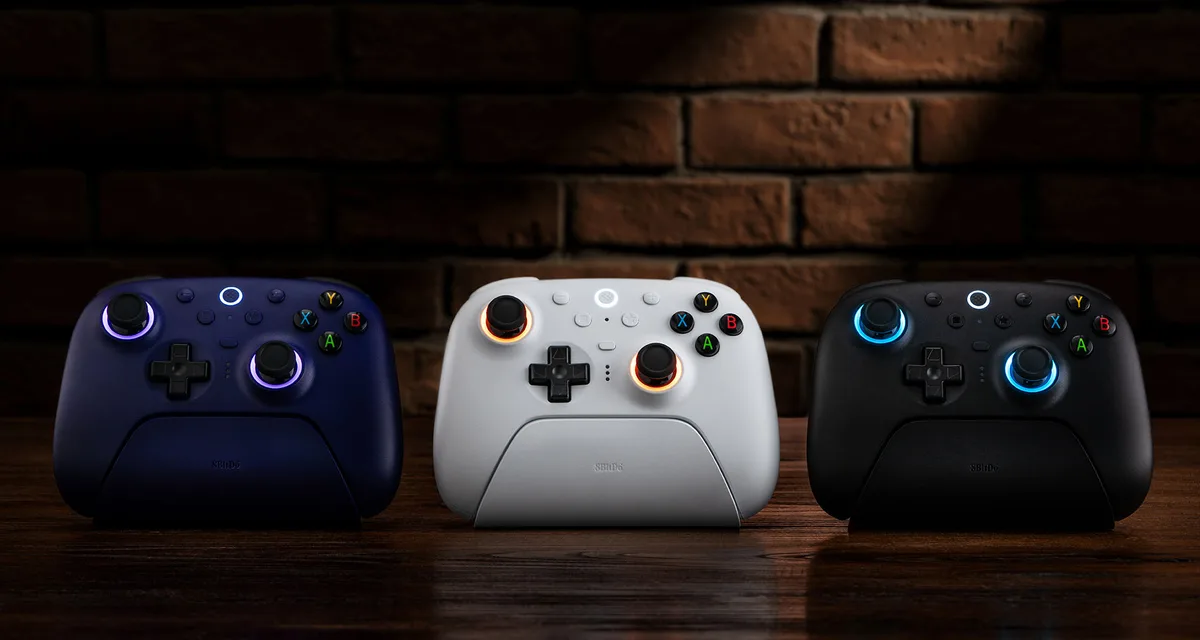
Specs come from 8BitDo’s product pages and each controller’s manual. Physically, they’re the same controller: same size, same weight, same sticks, triggers, paddles and RGB rings. Everything that separates them is in the firmware, the button labels and the platforms 8BitDo supports.
For Switch and Switch 2: Get the Bluetooth
If you play on a Nintendo console, the Ultimate 2 Bluetooth is the one to buy. It pairs with Switch over Bluetooth like a Pro Controller, and it can also use its 2.4G adapter or a cable once you turn on “Pro Controller Wired Communication” in the console’s settings. Its dock can plug into the Switch over USB and hold the adapter to extend the wireless signal. 8BitDo added Switch 2 support in a firmware update, then added shake-to-wake for Switch 2 in firmware v2.00, so update the controller before you play. It’s also one of our picks for the best 8BitDo controller for Switch 2.
There are a few Switch features it doesn’t have. The manual lists NFC scanning, the IR camera, HD rumble and the notification LED as unsupported, so amiibo scanning isn’t available through the controller.
The Ultimate 2 Wireless doesn’t list Switch on its official compatibility list. It can work on Switch 2 through the 2.4G adapter after you update the controller and adapter firmware, but it keeps its Xbox button labels and isn’t the version 8BitDo designed for Nintendo hardware. Buy it for Switch only as a bonus, not as your main Switch controller.
For PC, Steam Deck and Mobile: Get the Wireless
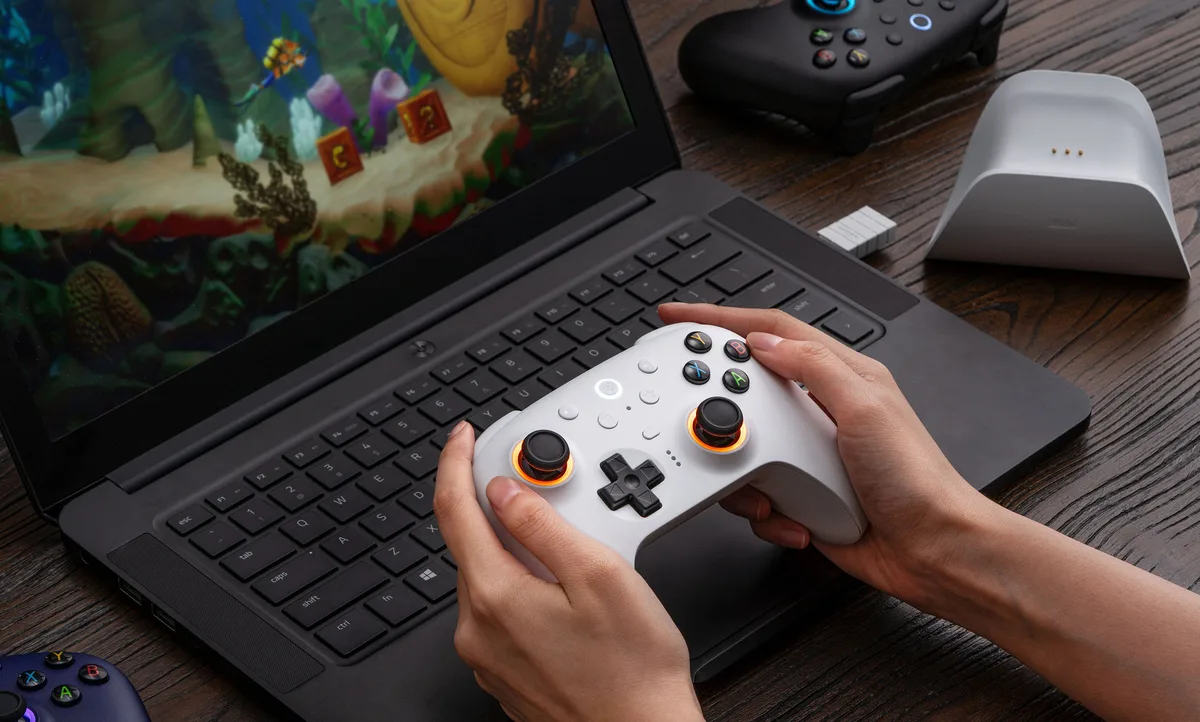
On Windows, both controllers connect only over 2.4G or a cable, so the Bluetooth model can’t pair with a PC over Bluetooth. Between the two, the Wireless has the 1000Hz polling, the lower latency and an Xbox layout that matches the button prompts in most PC games.
On a Windows PC, the Ultimate 2 Wireless connects through its 2.4G adapter or a cable. (Image: 8BitDo)
The Wireless is also the only one of the two with official support for SteamOS (3.7.13 or later), and 8BitDo says its inputs have been optimized to work with Steam. That makes it the safer pick for a Steam Deck or other SteamOS handheld (see our picks for the best game controller for PC and Steam). On phones and tablets, the Wireless connects over Bluetooth to Android 13 or later and to Apple devices running iOS, iPadOS, tvOS, macOS or visionOS 26 and later. The Bluetooth model lists only Switch and Windows.
Gyro: Two Different Kinds of Motion Controls
Both controllers have a 6-axis motion sensor, but they don’t use it the same way. On the Ultimate 2 Bluetooth, motion controls are for Switch, so Switch games with gyro aiming or motion controls can use them.
On the Ultimate 2 Wireless, motion works under 2.4G mode. In Ultimate Software V2, you assign it to the left or right stick, and you can fine-tune it in the app’s motion settings. That makes it useful for gyro aiming in PC shooters, but the game sees stick movement rather than a separate motion input.
Battery Life: The Wireless Lasts Much Longer
Both controllers have a 1000mAh battery, but 8BitDo rates them very differently. The Ultimate 2 Wireless is rated for about 20 hours over 2.4G and about 25 hours over Bluetooth, with a 4-hour charge. The Ultimate 2 Bluetooth is rated for about 12 hours over Bluetooth or 2.4G, with a 3-hour charge.
Both come with a charging dock, and the controller reconnects automatically when you lift it off, so the shorter battery life on the Bluetooth model matters less if you put it back on the dock after each session.
Software: Mobile App Only on the Bluetooth
Both use Ultimate Software V2 for button mapping, stick and trigger tuning, vibration strength, RGB lighting, macros and three custom profiles, and both have L4/R4 bumpers and back paddles you can remap on the controller without the app. The Bluetooth version also supports the iOS and Android app, so you can change settings from your phone. The Wireless only works with the Windows and macOS app.
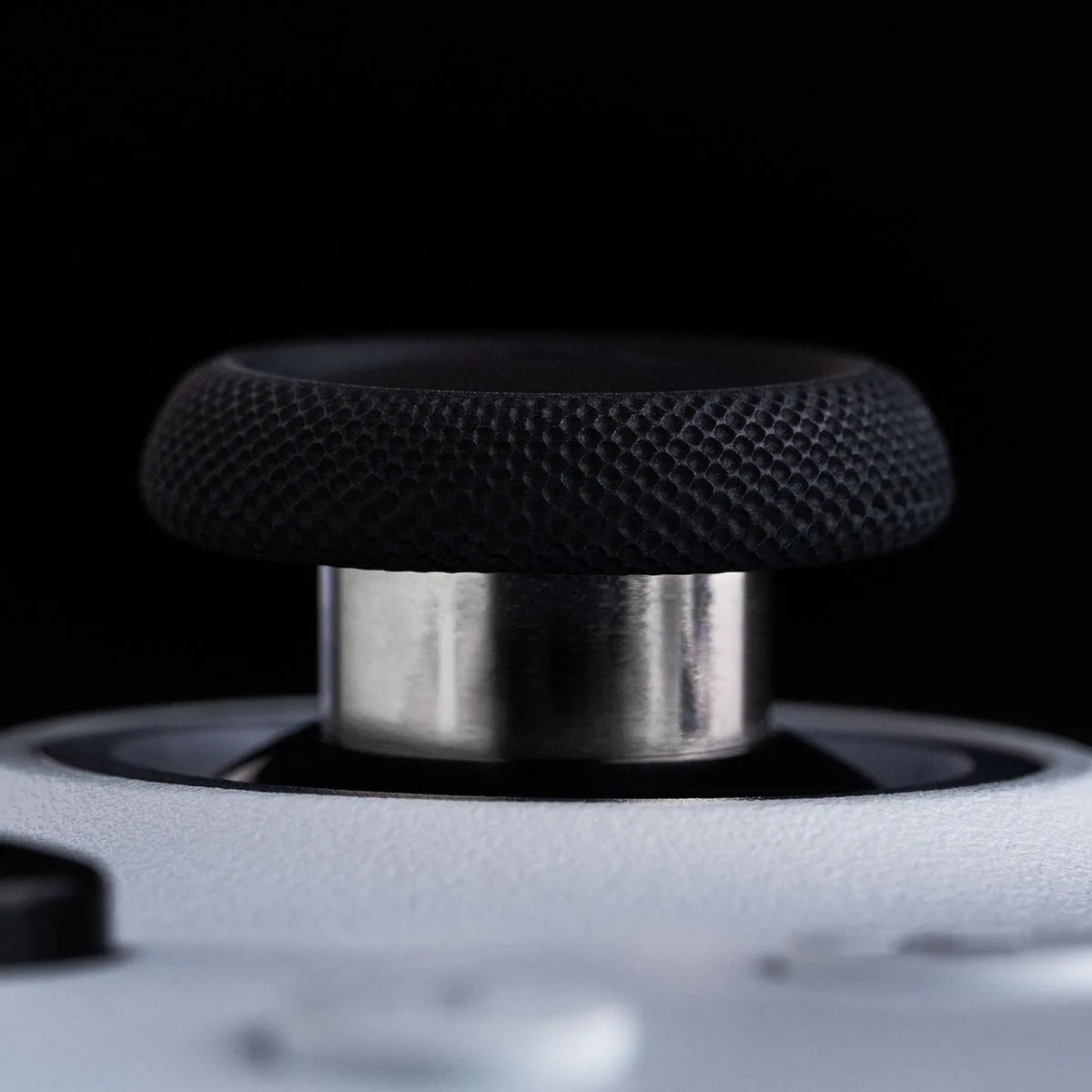
Both versions use the same TMR joysticks with a 12-bit ADC. (Image: 8BitDo)
And the Winner Is…
Winner8BitDo Ultimate 2 Wireless
Under the shell, these are the same controller, so the 8BitDo Ultimate 2 Wireless vs Bluetooth choice is really about your system. For most players, the Wireless is the better buy. It has 1000Hz polling, roughly half the latency over a cable or dongle, official support for SteamOS, Android and Apple devices, and close to twice the battery life. The Bluetooth version only makes sense if a Switch or Switch 2 is your main console. There, its Nintendo layout, real Switch motion controls and shake-to-wake on Switch 2 matter more than any PC benchmark, and the Wireless isn’t officially supported. If that isn’t you, there’s no reason to give up the Wireless’s speed and battery life.
I'm Sean, and I write the comparisons on GameCuki. I cover anything gamers weigh up before buying: consoles and handhelds, PC components and gaming laptops, monitors, controllers, headsets and accessories, plus subscriptions and services like Game Pass and PlayStation Plus. I put both options on the same checklist, using official specs, professional reviews and owner feedback, and I only mention what owners say when at least two of them report the same thing. Every comparison ends with one clear verdict and the type of player each option suits. I don't accept free products or payment from brands, and what I write comes from research, not my own use of the products. You can read my full process on our How We Review page.
Areas of Focus
Controller Match-UpsHeadset Match-UpsConsole vs. ConsoleSpecs & Latency