GameCuki is reader-supported. When you buy through links on our site, we may earn an affiliate commission at no extra cost to you. As an Amazon Associate I earn from qualifying purchases. Learn more.
Two TMR-stick controllers with Xbox-style layouts, charging docks and 2.4G dongles, priced in the same range. The 8BitDo Ultimate 2 vs GameSir Cyclone 2 question looks like a coin flip on paper, but the two differ in where they run, how fast they are over the dongle and what you get for the money. Here is where each one pulls ahead, and who should buy which.
Fastest Over 2.4G
8BitDo Ultimate 2
Bottom LineThe pick for PC players who want the lowest dongle latency and a larger battery, and who do not need Switch support.
The Ultimate 2 in this comparison is the Ultimate 2 Wireless, the model with the 2.4G dongle. 8BitDo also sells an Ultimate 2 Bluetooth for Switch, covered in our Ultimate 2 Wireless vs Bluetooth guide.
This is the biggest practical difference. The Cyclone 2 works with PC, Nintendo Switch, iOS, Android and Steam Deck. The Ultimate 2 Wireless is built for Windows, SteamOS, Android and Apple devices, and it has no official Switch support. If you want one pad for a Switch and a PC, the Cyclone 2 is the simpler answer. If you only play on PC, this gap does not matter.
Neither controller works natively with Xbox or PlayStation consoles.
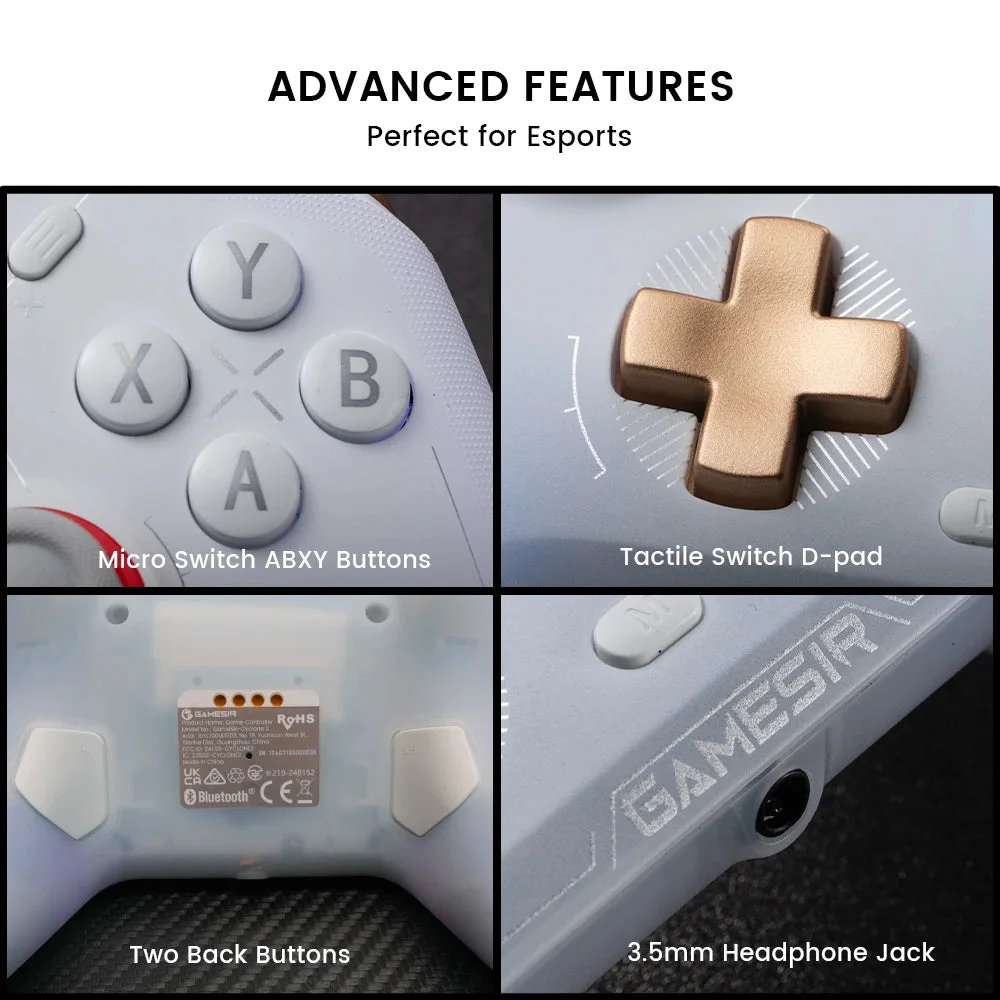
The Cyclone 2 adds a 3.5mm headphone jack and micro-switch buttons. (Image: GameSir)
Latency: The Ultimate 2 Wins on the Dongle
Over a cable, both controllers are very fast, with the Cyclone 2 slightly ahead. Over the 2.4G dongle, the result flips: the Ultimate 2 posts about half the button latency of the Cyclone 2. Over Bluetooth, the Cyclone 2 is faster.
Latency
8BitDo Ultimate 2
GameSir Cyclone 2
Buttons, cable
2.8ms
2.4ms Wins
Sticks, cable
7ms
6.5ms Wins
Buttons, 2.4G dongle
4ms Wins
7.4ms
Buttons, Bluetooth
12ms
6ms Wins
Sticks, Bluetooth
16ms
10.3ms Wins
For most games the differences are tiny. Competitive PC players who play wirelessly on the dongle are the group that may notice the Ultimate 2’s edge.
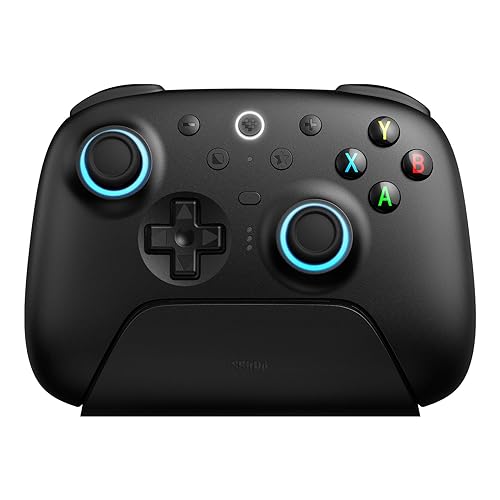
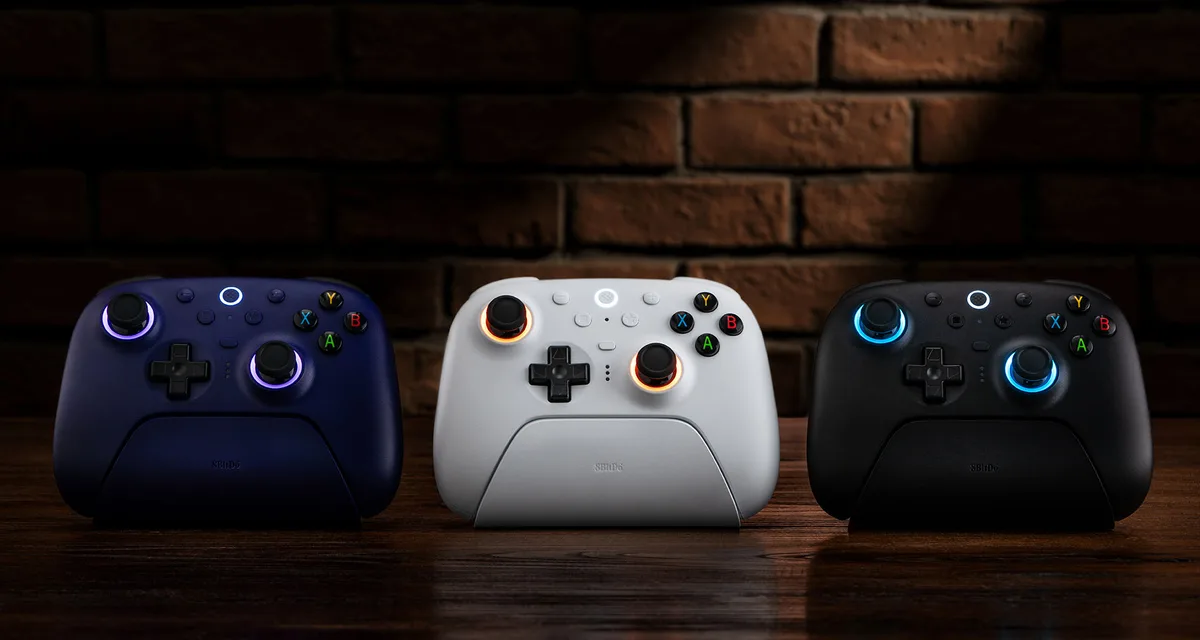
The Ultimate 2 Wireless has RGB stick rings and a charging dock. (Image: 8BitDo)
Sticks and Triggers: Similar Tech, Different Tuning
Both use TMR sticks with magnets instead of a contact track, so wear-related drift is not a worry for either. The Cyclone 2 pairs its Mag-Res TMR sticks with 1000Hz polling and 12-bit sampling, and the Ultimate 2 uses a 12-bit ADC with 1000Hz polling over the dongle and cable.
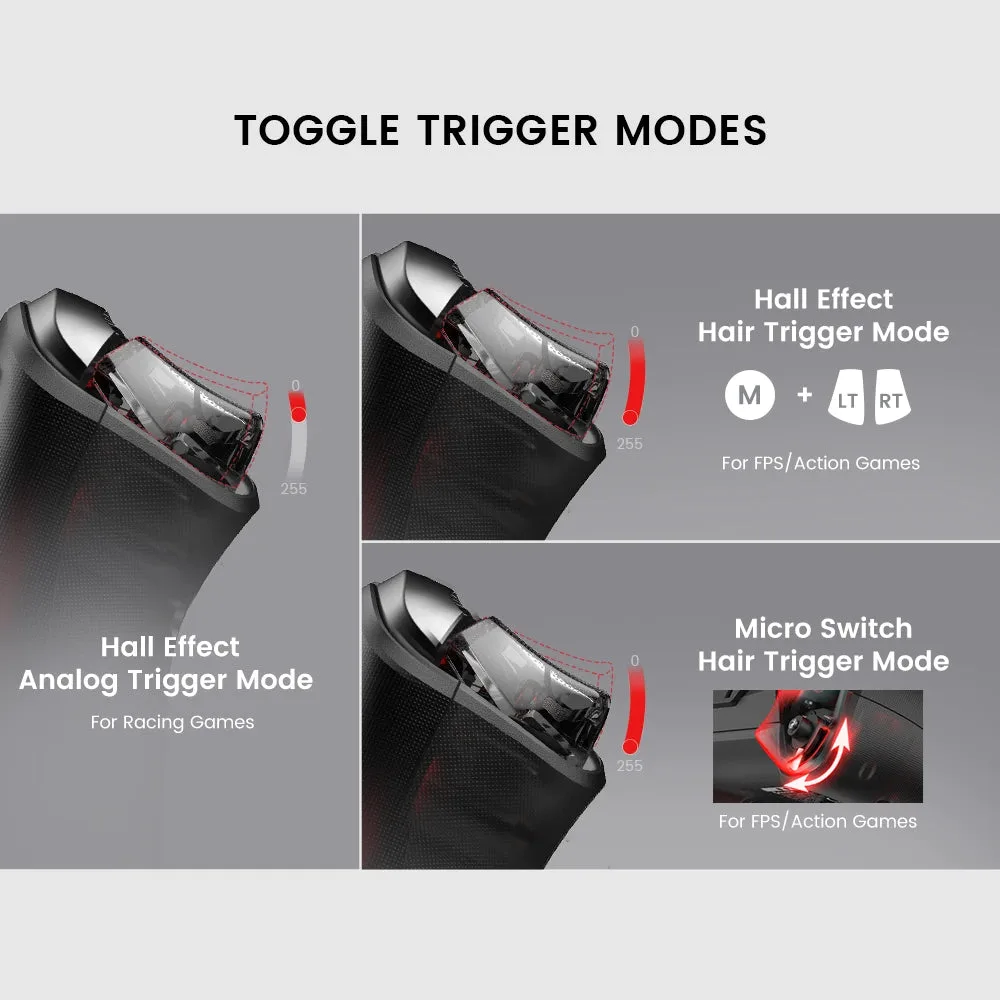
Triggers are where they split. Each Cyclone 2 trigger has a slider that switches between a Hall effect analog pull and a short micro-switch hair trigger. The Ultimate 2 also has a mode switch, between linear Hall effect and a tactile mode. Both give racing and shooter players a choice, and the Cyclone 2’s per-trigger slider is a little more flexible.
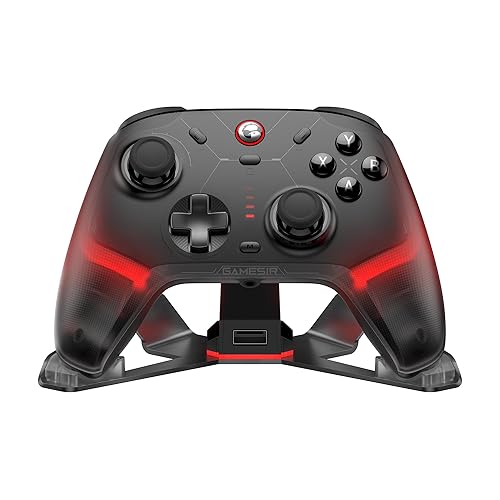
A slider on each Cyclone 2 trigger switches between analog and hair-trigger modes. (Image: GameSir)
Design and Extras: Lighter Cyclone 2, Bigger Battery on the Ultimate 2
Both controllers add two back buttons, 6-axis motion controls, rumble and a charging dock. The Cyclone 2 is the lighter of the two, at about 227g against 246g, and it has a 3.5mm headphone jack that the Ultimate 2 lacks. The Ultimate 2 has RGB Fire Rings around the sticks and a 1000mAh battery, versus 860mAh in the Cyclone 2.
The Cyclone 2’s software, GameSir Connect, handles remapping, stick curves, triggers and RGB on PC, but it feels cluttered and has no Mac version. The Ultimate 2 uses 8BitDo’s Ultimate Software V2 for similar tuning. The Cyclone 2’s clicky micro-switch buttons also will not suit everyone.
8BitDo Ultimate 2 vs GameSir Cyclone 2: Full Specs
Feature
8BitDo Ultimate 2
GameSir Cyclone 2
Platforms
Windows, SteamOS, Android, Apple, no official Switch support
PC, Nintendo Switch, iOS, Android, Steam Deck Wins
Connection
2.4G dongle, Bluetooth, wired
2.4G dongle, Bluetooth, wired
Polling rate
1000Hz (2.4G and wired)
1000Hz (2.4G and wired)
Sticks
TMR, 12-bit ADC
Mag-Res TMR, 12-bit sampling
Triggers
Mode switch: linear Hall effect or tactile
Per-trigger slider: Hall effect analog or micro-switch hair trigger Wins
Extra buttons
L4/R4 bumpers + 2 back paddles
2 programmable back buttons
Motion controls
6-axis (on PC over 2.4G)
6-axis gyro
Lighting
RGB Fire Ring
RGB
Charging dock
Yes
Yes (dock edition)
3.5mm audio jack
No
Yes Wins
Battery
1000mAh Wins
860mAh
Weight
246g
About 227g Wins
Software
Ultimate Software V2
GameSir Connect (Windows)
And the Winner Is…
WinnerGameSir Cyclone 2
The 8BitDo Ultimate 2 is the faster controller over its 2.4G dongle, it has the larger battery, and it is a fine PC pad with a polished dock. The GameSir Cyclone 2 still suits more people, because it adds Switch support, a headphone jack and a slightly lighter body, and its slider triggers are easy to tune on the fly. Its wired and Bluetooth latency is also a touch better. Players who live on the PC dongle in competitive shooters, and who will never touch a Switch, should still choose the Ultimate 2. For everyone else, the Cyclone 2 is the safer buy.
Which Should You Buy: 8BitDo Ultimate 2 or GameSir Cyclone 2?
If you want one controller for a PC, a Switch and a phone, buy the Cyclone 2. If you play only on PC and want the quickest wireless response and the bigger battery, the Ultimate 2 is the better fit. In the 8BitDo Ultimate 2 vs GameSir Cyclone 2 matchup, neither is a bad choice, but the Cyclone 2 covers more situations. For a tougher matchup, see how the Ultimate 2 holds up against the 8BitDo Pro 3 or the GameSir G7 Pro.
I'm Sean, and I write the comparisons on GameCuki. I cover anything gamers weigh up before buying: consoles and handhelds, PC components and gaming laptops, monitors, controllers, headsets and accessories, plus subscriptions and services like Game Pass and PlayStation Plus. I put both options on the same checklist, using official specs, professional reviews and owner feedback, and I only mention what owners say when at least two of them report the same thing. Every comparison ends with one clear verdict and the type of player each option suits. I don't accept free products or payment from brands, and what I write comes from research, not my own use of the products. You can read my full process on our How We Review page.
Areas of Focus
Controller Match-UpsHeadset Match-UpsConsole vs. ConsoleSpecs & Latency