GameCuki is reader-supported. When you buy through links on our site, we may earn an affiliate commission at no extra cost to you. As an Amazon Associate I earn from qualifying purchases. Learn more.
Picking between an Nvidia vs AMD GPU is no longer a question of fast versus cheap. Both brands now sell strong 1440p and 4K cards, and the real split sits in ray tracing, upscaling and software. This guide walks through where each brand pulls ahead and which type of player should buy which.
Best for Ray Tracing and DLSS
PNY GeForce RTX 5070 Ti OC 16GB
Bottom LineBuy Nvidia if you turn on ray tracing, want DLSS and frame generation in the most games, or edit video and render 3D on the same PC.
The two cards above are the closest high-end matchup between the brands, so they stand in for the Nvidia and AMD lineups here. Every point below applies down the stack, from budget cards to flagships, though the exact gap changes by model. For a head-to-head of these two exact cards, see our RX 9070 XT vs RTX 5070 Ti comparison.
In standard rasterized games the two brands trade blows. Across a 52-game average at 1440p, the RTX 5070 Ti finishes only about 1.4% ahead of the RX 9070 XT, which is within the margin of error. At native 4K the lead grows to roughly 4%. Which brand wins depends heavily on the game, with the Radeon ahead in several big console ports and the GeForce ahead in others.
That is why AMD earns its reputation for value. When you play without ray tracing, you get close to the same frame rates from a Radeon, and the same money usually buys a faster AMD card or a larger step up the lineup.
Go with AMD if your library is mostly popular rasterized games and you care about frames per dollar.
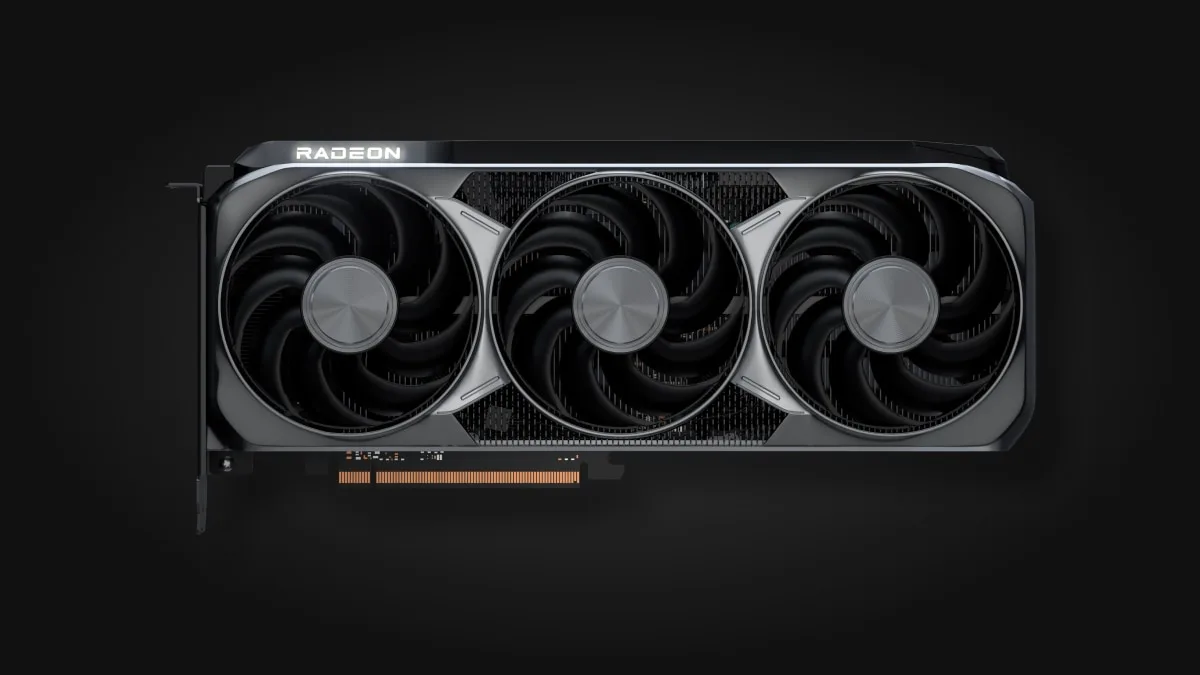
AMD’s Radeon RX 9070 XT, the RDNA 4 card that keeps pace in rasterized games. (Image: AMD)
Ray Tracing: Nvidia Still Leads
Ray tracing is the clearest split. Nvidia cards typically lead by about 15% to 30% in ray-traced games, and the gap widens in the heaviest titles. With effects turned up, the RTX 5070 Ti runs about 15% faster in Cyberpunk 2077 at 1440p and about 56% faster in Indiana Jones and the Great Circle. In Doom with path tracing at 1440p the GeForce is roughly 63% faster.
AMD’s RDNA 4 cards narrowed the gap and some games, such as Resident Evil Requiem and Monster Hunter Wilds, run about as well on a Radeon with ray tracing on. If path-traced games are the reason you are upgrading, though, Nvidia is the safer pick.
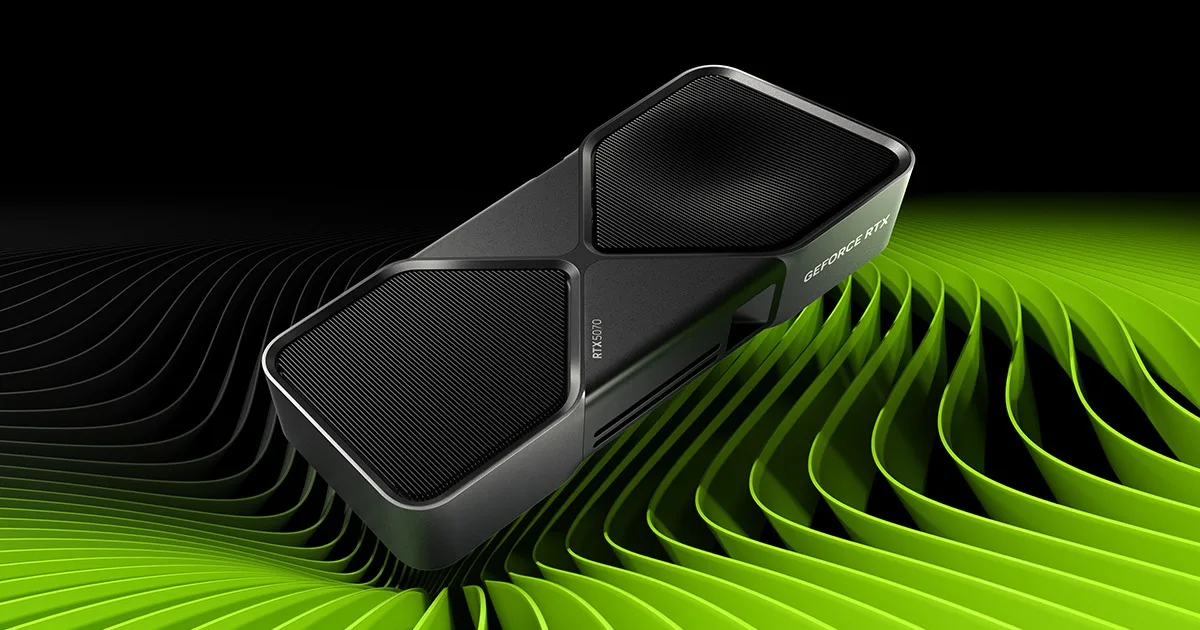
A GeForce RTX 50 series Founders Edition card. (Image: NVIDIA)
DLSS vs FSR: Upscaling and Frame Generation
This is where the brands differ most in what you can switch on. DLSS Super Resolution runs on GeForce RTX 20, 30, 40 and 50 series cards, Frame Generation needs an RTX 40 or 50 series card, and Multi Frame Generation is limited to the RTX 50 series. Nvidia pairs frame generation with Reflex to keep latency in check.
AMD’s answer is FSR. FSR 3 frame generation is software-based and works on AMD, Nvidia and Intel GPUs, which makes it useful on older hardware. The newer machine-learning upscaler launched as FSR 4 on the Radeon RX 9000 series and, now renamed FSR Upscaling, also runs on RX 6000 and RX 7000 cards. DLSS still tends to hold the edge in image quality, while the ML-based FSR is a big step up from earlier versions. Our DLSS vs FSR breakdown covers the upscalers in more depth.
Frame generation has a catch on either brand. When the base frame rate is low, generated frames add latency, so it works best when you already see close to 60 fps before turning it on.
DLSS 4 Multi Frame Generation on RTX 50 series cards. (Image: NVIDIA)
VRAM: AMD Tends to Offer More Memory
AMD has long been generous with video memory. The RX 9070 XT carries 16GB, while the similarly positioned RTX 5070 has 12GB. That extra capacity can matter in VRAM-hungry games at 4K, where a 12GB card may force you to lower texture quality. Nvidia counters with faster GDDR7 on its newest cards, which gives it a bandwidth lead even where it has less memory. At the 16GB tier the two brands are level on capacity.
Software, Creator Work and AI
If your PC does more than game, Nvidia has the broader toolbox. CUDA is a mature platform that is widely supported in rendering, AI and professional software, and the RTX 5070 Ti leads in Blender 3D rendering and AI image generation. AMD’s ROCm stack is open source and improving, but support is narrower and it generally calls for a newer Linux kernel. In Photoshop and video encoding the gap between the two is only a few percent, so the lead matters most for 3D and AI users.
AMD does have one platform advantage: Anti-Lag, its latency-reduction feature, is exclusive to Radeon cards.
Nvidia vs AMD GPU: Full Specs
Feature
RTX 5070 Ti
RX 9070 XT
Architecture
NVIDIA Blackwell
AMD RDNA 4
Memory
16GB GDDR7
16GB GDDR6
Memory bandwidth
896 GB/s
640 GB/s
Memory bus
256-bit
256-bit
Board power
300 W
304 W
Interface
PCIe 5.0 x16
PCIe 5.0 x16
Upscaling
DLSS 4 with Multi Frame Generation
FSR Upscaling (ML, formerly FSR 4)
1440p raster average (52 games)
About 1.4% ahead
About 1.4% behind
Ray tracing
Stronger, leads in path tracing
Good, trails in heavy RT
Creator and AI software
CUDA, broad support
ROCm, narrower support
Price for the speed
Higher
Lower
Nvidia vs AMD GPU: And the Winner Is…
WinnerNvidia
AMD deserves credit where it counts: its cards match Nvidia in many rasterized games, often cost less for the same speed, and tend to ship with more VRAM. But for most people choosing between an Nvidia vs AMD GPU, Nvidia is the safer long-term buy. It leads in ray tracing, DLSS is the more mature upscaler, and CUDA makes the same card useful for editing, 3D and AI work. Pick AMD instead if you play mostly rasterized games, care most about frames per dollar, and want to put the savings toward a monitor, storage or a CPU upgrade. Whichever brand you choose, buy for the games and resolution you actually play. Our best graphics card for gaming guide ranks cards from both brands by budget and resolution.
I'm Sean, and I write the comparisons on GameCuki. I cover anything gamers weigh up before buying: consoles and handhelds, PC components and gaming laptops, monitors, controllers, headsets and accessories, plus subscriptions and services like Game Pass and PlayStation Plus. I put both options on the same checklist, using official specs, professional reviews and owner feedback, and I only mention what owners say when at least two of them report the same thing. Every comparison ends with one clear verdict and the type of player each option suits. I don't accept free products or payment from brands, and what I write comes from research, not my own use of the products. You can read my full process on our How We Review page.
Areas of Focus
Controller Match-UpsHeadset Match-UpsConsole vs. ConsoleSpecs & Latency