GameCuki is reader-supported. When you buy through links on our site, we may earn an affiliate commission at no extra cost to you. As an Amazon Associate I earn from qualifying purchases. Learn more.
Xbox Series S vs Series X is mostly a question about your TV and your game library. Both run the same Xbox games, both support Game Pass, and both load fast from an SSD. The real split is resolution, storage and whether you still buy discs. This guide covers what changes between the two consoles and who should skip each one.
Best for Small Spaces and Budget Setups
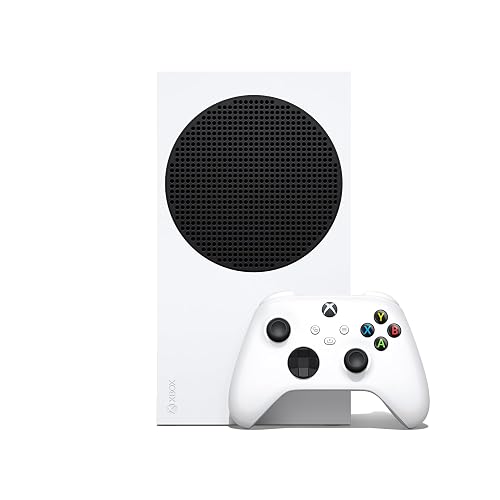
Xbox Series S
Bottom LineThe pick for a bedroom, kids' room or 1080p and 1440p TV where you buy digital games and want the lowest cost of entry into Xbox.
Performance: Series X Targets 4K, Series S Tops Out at 1440p
Both consoles use a custom AMD Zen 2 eight-core CPU and RDNA 2 graphics, so they share the same feature set, including hardware ray tracing, variable refresh rate and up to 120fps in supported games. The gap is in raw graphics power. The Series X is rated at 12 teraflops with 16GB of memory, while the Series S is rated at 4 teraflops with 10GB.
In practice that means the Series X can run games at native 4K, while the Series S is effectively capped at 1440p and relies on upscaling for a 4K TV. On a 1080p or 1440p screen the difference narrows a lot. On a large 4K TV, the Series X looks sharper and more stable in demanding games.
Quick pick: take the Series X if you own a 4K TV and want the sharpest picture. Take the Series S if your display tops out at 1080p or 1440p.
Storage and Discs: A Smaller SSD and No Drive on the Series S
The Series X ships with a 1TB SSD and a 4K Blu-ray drive. The Series S has no disc drive and starts with a 512GB SSD, with a 1TB model also sold. Many current games run 80GB to 100GB, so the smaller drive fills quickly.
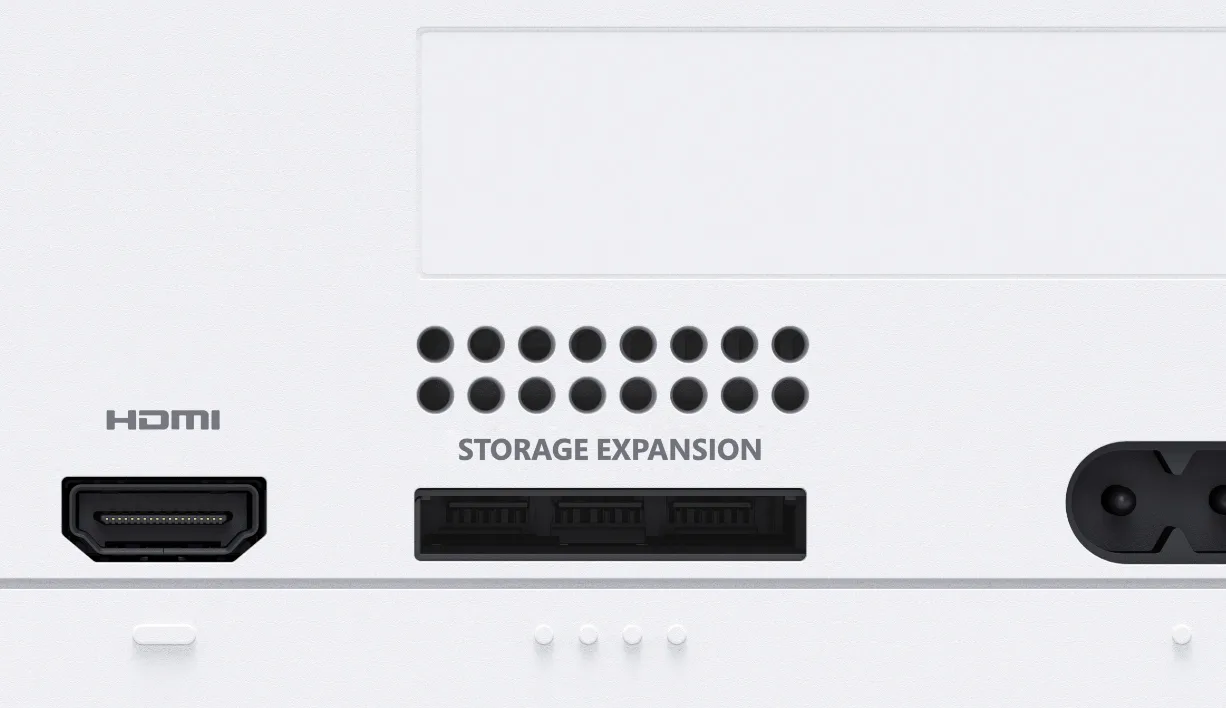
Both consoles use the same proprietary Storage Expansion Card, which plugs into a port on the back and keeps the same load times as the internal drive. Cards are pricey, and the Series S is the console most likely to need one. USB drives work on both, but they only suit older Xbox One, Xbox 360 and original Xbox games.
The Storage Expansion slot on the back of the console takes the same card on both models. (Image: Microsoft)
The disc drive also matters for your library. If you own Xbox discs, buy used games or want to trade games with friends, only the Series X handles that. Series S owners buy digital only.
Design and Size: The Series S Is Less Than Half the Weight
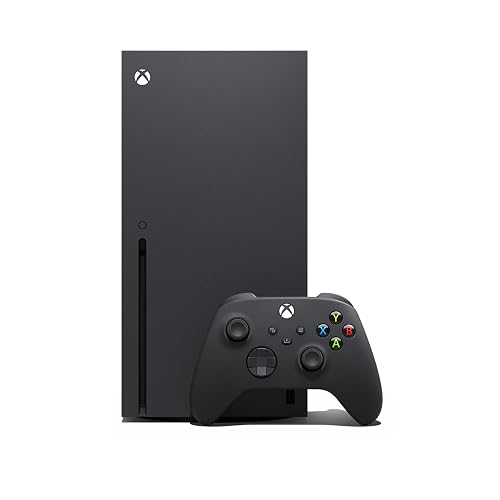
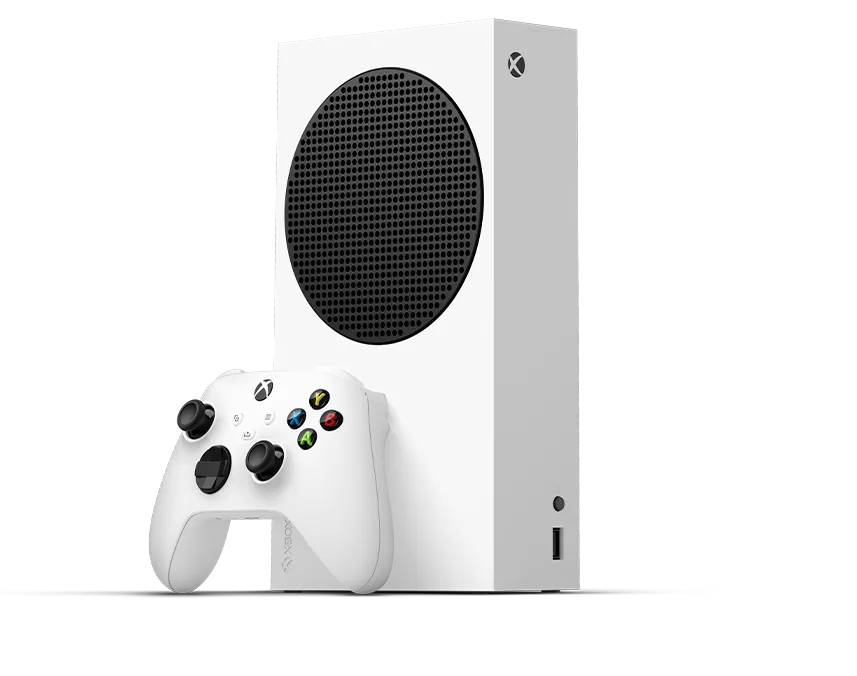
The Series S is a white, 10.8 x 5.9 x 2.6 in console that weighs about 4.25 lb. The Series X is a black tower at 11.9 x 5.9 x 5.9 in and about 9.8 lb. It stands upright or lies flat, and it needs more room and more airflow around the vents.
The Xbox Series S is the smallest Xbox ever made and ships with a white controller. (Image: Microsoft)
The Series S slips under a TV or into a bookshelf more easily, and it is simpler to pack for a trip. The Series X is a bigger piece of hardware, but the extra size supports the stronger cooling for its faster chip.
Games and Game Pass: The Same Library on Both
Both consoles play the same Xbox Series X|S games, and Smart Delivery gives you the right version of a game for the console you own. Both also play backward-compatible Xbox One, Xbox 360 and original Xbox titles, and your Xbox One controllers and headsets carry over. Game Pass works on both, so a Game Pass subscriber loses no games by choosing the cheaper console.
Backward-compatible games from four console generations run on both models. (Image: Microsoft)
The difference is how those games look. The Series S often runs at a lower resolution to hold its frame rate, so big new releases can look softer than on the Series X. Free-to-play games, indie titles and older backward-compatible games usually look fine on either one.
Quick pick: take the Series S for a second console or for a young player. Take the Series X if this is your main console for the next several years.
Xbox Series S vs Series X: Full Specs
Feature
Xbox Series S
Xbox Series X
CPU
Custom 8-core Zen 2 at 3.6GHz
Custom 8-core Zen 2 at 3.8GHz Wins
GPU
RDNA 2, 4 TFLOPS
RDNA 2, 12 TFLOPS Wins
Memory
10GB GDDR6
16GB GDDR6 Wins
Resolution
Up to 1440p, upscales to 4K
Up to native 4K Wins
Frame rate
Up to 120fps
Up to 120fps
Internal storage
512GB or 1TB SSD
1TB SSD (2TB model also sold) Wins
Expandable storage
Storage Expansion Card or USB drive
Storage Expansion Card or USB drive
Disc drive
None, digital only
4K Blu-ray Wins
Backward compatibility
Xbox One, 360 and original Xbox titles
Xbox One, 360 and original Xbox titles
Subscription
Game Pass
Game Pass
Dimensions
10.8 x 5.9 x 2.6 in Wins
11.9 x 5.9 x 5.9 in
Weight
4.25 lb Wins
9.8 lb
And the Winner Is…
WinnerXbox Series X
The Xbox Series S is a smart console for what it costs. It plays the same games, supports Game Pass, takes up little room and suits a bedroom, a kids’ setup or a 1080p TV. Even so, when you compare the Xbox Series S vs Series X, the Series X is the safer buy for most people. It runs games at native 4K, has more memory and a larger SSD, and it plays discs, so you are not locked into digital purchases. It also has more headroom for games that arrive in the coming years. Choose the Series S only if budget, space or a second room is the main concern, or if you never plan to buy a physical game.
I'm Sean, and I write the comparisons on GameCuki. I cover anything gamers weigh up before buying: consoles and handhelds, PC components and gaming laptops, monitors, controllers, headsets and accessories, plus subscriptions and services like Game Pass and PlayStation Plus. I put both options on the same checklist, using official specs, professional reviews and owner feedback, and I only mention what owners say when at least two of them report the same thing. Every comparison ends with one clear verdict and the type of player each option suits. I don't accept free products or payment from brands, and what I write comes from research, not my own use of the products. You can read my full process on our How We Review page.
Areas of Focus
Controller Match-UpsHeadset Match-UpsConsole vs. ConsoleSpecs & Latency