

The DLSS vs FSR question comes up the moment you open a game’s graphics menu and see both names, or the moment you pick between a GeForce and a Radeon card. Both upscalers render your game at a lower resolution and rebuild it to look sharp, which lifts frame rates without a new GPU. They are no longer as far apart as they used to be, so the useful question is where the gap still matters for you.
DLSS vs FSR: Differences and Which Upscaler Is Better?
Table of Contents
DLSS vs FSR: What Each One Does
DLSS is NVIDIA’s suite of AI rendering features. Its Super Resolution mode upscales a lower-resolution image using motion data and earlier frames, and the current versions use a second-generation transformer model. NVIDIA also bundles Frame Generation, Multi Frame Generation and Ray Reconstruction under the DLSS name.
FSR is AMD’s equivalent. Older versions (FSR 1, 2 and 3) use hand-built algorithms that run on a wide range of hardware. The newer machine-learning version was first called FSR 4, and AMD has since renamed it FSR Upscaling as part of its FSR “Redstone” suite, which also covers Frame Generation, Ray Regeneration and Radiance Caching. If a game menu still says FSR 4, it is the same ML-based upscaler.
New to the technology itself? Our guide on what is DLSS covers the basics before you compare.
Image Quality: DLSS Still Has the Edge
DLSS keeps a lead in image quality, but the margin depends on which versions you compare. Older FSR versions showed more ghosting and shimmering than DLSS, and that was the main reason NVIDIA owners treated DLSS as the safer choice. The ML-based FSR removed most of that gap. At normal quality settings, in the middle of a game, the two are hard to tell apart without stopping to look for fine detail.
Where DLSS pulls ahead is detail and stability. It tends to hold thin geometry such as fences and foliage together better, and it looks sharper at aggressive settings like Performance mode, where the game renders at a much lower internal resolution. FSR can look softer and less stable in those cases. That softness is not always a loss, because DLSS can look over-sharpened or slightly grainy in some games, especially with heavy particle effects.
FSR does have strengths. It handles areas that were just uncovered by a moving character or camera well, and it can ghost less than older DLSS presets in certain scenes. Newer DLSS releases have narrowed that advantage as well.
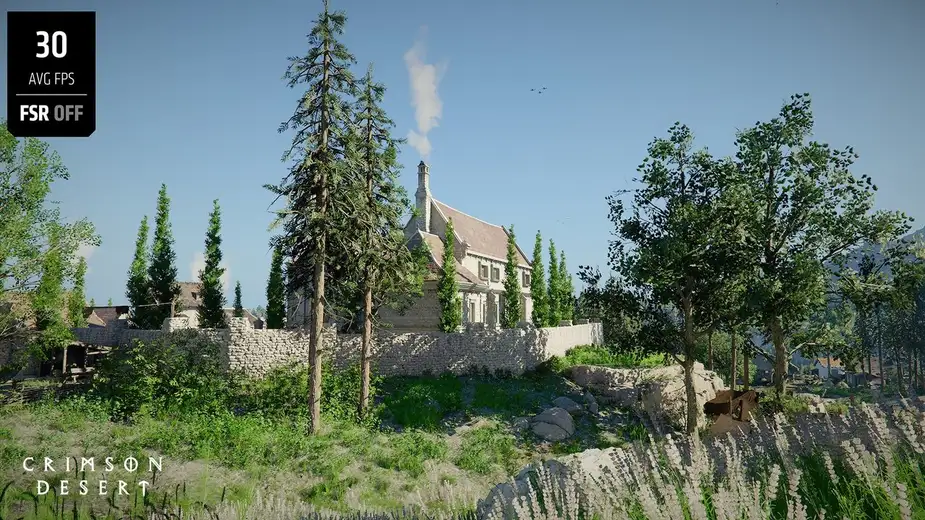
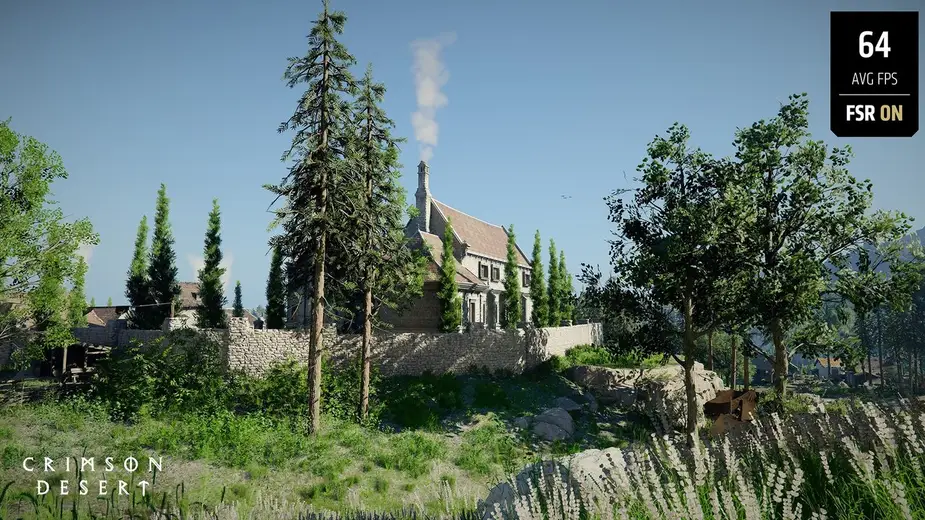
Go with DLSS if you play at a low internal resolution, such as 4K on Performance mode, and care about fine detail holding up in motion.
Performance: Close, With FSR Sometimes Faster
Both technologies are built to raise frame rates, and at the same quality preset they render at the same internal resolution, so the raw boost is similar. Older versions of each gave roughly 1.5x to 2x more frames depending on the quality setting.
With the machine-learning versions, one comparison of an RX 9060 XT running FSR and an RTX 5060 Ti running DLSS 4, both with 16GB of memory and frame generation on, found the FSR card gained more over native resolution. The likely cause is that DLSS 4’s transformer model costs a little more to run. Newer DLSS models can also cost more performance on older RTX cards. The practical takeaway is that neither side wins by a large margin on speed, and the better frame rate in your game depends mostly on your GPU.
Frame Generation: DLSS Goes Further
Both companies also generate extra frames between the ones your GPU renders. NVIDIA’s Frame Generation works on RTX 40 and RTX 50 cards. Multi Frame Generation, exclusive to RTX 50, can create up to five frames per rendered frame, and Dynamic Multi Frame Generation adjusts the multiplier automatically. All of it is paired with NVIDIA Reflex to keep the game responsive.
AMD’s FSR Frame Generation predicts and inserts new frames between rendered ones. FSR 3 frame generation works on Radeon RX 5000 series cards and above, while the newer ML-based frame generation is listed for Radeon RX 9000 series cards. Neither company’s frame generation makes the game respond faster, since the extra frames are inserted between real ones, so it suits slower single-player games more than competitive shooters.
Go with DLSS if you want the widest frame generation options on a current GeForce card.
GPU Support: FSR Runs on More Hardware
This is FSR’s clearest advantage. DLSS needs an RTX card: Super Resolution works on RTX 20, 30, 40 and 50 series, Frame Generation needs RTX 40 or newer, and the newest features need RTX 50. A GTX card cannot use it.
FSR is more open. AMD lists the ML-based FSR Upscaling on Radeon RX 6000, RX 7000 and RX 9000 series cards, plus select Ryzen AI processors and Ryzen Z2 handhelds. Older FSR versions run on cards as far back as the Radeon RX 590, and some can run on other vendors’ GPUs, though AMD says it does not provide support for FSR on other companies’ graphics cards. That makes FSR the fallback for owners of GTX cards, older Radeons, and some handheld PCs.
If you are choosing a card with upscaling in mind, our RX 9070 XT vs RTX 5070 Ti comparison shows how the current GPUs from each side stack up.
Game Support and Setup
Neither upscaler works everywhere. A game has to include it, so check the settings menu before assuming either is available. AMD says more than 400 games support its ML-based FSR Upscaling. NVIDIA does not publish a game count on its DLSS page, and says DLSS is available in the biggest games and apps with new ones added regularly.
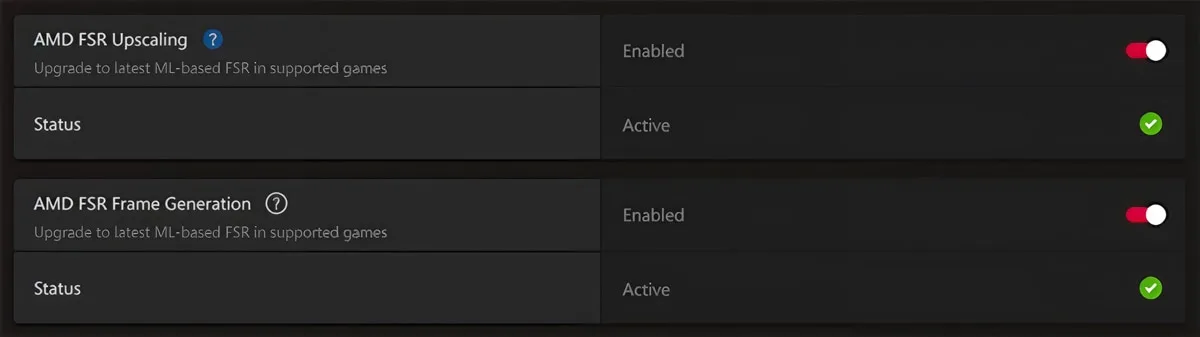
When a game has an older version, both companies offer a way to upgrade it. On AMD cards, games that include FSR 3.1 can be upgraded to ML-based upscaling from the Gaming tab in AMD Software: Adrenalin Edition, and games with FSR 3.1.4 or higher with frame generation can be upgraded to ML-based frame generation. NVIDIA’s app has equivalent overrides for DLSS.
DLSS vs FSR: Full Specs
| Feature | DLSS | FSR |
|---|---|---|
| Maker | NVIDIA | AMD |
| Approach | AI upscaling with a transformer model | ML upscaling on Radeon RX 6000 and newer, algorithmic on older FSR versions |
| Image quality at low render resolution | Sharper and more stable Wins | Softer, less stable at Performance mode |
| Super Resolution GPUs | GeForce RTX 20 series and newer | Radeon RX 6000 and newer (ML), RX 590 and newer (FSR 3 and 2) Wins |
| Frame generation | RTX 40 and newer Wins | RX 5000 and newer (FSR 3), RX 9000 (ML) |
| Multi frame generation | Up to five generated frames per rendered frame (RTX 50) | Not offered |
| Ray tracing denoising | Ray Reconstruction (all RTX cards) | Ray Regeneration (Redstone) |
| Works on other vendors' GPUs | No | Older versions only, unsupported by AMD Wins |
| Game count | Not published | 400+ with ML upscaling |
DLSS vs FSR: And the Winner Is…
WinnerDLSS
FSR deserves credit for running on far more hardware and for closing most of the image quality gap with its machine-learning upscaler, which is a real win for Radeon owners and anyone on an older card. Still, DLSS is the better upscaler for most people who can use it. It holds fine detail together better at aggressive settings and offers a wider set of frame generation options. Neither choice leaves you with a bad picture, since both look close to native resolution in most scenes at quality settings. Pick FSR if you own a Radeon card, a GTX card or a handheld, since it is the option you can actually run. If you are choosing a new GPU mainly for upscaling quality, the DLSS vs FSR result favors GeForce.