

A stock board can feel scratchy, rattle on the spacebar or sound hollow, and the fix is rarely a new keyboard. Mechanical keyboard mods let you tune the sound and feel you already have, most of them with cheap parts and a free afternoon. Here are the common ones, from the easiest to the fiddliest, so you can pick the one that matches what bugs you.
Mechanical Keyboard Mods: Easy Ways to Improve Sound and Feel
GameCuki is reader-supported. When you buy through links on our site, we may earn an affiliate commission at no extra cost to you. As an Amazon Associate I earn from qualifying purchases. Learn more.
Table of Contents
Best Tools and Supplies for Mechanical Keyboard Mods You Might Need

Glorious G-Lube Keyboard Switch Lubricant
A 10g vial of synthetic grease that suits clicky, linear and tactile switches as well as stabilizers.
Check Price on Amazon
RUNJRX Keyboard Lube Kit with Switch Opener
An all-in-one set with an aluminum switch opener, two lube pens, tweezers, a switch puller and a keycap puller, though the opener only fits MX-style switches.
Check Price on Amazon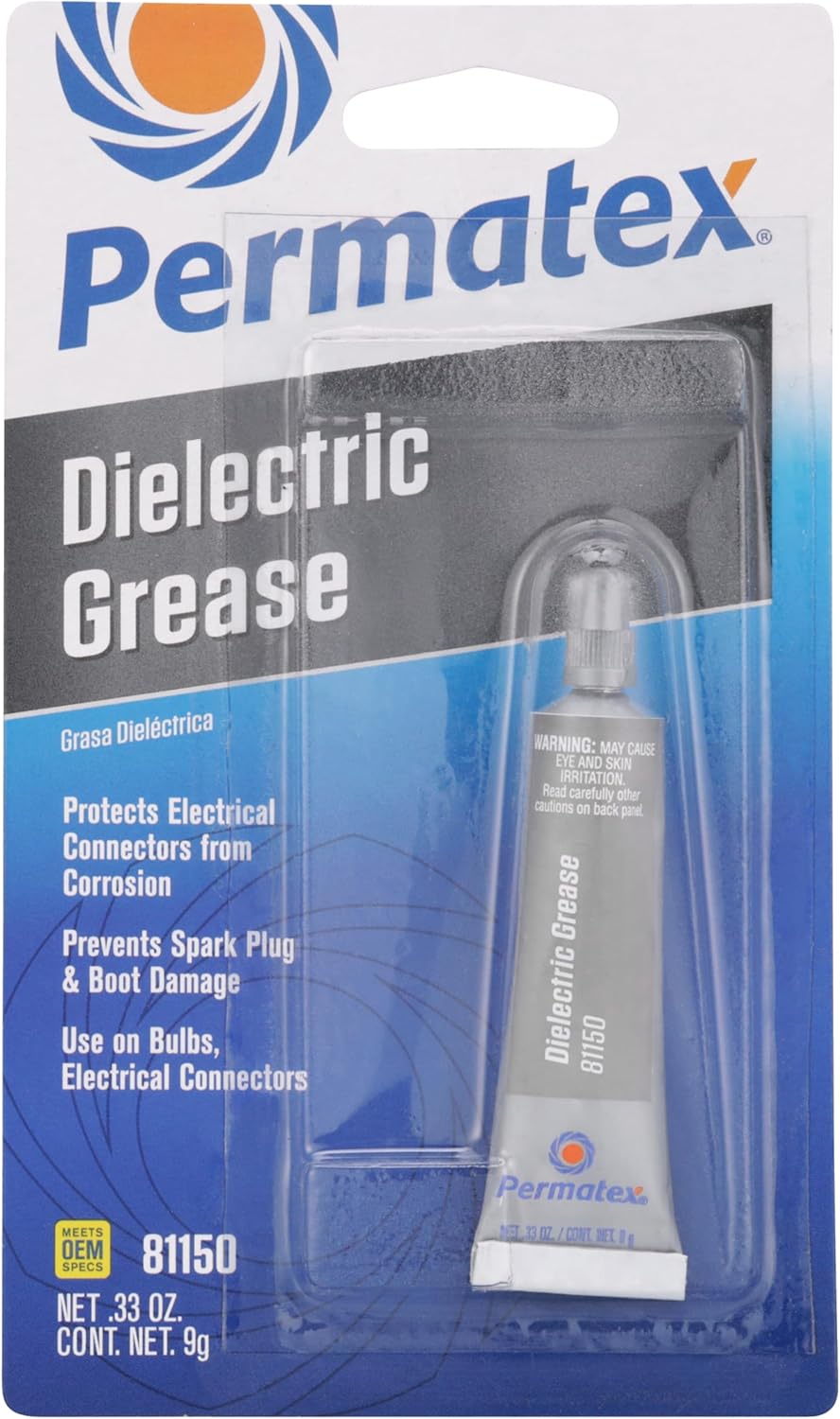
Permatex Dielectric Tune-Up Grease
A cheap dielectric grease in a 0.33 oz tube, one of the options commonly used on stabilizers.
Check Price on Amazon
Captain O-Ring Switch Dampeners
135 rubber O-rings that cut 0.4mm of travel for a softer landing, supplied with a cleaning cloth.
Check Price on AmazonPrefer to watch first? This beginner video walks through the most popular mods:
Mechanical Keyboard Mods | Beginner Guide
Swap Keycaps and Switches
The simplest of all keyboard mods needs no tools beyond a puller. Better keycaps and a different keycap profile change how each press sounds, and different switches change both sound and feel. If your board is hot-swappable, you can pull the switches out and try new ones without soldering.
Think of this as the foundation. Swapping parts gives the biggest change, while the mods below refine whatever you end up with.
Lube Your Switches
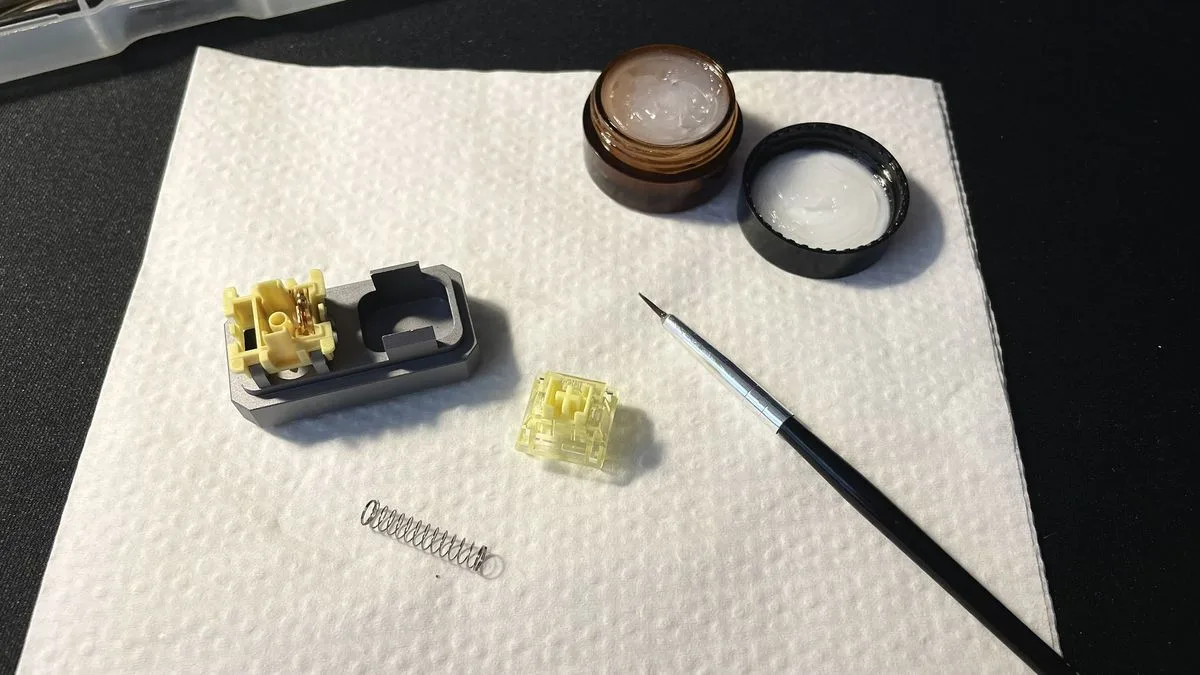
Lubing is one of the easiest ways to fix loud, scratchy or rattling switches. You pull each switch, pop off the top housing and take out the spring. Then brush a thin coat of lube onto the spring, the inside of the stem and the spring seat, and snap everything back together.
A few tips before you start:
- Linear switches are the easiest to lube. On tactile switches, keep lube off the notch that creates the bump, or you will dull it.
- You need a switch puller, a switch opener, a small brush and the lube itself. A starter kit is usually enough.
- Go light. A thin, even layer works better than a thick one.
Tune Your Stabilizers
Stabilizers hold the larger keys like the spacebar, Enter and Shift level, and stock ones are a common source of rattle. Dielectric grease is the cheap option, and Krytox 205g0 is the pricier favorite. Lubing the stabilizer housings is often treated as the one mod nearly every board benefits from.
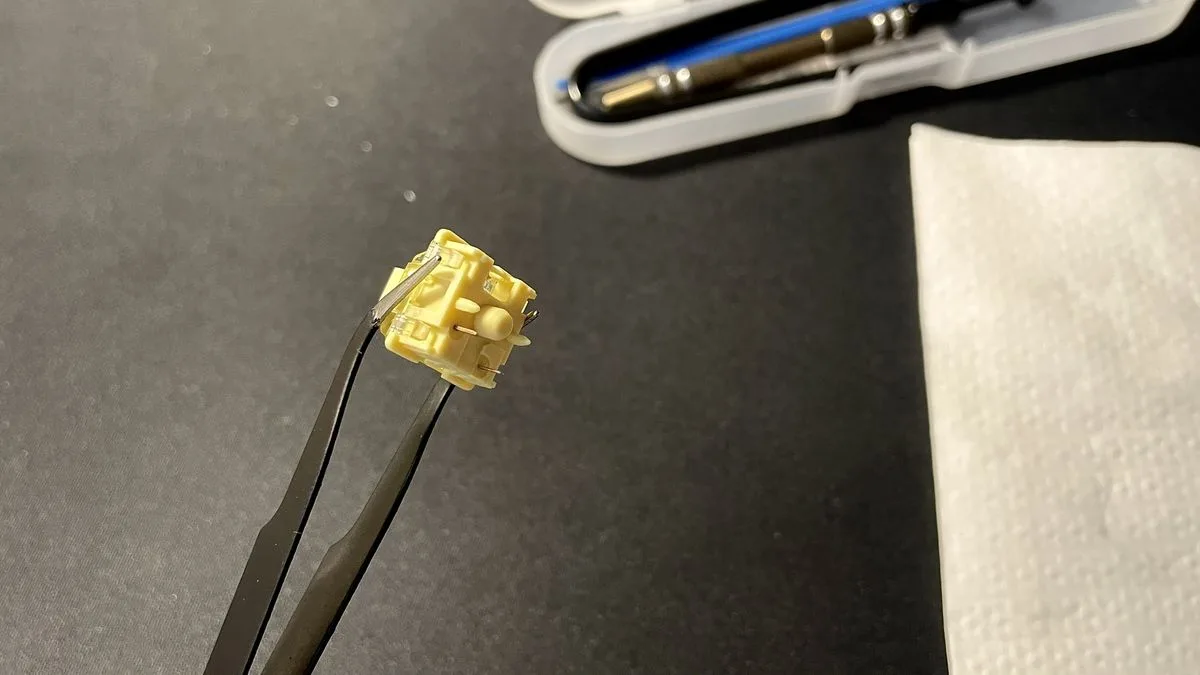
Check the stabilizer wires for ticking too. Lay the wire on a flat surface that is not glass, hold one side with two fingers and tap the other side. If it ticks, bend the wire slightly and check again until the sound goes away.
The Band-Aid Mod
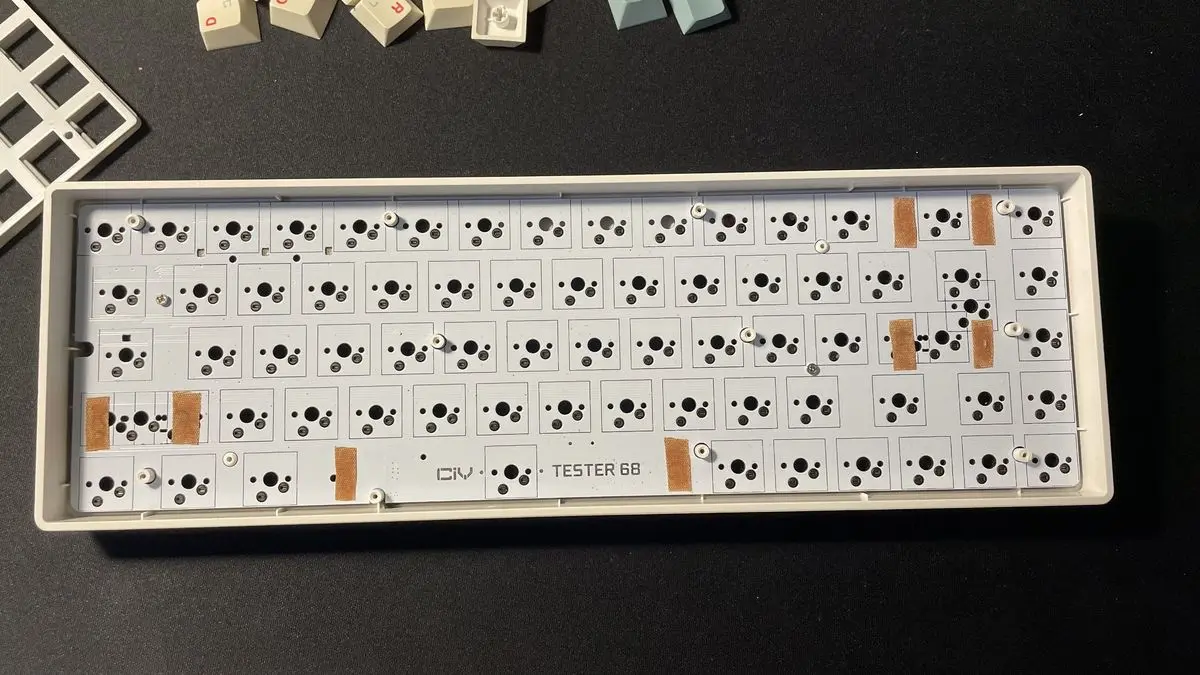
If a stabilizer still rattles, a band-aid mod targets just that spot. You stick small pieces of band-aid onto the PCB only where the stabilizer sits, then use dielectric grease as usual. It is a small tweak aimed at rattly, scratchy stabilizers.
Add O-Rings
An O-ring mod means putting a rubber ring around the post inside each keycap. Take the keycaps off, fit one ring per key and put the caps back. The rings soften the bottom-out thump, but they will not completely change how the board sounds, and clicky switches stay fairly loud.
They also shorten key travel a little. The 0.4mm dampeners listed above are an example of that trade-off.
Try Case Foam
Foam inside the case is optional, and it removes the hollow, metallic ring some boards have. There are several materials, and the more you add, the more muted the sound gets. Our keyboard foam mod guide walks through picking and fitting it step by step.
- Neoprene: a balance of price and performance, and a popular all-rounder.
- Poron: a cheaper alternative to neoprene.
- Sorbothane: expensive and only slightly better than neoprene.
- Kilmat: very effective but costly. Too much can make the PCB press keys on its own.
- Poly-fill: cheap and keeps the original sound, but awkward to work with.
- Plastilina clay: spreads by hand, removes hollowness and adds weight.
- Silicone pour: fills every gap but is messy and needs drying time, so tape off holes first.
Add a PE Foam Layer
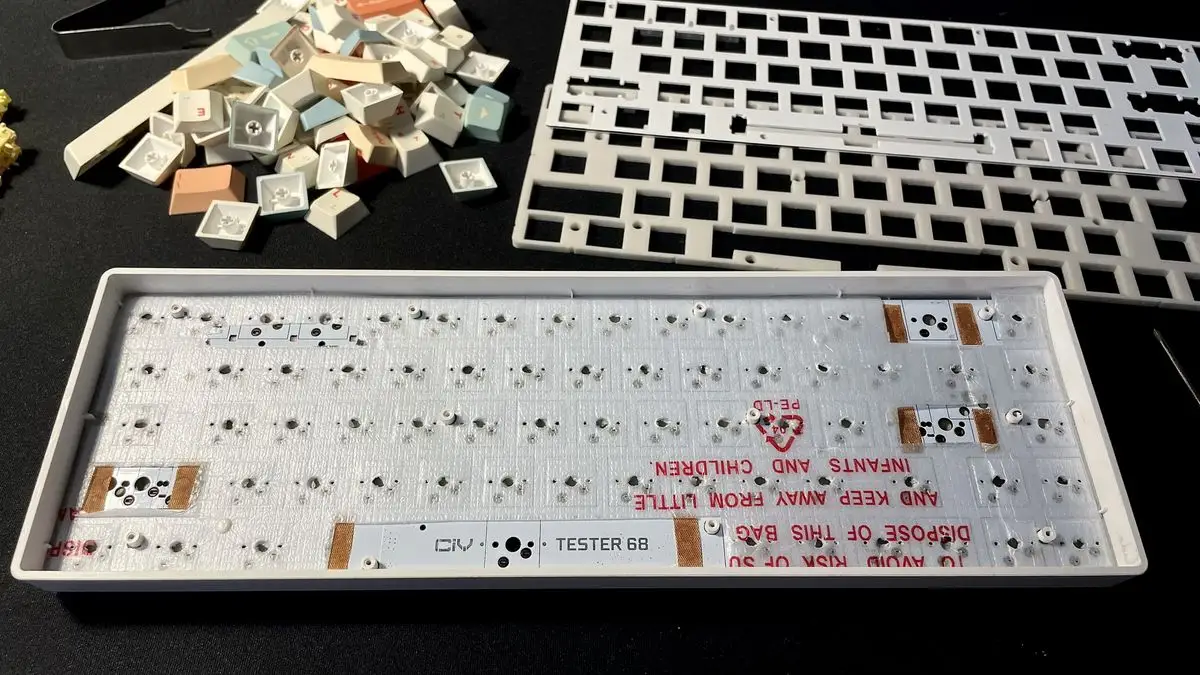
The PE foam mod puts a thin layer of polyethylene foam, around 0.5mm or less, between the PCB and the plate. You can salvage it from packing material or buy it. It needs a full teardown: keycaps, switches, stabilizers and the top plate all come off.
Trace the PCB onto the foam, cut out the shape, then cut the stabilizer holes and poke holes for the switch and screw posts. The result is a poppy, creamy sound and a less hollow spacebar, backspace and Enter. It changes the sound a lot, so skip it if you already like how your board sounds.
Do the Tape Mod
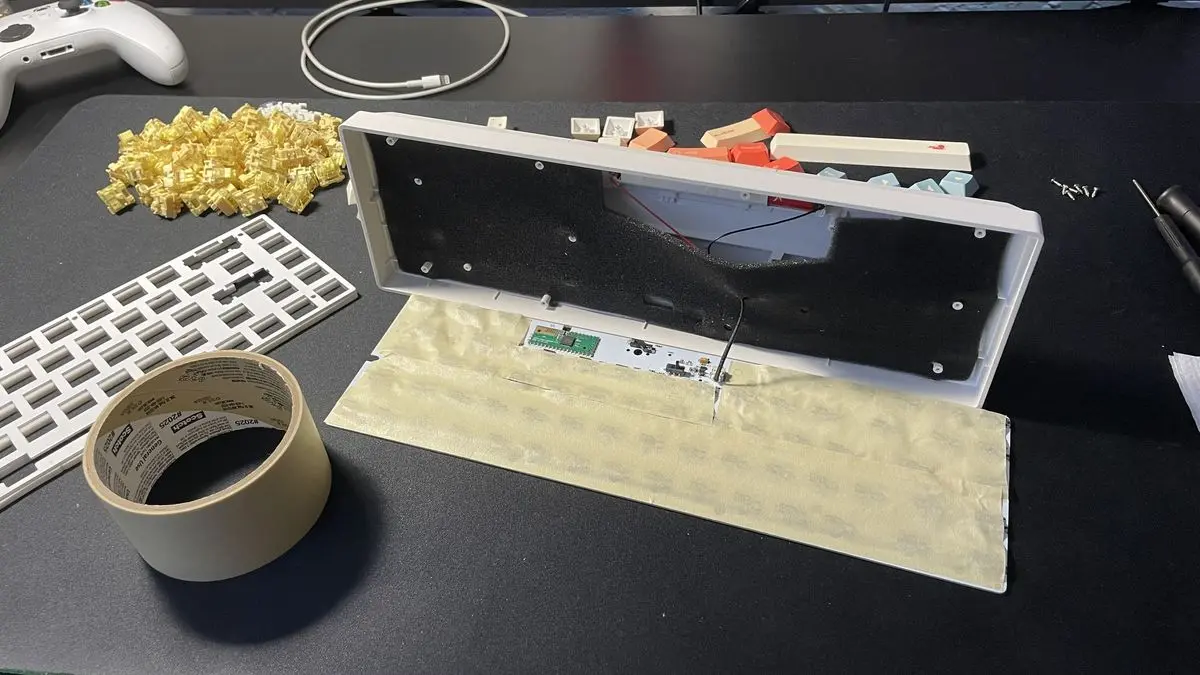
The tape mod, created by the builder Tempest, adds layers of easily removable, non-conductive tape (painter’s tape works) to the back of the PCB. It makes the board sound poppier and clearer without changing the pitch. Two layers is a good place to start, and duct tape is not suitable.
It is also the easiest mod to undo. Our full walkthrough covers the steps: how to tape mod a keyboard.
Mechanical Keyboard Mods FAQ
What is the most important mechanical keyboard mod?
Stabilizer lube is the closest thing to a must-do, since rattling large keys are the most noticeable flaw on many stock boards.
How do I make my keyboard quieter?
O-rings reduce the bottom-out thump, and case foam or the tape mod soften the hollow sound. Clicky switches will stay loud either way.
Do I need to disassemble my keyboard?
For lubing, the PE foam mod and case foam, yes. O-rings only need the keycaps removed, and the tape mod sometimes needs only the case opened.