GameCuki is reader-supported. When you buy through links on our site, we may earn an affiliate commission at no extra cost to you. As an Amazon Associate I earn from qualifying purchases. Learn more.
The Steam Deck LCD vs OLED choice looks simple on a spec sheet, yet both handhelds share the same CPU and GPU. So the real question is whether a better screen, a bigger battery and a few quality-of-life upgrades matter more to you than the lower cost of an LCD unit.
Best for Budget Buyers Who Stay Near an Outlet
Steam Deck LCD
Bottom LineA fair pick if you find a good LCD unit at a lower price and mostly play docked or plugged in, but expect a dimmer 60Hz screen and shorter battery life.
Bottom LineThe better handheld for nearly everyone: an HDR screen at up to 90Hz, longer battery life and a lighter body, as long as you accept the higher price.
This is the biggest gap between the two. The LCD uses a 7.0-inch panel capped at 60Hz with brightness around 400 nits and no HDR. The OLED steps up to 7.4 inches, runs at up to 90Hz and reaches 1,000 nits at peak in HDR (600 nits in SDR). Both keep the same 1280×800 resolution, so the OLED is bigger and punchier rather than sharper.
In practice you get deeper blacks, richer color and smoother motion on the OLED, which helps most in dark games and fast action. The higher refresh rate also lets games running above 60fps actually show those extra frames. OLED panels can in theory suffer burn-in from static images over a long time, so it is worth varying what stays on screen for hours.
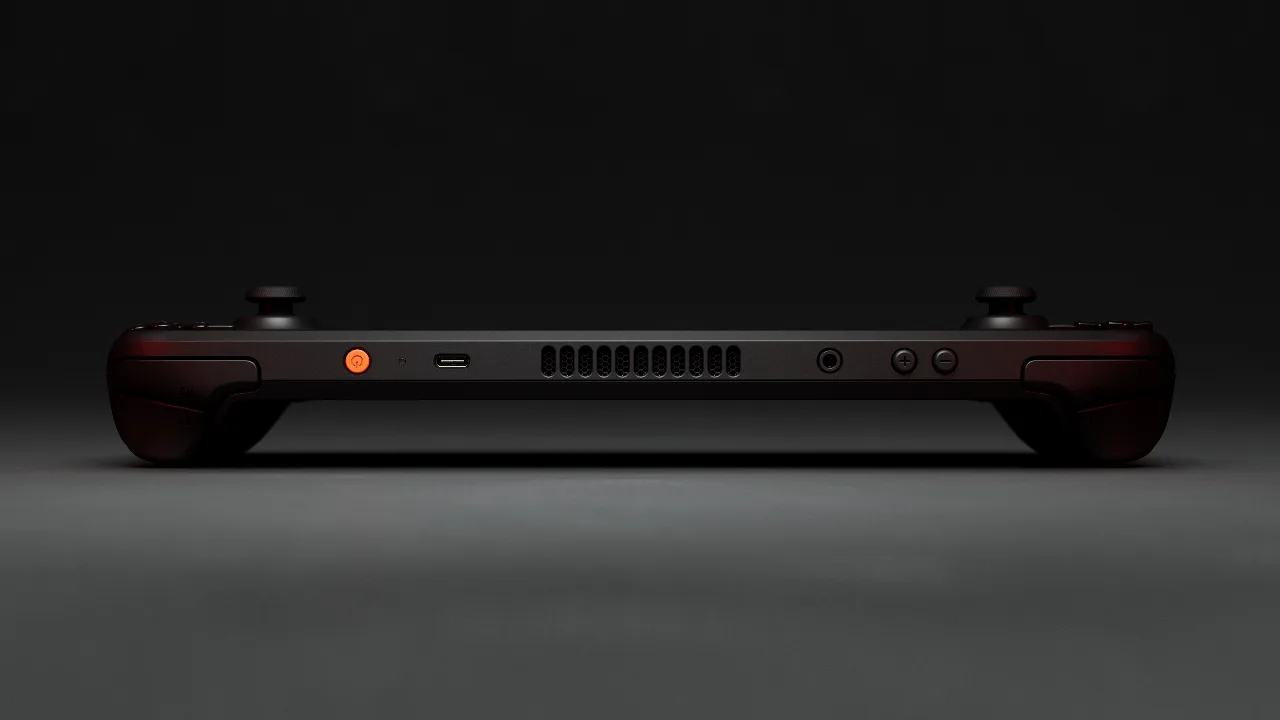
The top edge of the Steam Deck OLED, where the cooling vents sit. (Image: Valve)
Quick pick: go with the OLED if you play in dim rooms or on the move and care about how games look.
Battery Life: 50Wh Beats 40Wh
The OLED carries a 50Wh battery against 40Wh in the LCD. Valve rates the OLED at 3 to 12 hours of play and the LCD at 2 to 8 hours, and says the OLED lasts 30 to 50 percent longer. Actual runtime depends heavily on the game, brightness and frame rate cap, so light indie games stretch far longer than demanding 3D titles.
The OLED also uses a bigger fan and updated thermals, which Valve says keeps it cooler. If you travel or play away from a charger, this is the upgrade you will feel most often.
Performance: Same Chip Family, Slightly Faster Memory
Both models use a custom AMD APU with a four-core Zen 2 CPU and eight RDNA 2 compute units. The OLED version is built on a 6nm process, while the LCD uses 7nm. It also moves to faster memory, 6400 MT/s against 5500 MT/s on the LCD, which adds bandwidth.
The result is a small bump rather than a new tier of performance, so games that struggle on an LCD will generally still struggle on an OLED. The same Steam Deck Verified library and SteamOS software run on both.
Design, Weight and Wireless
The two share the same overall layout and dimensions, about 298 x 117 x 49mm. The OLED is lighter at roughly 640g compared with about 669g for the LCD, a difference of around 30g that adds up over a long session. Wireless also improves on the OLED, with Wi-Fi 6E and Bluetooth 5.3 in place of the LCD’s Wi-Fi 5 and Bluetooth 5.0.
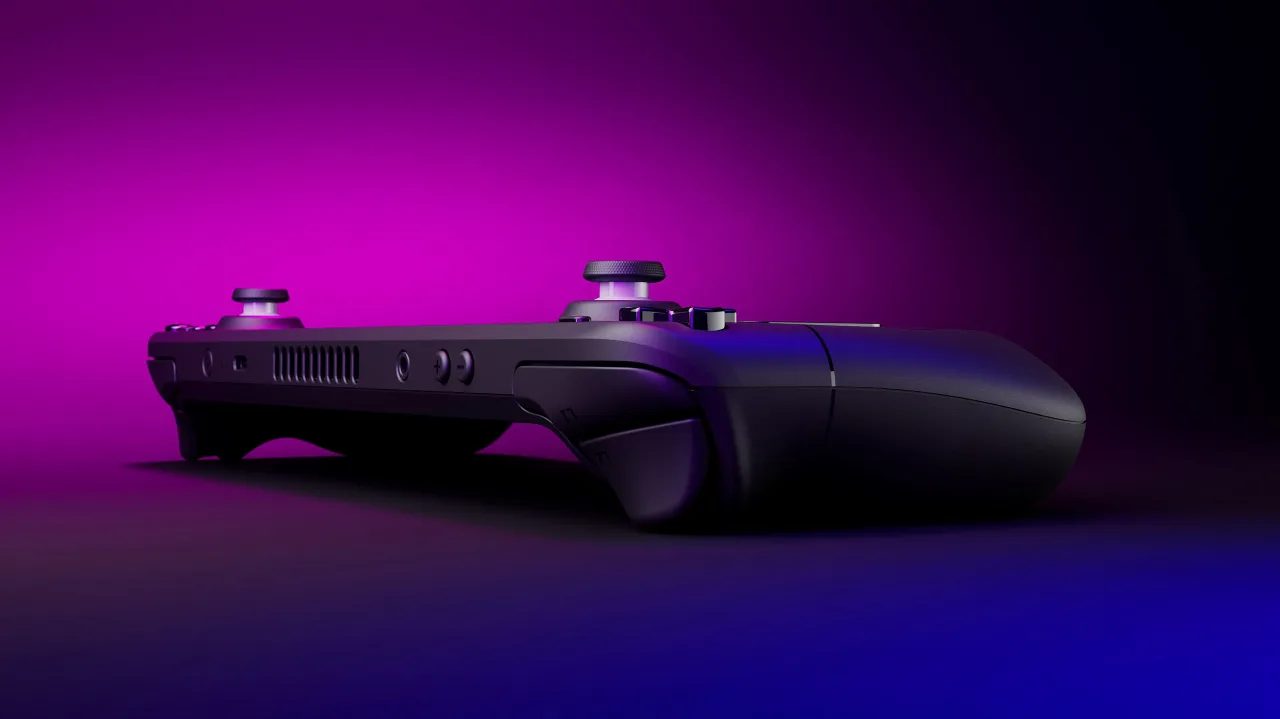
The original Steam Deck LCD, as pictured in Valve’s press kit. (Image: Valve)
Storage and Availability
The OLED ships with 512GB or 1TB of NVMe storage. The LCD came in 64GB eMMC, 256GB and 512GB versions, and the 64GB model is the one to avoid because eMMC is much slower than NVMe. The OLED is the model Valve now focuses on, so many LCD units you find today are refurbished or used, where condition and battery health vary. Both models also have a microSD slot for extra space.
Steam Deck LCD vs OLED: Full Specs
Feature
Steam Deck LCD
Steam Deck OLED
Screen size
7.0 in
7.4 in Wins
Resolution
1280 x 800
1280 x 800
Refresh rate
60Hz
Up to 90Hz Wins
Brightness
About 400 nits, no HDR
1,000 nits peak HDR, 600 nits SDR Wins
Battery
40Wh, 2 to 8 hours
50Wh, 3 to 12 hours Wins
APU process
7nm
6nm Wins
CPU and GPU
Zen 2 4C/8T, RDNA 2 8 CU
Zen 2 4C/8T, RDNA 2 8 CU
Memory
16GB LPDDR5, 5500 MT/s
16GB LPDDR5, 6400 MT/s Wins
Storage
64GB eMMC, 256GB or 512GB NVMe
512GB or 1TB NVMe Wins
Wi-Fi
Wi-Fi 5
Wi-Fi 6E Wins
Bluetooth
5.0
5.3 Wins
Weight
About 669g
About 640g Wins
And the Winner Is…
WinnerSteam Deck OLED
The LCD still plays the same Steam library with nearly the same performance, and a good used or refurbished unit can cost noticeably less, which matters if money is tight or you mostly play docked. Even so, the OLED is the better Steam Deck for most people. Its HDR screen, 90Hz refresh rate, 50Wh battery, lighter body and faster wireless improve what you notice every time you pick it up, and it is the current model. If you already own an LCD in good shape, the upgrade is optional. If you are buying today and the Steam Deck LCD vs OLED price gap is manageable, buy the OLED.
For handheld play, travel and dark rooms, the OLED wins on screen, battery and comfort. The LCD makes sense only when you find a clean unit at a clearly lower price and accept the dimmer panel. Planning to pair your Deck with a bigger library? See our best SSD for Steam Deck OLED guide, or check how the Deck stacks up against rivals in Steam Deck OLED vs ROG Ally X.
I'm Sean, and I write the comparisons on GameCuki. I cover anything gamers weigh up before buying: consoles and handhelds, PC components and gaming laptops, monitors, controllers, headsets and accessories, plus subscriptions and services like Game Pass and PlayStation Plus. I put both options on the same checklist, using official specs, professional reviews and owner feedback, and I only mention what owners say when at least two of them report the same thing. Every comparison ends with one clear verdict and the type of player each option suits. I don't accept free products or payment from brands, and what I write comes from research, not my own use of the products. You can read my full process on our How We Review page.
Areas of Focus
Controller Match-UpsHeadset Match-UpsConsole vs. ConsoleSpecs & Latency