GameCuki is reader-supported. When you buy through links on our site, we may earn an affiliate commission at no extra cost to you. As an Amazon Associate I earn from qualifying purchases. Learn more.
Buying a PlayStation 5 used or hunting for the last original unit raises one question: PS5 vs PS5 Slim, does the redesign change how you play? Both run the same games at the same speed, so the answer sits in size, storage, ports and the disc drive. Here is what actually differs and which model suits your setup.
Best for Tight Shelves and Bigger Libraries
PS5 Slim
Bottom LineThe easy pick for anyone buying today: about 30% smaller, 1TB of storage and two USB-C ports on the front, with the same speed as the original.
The original PS5 is the biggest console Sony has ever made, and that is the first thing you notice next to the Slim. The Slim is about 30% smaller, measuring roughly 14.1 x 8.5 x 3.8 inches with the disc drive, against 15.4 x 10.2 x 4.1 inches for the original. The Digital Edition shrinks the same way, from 3.6 inches thick to 3.1.
Weight drops too. The original weighed 4.5 kg at launch and 3.9 kg after a 2022 revision, while the disc-drive Slim weighs 3.2 kg. That is a console you can lift with one hand without bracing for it.
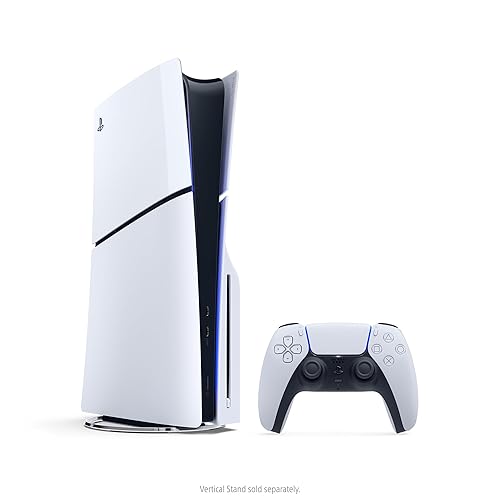
The PS5 Slim with its disc drive and DualSense controller. (Image: Sony Interactive Entertainment)
Look-wise the two share the white-and-black styling. The Slim swaps the original’s two side plates for four, and one of the extras covers the detachable disc drive, which also makes it easier to reach if it needs service. The Slim’s vertical stand is sold separately.
Storage and Disc Drive: The Slim Adds Room and Flexibility
The disc-drive Slim has a 1TB SSD, while the original has 825GB. That extra space matters when single installs run past 100GB. Both consoles take an M.2 NVMe SSD for expansion, up to 8TB, so the gap is easy to close on either one.
The disc drive is where the Slim really changes the rules. It comes as a detachable part, so a Digital Edition Slim can add a drive later if you start missing physical games or Blu-ray movies. The original is either disc or digital for life. Go with the Slim if you are not sure which way your library will lean, and with the original only if a discounted disc model is sitting in front of you.
Ports: Two USB-C on the Slim, One USB-C and One USB-A on the Original
Up front, the Slim has two USB-C ports. The original has one USB-C and one USB-A. On both consoles one front port is Hi-Speed and the other is SuperSpeed (up to 10Gbps), and the back carries two more SuperSpeed USB-A ports.
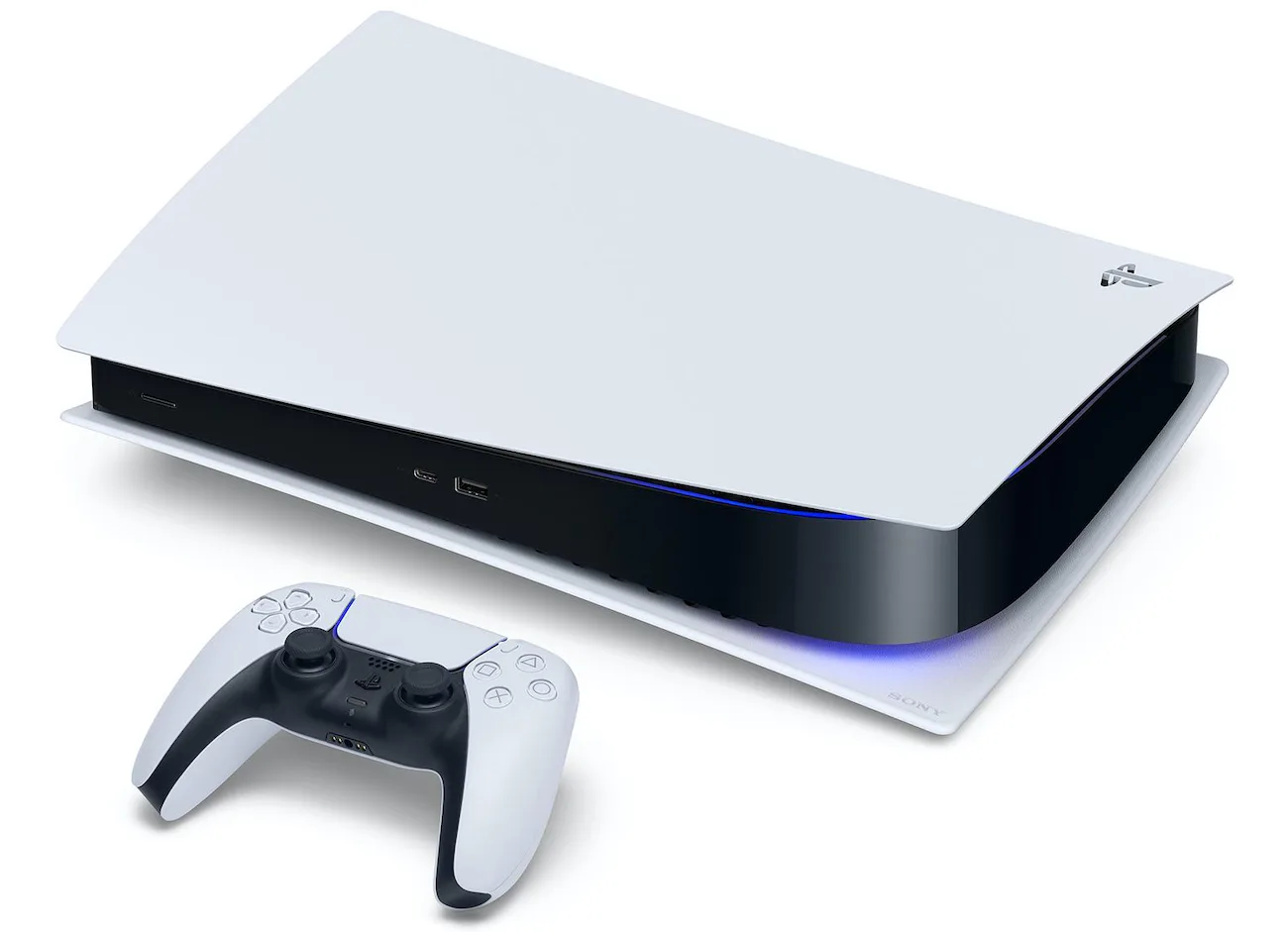
The original PS5 Digital Edition with one USB-C and one USB-A port on the front. (Image: Sony Interactive Entertainment)
The change is small but real. Newer headsets, charging cables and flash drives lean toward USB-C, so the Slim’s second USB-C port is the friendlier layout. If you rely on an older USB-A accessory up front, the original still has a place for it.
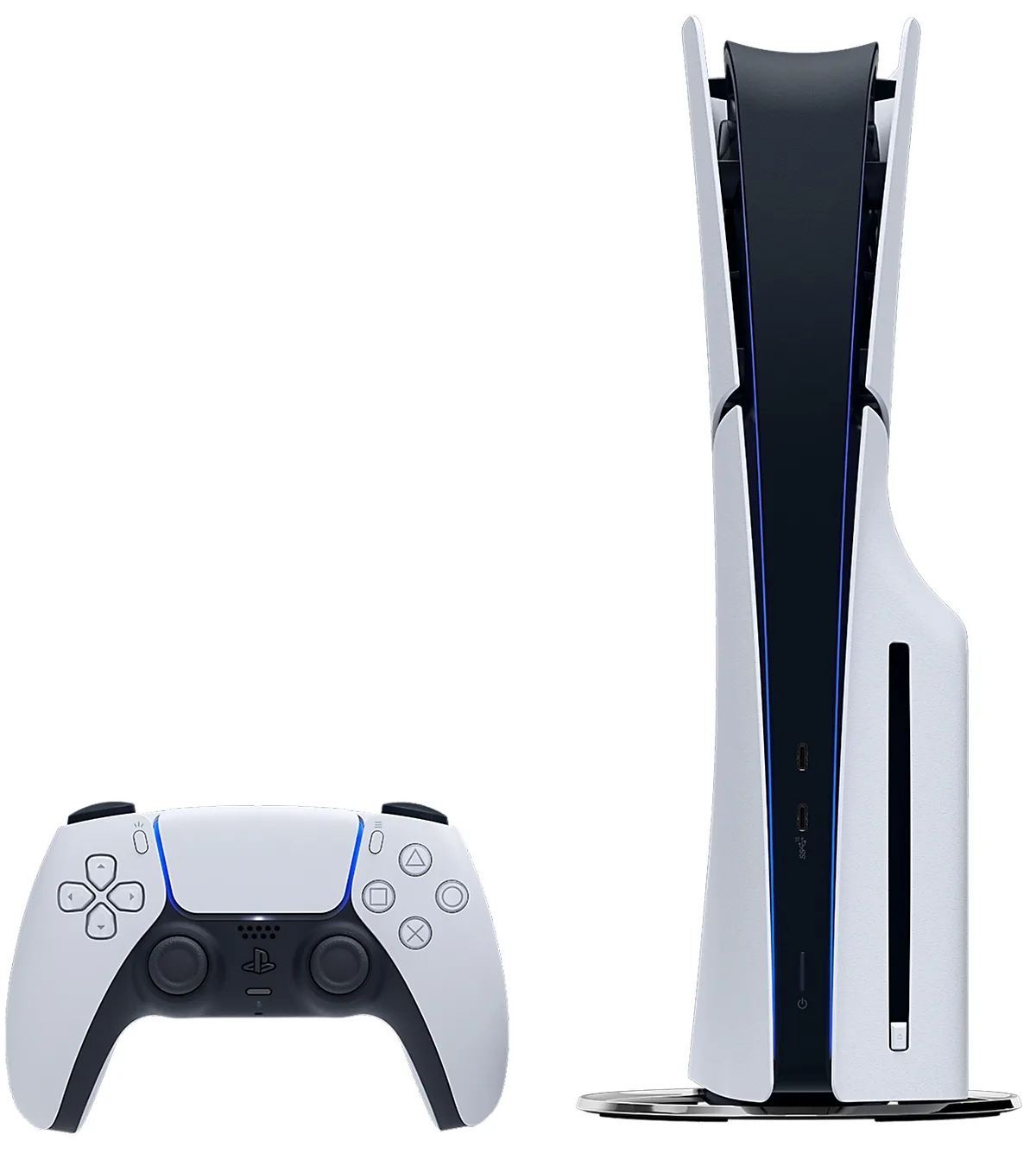
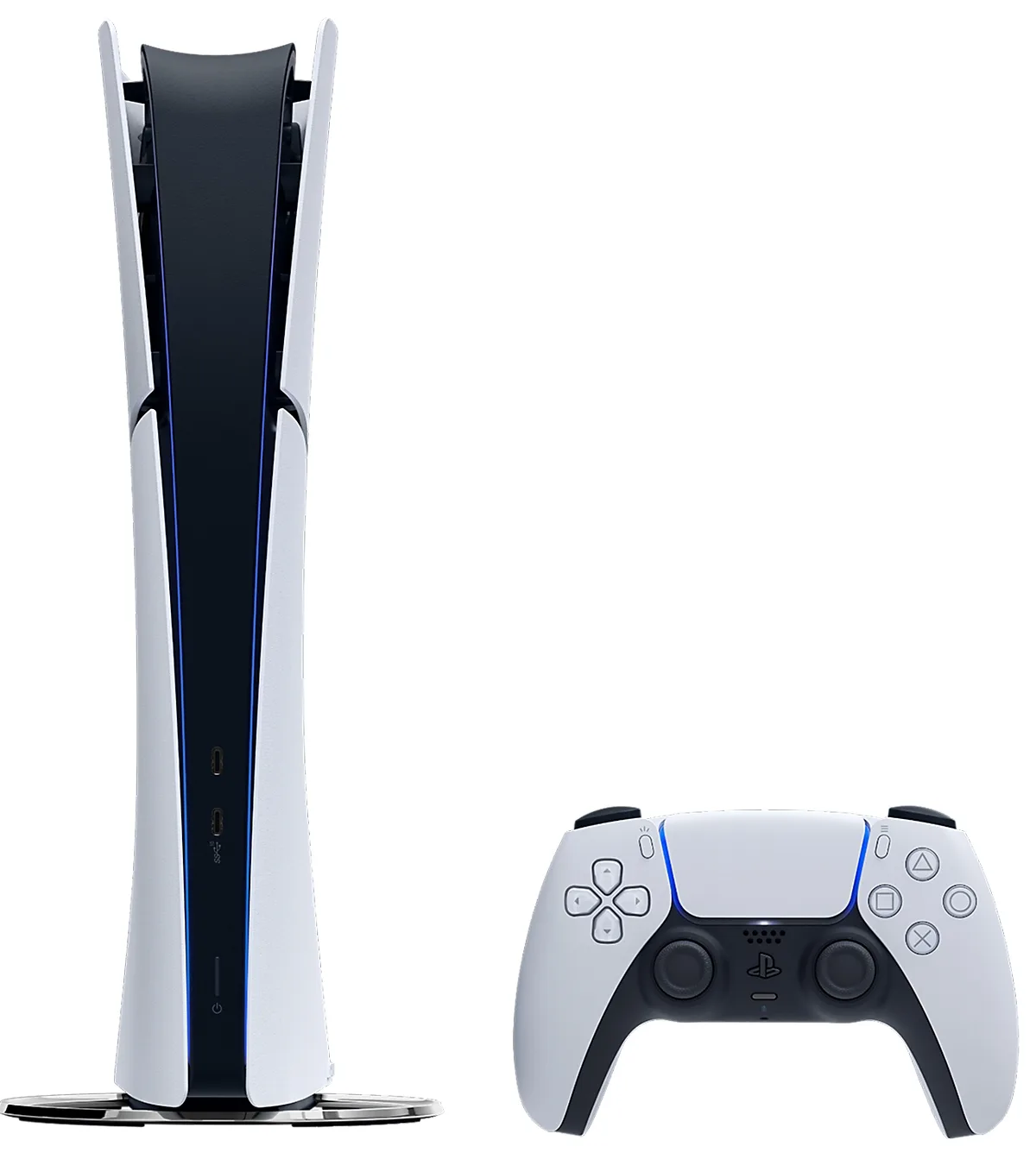
The PS5 Slim Digital Edition with its two front USB-C ports. (Image: Sony Interactive Entertainment)
Performance: Same Chip, Same Games
Under the shell, little changed. Both consoles use the same custom AMD Zen 2 CPU and RDNA 2 GPU rated at 10.28 teraflops, both aim for 4K at 60Hz in most games, and both reach 120Hz in titles that support it. Games, PS4 backward compatibility and the DualSense controller all work the same way.
So there is no frame-rate reason to hunt for the original or to pay extra for the Slim. The decision rests on size, storage and ports, and on what you can find in stock, since the Slim is now the default model and the original is mostly gone from stores.
PS5 vs PS5 Slim: Full Specs
Feature
PS5 Slim
PS5 (Original)
Model group
CFI-2000
CFI-1000 and CFI-1100/1200
Size (disc model)
14.1 x 8.5 x 3.8 in Wins
15.4 x 10.2 x 4.1 in
Weight (disc model)
3.2 kg Wins
4.5 kg at launch, 3.9 kg after 2022 revision
Storage (disc model)
1 TB Wins
825 GB
Storage expansion
M.2 NVMe slot, up to 8 TB
M.2 NVMe slot, up to 8 TB
Disc drive
Detachable, can be added to the Digital Edition Wins
Built in on the disc model, none on the Digital Edition
Front USB ports
Two USB-C Wins
One USB-C and one USB-A
Rear USB ports
Two USB-A SuperSpeed
Two USB-A SuperSpeed
CPU and GPU
Eight-core Zen 2, RDNA 2, 10.28 TFLOPS
Eight-core Zen 2, RDNA 2, 10.28 TFLOPS
Max output
4K at 60Hz, 120Hz in supported games
4K at 60Hz, 120Hz in supported games
PS5 vs PS5 Slim: FAQ
Is the PS5 Slim a downgrade?
No. It is smaller and lighter, has more storage in the disc model, and uses a more modern USB layout, while performance stays the same.
Which is better, the PS5 Slim or the original PS5?
The PS5 Slim. It does everything the original does in a smaller box with extra storage and a detachable disc drive.
And the Winner Is…
WinnerPS5 Slim
The original PS5 still plays every game perfectly well, and a clearly discounted unit is a fair buy if you have the shelf space and do not mind its bulk, 825GB of storage and the USB-A port up front. For almost everyone else, the Slim wins this PS5 vs PS5 Slim matchup. It is about 30% smaller, noticeably lighter, ships with 1TB in the disc model, adds a second USB-C port and lets you attach a disc drive later. Performance is identical, so nothing is lost by choosing the newer shell. It is also the model you can actually find new. Thinking about moving up to something faster? See our PS5 Slim vs PS5 Pro comparison.
I'm Sean, and I write the comparisons on GameCuki. I cover anything gamers weigh up before buying: consoles and handhelds, PC components and gaming laptops, monitors, controllers, headsets and accessories, plus subscriptions and services like Game Pass and PlayStation Plus. I put both options on the same checklist, using official specs, professional reviews and owner feedback, and I only mention what owners say when at least two of them report the same thing. Every comparison ends with one clear verdict and the type of player each option suits. I don't accept free products or payment from brands, and what I write comes from research, not my own use of the products. You can read my full process on our How We Review page.
Areas of Focus
Controller Match-UpsHeadset Match-UpsConsole vs. ConsoleSpecs & Latency