GameCuki is reader-supported. When you buy through links on our site, we may earn an affiliate commission at no extra cost to you. As an Amazon Associate I earn from qualifying purchases. Learn more.
Choosing between the PS5 Slim vs PS5 Pro mostly comes down to one question: will you actually use what the extra hardware unlocks? Both consoles play the same PlayStation 5 library, but the Pro adds a stronger GPU, AI upscaling and more storage, while the Slim stays smaller and costs less.
Best for Most Players
PS5 Slim
Bottom LineThe easier buy for anyone who wants the full PS5 library, a built-in disc drive and a smaller box without paying for features a lot of TVs cannot show.
Design and Size: The Slim Is Shorter, the Pro Adds Vents
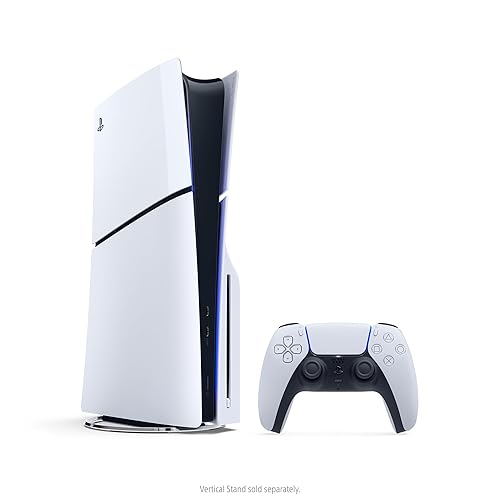
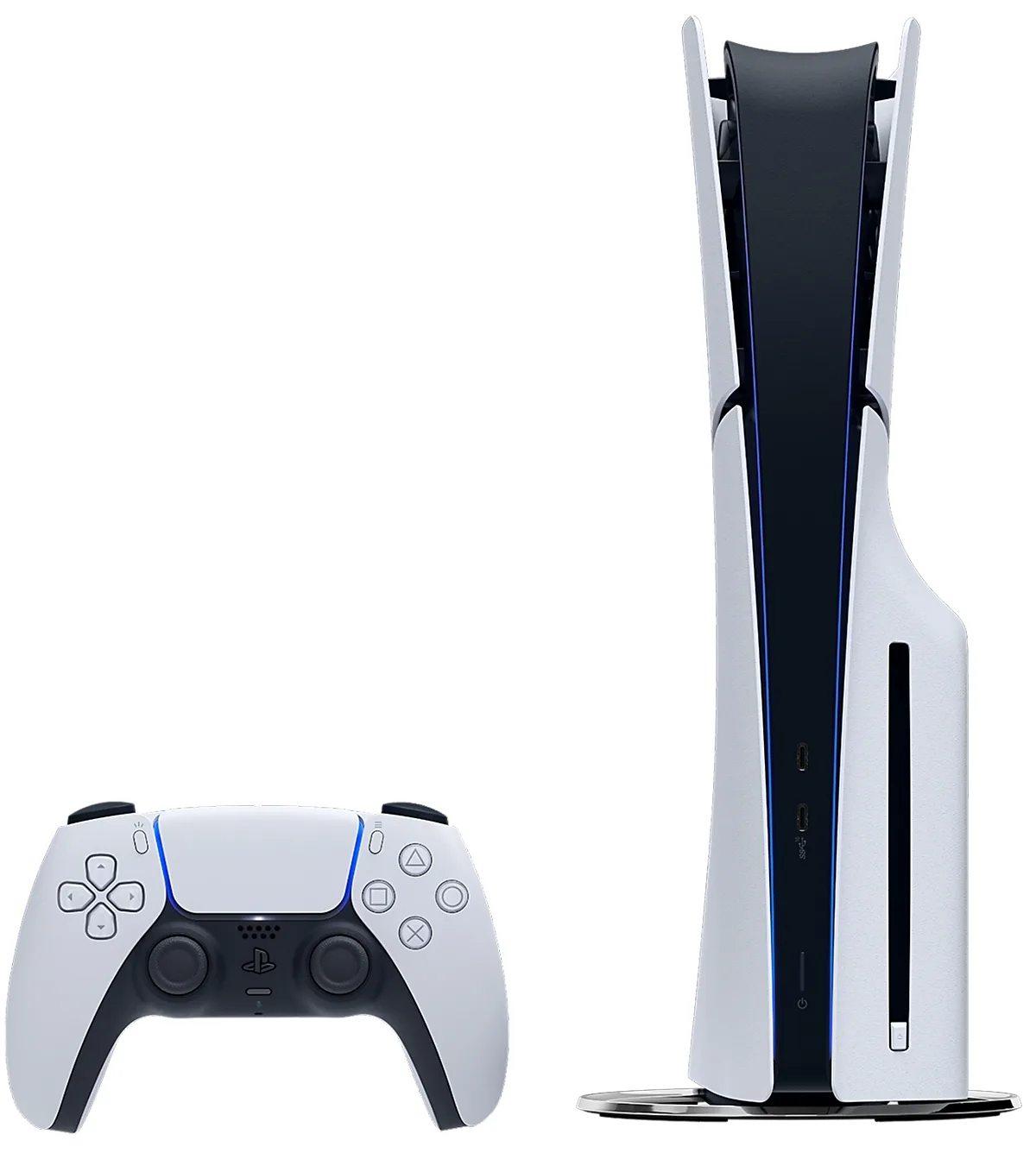
Both consoles keep the white-and-black PS5 look, and both are noticeably smaller than the original 2020 model. The Slim stands about 14.1 inches tall and 3.8 inches thick with the disc drive attached. The Pro is taller at about 15.3 inches and slightly thinner at 3.5 inches, because it ships without a drive. If shelf space is tight, the Slim is the easier fit.
The PS5 Slim with its disc drive and DualSense controller. (Image: Sony Interactive Entertainment)
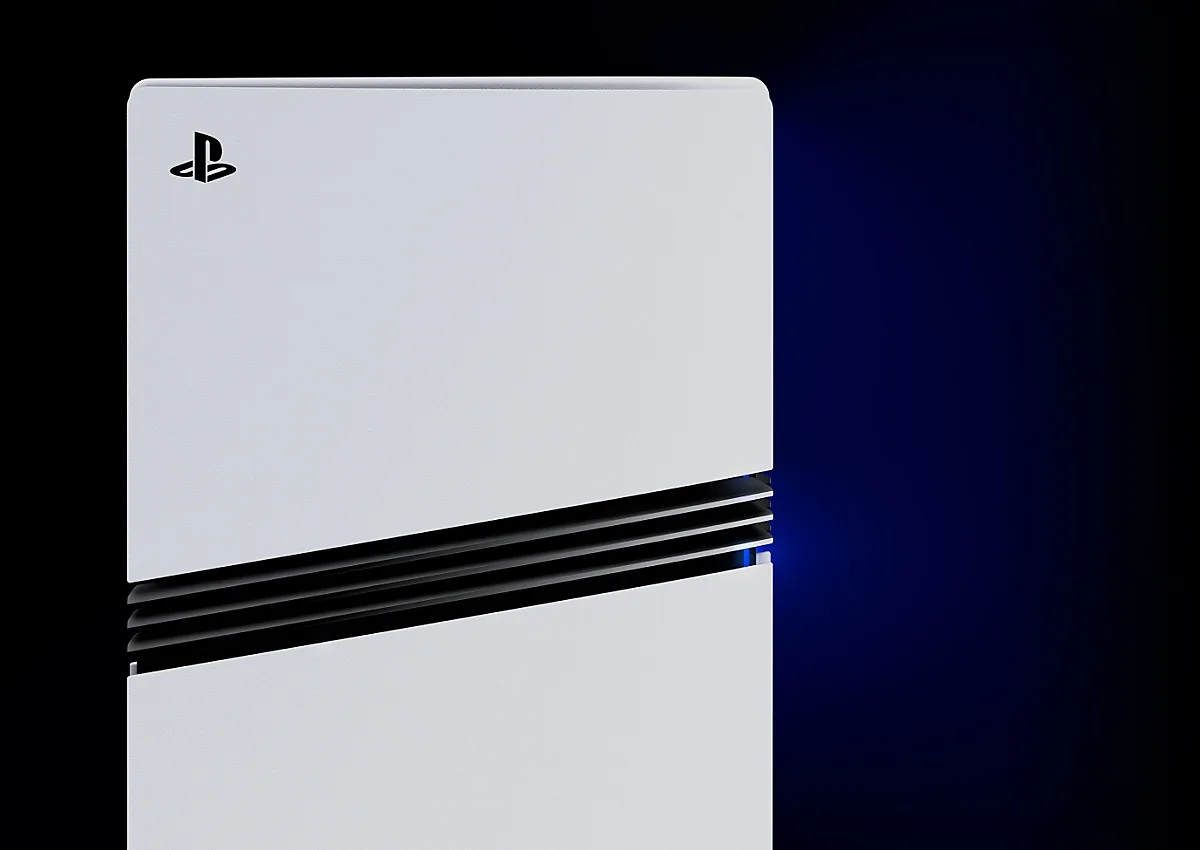
The Pro is easy to spot from the front: three horizontal black stripes cut across the white panel, adding airflow to the chassis. The Pro does not come with a disc drive or a vertical stand, and both are sold separately.
The PS5 Pro’s three-stripe vent design. (Image: Sony Interactive Entertainment)
Graphics and Performance: The Pro Has the Real Edge
Here the two consoles genuinely differ. The Slim uses a custom AMD GPU with 36 compute units, good for about 10.3 teraflops. The Pro steps up to 60 compute units and about 16.7 teraflops, which Sony describes as roughly 45% faster rendering. It also adds PlayStation Spectral Super Resolution (PSSR), an AI upscaler aimed at sharper 4K images, and stronger ray tracing for reflections, shadows and global illumination.
The CPU is the same eight-core Zen 2 design on both, though the Pro offers a higher-clock mode. Memory bandwidth rises from 448 GB/s on the Slim to 576 GB/s on the Pro, and the Pro adds 2 GB of separate DDR5 memory for system tasks, leaving a bit more RAM for games.
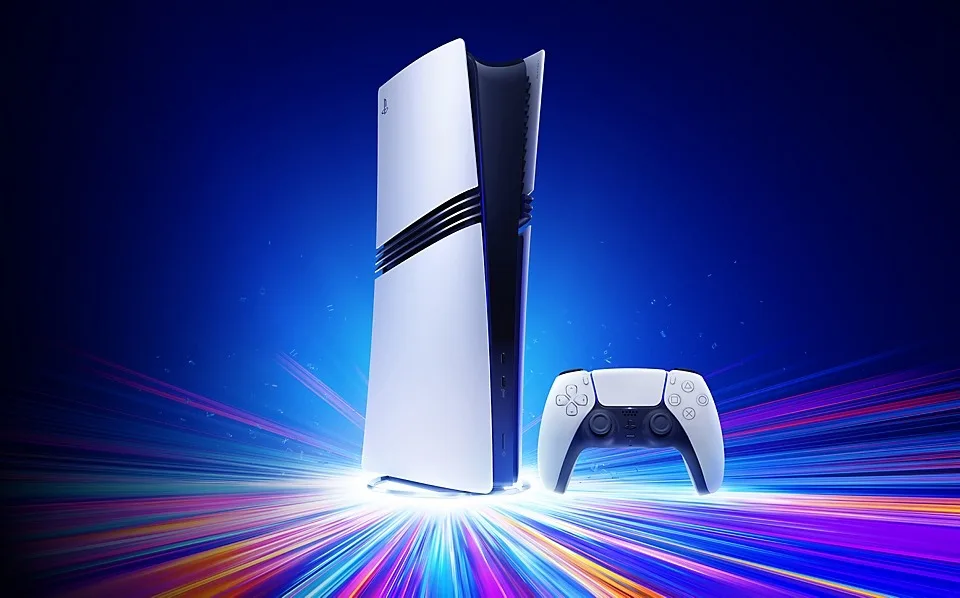
The PS5 Pro with a DualSense controller. (Image: Sony Interactive Entertainment)
One catch matters for the whole decision: the Pro’s extra features only apply to games that have been patched or built for it. Sony lists over 100 enhanced titles, and some of them, such as Horizon Forbidden West, can match or beat the regular Quality mode while running at 60 fps. A game with no Pro update still runs, but you should not expect a dramatic jump. Go with the Slim if most of your library is older or unpatched. Lean to the Pro if you keep buying the big visual showpieces.
Your TV Decides How Much You Notice
The Pro supports 60Hz and 120Hz displays and can output 8K, while both consoles top out at 4K at up to 120 fps on supported games. In practice, the Pro’s upgrades pay off most on a 4K TV with HDMI 2.1 and good HDR. On a 1080p screen or an older 4K set, the sharper upscaling and higher frame-rate modes may be harder to see, and the Slim becomes a stronger buy.
Storage and Disc Drive: 2TB Digital Versus 1TB With a Drive
The disc-drive Slim has a 1TB SSD. The Pro has 2TB built in, which holds far more of today’s large installs. Either console accepts an M.2 NVMe SSD for expansion, up to 8TB, so storage is the easiest gap to close later.
The drive question runs the other way. The disc Slim includes the Ultra HD Blu-ray drive. On the Pro, you buy a drive separately if you still collect physical games. If you buy everything digitally, the missing drive costs you nothing.
Price and Value: What the Extra Money Buys
The Pro costs noticeably more than the Slim, and the gap grows if you add a disc drive and a vertical stand. Console prices in the US also rose in 2025, so check the current listing before you decide. Because a compatible SSD covers the storage difference for a fraction of the price gap, the real question is whether you want the Pro’s graphics modes. If you do not, the savings go further on a better controller for PS5 or one of the best PS5 headsets.
Game Library: Same Games, Different Modes
Both consoles play the PS5 library and PS4 games, and the Pro adds a Game Boost mode that can smooth frame rates in more than 8,500 PS4 titles. No game is exclusive to the Pro, so you are choosing how a game looks and runs, not what you can play. Cross-shopping against Microsoft? See how the Pro stacks up in our PS5 Pro vs Xbox Series X comparison.
PS5 Slim vs PS5 Pro: FAQ
What is the main difference between the PS5 Slim and PS5 Pro?
The Pro has a faster GPU, PSSR upscaling, stronger ray tracing, Wi-Fi 7 and 2TB of storage. The Slim is smaller, cheaper and includes a disc drive in its standard model.
Does the PS5 Pro come with a disc drive?
No. The Pro is sold without a disc drive and without a vertical stand. Both can be bought separately.
PS5 Slim vs PS5 Pro: Full Specs
Feature
PS5 Slim
PS5 Pro
Release date
Nov. 10, 2023
Nov. 7, 2024
CPU
Eight-core AMD Zen 2
Eight-core AMD Zen 2, higher-clock mode
GPU
Custom AMD, 36 compute units
Custom AMD, 60 compute units Wins
GPU power
About 10.3 TFLOPS
About 16.7 TFLOPS Wins
Memory
16 GB GDDR6, 448 GB/s
16 GB GDDR6, 576 GB/s, plus 2 GB DDR5 Wins
Storage
1 TB (disc model)
2 TB Wins
Expansion
M.2 NVMe slot, up to 8 TB
M.2 NVMe slot, up to 8 TB
Disc drive
Included on disc model Wins
Sold separately
AI upscaling (PSSR)
No
Yes Wins
Max output
4K, up to 120 fps
4K up to 120 fps, 8K output Wins
Wi-Fi
Wi-Fi 6
Wi-Fi 7 Wins
Size (disc, upright)
14.1 x 3.8 in Wins
15.3 x 3.5 in (no drive)
And the Winner Is…
WinnerPS5 Slim
The PS5 Pro is the stronger machine on paper: a bigger GPU, PSSR upscaling, better ray tracing and 2TB of storage all favor it. Even so, the Slim wins this PS5 Slim vs PS5 Pro matchup for most players. It costs noticeably less, it plays the same games, and storage can be added later with an M.2 SSD. It is also shorter, and the disc model includes a drive. Pick the Pro if you own a high-end 4K TV with 120Hz support, care about enhanced modes at 60 fps, or want a digital-first console with plenty of room built in. Everyone else can put the savings toward games and accessories.
I'm Sean, and I write the comparisons on GameCuki. I cover anything gamers weigh up before buying: consoles and handhelds, PC components and gaming laptops, monitors, controllers, headsets and accessories, plus subscriptions and services like Game Pass and PlayStation Plus. I put both options on the same checklist, using official specs, professional reviews and owner feedback, and I only mention what owners say when at least two of them report the same thing. Every comparison ends with one clear verdict and the type of player each option suits. I don't accept free products or payment from brands, and what I write comes from research, not my own use of the products. You can read my full process on our How We Review page.
Areas of Focus
Controller Match-UpsHeadset Match-UpsConsole vs. ConsoleSpecs & Latency