GameCuki is reader-supported. When you buy through links on our site, we may earn an affiliate commission at no extra cost to you. As an Amazon Associate I earn from qualifying purchases. Learn more.
You press a keyboard switch thousands of times a day, so the feel follows you into every match and every long email. Linear vs tactile switches comes down to one question: do you want a smooth drop to the bottom, or a small bump that tells you the key has registered?
Best for Fast Games and Light Typists
Keychron Silk POM Red (Linear)
Bottom LineSmooth 45 gf presses with nothing in the way, the pick if you mostly play shooters and type with a light touch.
Linear vs Tactile Switches: What Each One Feels Like
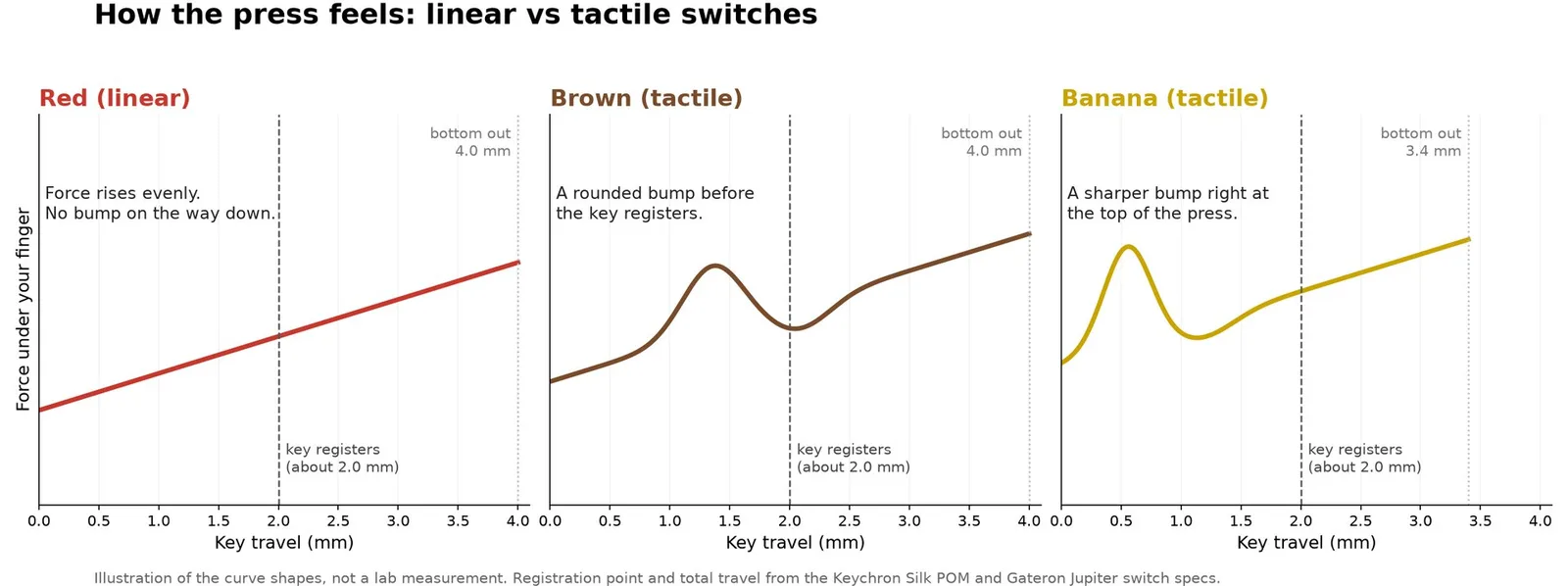
A linear switch has no bump and no click. The resistance rises evenly from the top of the press to the bottom, so the key glides. A tactile switch adds a short rise in resistance partway down, then gives way, and you feel the press land without having to slam the key to the bottom.
Cherry MX Red is the classic linear example and Cherry MX Brown is the classic tactile one. Clicky switches such as MX Blue add an audible click on top of the bump, but they are a separate group and a poor fit for shared rooms.
Illustrated force curves for a linear switch and two tactile switches. The shapes are an illustration, not a measurement. (Image: Keychron)
Feel and Typing: Tactile Gives You a Cue, Linear Stays Smooth
On a tactile switch the bump acts as a signal that the key went in. Many typists end up pressing more lightly because they can ease off at the bump instead of bottoming out, which is why tactile is a common pick for long emails and code.
A linear switch gives your finger no signal before the bottom. New users often press every key all the way down at first, until the touch gets lighter. If you already type with a light touch and like an even press, linear works well for typing too.
Gaming: Linear Is the Usual Pick, but the Gap Is Small
Linear switches are light and have nothing to push through, so repeated taps and held movement keys stay smooth. That is why linear is the common recommendation for fast shooters and battle royale games. Tactile makes more sense in MMOs and MOBAs, where the bump can help you avoid accidental presses across a crowded key layout, and strategy games suit either type.
Game type
Better fit
Why
FPS and battle royale
Linear
Quick, smooth presses
MMO and MOBA
Tactile
The bump reduces accidental presses
Strategy
Either
Both allow quick, precise presses
Unless you play at a very high level, the switch type is unlikely to make a measurable difference to your results, so pick the feel you enjoy.
Linear vs Tactile Switches: Real Specs Side by Side
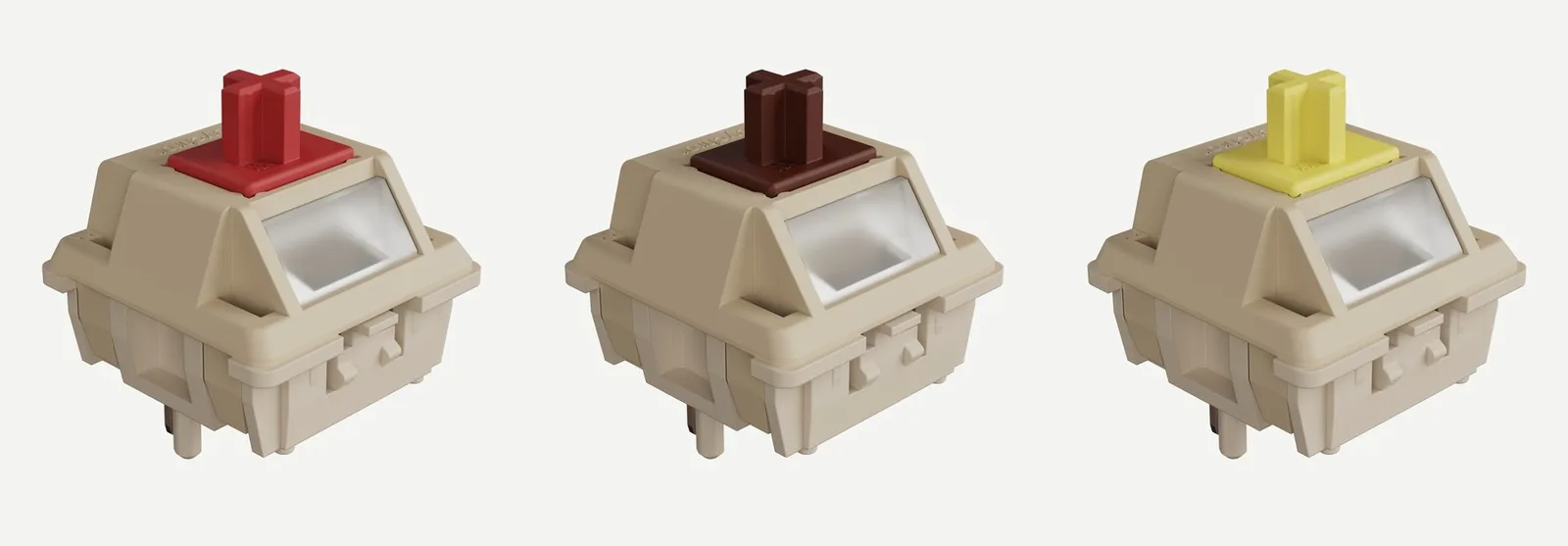
The numbers differ by brand, so here is one real set. Keychron’s Silk POM line comes in Red (linear), Brown (tactile) and Banana (a stronger tactile).
Keychron Silk POM switches in Red, Brown and Banana. (Image: Keychron)
All three register at the same 2.0 mm, so the switch type does not change when a key counts. What changes is the force you meet on the way down and whether you get a bump. Banana puts its bump right at the top of the press and has a shorter 3.4 mm total travel.
Linear vs Tactile Switches: Full Specs
Feature
Linear
Tactile
Feel
Smooth from top to bottom, no bump
Bump partway down the stroke
Sound
Quiet, though loud linears exist
Quiet, usually less sharp than clicky Wins
Typing
Fine with a light touch
Bump helps you ease off early Wins
Gaming
Light and smooth for repeated taps Wins
Fine, bump can reduce stray presses
Force (Keychron Silk POM example)
Red: 45 gf, 2.0 mm to register, 4.0 mm travel
Brown: 55 gf, 2.0 mm, 4.0 mm travel. Banana: 57 gf, 2.0 mm, 3.4 mm travel
Typical weight
Lighter
Slightly heavier
Best for
Fast games, light typists
Long typing sessions, mixed use
Which Type to Pick: Quick Decision Guide
Mostly games and a light touch: linear.
Long typing days and a clear cue under each finger: tactile, with a stronger bump if you want it impossible to miss.
A bit of everything or a first mechanical board: a mild tactile switch is the easy middle, because the bump is gentle enough for games.
Shared room or headset mic: skip clicky and choose linear or tactile.
Not Sure Yet? Choose a Hot-Swappable Keyboard
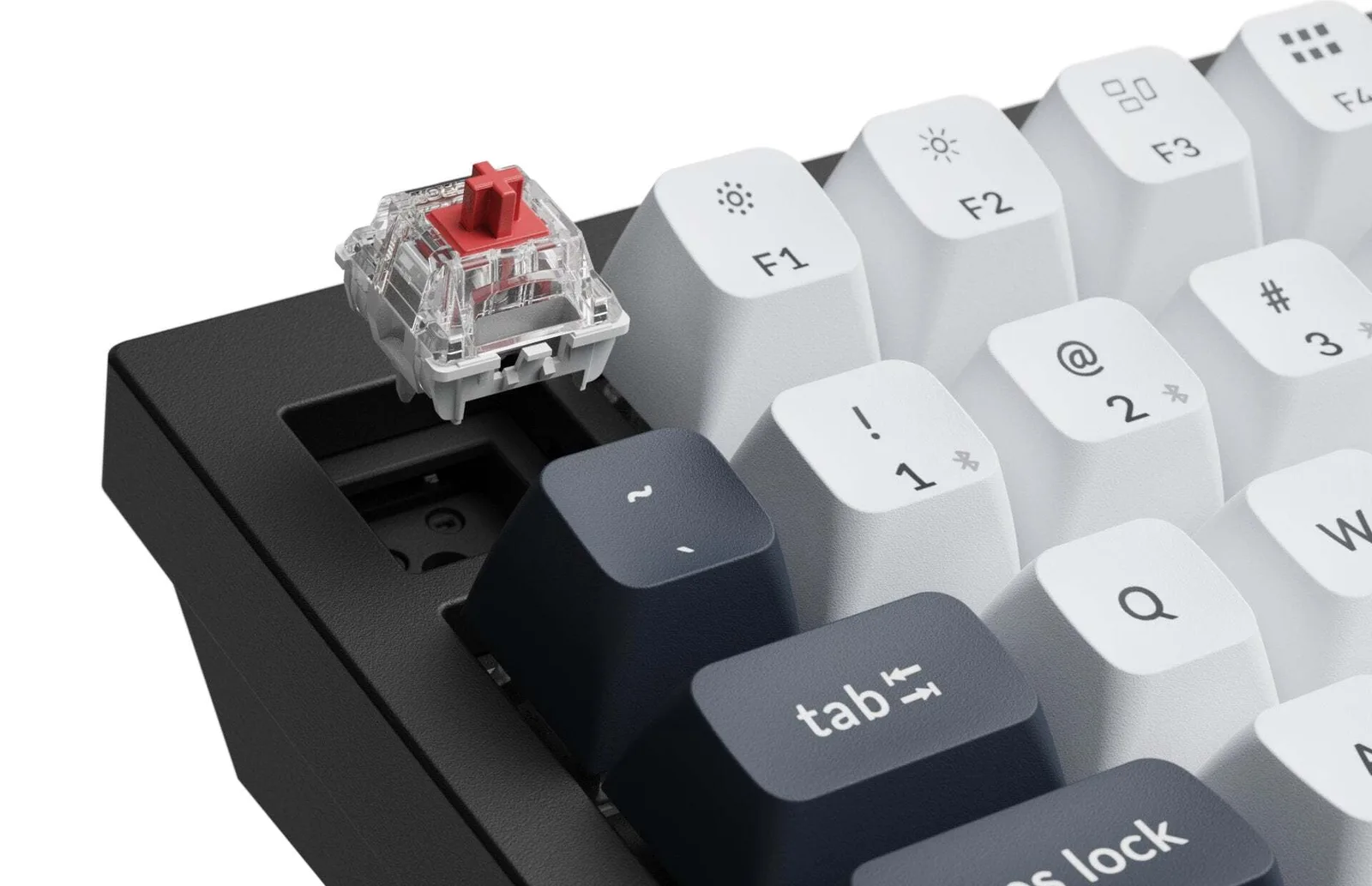
You do not have to get this right the first time. A hot-swappable board lets you pull switches out and push new ones in with no soldering, so you can start with one feel and change later. You can even swap only some keys, for example tactile on the letters and linear under WASD. Switch sample packs also let you try several types before buying a full set. When you are ready to swap, here is how to remove keyboard switches safely.
A switch above its hot-swap socket. (Image: Keychron)
Frequently Asked Questions
Is linear or tactile better for typing all day?
Many all-day typists prefer tactile because the bump confirms each key and lets you ease off before bottoming out. A light-touch typist who likes smooth keys can be happy on linear.
Are tactile switches fine for gaming?
Yes. A moderate bump is easy to press through, and the key still registers at the same depth as a linear switch of the same line.
Which is quieter, linear or tactile?
Neither is automatically quiet. Both are quieter than clicky switches, and the case, plate and keycaps change the final sound as much as the switch type does. Silent versions of both types add dampening without changing the basic feel.
And the Winner Is…
WinnerTactile (Keychron Silk POM Brown)
Linear wins on smoothness and keeps repeated taps effortless. If you game most of the day or type with a light touch, linear is the safer starting point because nothing gets in the way of fast taps. If you type for hours or tend to bottom out every key, tactile gives you the cue you are missing and still handles games fine. Between linear vs tactile switches, the best answer for most people on a first mechanical board is a mild tactile switch on a hot-swappable keyboard, since you can change your mind later without buying a new board.
I'm Sean, and I write the comparisons on GameCuki. I cover anything gamers weigh up before buying: consoles and handhelds, PC components and gaming laptops, monitors, controllers, headsets and accessories, plus subscriptions and services like Game Pass and PlayStation Plus. I put both options on the same checklist, using official specs, professional reviews and owner feedback, and I only mention what owners say when at least two of them report the same thing. Every comparison ends with one clear verdict and the type of player each option suits. I don't accept free products or payment from brands, and what I write comes from research, not my own use of the products. You can read my full process on our How We Review page.
Areas of Focus
Controller Match-UpsHeadset Match-UpsConsole vs. ConsoleSpecs & Latency