GameCuki is reader-supported. When you buy through links on our site, we may earn an affiliate commission at no extra cost to you. As an Amazon Associate I earn from qualifying purchases. Learn more.
Building or upgrading a gaming PC always lands on the same fork: Intel vs AMD for gaming. Both brands now make fast chips for DDR5 and PCIe 5.0 boards, so the real question is where each one pulls ahead. Here is how the Ryzen 7 9800X3D and the Core Ultra 7 270K Plus, each brand’s top gaming pick, split on frame rates, power, upgrades and price.
Best for Maximum Frame Rates
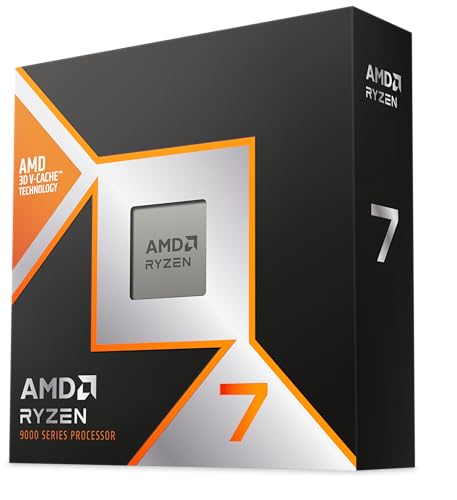
AMD Ryzen 7 9800X3D
Bottom LineThe pick for anyone who plays first and works second: 96MB of cache keeps frame rates highest in most games while drawing far less power than Intel.
Bottom LineA cheaper chip with 24 cores that stays close in many games and runs away with rendering and encoding, as long as you accept the hungrier power draw.
Intel vs AMD for Gaming: AMD’s 3D V-Cache Chip Leads on Frame Rates
For pure gaming, AMD holds the lead. The Ryzen 7 9800X3D has 8 cores and 16 threads, but what sets it apart is 96MB of L3 cache (32MB on the die plus 64MB of 3D V-Cache) against 36MB on the Core Ultra 7 270K Plus. Games love cache because it keeps the CPU from waiting on memory, and that shows up in the numbers.
At 1080p on high settings with an RTX 5090, the 9800X3D is ahead in most games by roughly 8 to 25%, depending on the title. Cyberpunk 2077 lands at 195 to 243 fps on the Ryzen against 177 to 217 fps on the Intel chip. Rainbow Six Siege runs at 426 to 480 fps against 389 to 443 fps. Final Fantasy XIV: Dawntrail and F1 25 show wider gaps, and only the turn-based Civilization VI favors Intel, by under a second per turn.
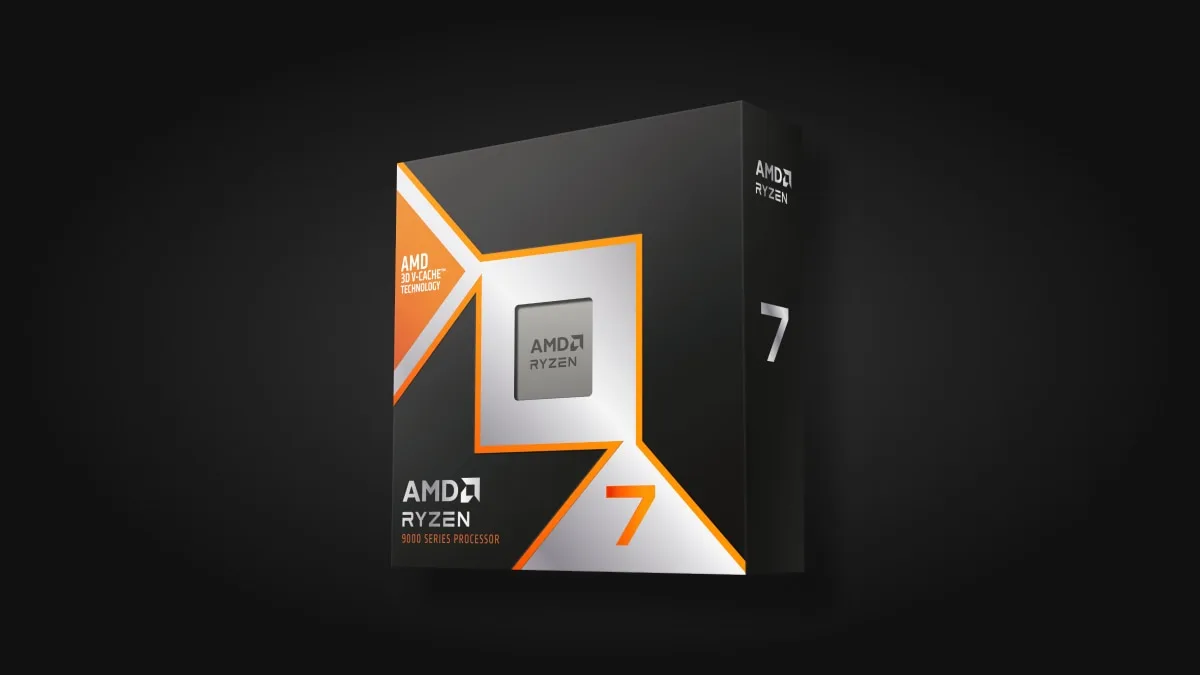
A Ryzen 7 9000 Series X3D box with the 3D V-Cache badge. (Image: AMD)
Those gaps are widest at 1080p with a top graphics card, where the CPU sets the limit. Push the resolution up or pair the chip with a mid-range GPU and the graphics card takes over, so the difference can shrink a lot. Go with the Ryzen if you chase high refresh rates in esports shooters and sim-heavy games. The Intel chip is still plenty fast if your monitor is 1440p and your GPU is the bottleneck.
Productivity and Streaming: Intel’s 24 Cores Pull Ahead
Intel flips the result once games are not the only job. The Core Ultra 7 270K Plus packs 8 performance cores and 16 efficiency cores, 24 in all, against 8 on the Ryzen. In 7-Zip compression it is about 54% ahead, in Cinebench 2026 multi-thread it leads by about 80%, and in Geekbench 6 multi-core by about 32%. Photoshop is the exception, where the 9800X3D leads by about 18%.
That matters if you stream, edit video or render between sessions. Intel’s hybrid design also lets background apps run on the efficiency cores while the performance cores handle the game. If you game for hours and then export 4K timelines, the extra cores earn their keep. If you mostly play and browse, they sit idle.
Power and Heat: AMD Runs Cooler and Cheaper to Feed
The 9800X3D has a 120W default TDP. The 270K Plus has a 125W base power and a 250W maximum turbo power, so it can pull far more under load. Whole-system draw in gaming and heavy loads ran from 132 to 262W with the Ryzen and 98 to 362W with the Intel chip, about 38% more at the peak. In a multi-core render the Intel chip reached 57°C against 48°C for the Ryzen.
For a gamer that means the Ryzen is easier to cool and quieter in a small case, while the Intel chip wants a good cooler and a power supply with headroom. AMD does not include a cooler with the 9800X3D, so budget for a good one on either platform.
Platform and Upgrades: AM5 Has a Future, LGA 1851 Probably Does Not
The Ryzen sits on AM5, a socket AMD is expected to keep supporting for multiple generations, so a later CPU drop-in is realistic. Intel’s chip uses LGA 1851, which is unlikely to get new processors. Intel platforms have a habit of changing sockets more often, so a future upgrade may mean a new motherboard.
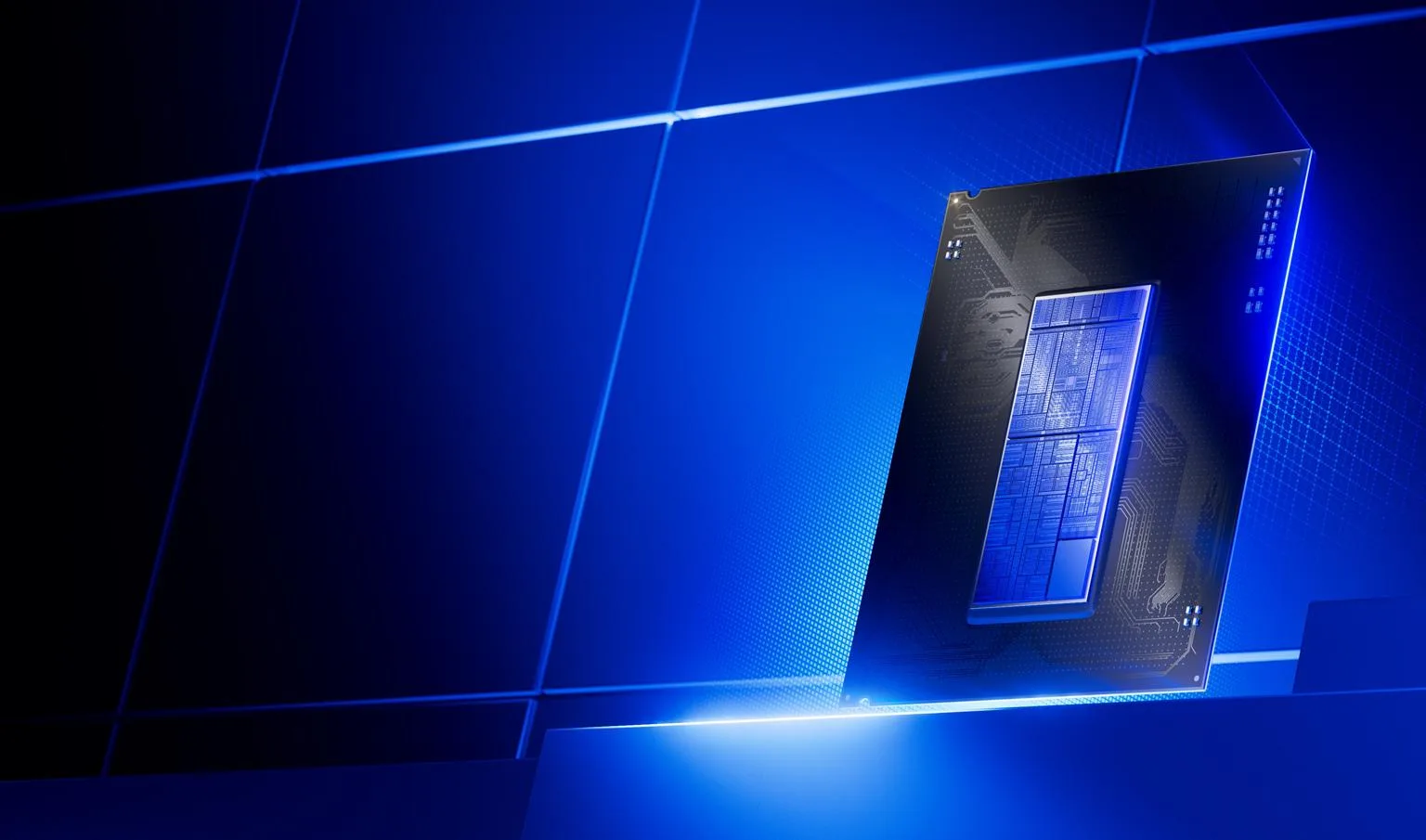
A render of the Intel Core Ultra 200S Plus processor family. (Image: Intel)
Both chips support DDR5 and PCIe 5.0, so neither is stuck on old tech today. If you pick the Ryzen, our best motherboard for 9800X3D guide covers boards from B650 to X870E. Pick AMD if you want to upgrade the CPU later without rebuilding. Pick Intel if you plan to keep the chip until you replace the whole PC.
Price and Value: Intel Costs Less, AMD Has Cheap Ways In
The Core Ultra 7 270K Plus is the cheaper chip, and with 24 cores it gives more multi-core work per dollar. That makes it the sensible buy when one PC has to game, stream and work. The 9800X3D asks for a clear premium in return for the best frame rates.
Further down the price ladder AMD has plenty of cheap entry points. Budget builders can look at the Ryzen 5 7600X on AM5, or older AM4 chips such as the Ryzen 5 5500 and 5700X for a cheap board and RAM combination.
Intel vs AMD for Gaming: Full Specs
Feature
Ryzen 7 9800X3D
Core Ultra 7 270K Plus
Cores / threads
8 / 16
24 (8P + 16E) / 24
Max boost clock
Up to 5.2 GHz
Up to 5.5 GHz
L3 cache
96 MB (with 3D V-Cache) Wins
36 MB
L2 cache
8 MB
40 MB
Power
120W TDP Wins
125W base, 250W max turbo
Socket
AM5
LGA 1851
Memory
DDR5
DDR5, up to 7200 MT/s
PCIe
5.0
5.0 and 4.0
Launch
November 2024
Q1 2026
Gaming (1080p, high)
Ahead in most games, roughly 8 to 25% Wins
Behind in most games
Multi-core work
8 cores
24 cores, far ahead in rendering and compression Wins
Intel vs AMD for Gaming: And the Winner Is…
WinnerAMD Ryzen 7 9800X3D
Intel makes a fair case. The Core Ultra 7 270K Plus is cheaper, has 24 cores and beats the Ryzen soundly in rendering, compression and streaming, and it stays close in many games. But when the question is Intel vs AMD for gaming, the Ryzen 7 9800X3D wins. It gives the highest frame rates in most games, runs cooler, draws less power and sits on a socket with a future. That is a better deal for anyone who mainly plays. Pick the Intel chip if your PC is also a work machine, or if your budget stops well short of the Ryzen.
I'm Sean, and I write the comparisons on GameCuki. I cover anything gamers weigh up before buying: consoles and handhelds, PC components and gaming laptops, monitors, controllers, headsets and accessories, plus subscriptions and services like Game Pass and PlayStation Plus. I put both options on the same checklist, using official specs, professional reviews and owner feedback, and I only mention what owners say when at least two of them report the same thing. Every comparison ends with one clear verdict and the type of player each option suits. I don't accept free products or payment from brands, and what I write comes from research, not my own use of the products. You can read my full process on our How We Review page.
Areas of Focus
Controller Match-UpsHeadset Match-UpsConsole vs. ConsoleSpecs & Latency