Playing Roblox on a gamepad only works if the game actually supports one, and many don’t. The best Roblox games with controller support are for players who’d rather use an Xbox, PlayStation or Bluetooth controller than a keyboard or touchscreen, and every game here says in its official description that it supports controllers or consoles, so you won’t be stuck with a game that only half works. The list covers shooters, fighting games, horror, sports, RPGs and relaxed collecting games.
We built this list from Roblox’s own data as of October 2026, including total visits and official maturity labels, and only included games whose developers list controller, Xbox, PlayStation or console support. Games are ordered by total visits.
Controller support: Console, PC and mobile (“You can play on any device”)
Visits: over 19.4 billion
Maturity label: Mild
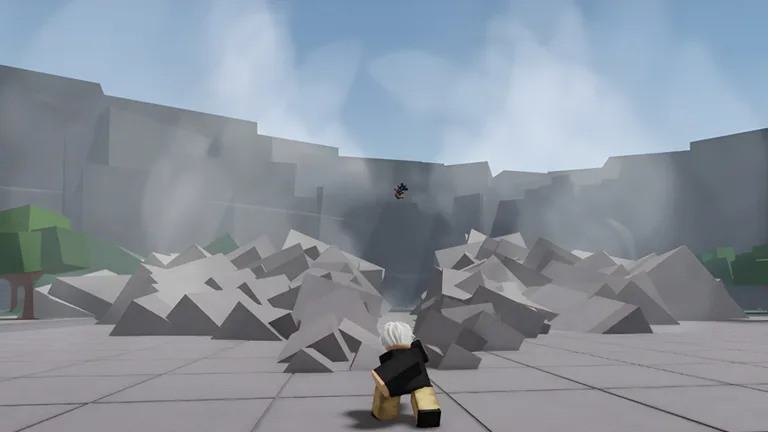
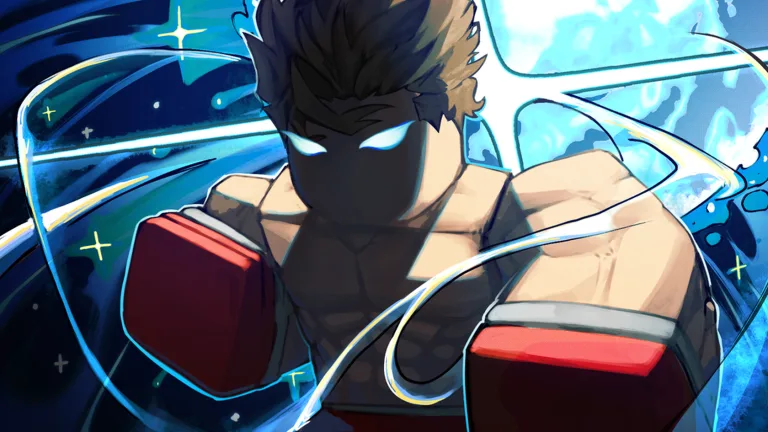
The Strongest Battlegrounds is a fast melee fighting game where you train and fight other players to become the strongest. Fights revolve around punches, blocks, dashes, ultimates and quick escapes when you get ragdolled. It won Best Fighting Experience at the 2024 Roblox Innovation Awards and is one of the most-visited fighting games on Roblox. The developers say it runs on any device, console included.
On controller: Battlegrounds fights are all about reacting fast, so keep your thumbs ready to switch between attacking, blocking and dashing. If the camera feels twitchy when you turn to track an opponent, lower the camera sensitivity in the Roblox settings menu. Spend a few rounds just practicing block timing before you jump into crowded servers.
Controller support: Desktop, phones, tablets, Xbox and PlayStation 5
Visits: over 18.6 billion
Maturity label: Mild
RIVALS is a first-person shooter built around duels, from 1v1 up to 5v5, where the first side to five wins. You step on a duel pad to challenge someone, earn keys to unlock new weapons and skins, complete contracts for exclusive rewards and climb the leaderboards with your win streak. The developers say it won Best Studio and Best Shooter, and it’s officially available on Xbox and PlayStation 5.
On controller: Since RIVALS is officially on Xbox and PlayStation 5, it’s one of the most natural shooters on Roblox to play with a pad. Short duels reward smooth aim over flick shots, so take a minute to find a camera sensitivity you can control, and use cover to reset fights instead of trading shots in the open.
Controller support: Desktop, console, mobile and tablet
Visits: over 7.1 billion
Maturity label: Minimal
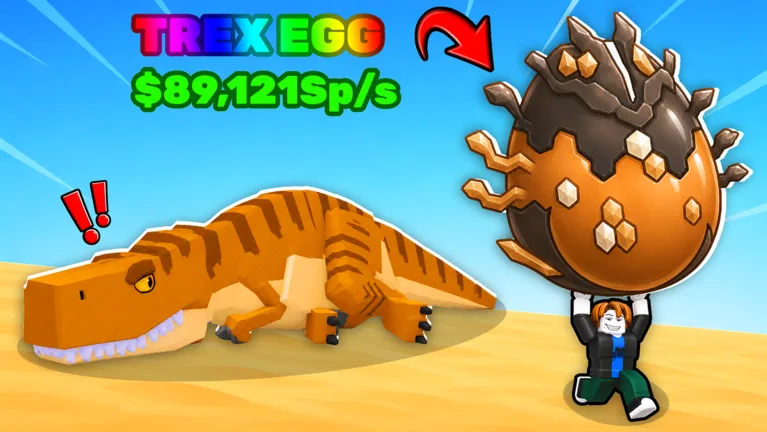
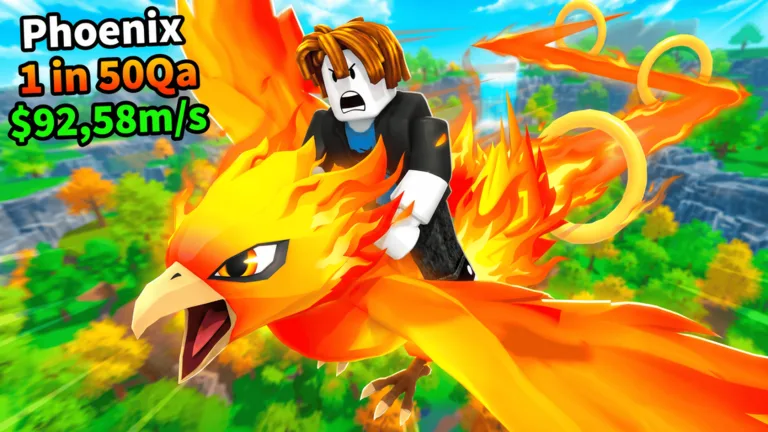
In Steal An Egg, you steal eggs, hatch them into rare pets and earn money from your collection. You upgrade your treadmill and base, train to get faster and steal eggs from other players, while hunting for rarer eggs, pet sizes and mutations. The developers list console support alongside desktop, mobile and tablet.
On controller: There’s no precise aiming here, so it’s one of the most relaxed games on the list to play on a controller. Most of your time is spent running between eggs, your base and other players’ pets, which suits a thumbstick well. It’s a good pick for younger players who are still getting used to a gamepad.
Controller support: Console (controller buttons listed: R1 to block, X for ability)
Visits: over 6.5 billion
Maturity label: Mild
Blade Ball is a game of timing: a homing ball chases players with increasing speed, and you have to deflect it before it hits you. You unlock and upgrade abilities to suit your playstyle, climb the ranks and show off weapon skins and finisher effects. Its control list includes controller buttons, with R1 to block and X to use your ability.
On controller: Blade Ball comes down to one well-timed block, so put the block button somewhere your thumb or finger rests at all times. The listed R1 default works well for that. Focus on watching the ball rather than moving around a lot, since timing matters more than movement.
Controller support: Controller controls listed (Right Trigger to use items, B to crouch)
Visits: over 14.4 billion
Maturity label: Mild
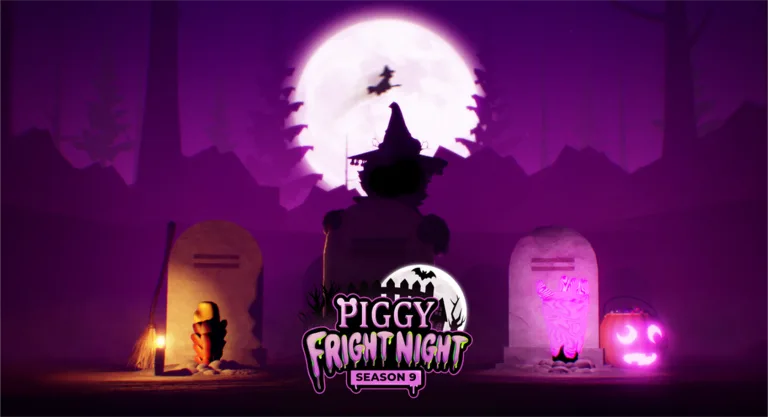
Piggy is an episodic horror series inspired by Granny and Peppa Pig, where you try to escape Piggy and uncover the story behind it across chapter-based maps. Before each round, players vote on a map and a game mode. The control list includes a controller layout: Right Trigger picks up and uses items, and B crouches or places traps.
On controller: Piggy plays slowly enough that a controller feels comfortable from the start. Using the trigger to pick up and use items keeps your thumb free for the camera, which helps when you’re checking corners for Piggy. Turn the camera sensitivity down a little if you find yourself overshooting doors and hallways.
Best for: Players who want a slower horror escape that’s easy on a controller. Play Piggy on Roblox
6. Flee the Facility
Flee the Facility by A.W. Apps. (Image: Roblox)
Developer: A.W. Apps
Genre: Survival, 1 vs All
Controller support: Phones, tablets, PC, Xbox and PlayStation
Visits: over 6.1 billion
Maturity label: Mild
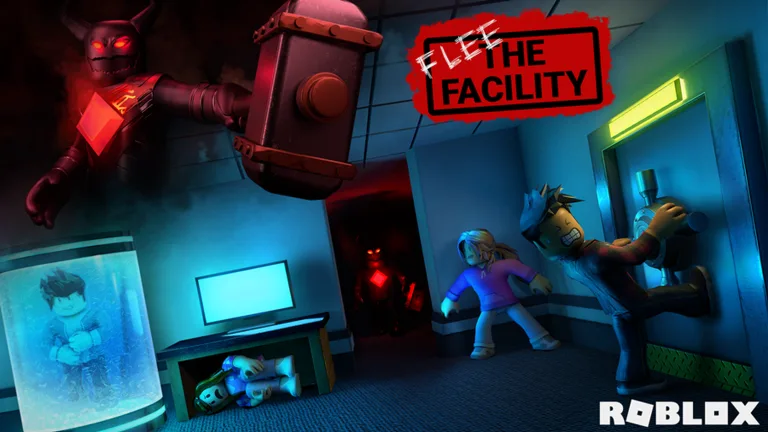
Flee the Facility is a one-versus-all horror game. Up to four Survivors hack computers to unlock the exits, while one player is the Beast who hunts them down and freezes them in cryo pods. The developers say it runs well on phones, tablets, PC, Xbox and PlayStation, so everyone can join from whatever they have.
On controller: Flee the Facility runs on Xbox and PlayStation, so it’s built to work with a pad. As a Survivor, smooth camera control matters more than speed, since you need to watch the Beast while you hack. As the Beast, a slightly higher camera sensitivity can help you turn quickly in tight corridors.
Controller support: Console controls listed (RT to bump and spike, LT to set and block, X to dive)
Visits: over 3.9 billion
Maturity label: Minimal
Volleyball Legends is fast-paced 6v6 volleyball you can play casually with friends or in ranked matches. Its control list includes full console controls: RT to bump and spike in midair, LT to set and block, and X to dive, and you serve by pressing RT twice to pick your power. It’s a good example of a sports game designed with controllers in mind.
On controller: This is one of the best-designed games on the list for a controller, because every core move has its own button on the triggers and face buttons. Practice your serve timing first, since it uses the same button twice, and learn when to dive with X instead of running for every ball.
Controller support: Console, PC and mobile (“works on all devices”)
Visits: over 1.7 billion
Maturity label: Mild
Heroes Battlegrounds is a battlegrounds fighting game where you fight to become the number one hero or villain. You take on bosses and unlock mastered versions of characters to grow stronger, with regular updates adding and reworking heroes. The developers say it works on all devices, including console.
On controller: Like other battlegrounds games, Heroes Battlegrounds is about reacting quickly between attacks, blocks and dashes. Learn one character’s moves well before trying others, and lower the camera sensitivity if keeping an opponent in view feels hard during fast fights.
Untitled Boxing Game by drowningsome. (Image: Roblox)
Developer: drowningsome
Genre: Action, Battlegrounds & Fighting
Controller support: Xbox controls listed (A to dash, B to block, X light punch, Y heavy punch)
Visits: over 1.5 billion
Maturity label: Mild
Untitled Boxing Game is a PvP boxing game where you fight other players for money. You unlock fighting styles through spins, and the developers say every style is viable, with rarer ones just looking cooler. Its control list includes an Xbox layout: A to dash, B to block, X for a light punch and Y for a heavy punch.
On controller: With dash, block and both punches on the four face buttons, the controller layout keeps everything under one thumb. That makes it easy to learn but means you’ll be rolling your thumb quickly between buttons, so practice switching between blocking and punching before ranked fights.
Controller support: PC, phones, tablets and console
Visits: over 1.3 billion
Maturity label: Mild
Hypershot is a fast first-person shooter with classic modes like Team Deathmatch, Capture the Flag, Free for All and Gun Game. You can team up with friends for 1v1 or 2v2 duels, use abilities to outplay opponents and earn coins and gems to unlock weapons, skins and abilities. The developers list console support.
On controller: Hypershot is fast, and its abilities add another button to think about mid-fight, so it rewards players who are already comfortable aiming with a stick. Find a camera sensitivity you can control, and start in casual modes like Team Deathmatch before taking on 1v1 duels.
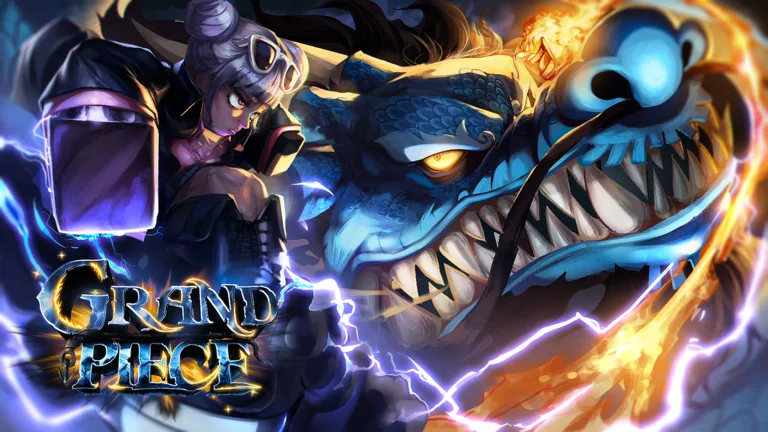
Grand Piece Online is a high-seas adventure RPG where you set sail in search of wealth, fame and power. You level up through quests, learn fighting styles and find fruits that grant special abilities, then prove yourself in arena modes and a battle royale. The developers list controller support along with PC and mobile.
On controller: Grand Piece Online is a long RPG grind with lots of menus, quests and sailing, so a controller is comfortable for long sessions on the couch. Combat matters most in arena and battle royale modes, where you’ll want to know your fighting style and fruit moves well before you jump in.
Controller support: Console controls in the in-game tutorial
Visits: over 818 million
Maturity label: Moderate
TYPE://SOUL is an action RPG with deep combat that includes a reaper weapon, monster transformations, element movesets and a skill tree. The keyboard controls are long, but the developers say console controls are covered in the in-game tutorial. It contains jumpscares and flashing lights.
On controller: TYPE://SOUL has one of the longest keyboard control lists on Roblox, so expect a learning curve on controller. Go through the in-game tutorial first, since that’s where the console controls are explained, and focus on a few core moves before learning every transformation.
Controller support: PC, mobile, tablet, Xbox and PlayStation
Visits: over 582 million
Maturity label: Mild
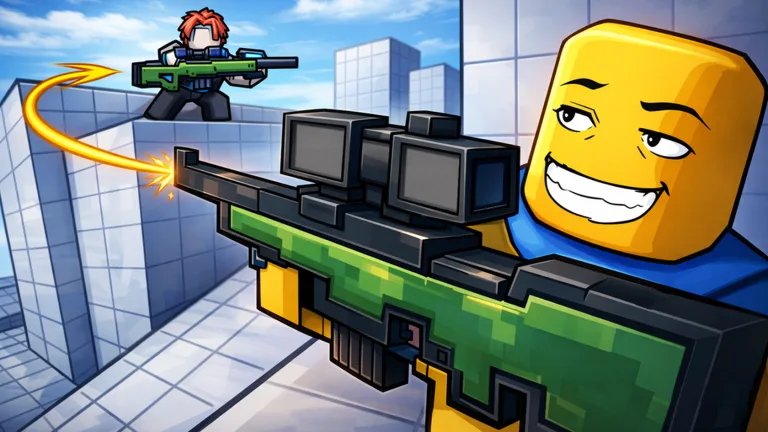
One Tap is a fast free-for-all sniper arena with no teams. Snipers kill in one shot, secondaries in two (or one to the head), and you can also fight with melee weapons. You unlock more than 70 weapon skins, roll cases for rare cosmetics and earn rewards from levels, daily tasks and quests. Xbox and PlayStation are officially supported.
On controller: One-shot snipers are tough on a thumbstick, so this is a game for players who already like aiming with a controller. Lower camera sensitivity can make small adjustments easier, and the secondary weapons and melee give you backup when a long shot isn’t working.
Controller support: Controller supported (press SELECT to view controls)
Visits: over 551 million
Maturity label: Mild
Notoriety: A PAYDAY Experience is a first-person co-op shooter where you join a crew to plan and pull off heists. You can join public heists or start your own, and pressing SELECT on a controller during a heist shows the controls. It’s a great pick for a group that wants to work together.
On controller: Notoriety’s heists reward careful planning more than lightning-fast aim, which makes it friendlier on a controller than most shooters. Press SELECT during a heist to check the controls, and coordinate with your crew so everyone knows their job before things get loud.
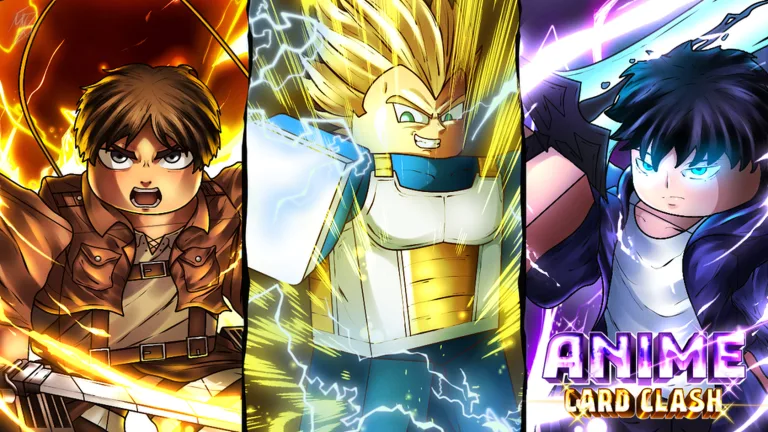
Anime Card Clash is a card-collecting game where you roll for cards, build a deck and use it in story maps, Infinite Towers and Nightmare Modes. You can also fight in PvP for leaderboard rankings, take on secret boss raids and climb the Battle Tower. The developers list console support.
On controller: Most of Anime Card Clash happens in menus and automated battles, so a controller works well and nothing depends on precise aiming. It’s an easy game to play on the couch or on a console for long grinding sessions.
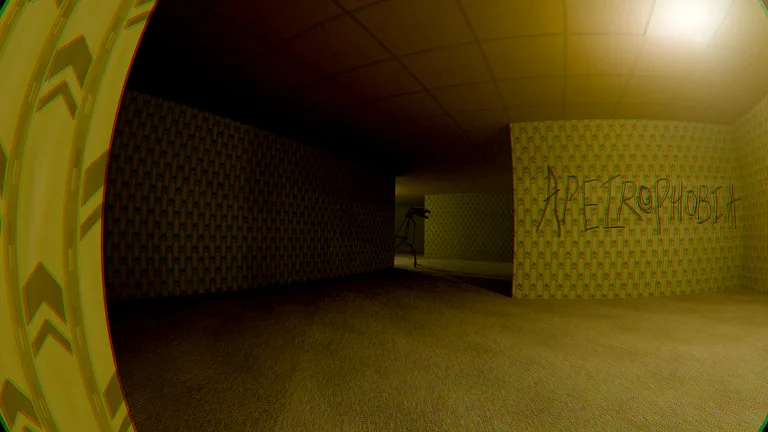
Apeirophobia is a horror game built around exploring endless rooms inspired by the Backrooms. You move through levels by solving puzzles and hiding from entities, and it warns about sudden jumpscares, flashing lights and loud noises. The developers say it includes PC, mobile and Xbox support.
On controller: Exploring and solving puzzles is slow and deliberate, so Apeirophobia feels natural on a controller. Keep the camera sensitivity moderate so you can look around smoothly in dark rooms, and play with headphones like the developers recommend.
Blair is a ghost-hunting game inspired by Phasmophobia. Your team gathers evidence, works out which type of ghost you’re dealing with, from Demons to Spirits, and explores haunted locations. The developers describe it as console and mobile friendly, and it has voice chat radios for coordinating with friends.
On controller: Ghost hunting is mostly about exploring, using equipment and talking to your team, so a controller works well. Since the developers built voice chat radios into the game, a headset makes coordinating with friends much easier when you’re playing on console.
Controller support: Desktop, console, mobile and tablet
Visits: over 320 million
Maturity label: Minimal
In Ride A Pet, you find eggs around the map, hatch faster pets to reach rarer eggs and mutate your pets to make them even faster. It’s a simple, relaxed progression game, and the developers list console support.
On controller: Ride A Pet has no combat or aiming, so it’s about as easy as controller play gets. It’s a good first Roblox game for younger players who are just learning to use a gamepad.
Controller support: Desktop, phones, tablets, Xbox and PlayStation 5
Visits: over 303 million
Maturity label: Mild
Sniper Arena is built around fast sniper battles and ranked matches. Skins are cosmetic only, so there’s no pay-to-win, and you can open crates and sell skins on a player-driven market. It’s officially available on Xbox and PlayStation 5.
On controller: Like One Tap, Sniper Arena asks for precise aim, which is harder on a stick than with a mouse. Start in casual matches, find a camera sensitivity you’re comfortable with and only move to ranked once your shots feel consistent.
Controller support: Console, PC and mobile (“works on all devices”)
Visits: over 270 million
Maturity label: Mild
Jump Showdown is a battlegrounds fighting game where you clash as a cast of familiar characters. The developers say it works on all devices, including console.
On controller: As a battlegrounds game, Jump Showdown rewards quick switches between attacks, blocks and dashes. Stick with one character until you know its moves, and adjust the camera sensitivity if fights feel hard to follow.
Controller support: Mobile and Xbox (LT to sprint)
Visits: over 203 million
Maturity label: Moderate
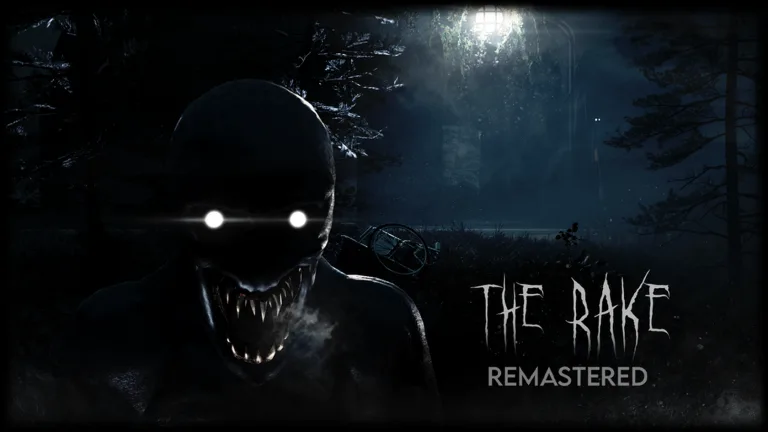
In The Rake Remastered, the Rake stalks the forest at night, and you have to run, hide and survive until morning. Between nights, you collect items or spend the points you’ve earned in the shop to get a better inventory. It’s available on Xbox, and the controls list LT to sprint.
On controller: With sprint on LT, running away from the Rake feels natural on a controller. Keep your camera sensitivity moderate so you can check behind you quickly without losing your sense of direction in the dark forest.
Anime Card Collection by Crew Simulators. (Image: Roblox)
Developer: Crew Simulators
Genre: Simulation, Incremental Simulator
Controller support: Desktop, mobile, tablet and console
Visits: over 158 million
Maturity label: Minimal
Anime Card Collection is a collecting game where you open card packs, store your cards in a binder and earn money from your collection to buy better packs. The developers list console support.
On controller: There’s nothing fast or precise to control here, so it plays perfectly on a controller. It’s a good game to have running in a relaxed session when you just want to open packs and build your binder.
Controller support: Console (aim assist sensitivity can be adjusted in settings)
Visits: over 111 million
Maturity label: Mild
Slayers 2 lets you become the blade that fights evil spirits, or the evil spirit that hunts them. The developers note that console players can adjust their aim assist sensitivity in the settings.
On controller: Slayers 2 is one of the few games here that mentions aim assist for console players, which helps in PvP fights. Check the aim assist sensitivity setting the developers point to and tune it until tracking opponents feels comfortable.
Anime Ability Arena by no dj khaled we the best. (Image: Roblox)
Developer: no dj khaled we the best
Genre: Action, Battlegrounds & Fighting
Controller support: PC, mobile, tablet, Xbox and PlayStation
Visits: over 108 million
Maturity label: Mild
Anime Ability Arena is a fast arena fighter with 20 playable characters, each with its own moveset. You defeat players to earn Yen, then use it to unlock new characters and find the one that fits your style. Xbox and PlayStation are officially supported.
On controller: Arena fights are quick, so learn one character’s moveset well before unlocking more. Since the game is officially on Xbox and PlayStation, it’s designed with controllers in mind, and lowering the camera sensitivity can help you keep opponents in view.
Controller support: PC, mobile, tablet, Xbox and PlayStation
Visits: over 99 million
Maturity label: Mild
In Ability Arena, you pick an ability and head straight into the arena, unlocking more by fighting other players and landing hits. There are 28 ability movesets so far, with more on the way. Xbox and PlayStation are officially supported.
On controller: Fast arena fights reward quick reactions, so try a few abilities to find one that feels good on a controller before committing your hits to unlocking others. It’s officially on Xbox and PlayStation, so it’s built to work with a pad.
Controller support: Controller supported, but keyboard and mouse recommended
Visits: over 78 million
Maturity label: Moderate
Decaying Winter is a wave-based roguelike co-op survival game set on EDEN-227, a hostile planet where the day brings a lethal storm. You fight scavengers, raiders and seemingly supernatural enemies until evacuation. The developers say it can be played with a controller but recommend keyboard and mouse, so it’s best for controller players who don’t mind a learning curve.
On controller: The developers recommend keyboard and mouse, so expect aiming to feel harder on a controller. If you still want to use a pad, play with a co-op group that can cover you, and take your time learning the controls in early waves.
The Vampire Legends 2 by Insidious Game Studios. (Image: Roblox)
Developer: Insidious Game Studios
Genre: Action, Battlegrounds & Fighting
Controller support: PC, mobile and console
Visits: over 43 million
Maturity label: Moderate
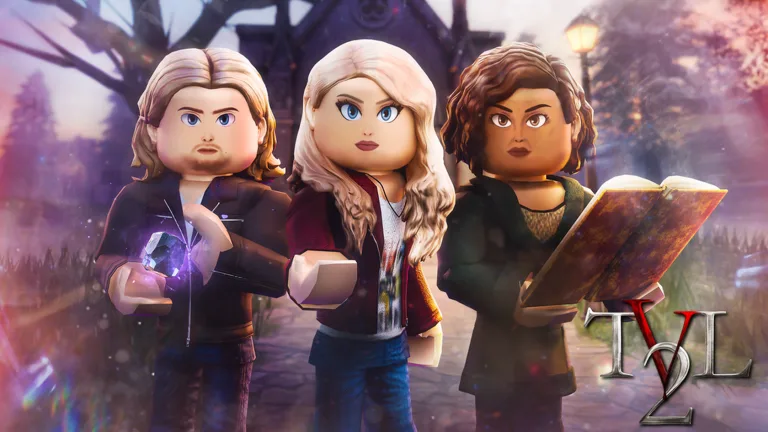
The Vampire Legends 2 is a supernatural roleplay game where you play as vampires, witches, werewolves and more, each with unique abilities. You explore places like Moonlight Creek, the Supernatural Academy and the French Quarter of New Orleans, and you can play premade characters or fully customize your own. The developers list console support.
On controller: Roleplay and exploring are relaxed on a controller, and you only need quick reactions when supernatural abilities come into play. It’s a comfortable pick for long sessions with friends on console.
Controller support: Console, PC, phone and tablet (controller supported)
Visits: over 25 million
Maturity label: Minimal
Carry the Glass Together is a two-player co-op obby where you and a friend carry a fragile pane of glass up a dangerous tower. You coordinate your movements, tilt the glass through tight gaps and dodge swinging hammers, with checkpoints so you don’t restart from the beginning. The developers say it’s now on console with controller support.
On controller: Carrying a fragile pane through an obstacle course takes careful, steady movement, and a thumbstick gives you more control over small adjustments than keys do. Talk to your partner before every tricky section, since one rushed move can shatter the glass.
Controller support: Controller layout listed (left stick to ski, A to jump, D-pad or X for tricks)
Visits: over 20 million
Maturity label: Minimal
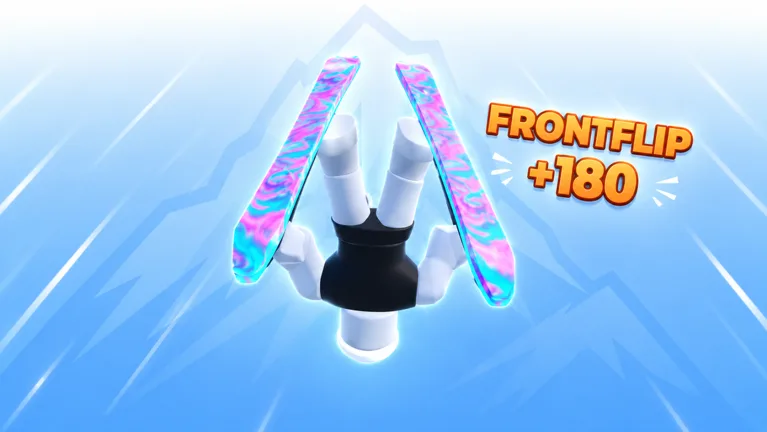
SKI is a hardcore, fast-paced skiing game where you keep your speed, avoid crashing, race friends, land tricks and chase world records. Its control list includes a full controller layout: left stick to ski, A to jump, right stick for the camera and D-pad or X for tricks. It’s still in beta.
On controller: Analog sticks are great for skiing because you can make small steering adjustments at speed. Learn the jump and trick buttons on easy runs first, since every crash costs time when you’re chasing records.
Best for: Racing fans who want a skill-based challenge. Play SKI on Roblox
30. 8 Ball Duels
8 Ball Duels by Pool Duels. (Image: Roblox)
Developer: Pool Duels
Genre: Sports, Racing
Controller support: Desktop, mobile, Xbox and PlayStation 5
Visits: over 14 million
Maturity label: Minimal
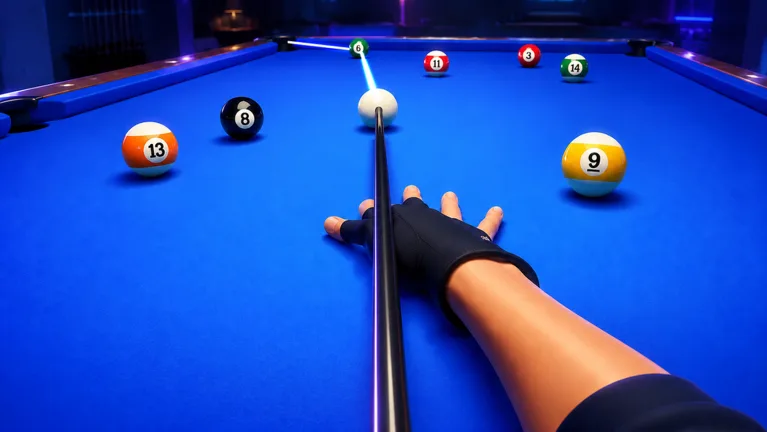
8 Ball Duels is a competitive pool game where you beat other players to earn coins and upgrade your equipment. You can create trickshots and challenge friends to match them, and climb the leagues. Xbox and PlayStation 5 are supported.
On controller: Pool is slow and precise, so a controller works well as long as you take your time lining up shots. Lower the camera sensitivity if aiming your cue feels jumpy.
Roblox accepts input from gamepads such as Xbox and PlayStation controllers, but each game decides how to use them, which is why it pays to pick games that list controller support.
On Xbox and PlayStation: Roblox has its own app on both consoles, and the controller is the default input. Games that list Xbox, PlayStation or console support in their description are the ones built to work there.
On PC: plug in a USB controller or pair a Bluetooth controller, then join a game. Games that support it can switch to the controller as your main input, while your keyboard and mouse keep working.
Check the controls: many games list their controller buttons in the description or in an in-game tutorial, like Volleyball Legends, SKI and TYPE://SOUL above.
If a game ignores your controller: the game itself may not support gamepads. Look for “controller” or “console” in its description before you start.
Of all the best Roblox games with controller support, RIVALS is the easiest recommendation for shooter fans, since it’s officially on Xbox and PlayStation 5. Fighting game fans should start with The Strongest Battlegrounds, and sports fans will feel right at home in Volleyball Legends, which maps every move to a controller button. For co-op, try Notoriety or Carry the Glass Together, and if you want scares, Flee the Facility and Blair both work on console.
I'm Josh, and I build the top game lists on GameCuki, ranking the best games by genre, platform and year across PC, consoles, mobile, Roblox and the browser. I start by checking what the best-ranking lists for a topic include, then back every pick with data, such as player review scores and minimum system requirements from Steam for PC lists, and official game pages and player counts for Roblox lists. Each entry shows the facts first, then why the game made my list and any catch you should know about. I update my lists when new games arrive or requirements change. You can read my full process on our How We Review page.
Areas of Focus
RobloxGame Lists by GenreMultiplayer & Co-opPlatform Picks