
More Adventure Games



About Roll Kingdoms
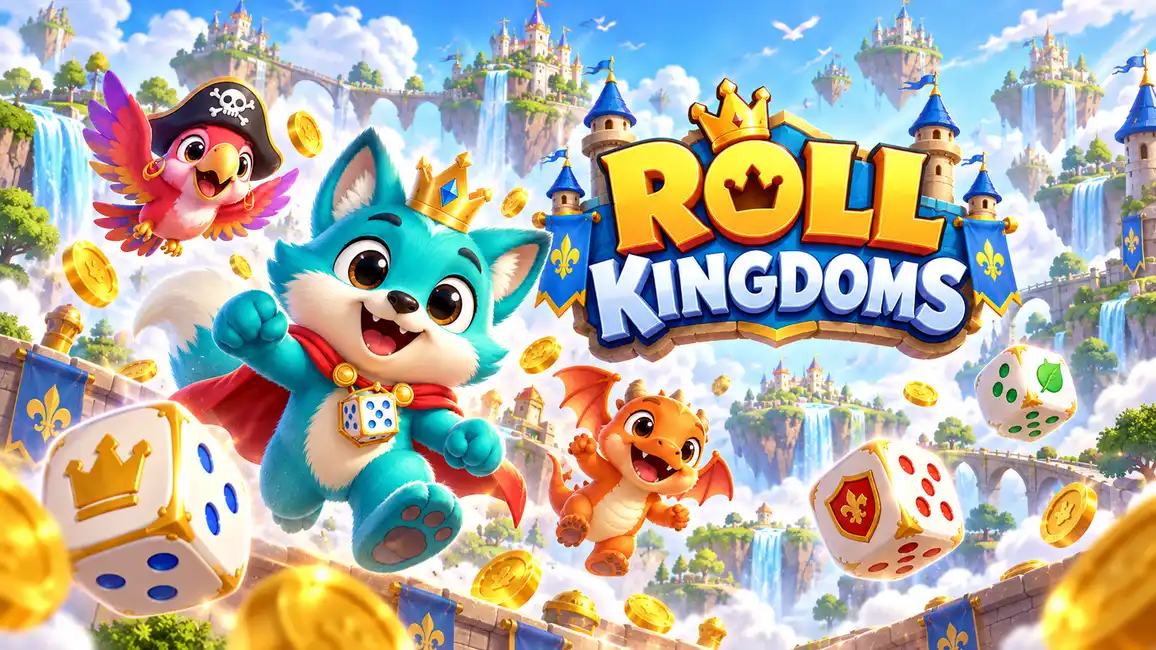
Roll Kingdoms is a colorful 3D board adventure where every dice throw moves you across three floating kingdoms. Along the way you explore, build and collect, with the goal of turning 18 ruined buildings into royal landmarks. It plays free in your browser on desktop, Android and iOS.
How to Play Roll Kingdoms
Each turn starts with a press or tap on the ROLL button, which throws two dice and moves your piece around the board. The tile you land on decides what happens next.
Tile Types
- Coin tiles
- Crown tiles
- Mystery tiles
- Upgrade tiles
- Mini-game tiles
Building Upgrades
The coins you pick up on the board go into building upgrades. Every building starts as a ruin at level 0 and can climb to level 4, where it becomes a royal landmark.
Mini-Games
Landing on a mini-game tile launches one of six short interactive challenges. On desktop you use the mouse and follow the keyboard prompts shown on screen. On mobile you use touch controls with on-screen prompts.
Finishing the Campaign
Complete every building and objective in Sunny Keep, Pirate Cove and Ember Kingdom to unlock the Royal Festival. Finishing the festival wraps up the whole campaign.
Unlockables
- Characters
- Dice
Roll Kingdoms Controls
- Press or tap ROLL: throw two dice and move around the board
- Mouse (desktop): play the mini-games, following the keyboard instructions on screen
- Touch (mobile): play the mini-games, following the on-screen prompts