GameCuki is reader-supported. When you buy through links on our site, we may earn an affiliate commission at no extra cost to you. As an Amazon Associate I earn from qualifying purchases. Learn more.
Your PS5 fills up after a handful of 100GB installs, and deleting a game you plan to finish later is a bad trade. The best external hard drive for PS5 solves that by parking your whole backlog on a USB drive, ready to copy back to the console in minutes instead of redownloading for hours. The eight drives below cover the officially licensed options, big-capacity HDDs for huge libraries and fast USB SSDs for quick restores.
One thing to know before you buy: a PS5 can store PS5 games on a USB drive but cannot run them from it, while PS4 games do run straight off the drive. If you want to play new games from the added space, that job belongs to an internal M.2 card, and our best SSD for PS5 list covers those.
Best External Hard Drive for PS5: Our Picks in Detail
GameCuki may earn a commission if you buy through the links below. That never changes which drives make the list or how they rank.

1
Best Overall for PS5
Seagate Game Drive for PlayStation 5TB
Bottom line: The officially licensed, plug-and-play way to hold a huge PS5 library, best for players who want a drive that simply works without a compatibility check.
If you want a drive that never makes you wonder whether it will be accepted, this is it. Seagate built it for PlayStation and the PS5 simply treats it as extended storage.
Pros & Cons
Pros- Officially licensed for PlayStation with firmware made to work with every PS5 and PS4 model
- Stores PS5 games and keeps PS4 games playable straight from the drive
- 5TB holds a library that would fill the console many times over
- Plug and play, ready in under two minutes with no software
- Slim, light body at around 340 grams that fits a bag or sits by the console
- White finish with a blue LED strip that matches the PS5 look
- Special editions with God of War Ragnarok and Horizon Zero Dawn artwork exist
Cons- PS5 games must be copied back to the console before you can play them
- Hard disk speeds make copies slower than any SSD on this list
Why We Picked It
Plenty of USB drives work on a PS5, but this is the one with the PlayStation license, a design that looks at home next to the console and 5TB of room in a pocketable body. The 5TB version gives you room to keep nearly everything installed on a shelf, which is the point of buying an external drive in the first place.
Who It's For
Your library has grown past what the console can hold and you are tired of choosing which game to delete. You want to set it up once, let it sit next to the PS5 and forget about compatibility.
It also suits anyone with a pile of PS4 games, since those play directly from the drive without moving anything.
Specs & Configurations
- Type
- portable HDD
- Capacity
- 5TB (2TB also sold)
- Interface
- USB 3.0
- Licensed
- official PlayStation license
- Plays PS5 games from drive
- no
2
Best for a Tight Budget
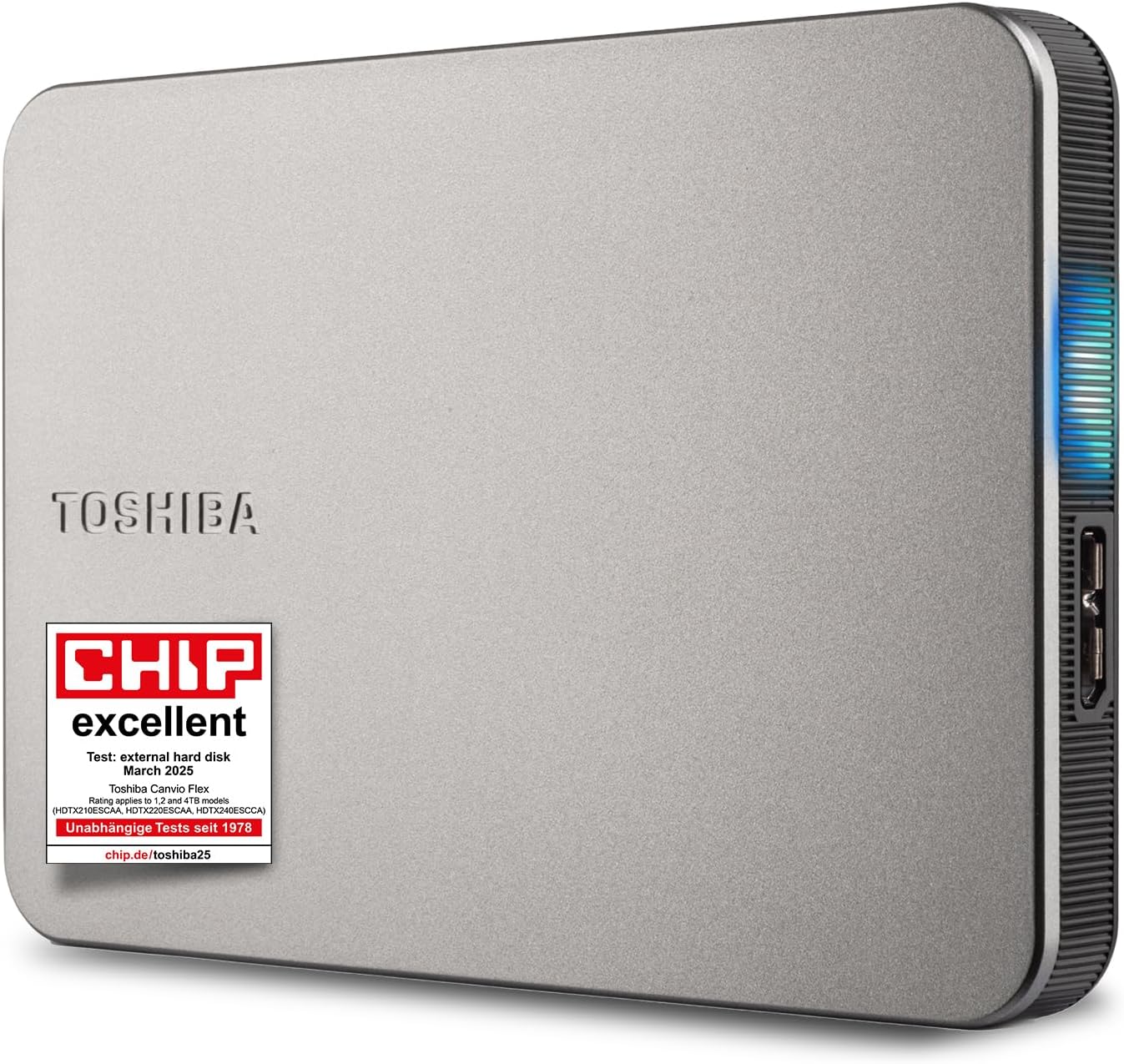
Toshiba Canvio Flex 2TB
Bottom line: A basic silver portable HDD that handles PS5 game archiving without frills, best for players who want solid storage space for the least money.
The Canvio Flex does the one job most players need and charges little for it. It is not fast and it is not flashy, but it moves games on and off your console reliably.
Pros & Cons
Pros- Keeps the cost of extra terabytes low compared with licensed gaming drives
- 1TB, 2TB and 4TB sizes let you buy only the space you need
- Connects to USB-C or USB-A ports
- Silver and white coloring that sits well beside a PS5
- Compact and light enough to carry to a friend's house
- Shock-resistant body helps it survive bumps in a bag
- PS4 games run from it directly
Cons- Speeds are modest, with a 10GB file moving at roughly 80MB/s
- Plain look with no lighting or PlayStation branding
Why We Picked It
Our budget pick has to be cheap and still dependable, and this drive meets both. It works with USB-C and USB-A ports, setup is a few clicks, and the three capacities mean you are never paying for space you will not use.
Who It's For
You want a second shelf for your games without spending real money on it. A few big installs are already crowding the console, and an archive drive for the games you will return to is all you need.
It also works well as a starter drive for a younger player's console, where speed matters less than space.
Specs & Configurations
- Type
- portable HDD
- Capacity
- 2TB (1TB and 4TB also sold)
- Interface
- USB 3.0 (5Gbps)
- Connector
- works with USB-C and USB-A
- Plays PS5 games from drive
- no

3
Best Licensed USB SSD
SanDisk Extreme Portable SSD for PS5 2TB
Bottom line: A rugged, officially licensed portable SSD that moves PS5 games back to the console quickly, best for players who restore games often and hate waiting.
Pick this if waiting on a copy is what bothers you most. Restoring a game from this drive is a fraction of the time an HDD takes.
Pros & Cons
Pros- Officially licensed for PlayStation 5 consoles
- Up to 1,000MB/s reads copy an archived game back far faster than an HDD
- IP65 dust and water resistance for travel or messy desks
- Survives drops of up to 3 meters
- Five-year limited warranty
- Weighs only 2.4 ounces and fits a pocket
- Also works with a PC, so one drive covers both
Cons- Tops out at 2TB, which a big library can fill
- PS5 games still need to be copied back before you can play them
- Costs more per terabyte than any hard drive
Why We Picked It
It pairs a PlayStation license with SSD speed and a case that shrugs off bumps and splashes. Among licensed USB drives, it is the one that feels built to be carried around, which is handy if the console is not always in the same room.
Who It's For
You rotate between two or three big games and move them on and off the console every week. A slow copy before every session wears thin, and a fast restore removes that friction.
It is also a good fit if you take your games to a friend's house or a second PS5, since the drive is tiny and tough.
Specs & Configurations
- Type
- portable SSD
- Capacity
- up to 2TB
- Read speed
- up to 1,000MB/s
- Durability
- IP65, 3-meter drop protection
- Warranty
- 5 years

4
Best for Huge Libraries
WD_Black D10 Game Drive 8TB
Bottom line: An 8TB, 7,200rpm drive with active cooling and two USB charging ports, best for players who keep a giant library and want the most space Sony allows.
This is the drive for someone who stopped counting installs a long time ago. It is the quickest way to add a lot of space without paying for SSD prices.
Pros & Cons
Pros- 8TB is the largest capacity the PS5 accepts, with room for roughly 200 games at a 36GB average
- 7,200rpm speed beats the 5,400rpm drives most rivals use
- Up to 250MB/s makes copies quicker than a typical portable HDD
- Active cooling is built in for long transfers
- Two 7.5W USB-A ports charge a controller or headset
- Bold WD_Black styling and a rugged build
Cons- Runs warm and the fan can be audible
- Bulkier and heavier than pocket drives, so it suits a desk or shelf
- Comes in a single 8TB size
Why We Picked It
8TB is the most storage a PS5 will accept, and the D10 pairs it with a 7,200rpm disk, and the USB-A ports on the drive let you charge a controller while you archive, which is a neat extra on a gaming drive.
Who It's For
Your library runs into the hundreds of games across PS5 and PS4, and a 2TB drive would fill up in a month. You want one big drive that stays on the shelf and never makes you delete anything.
It suits a console that lives in one spot, since the extra size makes it awkward to carry around.
Specs & Configurations
- Type
- HDD, 7,200rpm
- Capacity
- 8TB
- Speed
- up to 250MB/s
- Cooling
- active cooling
- Extras
- two 7.5W USB-A charging ports

5
Best Roomy Portable HDD
WD_Black P10 Game Drive 5TB
Bottom line: A portable, metal-topped HDD that holds up to 6TB across its range, best for players who share one big drive between a PS5 and a PC.
The P10 is a roomy, no-fuss drive that does not tie you to one console. It is a smart pick if you game on more than one system.
Pros & Cons
Pros- Holds PS5 games for archiving and PS4 games for direct play
- Capacity options up to 6TB across the range
- Metal top covering gives it a sturdier feel than all-plastic drives
- Works on PC and Xbox too, so the drive follows you between systems
- Three-year limited warranty
- Compact enough to carry between rooms
Cons- Speeds around 130MB/s are slow next to any SSD
- PS5 games must be copied back to the console before playing
Why We Picked It
It offers a large amount of space in a portable body and a three-year warranty. The metal top is a small thing, but it makes the drive feel like part of a gaming setup rather than an office accessory.
Who It's For
You play on a PS5 and a gaming PC and you want a single archive drive for both. You move it between rooms, and you want more than 2TB without stepping up to the bulk of a desktop drive.
Specs & Configurations
- Type
- portable HDD
- Capacity
- 5TB (up to 6TB range)
- Speed
- up to 130MB/s
- Warranty
- 3 years
- Works with
- PS5, Xbox and PC

6
Best for a Fast, Flashy SSD
WD_Black P40 Game Drive SSD 1TB
Bottom line: A tough USB SSD with customizable RGB lighting, best for players who want a fast archive that looks good beside the console.
The P40 is the rare external drive that is both quick and fun to look at. It makes the most sense if you already treat your setup as a showpiece.
Pros & Cons
Pros- Rated up to 2,000MB/s, the fastest on this list on paper
- USB 3.2 Gen 2x2 interface
- RGB lighting you can customize
- Shock-resistant structure survives drops of up to 2 meters
- Capacities of 1TB and 2TB to match your library
- Stores PS5 games and plays PS4 games directly
Cons- The PS5's USB ports run at 10Gbps, so real console speeds sit below the 2,000MB/s headline
- RGB colors are set through software that runs on Windows only
- Capacity stops at 2TB
Why We Picked It
It brings top-end SSD speed, a rugged shell and RGB lighting in one small drive, and it is built for PlayStation and Xbox consoles. Even if the console cannot use every bit of its rated speed, you still get very quick restores compared with a hard drive.
Who It's For
You keep a lit-up desk, a lit-up console and you want the storage to match. You also copy games back and forth often and want that to feel instant, not like a chore.
Specs & Configurations
- Type
- portable SSD
- Capacity
- 1TB (up to 2TB)
- Interface
- USB 3.2 Gen 2x2
- Rated speed
- up to 2,000MB/s
- Drop protection
- up to 2 meters
7
Best for PS5 and PC
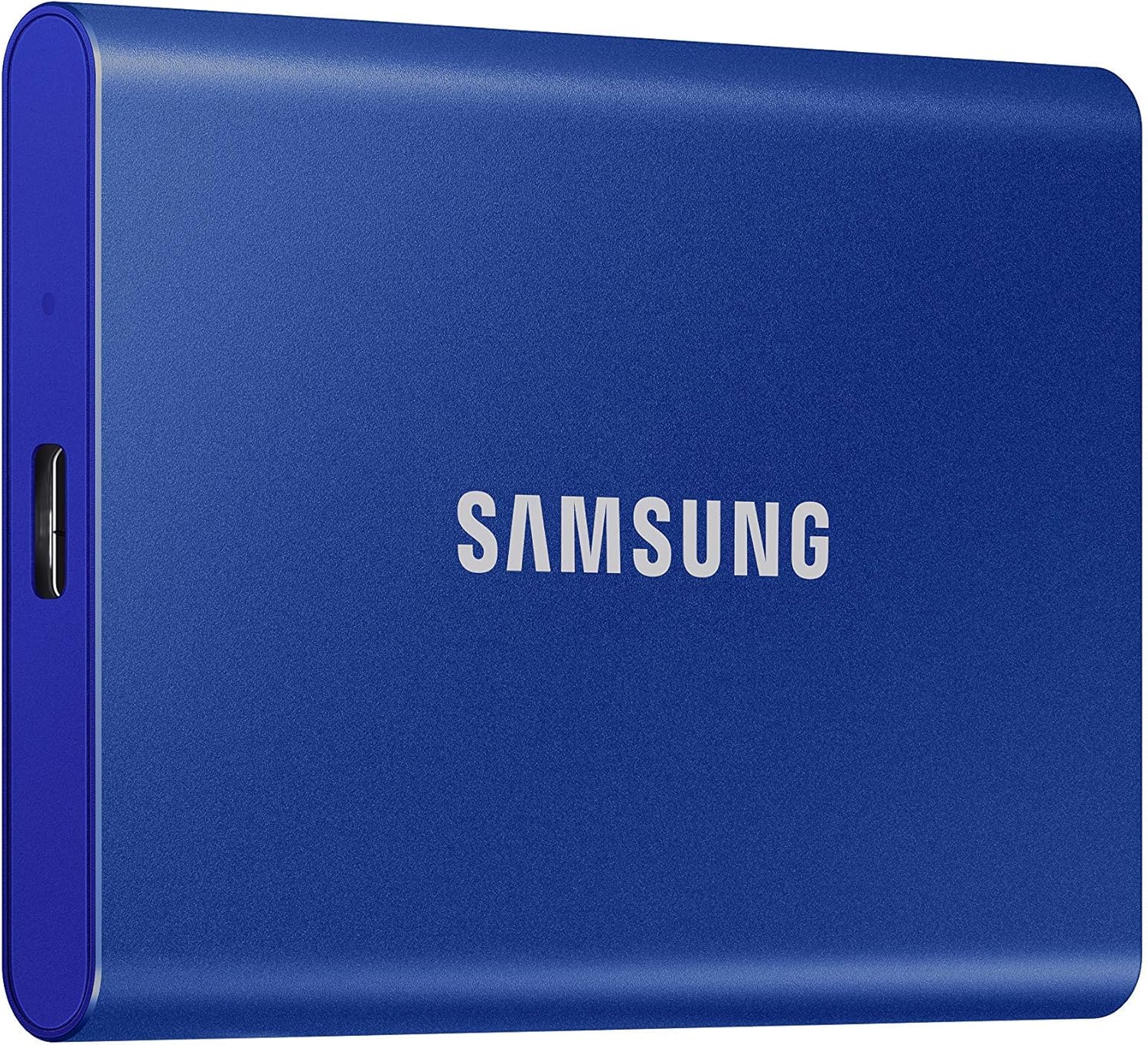
Samsung T7 Portable SSD 1TB
Bottom line: A compact aluminum USB SSD with 1,050MB/s reads, best for players who want one fast drive for a PS5 and a PC or laptop.
This is the do-it-all pick, and a good choice if the same drive should also back up your files or hold PC games. It is not a PlayStation product, but it meets the USB speed Sony asks for.
Pros & Cons
Pros- Up to 1,050MB/s reads restore archived games quickly
- Aluminum unibody feels premium and shrugs off knocks
- Survives drops of up to 6 feet
- Up to 4TB capacities cover bigger libraries
- Doubles as fast storage for a PC, phone or camera
- Small enough to slip into a pocket
Cons- Not an official PlayStation drive, so Sony cannot guarantee it works the way a licensed one does
- Costs more per terabyte than a hard drive
- PS5 games still need to be copied back to play
Why We Picked It
The T7 is a proven portable SSD with sensible capacities and a tough metal body. For a player who wants a drive that is fast and also useful outside the console, it hits a sweet spot.
Who It's For
You use a laptop or PC as well as your PS5 and you want one drive that moves between them. You care about a clean look and do not need PlayStation branding on the case.
Specs & Configurations
- Type
- portable SSD
- Capacity
- 1TB (up to 4TB)
- Interface
- USB 3.2 Gen 2
- Speed
- up to 1,050/1,000MB/s read/write
- Drop protection
- up to 6 feet

8
Best Cable-Free Stick SSD
Buffalo Officially Licensed SSD 1TB for PS5
Bottom line: A tiny licensed SSD that plugs directly into a USB-A port with no cable, best for players who want a neat setup with no extra wire.
If a dangling cable bothers you, this solves it. The drive sticks out of the console like a thumb drive and stays out of the way.
Pros & Cons
Pros- Officially licensed for PS5 and PS4 consoles
- Stick design plugs straight into the console with no cable
- Reads at around 1,000MB/s for quick restores
- PS4 games run directly from the drive
- Takes almost no desk space
Cons- Should not be plugged into the front USB-A port of CFI-1000, CFI-1100 or CFI-1200 series consoles
- Sold here in a 1TB size, which fills quickly
Why We Picked It
Cable-free drives are rare among licensed options, and this one pairs a PlayStation license with SSD speeds. It keeps the console area tidy, which matters more than it sounds when the PS5 sits in an entertainment cabinet.
Who It's For
Your console sits in a tight spot, a drive and cable would be in the way and you only need a little extra space. A tidy, fast stick for a smaller rotation of games is exactly the fit.
Specs & Configurations
- Type
- stick-style SSD
- Capacity
- 1TB
- Read speed
- about 1,000MB/s
- Licensed
- official PlayStation license
- Connector
- USB-A, no cable
How to Choose the Best External Hard Drive for PS5
Sony keeps the rules short. The drive needs SuperSpeed USB at 5Gbps or faster, a capacity between 250GB and 8TB, a direct connection to the console with no hub, and only one external drive can be used at a time. Almost every recent drive from a big maker clears that bar, so choose on the things below instead.
HDD or SSD
A hard drive gives the most terabytes for the money, which suits a long archive. A USB SSD copies games back to the console far faster and shrugs off drops, so it suits players who restore games often. Neither can run PS5 games, so you are paying for speed on the copy, not for faster loading in game.
How Much Space You Need
A 1TB or 2TB drive is enough for most players. The average PS5 game takes around 45GB, which works out to roughly 44 games on 2TB. If you play many 100GB-plus titles, step up to 4TB or 8TB.
Licensed or Not
A licensed drive carries PlayStation approval and often matches the console’s look. Unlicensed drives work as long as they meet Sony’s USB requirements, though Sony cannot guarantee every USB device.
External Hard Drive vs Internal SSD for PS5
An internal M.2 SSD works like part of the console, so PS5 games run straight from it. An external drive is cheaper and simpler to fit, but it only stores PS5 games and plays PS4 games. Many players use both: an M.2 card for what they play now and a USB drive as the archive for the rest. The internal side has its own rules, which our SSD list above covers.
How to Set Up an External Hard Drive on PS5
Plug the drive into a USB port on the console, then open Settings > Storage > USB Extended Storage and choose Format as USB Extended Storage. Formatting erases the drive, so back up anything on it first. After that you can move games over from Settings > Storage > Console Storage > Games and Apps, and copy them back from your Game Library with the Options button.
External Hard Drive for PS5 FAQ
Can I play PS5 games from an external hard drive?
No. PS5 games on a USB drive are stored only and must be copied back to the console before you can play them. PS4 games do run directly from the drive.
How many games fit on a 2TB external drive?
Roughly 44 games if the average PS5 game is around 45GB. Sizes vary a lot, so a few 100GB-plus titles will reduce that.
Is an external SSD better than an external hard drive for PS5?
An SSD restores games to the console faster, but it costs more per terabyte. If you want the most space for the money, a hard drive is the better value.
Is an external hard drive worth it for PS5?
Yes, if you own more games than the console can hold. It is a cheap, easy second storage option. For playing new games from added space, pair it with an internal SSD.
Can I use an Xbox external hard drive on PS5?
Yes, a USB drive sold for Xbox works as long as it meets Sony’s USB requirements, but the Xbox storage expansion cards do not fit a PS5. Our guide to the best external hard drive for Xbox Series X covers drives that also work here for archiving.
Which Is the Best External Hard Drive for PS5 for You?
For most players, the Seagate Game Drive for PlayStation is the best external hard drive for PS5 because it is licensed, simple and roomy. Buy the Toshiba Canvio Flex if cost matters most, the SanDisk Extreme or Samsung T7 if you want quick restores, and the WD_Black D10 if your library has outgrown everything else.

