GameCuki is reader-supported. When you buy through links on our site, we may earn an affiliate commission at no extra cost to you. As an Amazon Associate I earn from qualifying purchases. Learn more.
GameSir makes two officially licensed Xbox controllers that look almost identical, and one costs a lot more. The GameSir G7 Pro vs G7 SE question is whether the newer flagship’s TMR sticks, wireless PC play and extra buttons are worth that premium over GameSir’s long-running budget favorite. Platforms, sticks, latency, triggers, buttons, customization and build settle it.
Best Overall
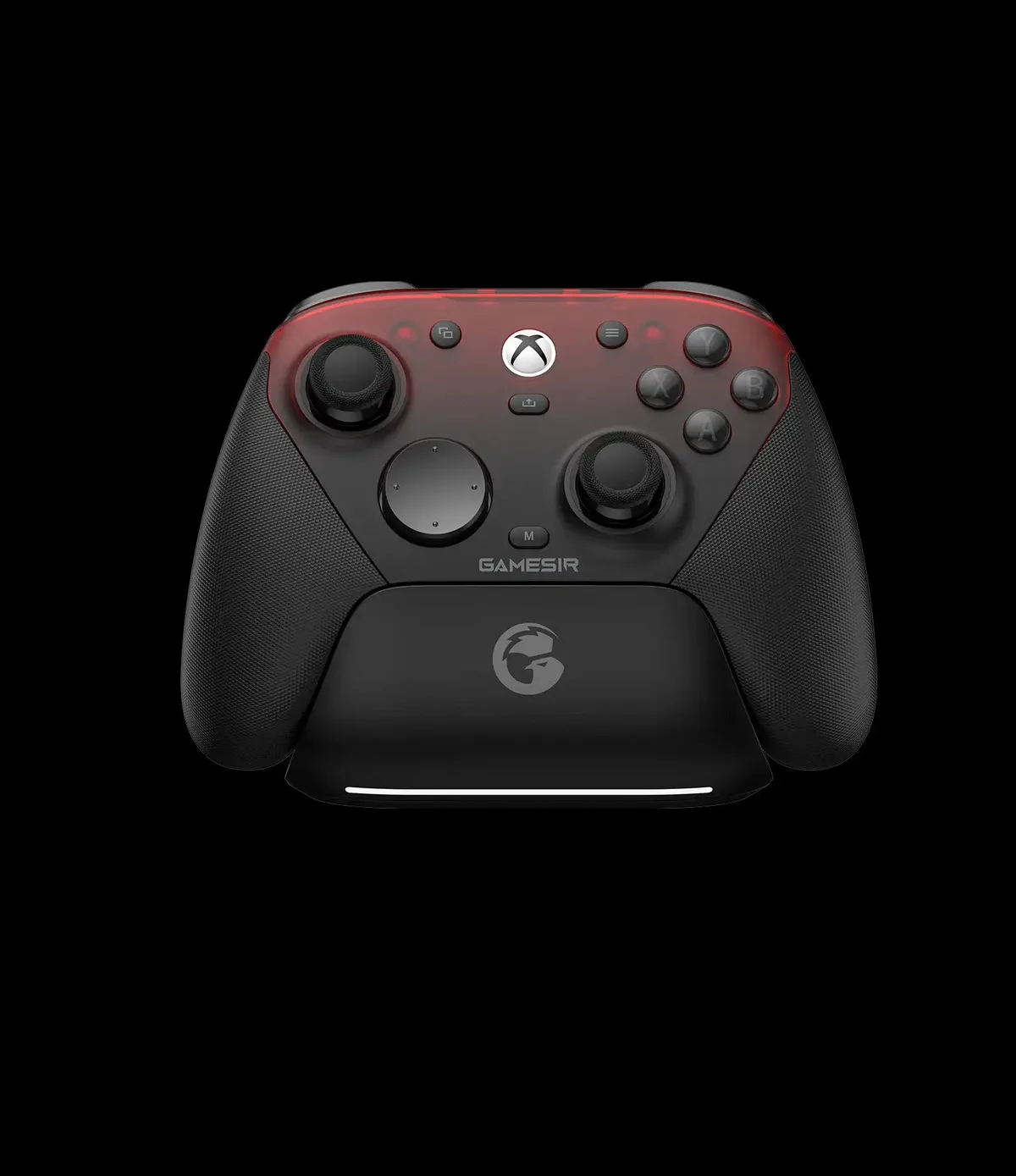
GameSir G7 Pro
Bottom LineThe G7 we'd buy, since its extra buttons, trigger stops and wireless PC play make it a far more complete controller.
Xbox Series X/S, Xbox One, PC, Steam, Android Wins
Xbox Series X/S, Xbox One, Windows 10/11
Connection
Wired on Xbox, 2.4G or wired on PC, Bluetooth on Android Wins
Wired only (3m detachable USB-C cable)
Polling rate
1000Hz on PC (wired and 2.4G)
Not listed
Sticks
GameSir Mag-Res TMR Wins
GameSir Hall effect
Triggers
Hall effect with micro-switch trigger stops Wins
Hall effect
Extra buttons
2 back buttons + 2 mini bumpers Wins
2 back buttons
Back button latches
Yes
Yes
ABXY buttons
Optical micro-switch
Membrane
D-pad
Mechanical micro-switch
Tactile switch
Rumble
4 motors (grips and triggers)
4 motors (grips and triggers)
Motion controls
Gyroscope (PC only) Wins
No
Audio
3.5mm jack
3.5mm jack
Faceplate
Three-part magnetic, swappable
Magnetic, paint-friendly
Software
GameSir Nexus (new version)
GameSir Nexus
Battery
1200mAh
None (wired)
Charging dock
Yes Wins
No
Weight
272g
221g Wins
Dimensions
152 x 103 x 58mm
152 x 103 x 63mm
Specs come from GameSir’s product pages. Both are officially licensed for Xbox and share the same 152 x 103mm footprint, but the G7 Pro is the newer, more feature-packed model, while the G7 SE is the original budget pad that brought Hall effect sticks to a licensed Xbox controller.
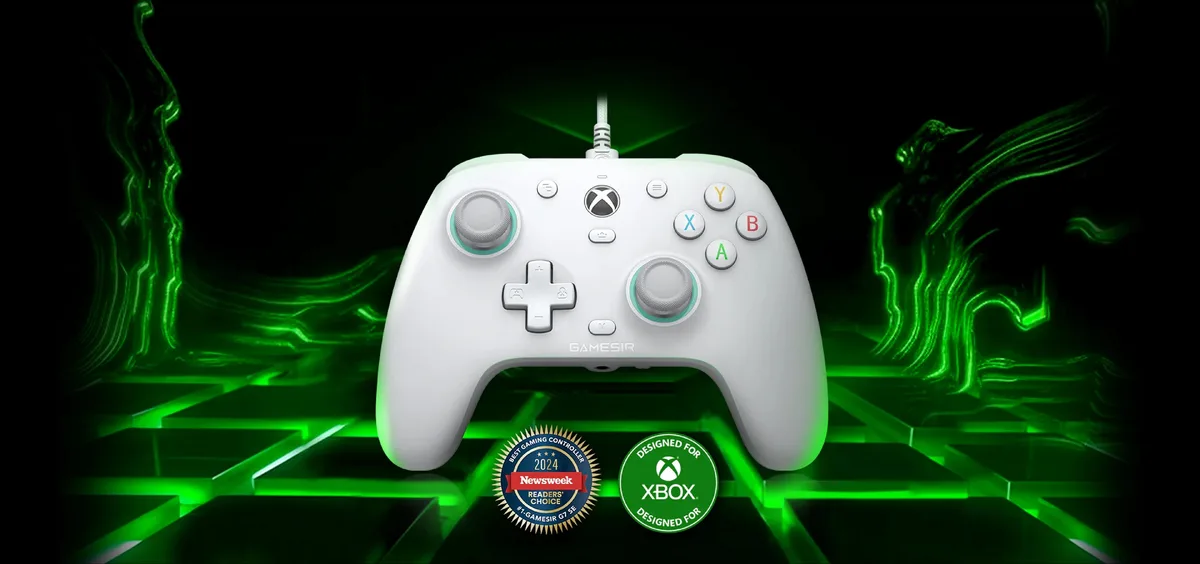
The G7 SE is GameSir’s wired, officially licensed Xbox controller with Hall effect sticks. (Image: GameSir)
Platforms and Connection: Wired SE vs. Tri-Mode Pro
The G7 SE is a plug-and-play wired controller for Xbox Series X/S, Xbox One and Windows 10/11. There’s no battery to charge and nothing to pair, which makes it ideal for a desk or couch setup.
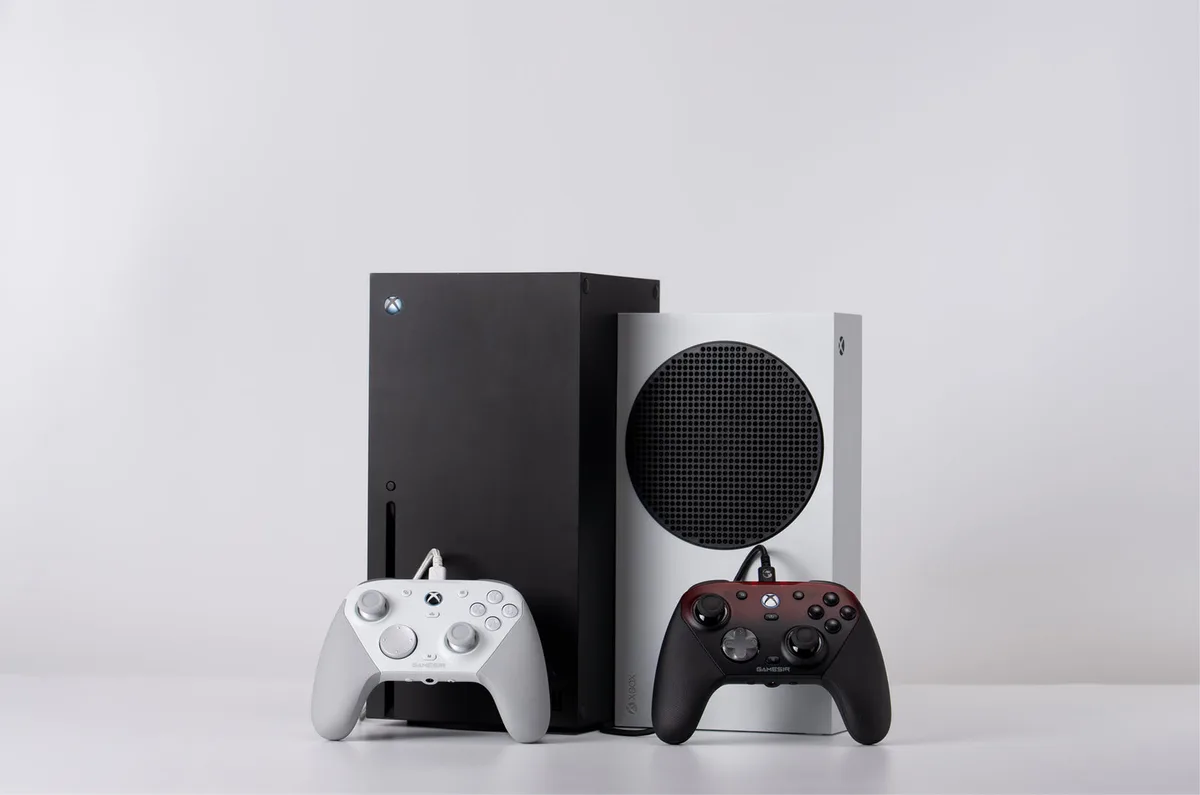
The G7 Pro adds two more ways to connect. It plays wirelessly on PC through its 2.4G adapter and connects to Android phones over Bluetooth, with 1000Hz polling on PC over 2.4G or a cable. On Xbox, though, it’s wired only, just like the SE. If you want a wireless G7 for your console, you’ll need the G7 Pro Wireless edition instead. It’s an easy detail to miss, so check the listing before you order.
The G7 Pro connects to Xbox by cable and to PC wirelessly. (Image: GameSir)
Sticks: TMR vs. Hall Effect
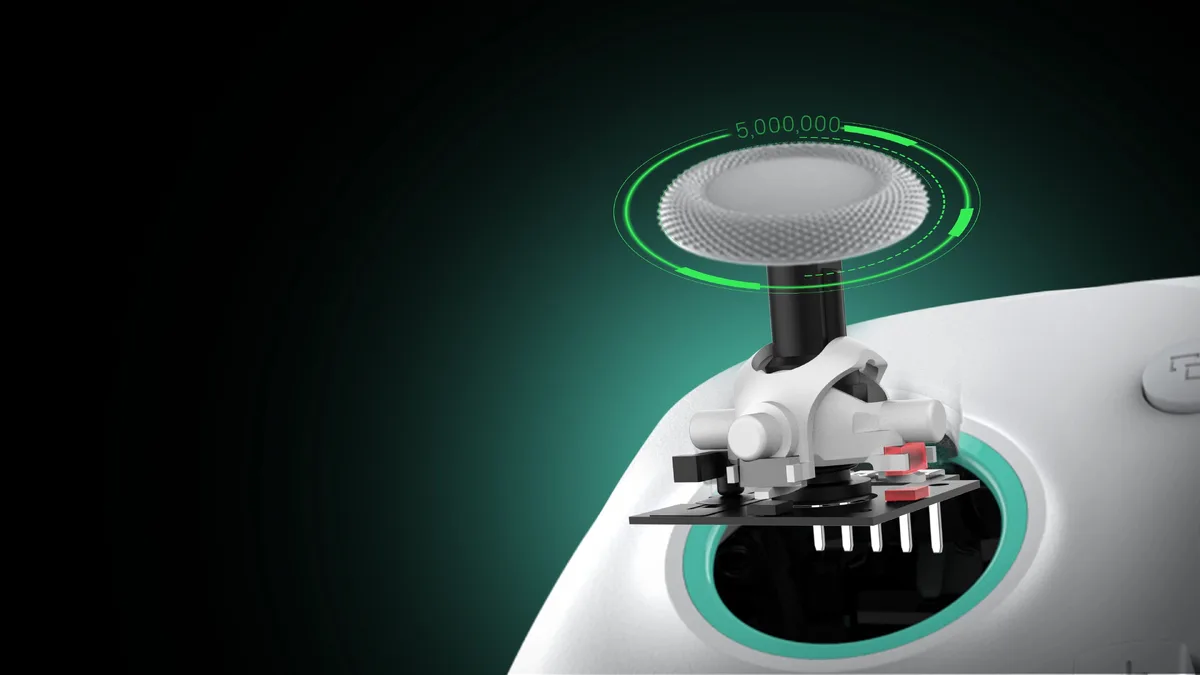
Both controllers use magnetic sticks, so both resist the drift that wears out standard pads. The G7 SE uses GameSir’s Hall effect sticks, rated for 5 million cycles. The G7 Pro moves up to GameSir’s Mag-Res TMR sticks, which GameSir says deliver the smooth, linear feel of potentiometer sticks with the durability of magnetic sensing.
The G7 Pro’s sticks have higher resolution (13.7 bits versus 12), while the G7 SE is slightly better on centering and asymmetry. Both are very precise, so the TMR upgrade is a refinement rather than a night-and-day change.
The G7 SE’s Hall effect sticks are rated for 5 million cycles. (Image: GameSir)
Latency: Nearly Identical Over a Cable
Over a cable, the two are very close:
Latency (wired)
GameSir G7 Pro
GameSir G7 SE
Buttons, cable
2.4ms Wins
3ms
Sticks, cable
2.7ms Wins
3.2ms
Buttons, 2.4G dongle
5.7ms Wins
Wired only
Sticks, 2.4G dongle
15ms Wins
Wired only
The G7 Pro is a fraction of a millisecond faster, which you won’t feel in practice. Both are excellent over a cable. If you play wired, latency isn’t a reason to upgrade. The Pro’s advantage is that it stays responsive when you go wireless on PC.
Triggers: The Pro Adds Trigger Stops
Both controllers use Hall effect triggers with rumble motors inside them. The G7 SE’s are tuned for a smooth, consistent pull, which works well for racing and everyday play. The G7 Pro adds dual-mode trigger stops, so you can flip between full analog pulls and short micro-switch clicks that feel like a mouse button. That’s a real advantage in shooters, where a shorter trigger means faster shots.
Face Buttons and D-Pad: Clicky vs. Quiet
This is the biggest difference in feel. The G7 Pro uses optical micro-switch ABXY buttons and a mechanical micro-switch D-pad, so nearly every press has a crisp click. The G7 SE uses soft membrane face buttons and a tactile switch D-pad that feel closer to a standard Xbox controller.
The button feel splits opinion. The Pro’s buttons are crisp and tactile, but if you’re coming from the SE, the all-clicky layout takes getting used to, and the SE’s softer buttons feel more natural to some hands. The SE is also the quieter controller if you play late at night.
Extra Buttons and Customization
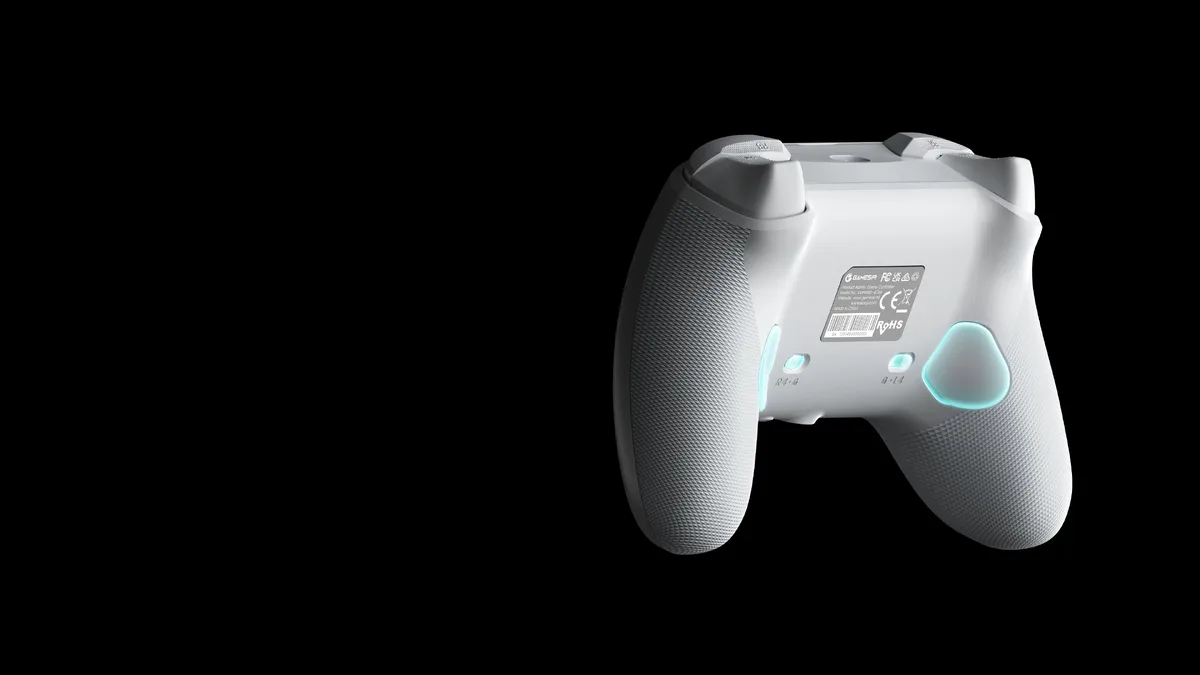
The G7 SE has two mappable back buttons with quick latches that disable them when you don’t need them. The G7 Pro has the same two lockable back buttons plus two mini bumpers next to the triggers, for four extra inputs in total.
Both work with GameSir’s Nexus software for custom profiles and remapping. The G7 Pro uses GameSir’s all-new version of the Nexus app, which GameSir says adds gyro settings, stick curve adjustments and button-to-mouse mapping over the original. The Pro’s built-in gyroscope works on PC only, where you can map it to a stick, buttons or the mouse.
Quick latches let you switch the G7 SE’s back buttons off. (Image: GameSir)
Design, Weight and Battery
The G7 SE is noticeably lighter at 221g, versus 272g for the G7 Pro, since it has no battery inside. The Pro carries a 1200mAh battery and comes with a charging dock, and the SE ships with a 3m detachable USB-C cable and an Xbox Game Pass card.
Both have magnetic faceplates. The SE’s is paint-friendly, so you can customize it without opening the controller. The Pro’s faceplate comes in three parts, and GameSir says it also accepts faceplates from the earlier G7 series. The Pro also has rubberized grips, which the SE lacks.
The G7 Pro comes with a charging dock for its 1200mAh battery. (Image: GameSir)
Other G7 Options
GameSir’s G7 line has a few more models. The G7 HE sits between these two, adding mechanical micro-switch face buttons and a grippier finish to the SE’s design, and we compare it in our GameSir G7 Pro vs G7 HE guide. If you want to play wirelessly on Xbox, get the G7 Pro Wireless edition, which is one of our picks for the best Xbox controller.
And the Winner Is…
WinnerGameSir G7 Pro
The G7 SE is still one of the best values in Xbox controllers, with drift-resistant sticks and triggers, latching back buttons, a headset jack and wired latency that’s practically as fast as the Pro’s. If you play wired on Xbox and want to spend as little as possible, it’s hard to beat. But the G7 Pro is the one we’d buy. Its TMR sticks, trigger stops, four extra buttons, PC gyro, deeper Nexus app and wireless play on PC and Android make it a far more complete controller, especially for shooters and for anyone who moves between Xbox and PC. The clicky buttons take a little getting used to, and it’s wired-only on Xbox, but neither changes the outcome. In the GameSir G7 Pro vs G7 SE matchup, the Pro is the one worth the extra money.
I'm Sean, and I write the comparisons on GameCuki. I cover anything gamers weigh up before buying: consoles and handhelds, PC components and gaming laptops, monitors, controllers, headsets and accessories, plus subscriptions and services like Game Pass and PlayStation Plus. I put both options on the same checklist, using official specs, professional reviews and owner feedback, and I only mention what owners say when at least two of them report the same thing. Every comparison ends with one clear verdict and the type of player each option suits. I don't accept free products or payment from brands, and what I write comes from research, not my own use of the products. You can read my full process on our How We Review page.
Areas of Focus
Controller Match-UpsHeadset Match-UpsConsole vs. ConsoleSpecs & Latency