GameCuki is reader-supported. When you buy through links on our site, we may earn an affiliate commission at no extra cost to you. As an Amazon Associate I earn from qualifying purchases. Learn more.
Choosing between the Apple Vision Pro vs Meta Quest 3 is less a spec contest than a question about what you want to do with a headset. One is a premium “spatial computer” built around apps, video and your Mac. The other is a wireless VR console for your face. Here is how they differ where it matters.
Best for Apple Users, Video and Desktop Work
Apple Vision Pro
Bottom LineThe pick for Apple users who want the sharpest display and a virtual workspace and can accept a much higher price and a thin game library.
Display and Passthrough: Vision Pro Is Far Sharper
This is the Vision Pro’s strongest argument. Apple lists micro-OLED displays with 23 million pixels in total and refresh rates of 90, 96, 100 and 120Hz. The Quest 3 uses LCD panels at 2064 x 2208 per eye, with 90Hz and 120Hz modes and a claimed 110 degree horizontal field of view. Text, video and virtual desktops look noticeably cleaner on the Vision Pro, and its dedicated R1 chip streams camera images to the displays within 12 milliseconds, which keeps the real-world view natural.
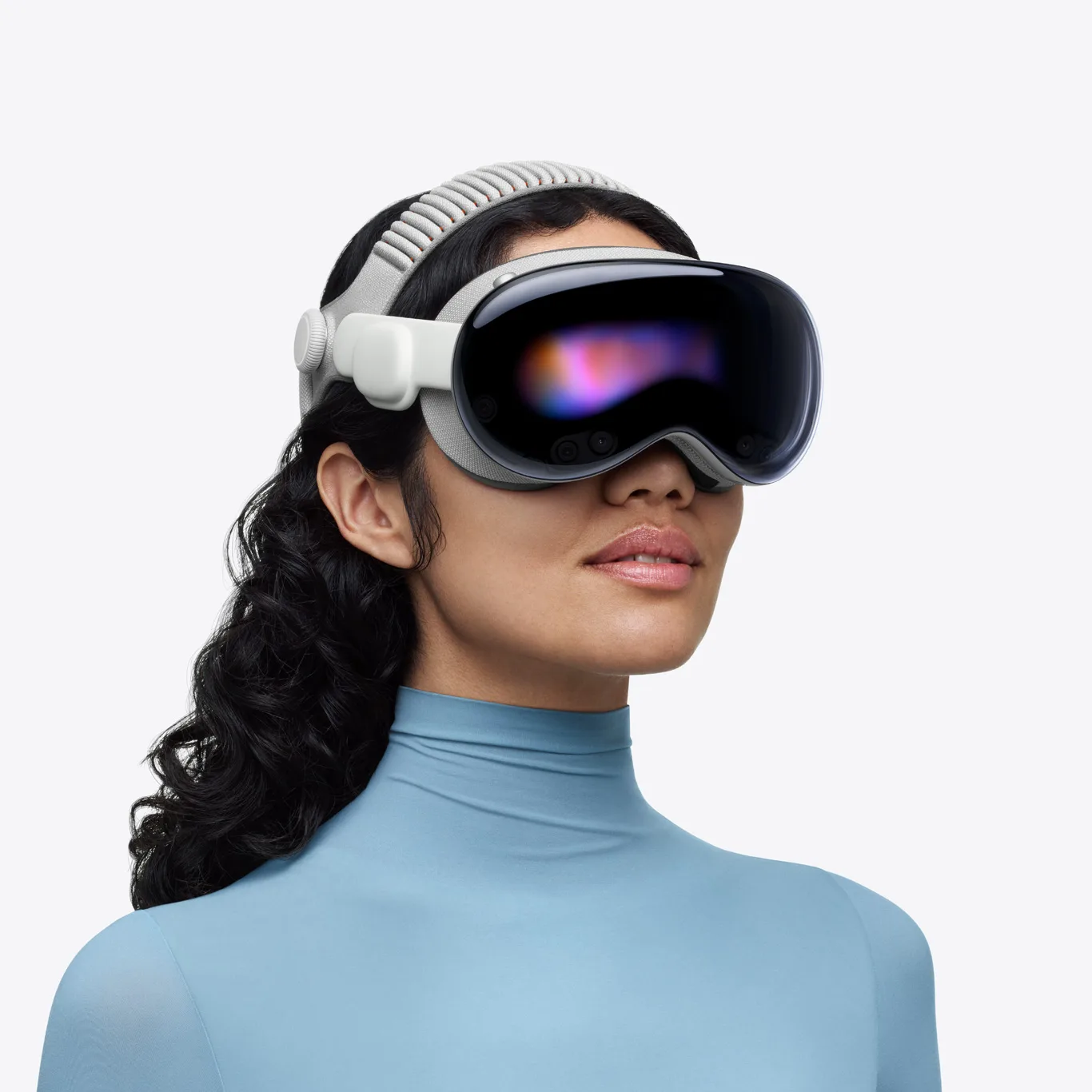
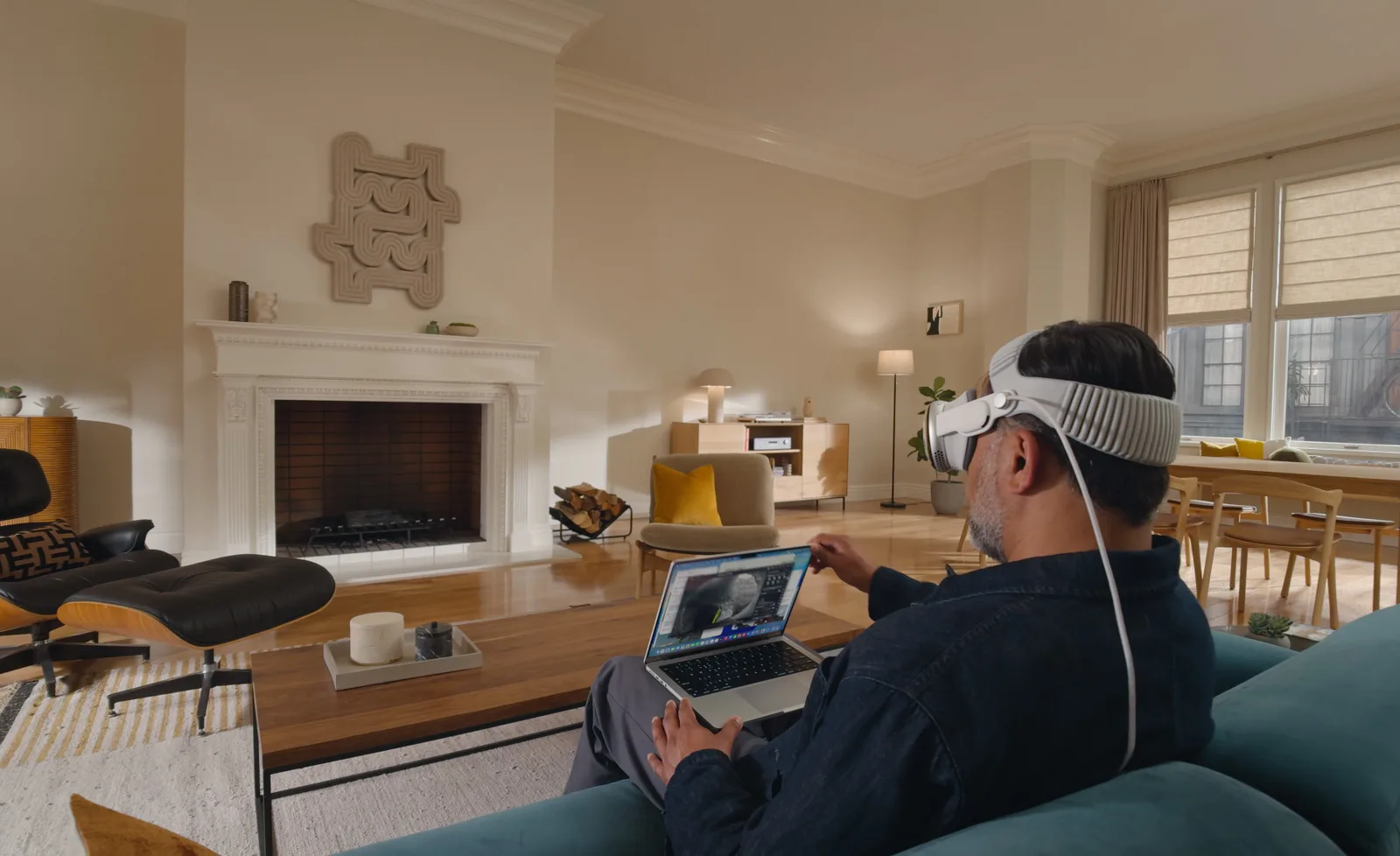
The Vision Pro is built around apps, video and working alongside a Mac. (Image: Apple)
The Quest 3 has full-color passthrough too, and for games that blend virtual objects with your room it does the job well. It simply has a lower-resolution picture. If picture quality is your top priority, the Vision Pro wins this round clearly.
Comfort and Design: Neither Is Light
The Vision Pro is an aluminum and glass headset with an external battery. Apple lists the weight at 26.4 to 28.2 oz (750 to 800 g) depending on the Light Seal and band, and the battery adds another 353 g that you carry or clip on. The Quest 3 weighs about 1.1 lb (515 g) with its fabric strap, and it is fully self-contained, so there is no cable to manage. Its slim pancake lenses keep weight closer to your face.
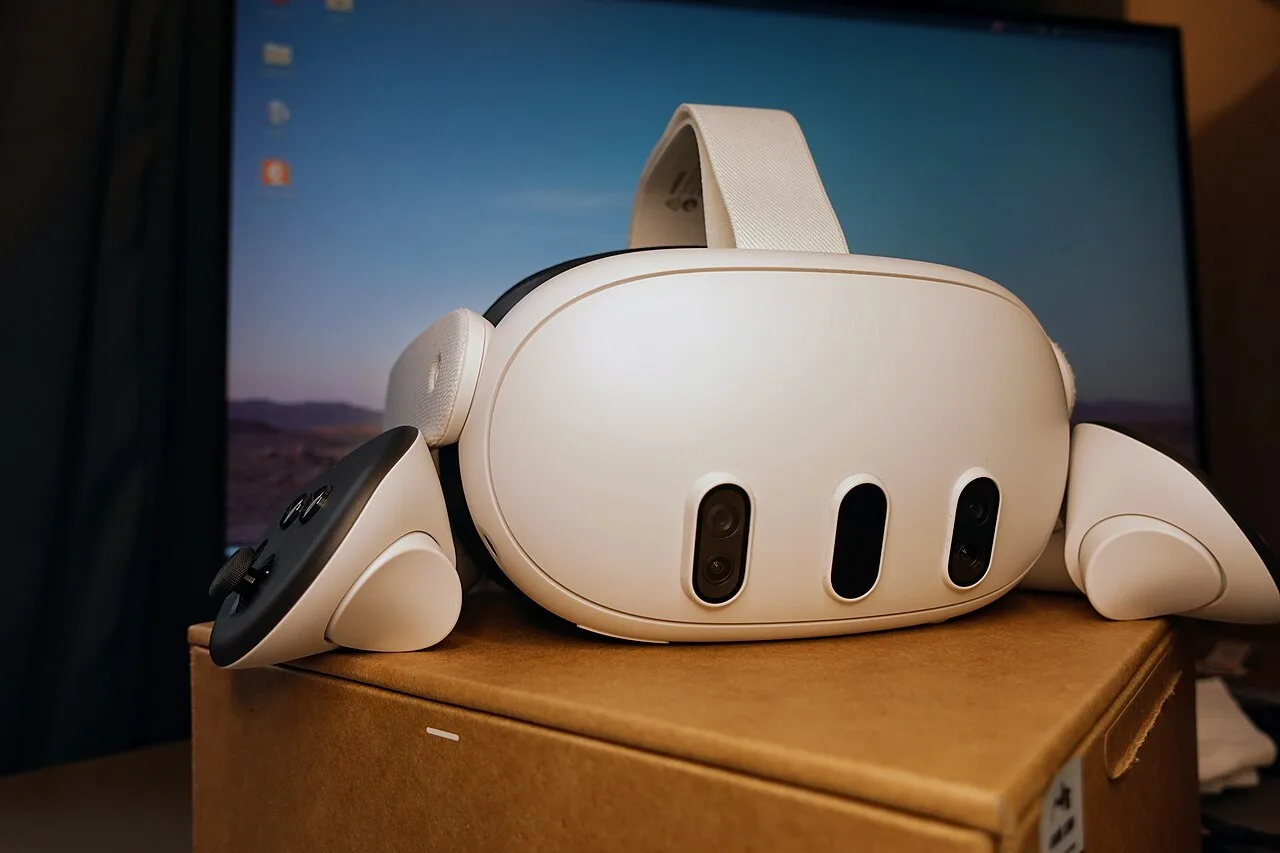
The Quest 3 is lighter and has no external battery pack. (Image: Roy.wonder.cohen, CC BY-SA 4.0, via Wikimedia Commons)
Fit is also different. Apple sizes the Light Seal and headband to your face and offers ZEISS Optical Inserts for glasses wearers, which is why it suggests trying one before you buy. The Quest 3 has an adjustable IPD wheel from 53 to 75 mm. If you play in glasses, a lens cover from our best Quest 3 lens protector guide keeps frames from scratching the lenses.
Go with the Quest 3 if you plan on long play sessions, since less weight on your face matters more than a sharper screen.
Controls: Eyes and Hands vs Touch Controllers
The Vision Pro has no controllers in the box. You look at something and tap your fingers together, and you can also use your voice. It supports keyboards, trackpads, mice and game controllers, plus spatial accessories such as the Logitech Muse and the PlayStation VR2 Sense controller. The Quest 3 ships with Touch Plus controllers, and it also supports hand tracking. For action games, controllers give you buttons, triggers and haptics that hand tracking cannot match.
Games and Apps: Quest 3 for Play, Vision Pro for Everything Else
The Quest 3 runs the Meta Quest library, a deep catalog of dedicated VR games. It can also stream PC VR games over a Link cable or Air Link. The Vision Pro runs visionOS with Apple’s apps, iPad and iPhone apps, spatial video and a Mac virtual display. It has some immersive games, but the library is much smaller and many are built around hand tracking.
Quick pick: choose the Vision Pro for movies, photos and a big virtual monitor. Choose the Quest 3 if you want action and fitness games.
Performance and Battery: Similar Runtime, Different Chips
The Vision Pro pairs Apple’s M5 chip with 16GB of unified memory and the R1 sensor chip. The Quest 3 uses a Snapdragon XR2 Gen 2 with 8GB of RAM. In day-to-day use the Vision Pro feels faster as a general computer, while the Quest 3 is tuned for games. Neither lasts long unplugged. Apple lists up to 2.5 hours of general use and up to 3 hours of video playback, and the Quest 3 typically runs about 1.5 to 3 hours depending on the game.
Apple Vision Pro vs Meta Quest 3: Full Specs
Feature
Apple Vision Pro
Meta Quest 3
Chip
Apple M5 + R1, 16GB memory Wins
Snapdragon XR2 Gen 2, 8GB RAM
Display
Micro-OLED, 23 million pixels total Wins
LCD, 2064 x 2208 per eye
Refresh rates
90, 96, 100 and 120Hz
90 and 120Hz
Weight
26.4 to 28.2 oz (750 to 800 g) plus 353 g battery
About 1.1 lb (515 g) Wins
Battery life
Up to 2.5 hours general use, 3 hours video
About 1.5 to 3 hours
Storage
256GB, 512GB or 1TB
128GB or 512GB
Input
Eyes, hands and voice
Touch Plus controllers, hand tracking
Passthrough
Color, 12 ms photon-to-photon Wins
Color
Software
visionOS
Meta Quest Store
Best for
Video, desktop work, Apple users
Games, fitness, value Wins
And the Winner Is…
WinnerMeta Quest 3
The Vision Pro is the better piece of hardware. Its display is much sharper, its passthrough is more natural, and it fits neatly into an Apple household with a Mac and iPhone. The Quest 3 still wins the Apple Vision Pro vs Meta Quest 3 matchup for most people, because it costs a fraction of the price, plays far more VR games and is lighter and simpler to use. If you mainly want to game, work out in VR or try mixed reality without a big commitment, buy the Quest 3. Pick the Vision Pro only if you are an Apple user who will watch movies, edit photos or work in a virtual workspace every day, and you have tried it in a store first. Check Price on Amazon
Apple Vision Pro or Meta Quest 3: Which Fits You?
Think about the last thing you would do with a headset on a Tuesday night. If the answer is a round of Beat Saber, a workout or a co-op shooter, the Quest 3 is the obvious pick. If it is a movie on a giant screen or a stretch of work on a virtual Mac display, the Vision Pro earns its place, provided you already live in Apple’s ecosystem. In the Apple Vision Pro vs Meta Quest 3 choice, gamers should buy the Quest 3 and leave the Vision Pro to Apple users who want a personal theater and workspace.
I'm Sean, and I write the comparisons on GameCuki. I cover anything gamers weigh up before buying: consoles and handhelds, PC components and gaming laptops, monitors, controllers, headsets and accessories, plus subscriptions and services like Game Pass and PlayStation Plus. I put both options on the same checklist, using official specs, professional reviews and owner feedback, and I only mention what owners say when at least two of them report the same thing. Every comparison ends with one clear verdict and the type of player each option suits. I don't accept free products or payment from brands, and what I write comes from research, not my own use of the products. You can read my full process on our How We Review page.
Areas of Focus
Controller Match-UpsHeadset Match-UpsConsole vs. ConsoleSpecs & Latency