GameCuki is reader-supported. When you buy through links on our site, we may earn an affiliate commission at no extra cost to you. As an Amazon Associate I earn from qualifying purchases. Learn more.
One of these Hall effect boards is a 3.8 lb block of aluminum that runs on a battery, and the other is a plastic, cable-only keyboard tuned for shooters. If you are stuck on Keychron Q1 HE vs Wooting 80HE, the real question is how much wireless and a premium metal feel are worth to you against raw input speed. Build, switches, software, connectivity and warranty decide it.
Best for Typing and Wireless
Keychron Q1 HE
Bottom LineThe pick if you want a heavy, quiet aluminum board that also works over 2.4 GHz and Bluetooth, and you will spend as much time typing as gaming.
Build and Design: Aluminum Slab vs Lightweight Plastic
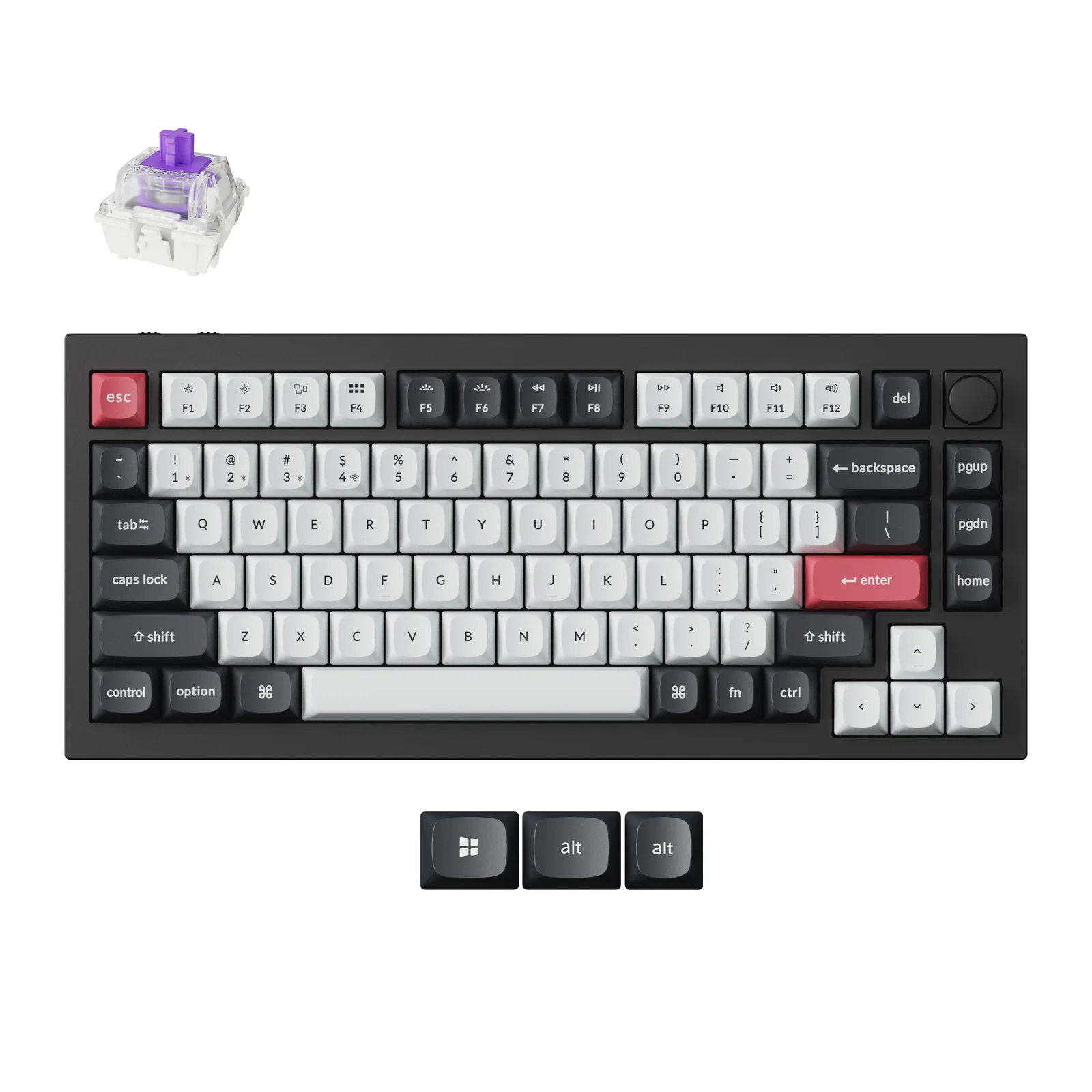
This is the first thing you notice. The Q1 HE is a 75% board with a rotary knob, machined from aluminum and mounted on a gasket structure. The assembled keyboard weighs 1,735 g and is about 12.89 x 5.71 x 1.41 inches. It stays put on the desk and feels like a custom keyboard out of the box.
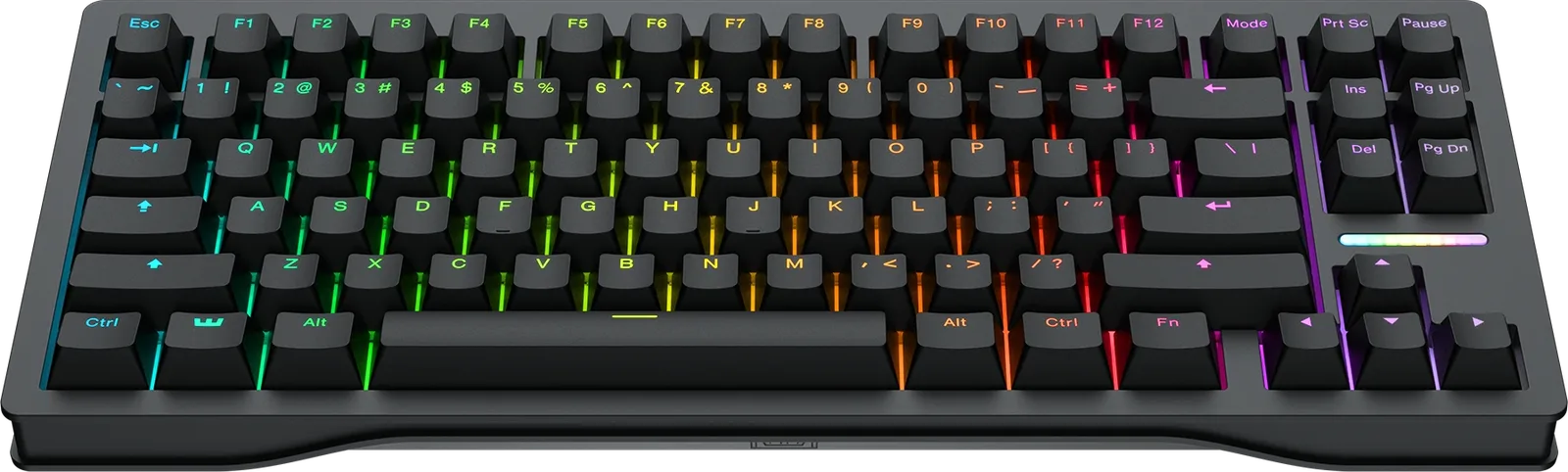
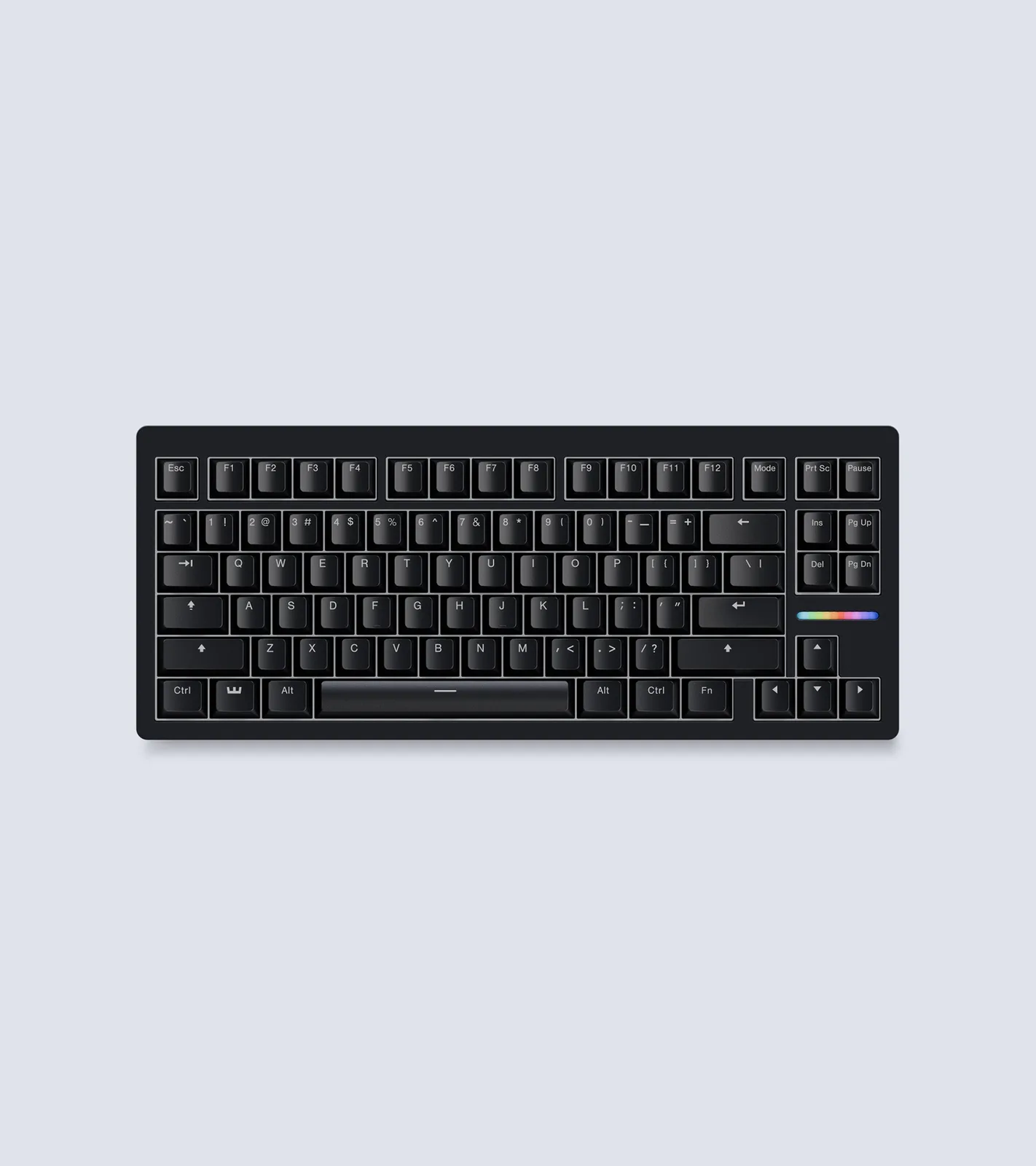
The Wooting 80HE is an 80% layout that keeps the function row and arrow keys. The case comes in recycled PCR ABS at 790 g (1.74 lb) or zinc alloy at 2,160 g (4.76 lb), and the footprint is 13.6 x 5.6 inches. It also uses a silicone gasket mount, a polycarbonate plate and screw-in stabilizers, so the plastic version is far from a budget build. Three interchangeable feet set the angle at 2.8, 6 or 10 degrees. The Q1 HE, by contrast, has no adjustable feet.
The Keychron Q1 HE in carbon black. (Image: Keychron)The Wooting 80HE in its black PCR plastic case. (Image: Wooting)
Switches and Typing Feel: Closed Ecosystem vs Open Platform
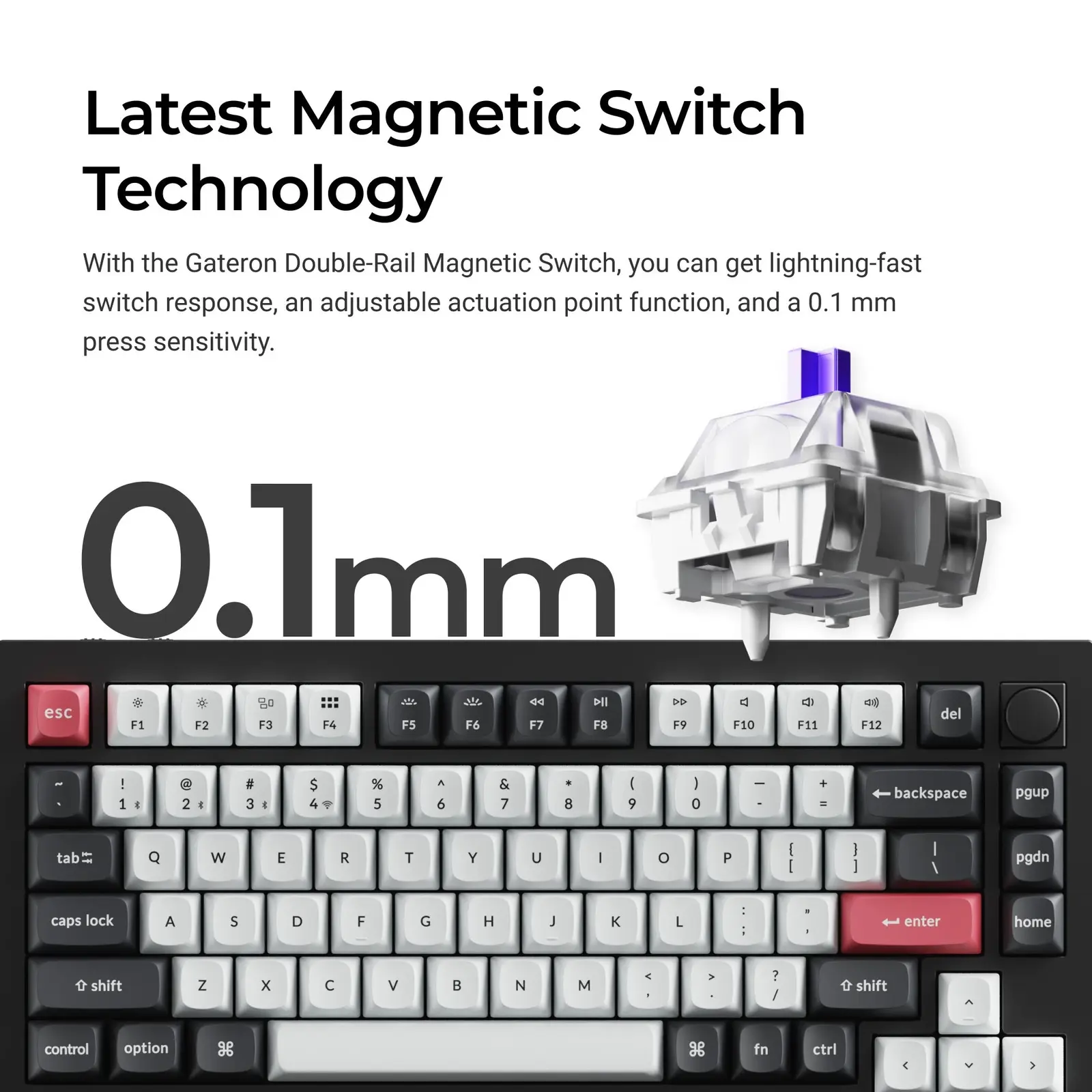
Both boards use Hall effect switches with adjustable actuation and Rapid Trigger. The Q1 HE uses Gateron double-rail magnetic switches, pre-lubed and linear, with actuation adjustable from 0.2 to 3.8 mm and 0.1 mm press sensitivity. The board works only with the Gateron double-rail magnetic switch, not with other magnetic switches such as Gateron Magnetic Jade or KS-20. The keycaps are double-shot PBT in OSA profile and are not shine-through.
The Wooting 80HE ships with Lekker L60 V2 linear switches rated at 40 to 60 cN, with actuation adjustable in 0.1 mm precision and presets at 0.1, 0.5, 1, 2, 3 and 4 mm. Wooting sells its own switches and cases separately, so it suits people who like to swap parts later.
The Gateron double-rail magnetic switch used in the Q1 HE. (Image: Keychron)
Gaming Performance: Wooting Has the Speed Edge
Wooting built the 80HE around speed. The board supports true 8 kHz polling, and input speed is a stable 0.125 ms or so once Tachyon mode is switched on in Wootility. The Q1 HE reports at 1,000 Hz over 2.4 GHz and wired USB, which is fine for most players but a clear step down on paper. Keychron also sells a separate Q1 HE 8K version, so check you are buying the model you want.
Wooting adds game-focused features on top. Rappy Snappy keeps the deeper-pressed key active when two opposing keys are held, Snappy Tappy lets you choose which key wins, and Dynamic Keystroke maps several actions to one key. The Q1 HE offers Rapid Trigger, per-key actuation and 4-in-1 Dynamic Keystrokes, which cover the basics. For counter-strafing in Counter-Strike or Valorant, either board will do the job, but the Wooting is the one built for it. It is also one of the most common keyboards among Counter-Strike 2 and Fortnite pros.
Software: Wootility vs Keychron Launcher
Wootility runs in a browser or as an app. Up to four onboard profiles are stored on the keyboard, so your settings follow you to any PC without opening the software. It covers Rapid Trigger, actuation, Rappy Snappy, Snappy Tappy, DKS, mod tap, toggle keys and analog controller input for racing and sandbox games.
The Q1 HE uses QMK firmware with the Keychron Launcher web app, which handles key remapping, macros and the actuation settings. It works on Windows, macOS and Linux. Launcher is simpler and friendlier to people who already like QMK. Wootility goes deeper on gaming features.
Connectivity and Battery: Only One Goes Wireless
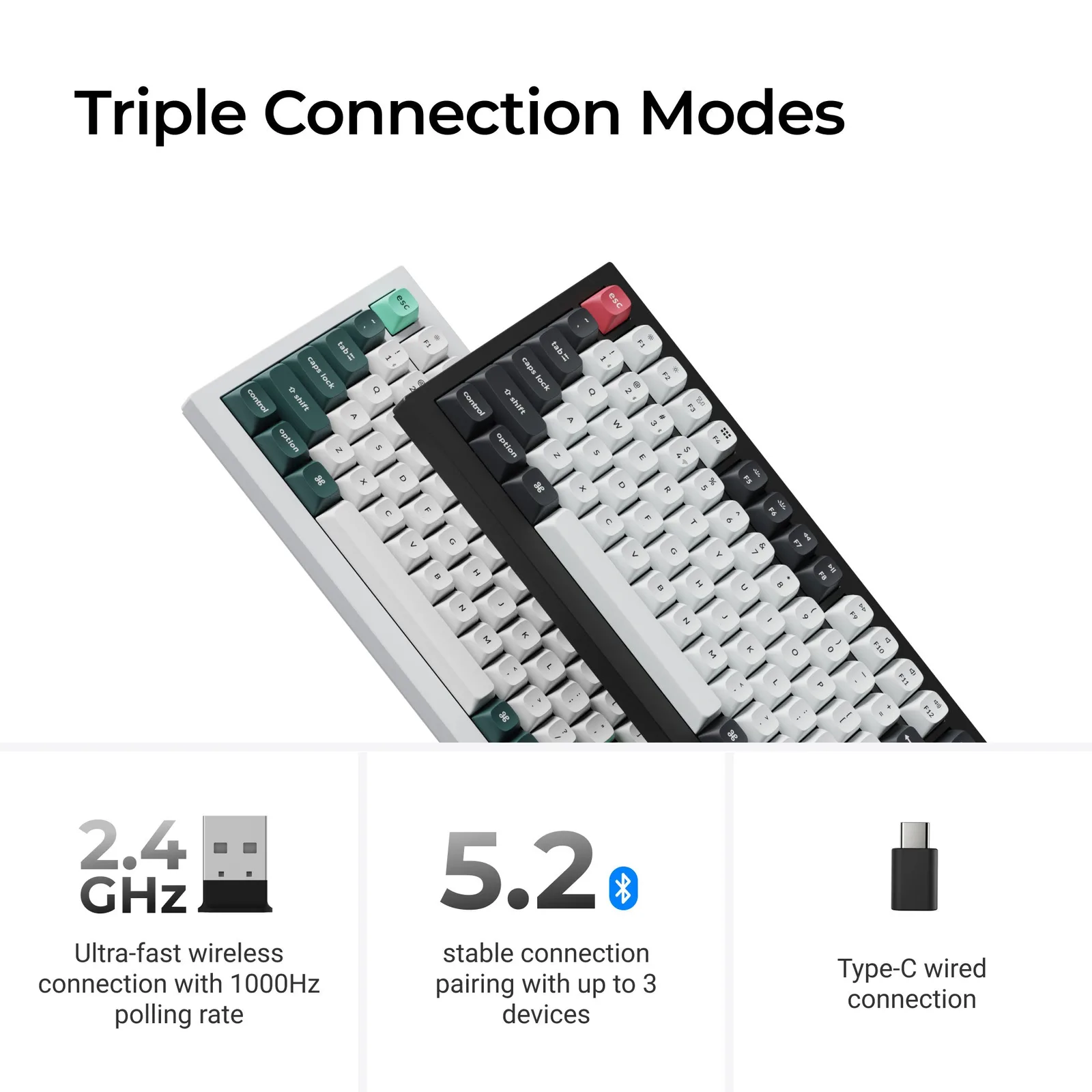
This is the Keychron’s biggest win. The Q1 HE connects over 2.4 GHz, Bluetooth for up to three devices, or USB-C. Its 4,000 mAh battery is rated for up to 100 hours, though the figure applies with the backlight low. The Wooting 80HE is wired. It comes with a 2 m braided USB-C cable and has no battery at all. If you hop between a desktop, a laptop and a tablet, or just hate cables, the Q1 HE has no competition here.
The Q1 HE supports 2.4 GHz, Bluetooth 5.2 and USB-C wired use. (Image: Keychron)
Warranty: Four Years vs One
Wooting backs the 80HE with a four-year warranty that excludes the LEDs. The Keychron Q1 HE carries a one-year manufacturer warranty. If you plan to keep a keyboard for many years, that gap matters.
Keychron Q1 HE vs Wooting 80HE: Full Specs
Feature
Keychron Q1 HE
Wooting 80HE
Layout
75% with knob
80% with function row and arrows
Switches
Gateron double-rail magnetic (linear)
Lekker L60 V2 (linear)
Actuation range
0.2 to 3.8 mm, 0.1 mm sensitivity
0.1 to 4 mm presets, 0.1 mm precision
Rapid Trigger
Yes
Yes
Polling rate
1000 Hz (2.4 GHz and wired)
True 8 kHz Wins
Connectivity
2.4 GHz, Bluetooth, USB-C Wins
USB-C wired only
Battery
4000 mAh, up to 100 hours
None
Case
Aluminum, gasket mount
PCR ABS or zinc alloy, gasket mount
Weight
1,735 g
790 g (ABS), 2,160 g (zinc)
Software
QMK, Keychron Launcher
Wootility
Keycaps
Double-shot PBT, OSA profile
PBT, ABS and dye-sub options
Warranty
1 year
4 years excluding LED Wins
And the Winner Is…
WinnerWooting 80HE
The Keychron Q1 HE is the better-looking, better-sounding board and the only one that goes wireless, so anyone who types as much as they play will enjoy it more. But if your main goal is competitive gaming, the Wooting 80HE is the sharper tool. It offers 8 kHz polling, a deeper set of game features, swappable parts and a four-year warranty, and its plastic case is a lot lighter to carry to a LAN event. That is why it takes the Keychron Q1 HE vs Wooting 80HE matchup for most readers. If you want wireless, a metal body and a quiet, premium feel, buy the Q1 HE and accept the lower polling rate and shorter warranty.
Final Thoughts on the Keychron Q1 HE vs Wooting 80HE
Pick the Wooting 80HE if shooters are your main game and a cable does not bother you. Choose the Keychron Q1 HE if you want one keyboard for work, play and travel between devices. For more boards in this size class, see our best 75% gaming keyboards, or compare another Hall effect rivalry in DrunkDeer A75 vs Wooting 60HE.
I'm Sean, and I write the comparisons on GameCuki. I cover anything gamers weigh up before buying: consoles and handhelds, PC components and gaming laptops, monitors, controllers, headsets and accessories, plus subscriptions and services like Game Pass and PlayStation Plus. I put both options on the same checklist, using official specs, professional reviews and owner feedback, and I only mention what owners say when at least two of them report the same thing. Every comparison ends with one clear verdict and the type of player each option suits. I don't accept free products or payment from brands, and what I write comes from research, not my own use of the products. You can read my full process on our How We Review page.
Areas of Focus
Controller Match-UpsHeadset Match-UpsConsole vs. ConsoleSpecs & Latency