GameCuki is reader-supported. When you buy through links on our site, we may earn an affiliate commission at no extra cost to you. As an Amazon Associate I earn from qualifying purchases. Learn more.
Picking between the Elgato Wave 3 vs HyperX QuadCast S usually means choosing between a compact, software-rich mic and a bigger RGB mic with extra pickup patterns. Both plug in over USB, both sit on a stand, and both are aimed at streamers, podcasters and Discord regulars. Pickup patterns, sound, controls, software and desk fit decide it.
Best Overall
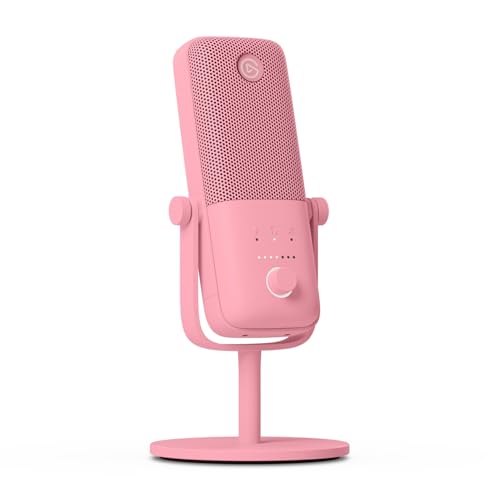
Elgato Wave 3
Bottom LineThe better pick for most streamers, with Clipguard, a smooth mute and the Wave Link mixer in a smaller body.
Design and Build: Wave 3 Is Compact, QuadCast S Is a Desk Centerpiece
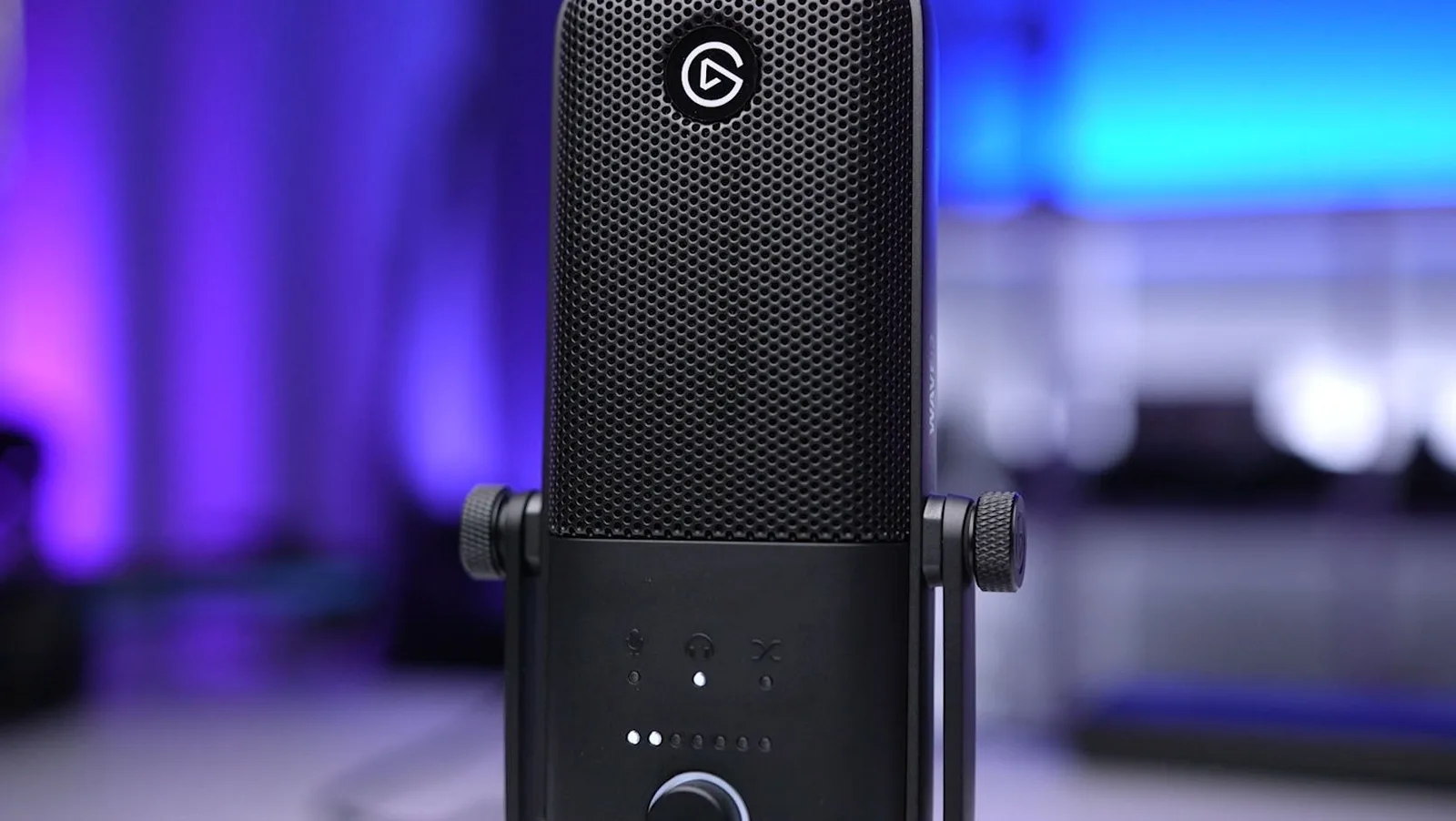
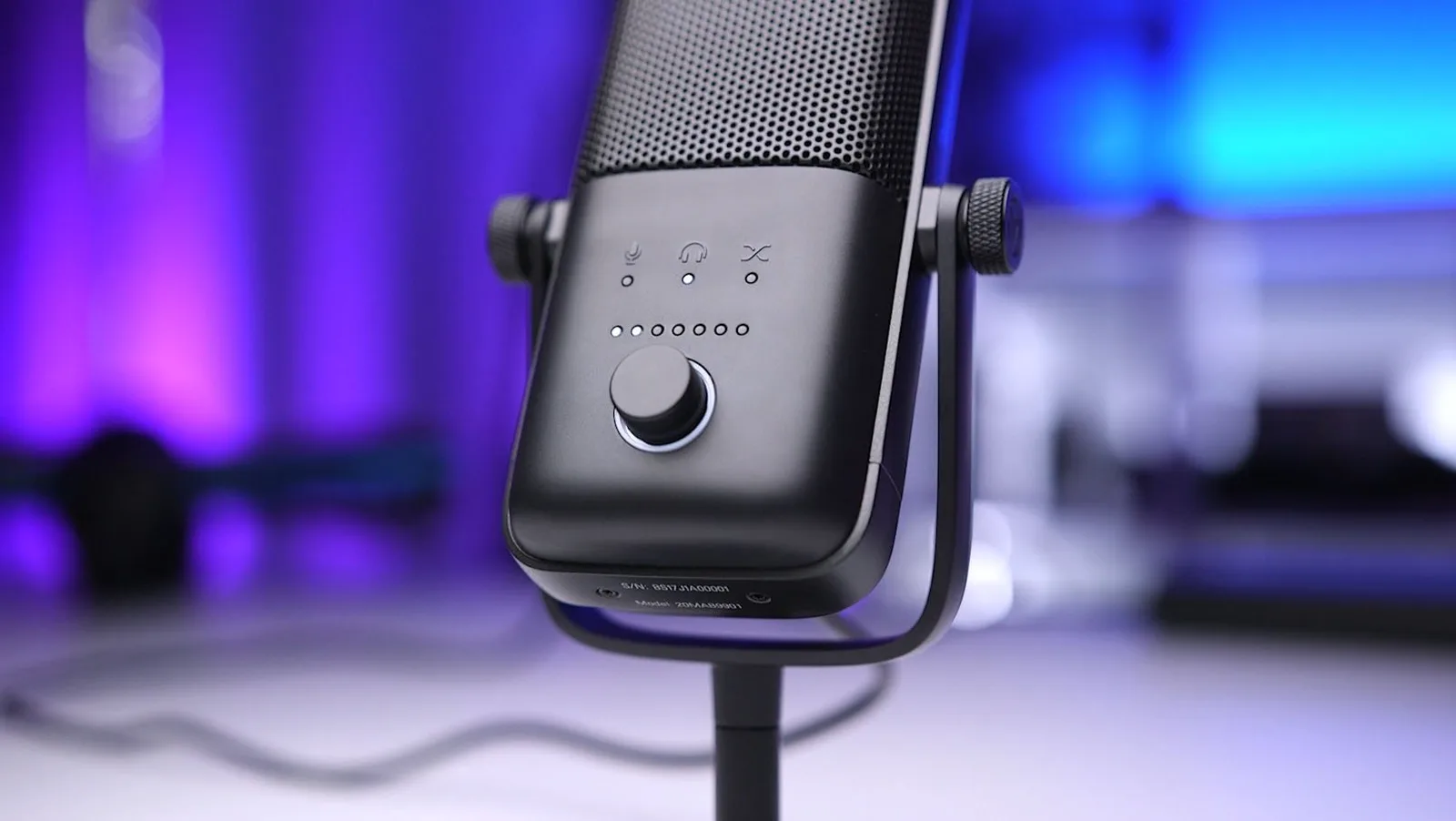
The Wave 3 is a short, slim cardioid condenser. Elgato lists the mic body at about 6 inches tall, and it tucks in front of a monitor or on a boom arm without taking over the desk. A tap-sensitive top mutes it, and a dial handles gain and headphone volume.
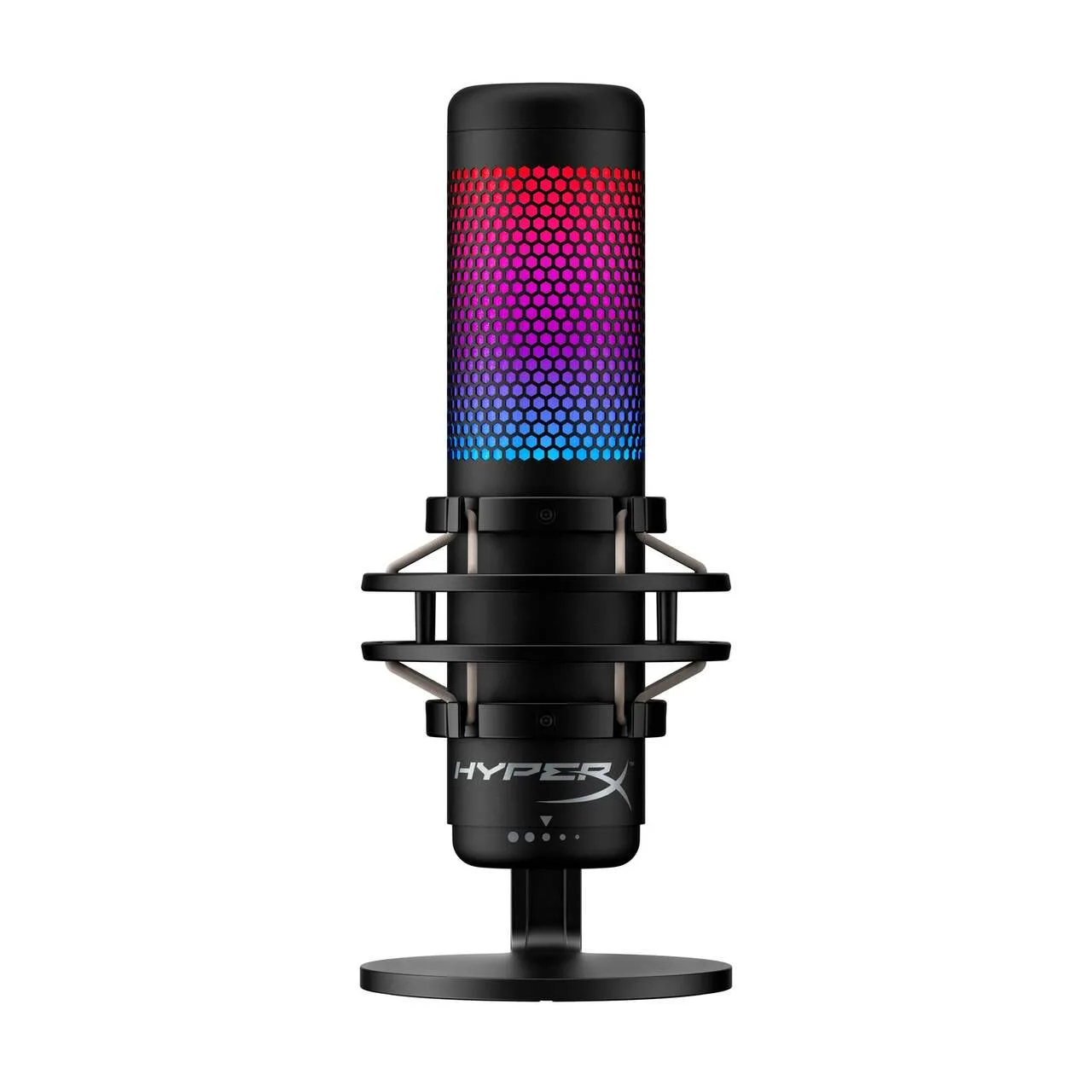
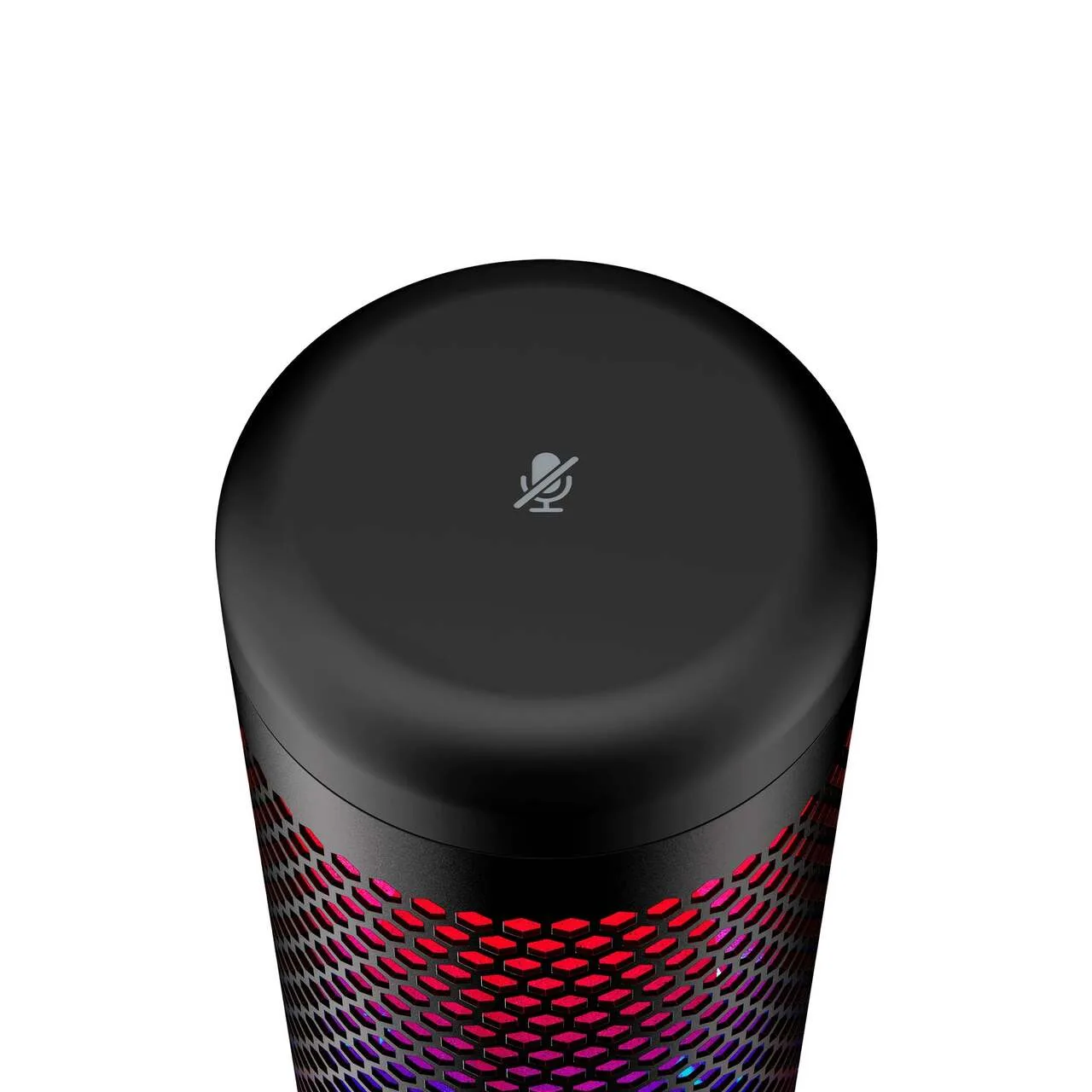
The QuadCast S is the bigger, flashier mic. Its listing gives the longest dimension as 9.84 inches, and it weighs about 1.3 lb. It comes with a built-in shock mount, a pop filter and a metal body, and it ships with a 9.84 ft USB-C to USB-A cable. The RGB lighting is the obvious draw, but the extra height can block a screen on a small desk.
The Elgato Wave 3 has a compact grille and capsule housing (Image: Tech Gear Talk)The HyperX QuadCast S sits in a shock mount on a round stand with RGB lighting (Image: HyperX)
Pickup Patterns: QuadCast S Offers Four, Wave 3 Offers One
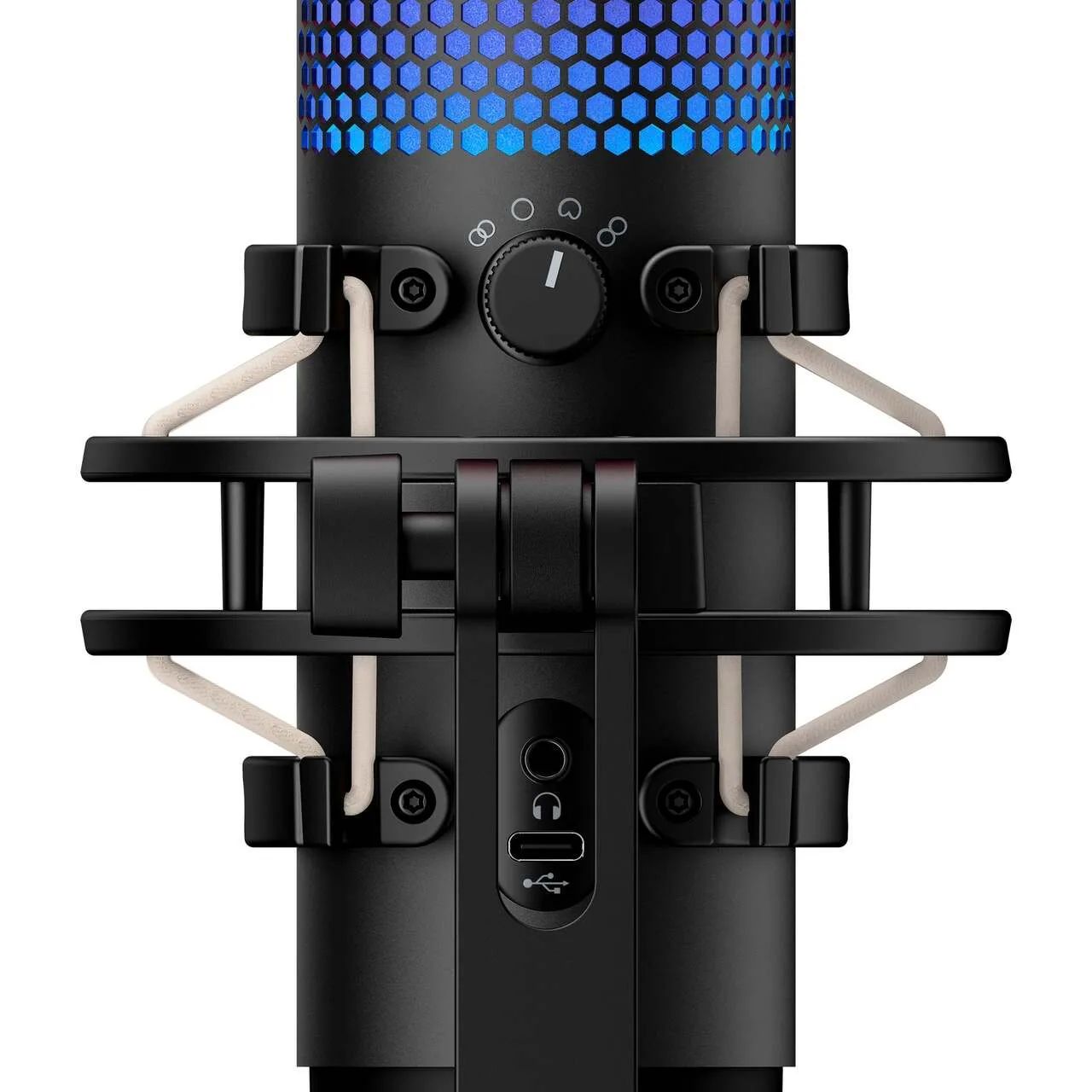
This is the QuadCast S’s clearest win. Its three-capsule design supports cardioid, bidirectional, omnidirectional and stereo patterns, so one mic can handle a solo stream, a two-person interview or a table of guests. Omnidirectional and bidirectional modes are useful if you record podcasts with a co-host.
The Wave 3 is cardioid only. Cardioid is the right pattern for a single voice at a desk, and it rejects more of the room behind the mic. If you are the only person in front of the mic, you give up nothing here.
The polar pattern selector and ports on the back of the HyperX QuadCast S (Image: HyperX)
Sound Quality: QuadCast S Is Crisper, Wave 3 Has More Low End
Both mics produce clean, streaming-ready voice. The QuadCast S tends to sound crisper and more true to life, while the Wave 3 sounds a little softer with a touch more bass emphasis that some voices find more flattering. The gap is small enough that mic placement and room treatment matter more than the model.
On paper the Wave 3 has the better converter, a 24-bit design against the QuadCast S’s 16-bit. The QuadCast S reaches lower, with a 20 Hz to 20 kHz frequency response against 70 Hz to 20 kHz. For spoken voice, neither spec is likely to be the deciding factor.
Loud Voices and Desk Noise: Clipguard vs Shock Mount
The Wave 3 includes Clipguard, an anti-distortion feature that keeps sudden loud peaks from clipping. If you shout at games, laugh loudly or lean in close, that safety net is a real advantage. The QuadCast S has no equivalent and can distort when pushed hard.
The QuadCast S answers with a built-in shock mount, which helps absorb desk bumps and keyboard rumble out of the box. The Wave 3 does not include one, so a shock mount or boom arm is a common add-on for noisy desks.
Mute Controls and Lighting: Smooth Fade vs Bare-Bones LED
Both mics have a tap-to-mute sensor with an LED status light. The Wave 3 applies a short fade of about half a second when you mute, which avoids an abrupt cut. The QuadCast S cuts the signal abruptly, and its RGB lighting goes dark when muted, so a muted mic and an unplugged one can look the same unless you set a mute color in the software.
The Elgato Wave 3 control dial (Image: Tech Gear Talk)The tap-to-mute sensor on top of the HyperX QuadCast S (Image: HyperX)
Software: Wave Link vs HyperX NGENUITY
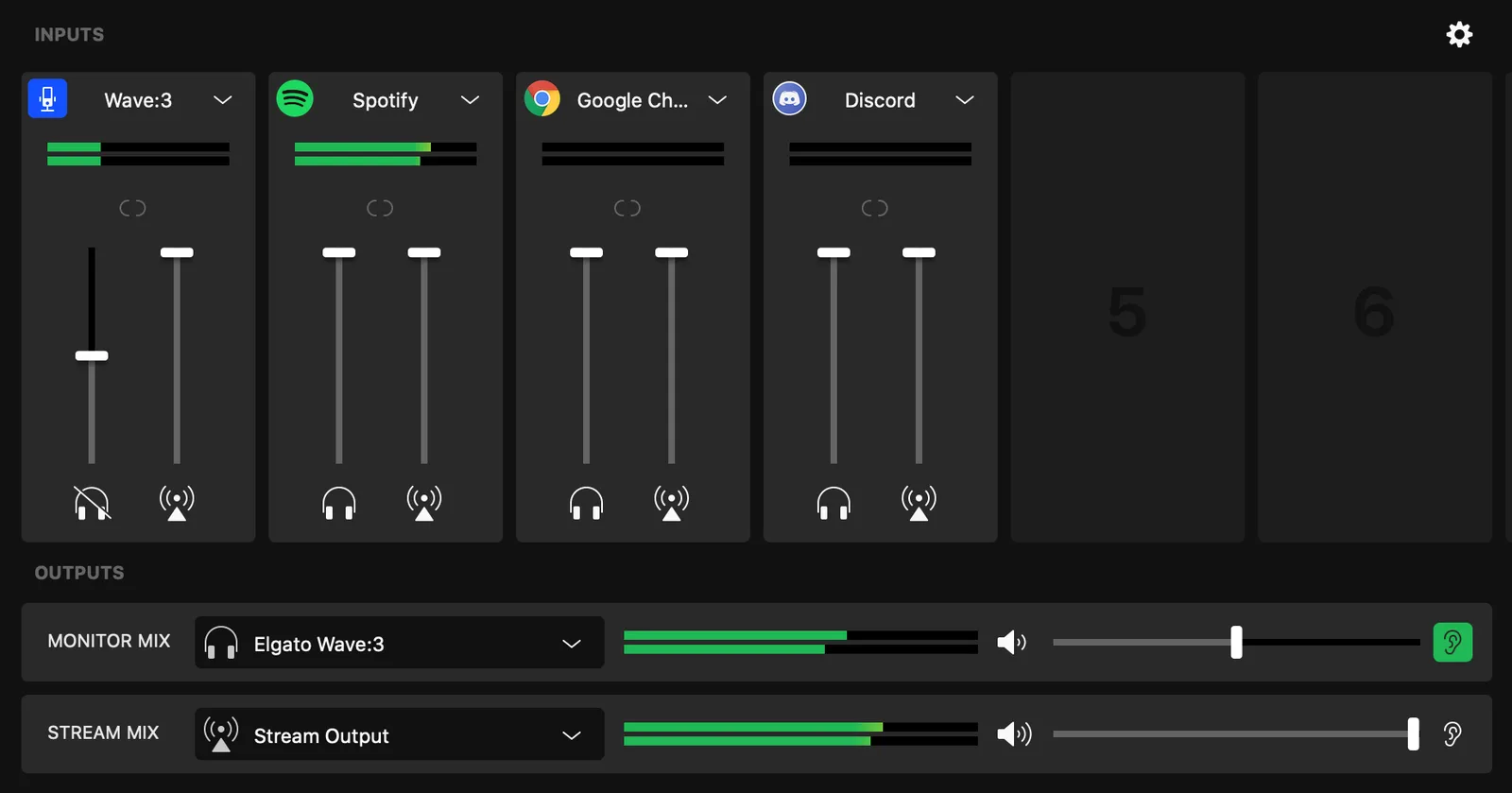
Elgato’s free Wave Link app is the bigger difference in daily use. It can combine up to eight audio sources and build two separate mixes, one for you and one for your audience, which is a big help for streamers juggling game audio, chat and music. HyperX NGENUITY mostly handles lighting and basic mic settings, so it adds style more than audio control.
The QuadCast S earns real credit for its four pickup patterns, built-in shock mount and RGB styling, and it can sound a touch crisper. Even so, the Wave 3 suits most people better. Clipguard protects you when the game gets loud, the mute fades instead of clicking off, Wave Link gives you real mixing control, and the slimmer body is easier to place. Choose the QuadCast S if you record guests or want the lighting, and only at a price that reflects its age.
What is the main difference between the Elgato Wave 3 and the HyperX QuadCast S?
The Wave 3 is a compact cardioid mic built around Clipguard and the Wave Link mixer. The QuadCast S is larger, adds RGB lighting and a shock mount, and offers four pickup patterns instead of one.
Which one is better for streaming?
The Wave 3 is the safer pick for solo streamers because of Clipguard, the mute fade and Wave Link’s two-mix setup. The QuadCast S makes more sense if you stream with a guest and want a multi-pattern mic.
Do they share any specs?
Both are USB condenser mics with a tap-to-mute sensor, a gain dial and a headphone jack for monitoring, and both work with PC and Mac.
Is the QuadCast S still worth buying?
HyperX has since released the newer QuadCast 2 S, which we cover in our HyperX QuadCast 2 S review. If you like the RGB look and extra patterns, that newer model is the better starting point than the original QuadCast S.
Which Is the Better Mic: Elgato Wave 3 vs HyperX QuadCast S?
If you stream solo and want a mic that protects you from loud moments and mixes your audio cleanly, buy the Elgato Wave 3. If you record podcasts with guests, want RGB and need a built-in shock mount, the HyperX QuadCast S is the better fit, though its newer QuadCast 2 S successor deserves a look first. In the Elgato Wave 3 vs HyperX QuadCast S matchup, the Wave 3 wins for most desks.
I'm Sean, and I write the comparisons on GameCuki. I cover anything gamers weigh up before buying: consoles and handhelds, PC components and gaming laptops, monitors, controllers, headsets and accessories, plus subscriptions and services like Game Pass and PlayStation Plus. I put both options on the same checklist, using official specs, professional reviews and owner feedback, and I only mention what owners say when at least two of them report the same thing. Every comparison ends with one clear verdict and the type of player each option suits. I don't accept free products or payment from brands, and what I write comes from research, not my own use of the products. You can read my full process on our How We Review page.
Areas of Focus
Controller Match-UpsHeadset Match-UpsConsole vs. ConsoleSpecs & Latency