GameCuki is reader-supported. When you buy through links on our site, we may earn an affiliate commission at no extra cost to you. As an Amazon Associate I earn from qualifying purchases. Learn more.
Logitech G309 vs G305 is a tougher call than the spec sheets suggest, because both are AA-powered wireless mice built for people who do not want to spend flagship money. The G309 is the newer model with Bluetooth, a lighter body and updated switches. The question is whether those upgrades are worth paying for, or whether the older G305 already does the job.
Best Overall
Logitech G309
Bottom LineThe better mouse for almost everyone, with a lighter body, Bluetooth and longer battery life, as long as the price gap stays small.
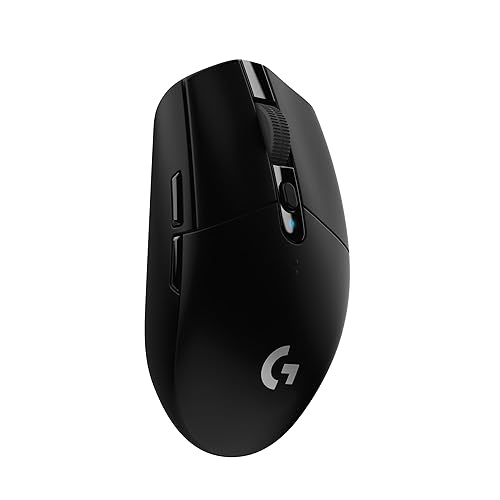
The G305 weighs 99 g, and its body is 116.6 mm long, 62.1 mm wide and 38.2 mm tall. Logitech’s G309 is a little larger at 120 by 64 by 39 mm, yet it is lighter, at 86 g with the included AA battery. The G309 can drop to 68 g without a battery, but that requires the separately sold POWERPLAY charging system, so most buyers will use the 86 g figure.
Grams matter more than millimeters here. The size gap is only a few millimeters in each direction, so both suit small to medium hands, while the 13 g weight cut is something you notice in quick flicks.
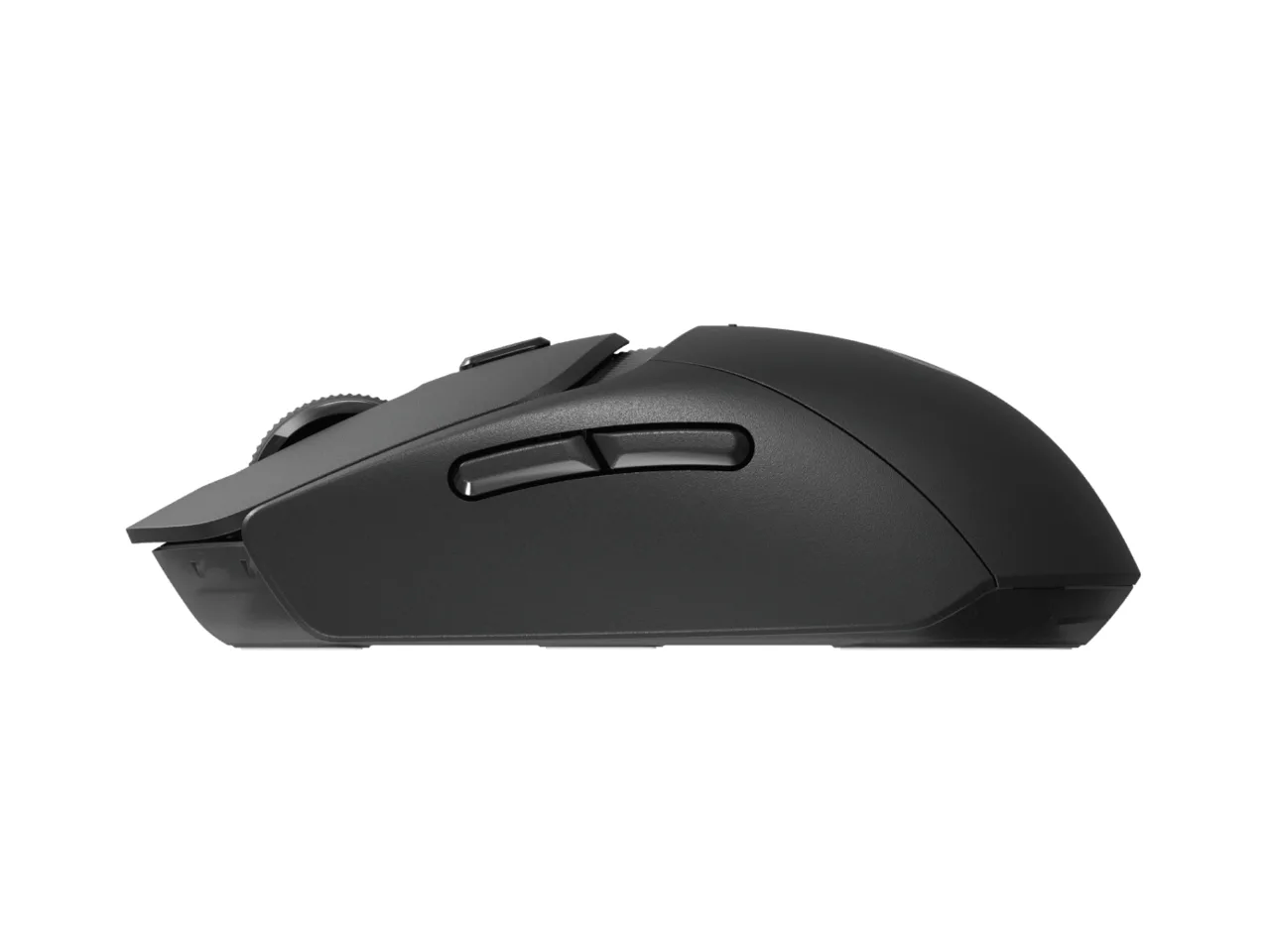
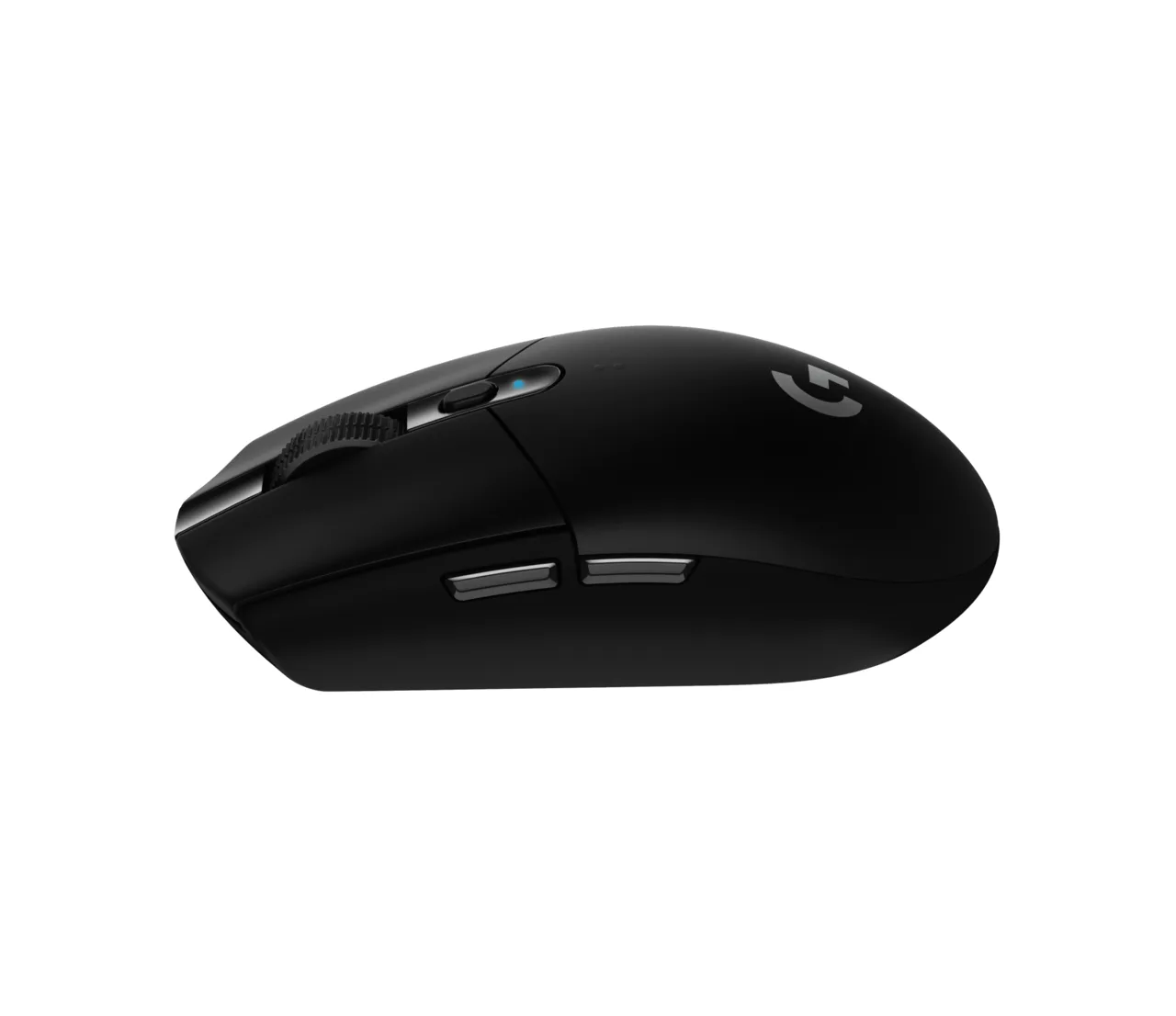
The G309 in side profile (Image: Logitech G)The G305’s rounder shell and thumb buttons (Image: Logitech G)
Sensor and Switches: Newer Parts, Modest Real-World Gain
The G305 uses the HERO sensor with a maximum of 12,000 DPI. The G309 steps up to the HERO 25K, which tops out at 25,600 DPI. Few players ever run settings that high, so the extra range matters less than the number suggests. A 12,000 DPI ceiling already covers nearly every real gaming setup.
The bigger change is the switches. The G305 uses traditional mechanical main buttons, while the G309 uses Logitech’s LIGHTFORCE optical-mechanical hybrid switches, which pair an optical trigger with a mechanical feel. Both mice offer six programmable controls and work with Logitech G HUB.
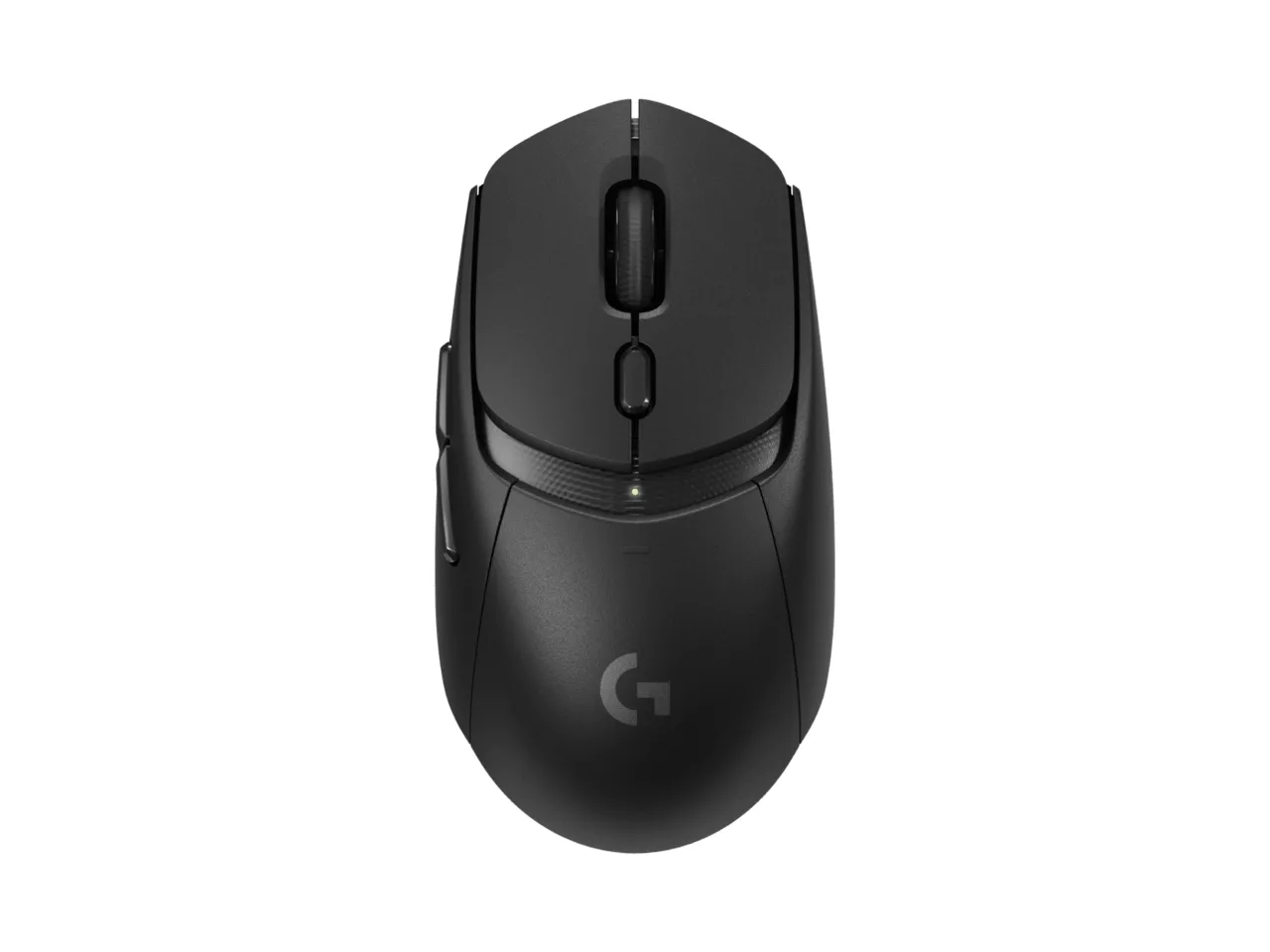
The G309 from above, with the DPI button below the wheel (Image: Logitech G)
Connectivity and Battery Life: Bluetooth Is the Real Divider
Both mice use a LIGHTSPEED USB receiver for low-latency wireless play, and Logitech lists the G305 at a 1 ms response time. Only the G309 adds Bluetooth, which lets one mouse switch between a gaming PC and a laptop or tablet without moving the receiver. Competitive play should stay on LIGHTSPEED, with Bluetooth kept for browsing and work.
Battery life favors the G309 as well. Logitech lists up to 250 hours on one AA battery for the G305, and over 300 hours on LIGHTSPEED (over 600 hours on Bluetooth) for the G309. Both run on a single AA, so neither needs a charging cable.
The G309’s removable rear shell over the battery compartment (Image: Logitech G)
Logitech G309 vs G305: Full Specs
Feature
Logitech G309
Logitech G305
Sensor
HERO 25K Wins
HERO
Max DPI
25,600 Wins
12,000
Main switches
LIGHTFORCE optical-mechanical hybrid
Mechanical
Wireless
LIGHTSPEED and Bluetooth Wins
LIGHTSPEED only
Battery life (LIGHTSPEED)
300+ hours, one AA Wins
Up to 250 hours, one AA
Battery life (Bluetooth)
600+ hours Wins
Not available
Weight with AA battery
86 g Wins
99 g
Dimensions (L x W x H)
120 x 64 x 39 mm
116.6 x 62.1 x 38.2 mm
Programmable controls
6
6
POWERPLAY support
Yes (sold separately) Wins
No
And the Winner Is…
WinnerLogitech G309
The G305 deserves credit for what it still does well: it is cheap, it works on a single desktop without fuss, and its HERO sensor is still more than accurate enough for gaming. Even so, the G309 is the better Logitech G309 vs G305 pick for most people. It is lighter, carries the newer HERO 25K sensor and LIGHTFORCE switches, lasts longer on a battery, and adds Bluetooth for a second device. Those gains are worth paying for when the price gap is small. Pick the G305 instead if it is clearly cheaper or you only ever use one PC and want the lowest cost of entry.
In general, yes. It is lighter, has a newer sensor and switches, offers Bluetooth and lasts longer on a battery. The G305 mainly wins on price.
Does the higher DPI make the G309 more accurate?
Not by itself. The 25,600 DPI ceiling gives a wider range of settings, but most players use far lower values, so the G305’s 12,000 DPI is rarely a limit.
Should I use Bluetooth for gaming?
No. Use the LIGHTSPEED receiver for games and save Bluetooth for browsing, work or a second device.
Is the G305 still worth buying?
Yes, when you want a low-cost wireless mouse for one desktop computer and do not need Bluetooth.
Final Thoughts on Logitech G309 vs G305
If the money is close, buy the G309: it is the more modern mouse in nearly every measurable way. If you are on a tight budget or just need a dependable wireless mouse for one PC, the G305 remains a sensible choice. In the Logitech G309 vs G305 matchup, the newer mouse earns its place, but the older one has not stopped being good value.
I'm Sean, and I write the comparisons on GameCuki. I cover anything gamers weigh up before buying: consoles and handhelds, PC components and gaming laptops, monitors, controllers, headsets and accessories, plus subscriptions and services like Game Pass and PlayStation Plus. I put both options on the same checklist, using official specs, professional reviews and owner feedback, and I only mention what owners say when at least two of them report the same thing. Every comparison ends with one clear verdict and the type of player each option suits. I don't accept free products or payment from brands, and what I write comes from research, not my own use of the products. You can read my full process on our How We Review page.
Areas of Focus
Controller Match-UpsHeadset Match-UpsConsole vs. ConsoleSpecs & Latency