

Slide a Steam Deck OLED in and out of a bag a few times and the first thing to suffer is the screen. Picking the best screen protector for Steam Deck OLED is mostly about fit: the panel is a bigger 7.4 inches, so glass cut for the old LCD can leave edges exposed. All 7 picks below are made for the OLED, from cheap two-packs to matte anti-glare glass and a precision-cut sheet for the etched model. Building out the rest of your kit? See our best Steam Deck accessories.
Best Screen Protector for Steam Deck OLED in 2026
GameCuki is reader-supported. When you buy through links on our site, we may earn an affiliate commission at no extra cost to you. As an Amazon Associate I earn from qualifying purchases. Learn more.
Our Top Picks

Best Overall
JSAUX Ultra HD Screen Protector (2-Pack)
Bottom line: A cheap, clear two-pack with a guide frame that makes a clean install realistic for first-timers, which is why it is our default recommendation.
- Guide frame keeps the edges aligned
- Oleophobic coating resists fingerprints
- Spare protector in the box
- Covers both Steam Deck OLED and LCD
- Full-screen, edge to edge glass
- Glossy glass still reflects light
- Pricier brands have easier trays

Best Matte
JSAUX Anti Glare Screen Protector (2-Pack)
Bottom line: The matte pick for handheld sessions by a window or on a train, trading a little sharpness for far fewer reflections.
- Cuts harsh reflections under bright light
- Matte coating resists fingerprints
- Same guide frame as the clear version
- Thin 0.33mm glass keeps touch input responsive
- Two protectors in the box
- Matte texture softens the picture a little

Best Install Tray
Spigen GLAS.tR EZ Fit Screen Protector
Bottom line: If you have ruined a screen protector before, the auto-alignment tray is worth the extra money.
- Tray aligns the glass in under a minute
- Oleophobic anti-fingerprint coating
- Cleaning cloth and dust stickers included
- 9H tempered glass
- Leaves touch response alone
- One protector per pack
- Costs more than the two-packs

Best Auto-Align Two-Pack
amFilm OneTouch Auto-Alignment Screen Protector (2-Pack)
Bottom line: Spigen-style tray alignment with a second protector in the box, which makes it the better buy if you want the tray and a safety net.
- Auto-alignment installs in about 60 seconds
- Two protectors included
- Thin glass keeps touch sensitivity
- 9H surface fights scratches
- Protectors come pre-installed in the tool
- Glossy finish reflects light
- Costs more than basic multi-packs

Best Multi-Pack
amFilm Tempered Glass Screen Protector (3-Pack)
Bottom line: Three sheets of clear glass and a cleaning kit make this the pick for clumsy installers and anyone who swaps protectors often.
- Three protectors for retries and replacements
- Oleophobic coating
- Cleaning wipes and manual included
- 99.9% transparency
- Covers 2021, 2022 and OLED Steam Decks
- No alignment frame or tray listed
- Glossy finish reflects light

Best Budget
Benazcap Steam Deck Screen Protector (2-Pack)
Bottom line: The cheapest way to cover the screen with two sheets of 9H glass, as long as you are happy to align them with stickers instead of a frame.
- Budget-friendly two-pack
- Hinge stickers help with alignment
- Cleaning kit included
- Oil-resistant, anti-scratch glass
- Covers the 2021 LCD and 2023 OLED
- No installation frame
- Less polished than tray kits
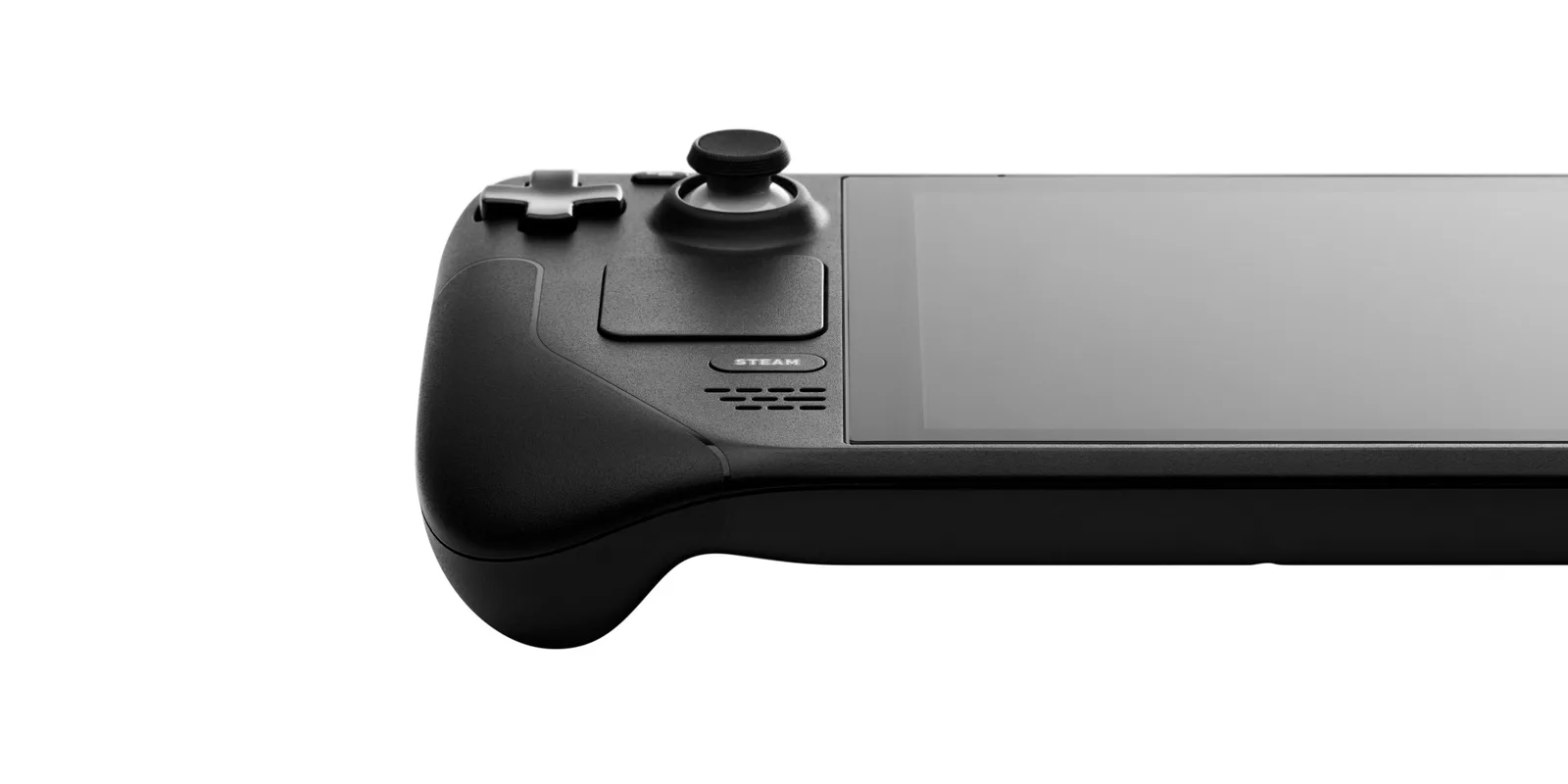
Best Precision Fit
dbrand Steam Deck Tempered Glass Screen Protector (2-Pack)
Bottom line: The pick if exact coverage and polished edges matter more than saving a few dollars, and the only one here confirmed for the etched glass model.
- Confirmed fit across all Steam Deck screens
- Polished, chamfered edges
- Precision cut covers the full display
- Oleophobic coating
- Works with the etched glass OLED model
- Costs more than the Amazon picks
- Sold direct from dbrand
Table of Contents
Best Screen Protector for Steam Deck OLED: Our Picks in Detail
1
Best Overall
JSAUX Ultra HD Screen Protector (2-Pack)
Bottom line: A cheap, clear two-pack with a guide frame that makes a clean install realistic for first-timers, which is why it is our default recommendation.
Both Steam Deck generations are covered by this JSAUX two-pack, so it works whether you play on the OLED or still have a second LCD around.
Pros & Cons
Pros
- Guide frame keeps the edges aligned
- Oleophobic coating resists fingerprints
- Spare protector in the box
- Covers both Steam Deck OLED and LCD
- Full-screen, edge to edge glass
Cons
- Glossy glass still reflects light
- Pricier brands have easier trays
Why We Picked It
Most screen protector disasters come from crooked alignment, and the included guiding frame takes the worst of that away. The glass is full-screen and edge to edge, heat-strengthened, and the oleophobic coating helps keep your thumbs from smearing the display. With two in the box, a dust speck on the first attempt is not a disaster. It is a simple, reliable glossy option.
Who It's For
You want clear glass on your Steam Deck at a fair price, whether it's the OLED or an LCD. The guiding frame takes most of the alignment risk out of the install, and with two in the box a dust speck on the first try is no disaster.
Specs & Configurations
- Fits
- Steam Deck OLED and LCD
- Material
- tempered glass, 9H
- Finish
- glossy
- Clarity
- 99.99% transparency
- In the box
- 2 protectors, guiding frame, install kits
Get It Now
Check Price on Amazon
2
Best Matte
JSAUX Anti Glare Screen Protector (2-Pack)
Bottom line: The matte pick for handheld sessions by a window or on a train, trading a little sharpness for far fewer reflections.
This is the matte twin of our top pick and the easiest way to calm reflections on the Deck's screen.
Pros & Cons
Pros
- Cuts harsh reflections under bright light
- Matte coating resists fingerprints
- Same guide frame as the clear version
- Thin 0.33mm glass keeps touch input responsive
- Two protectors in the box
Cons
- Matte texture softens the picture a little
Why We Picked It
The OLED panel looks great in a dark room but picks up glare fast in daylight. The textured surface scatters light, so overhead lamps and windows stop turning the screen into a mirror. At 0.33mm it is thin enough to keep touch input responsive, and the guiding frame follows the same install process as the clear JSAUX.
Who It's For
You play handheld by a bright window, on the couch in daylight or on a commute where overhead lamps turn the screen into a mirror. The matte surface scatters that light, the 0.33mm glass keeps touch responsive, and the guiding frame makes the install straightforward.
Specs & Configurations
- Fits
- Steam Deck OLED and LCD
- Material
- tempered glass, 9H
- Finish
- matte anti-glare
- Thickness
- 0.33mm
- In the box
- 2 protectors, guiding frame
Get It Now
Check Price on Amazon
3
Best Install Tray
Spigen GLAS.tR EZ Fit Screen Protector
Bottom line: If you have ruined a screen protector before, the auto-alignment tray is worth the extra money.
Spigen builds its protectors around a tray that holds the glass in place while you lower it on.
Pros & Cons
Pros
- Tray aligns the glass in under a minute
- Oleophobic anti-fingerprint coating
- Cleaning cloth and dust stickers included
- 9H tempered glass
- Leaves touch response alone
Cons
- One protector per pack
- Costs more than the two-packs
Why We Picked It
The EZ Fit tray is the whole point. It positions the glass for you, so a clean install takes about a minute instead of ten tries with a hovering sheet. The glass is 9H, treated to resist fingerprints and designed to leave touch response alone. You pay more per protector, and you only get one.
Who It's For
This is your first screen protector, or you don't trust your hands to line up a sheet of glass on a Steam Deck. The EZ Fit tray positions the glass for you, so a clean install takes about a minute, and the 9H glass is treated against fingerprints.
Specs & Configurations
- Fits
- Steam Deck OLED and LCD
- Material
- tempered glass, 9H
- Finish
- glossy
- Install
- EZ Fit auto-alignment tray
- In the box
- 1 protector, tray, dust stickers, microfiber cloth
Get It Now
Check Price on Amazon
4
Best Auto-Align Two-Pack
amFilm OneTouch Auto-Alignment Screen Protector (2-Pack)
Bottom line: Spigen-style tray alignment with a second protector in the box, which makes it the better buy if you want the tray and a safety net.
amFilm's tray-based kit pairs easy alignment with a spare sheet.
Pros & Cons
Pros
- Auto-alignment installs in about 60 seconds
- Two protectors included
- Thin glass keeps touch sensitivity
- 9H surface fights scratches
- Protectors come pre-installed in the tool
Cons
- Glossy finish reflects light
- Costs more than basic multi-packs
Why We Picked It
Each protector comes pre-installed in the alignment tool, so you place the tray on the Deck and press down. At 0.3mm it stays thin enough for normal touch input, and the 9H surface fights scratches. It is the tray experience at a better two-pack value.
Who It's For
You want a foolproof Steam Deck install and a backup sheet in the box. Each protector comes pre-installed in the alignment tool, so you place the tray and press down, and the 0.3mm glass stays thin enough for normal touch input.
Specs & Configurations
- Fits
- Steam Deck OLED and LCD
- Material
- tempered glass, 9H
- Finish
- glossy
- Thickness
- 0.3mm
- In the box
- 2 pre-installed protectors, install tool
Get It Now
Check Price on Amazon
5
Best Multi-Pack
amFilm Tempered Glass Screen Protector (3-Pack)
Bottom line: Three sheets of clear glass and a cleaning kit make this the pick for clumsy installers and anyone who swaps protectors often.
Three sheets in one box means a failed first try costs you nothing.
Pros & Cons
Pros
- Three protectors for retries and replacements
- Oleophobic coating
- Cleaning wipes and manual included
- 99.9% transparency
- Covers 2021, 2022 and OLED Steam Decks
Cons
- No alignment frame or tray listed
- Glossy finish reflects light
Why We Picked It
The kit gives you three 0.3mm protectors with 99.9% transparency, plus cloths, wipes and an instruction manual. Without a tray you align by eye, so having spares matters. It also lasts you through replacements down the road.
Who It's For
You expect to replace a screen protector more than once, or you simply like having spares on hand. Three 0.3mm sheets come with cloths, wipes and a manual, so a crooked first try costs nothing and later swaps are covered.
Specs & Configurations
- Fits
- Steam Deck 2021, 2022 and OLED
- Material
- tempered glass, 9H
- Finish
- glossy
- Clarity
- 99.9% transparency
- In the box
- 3 protectors, microfiber cloth, wipes
Get It Now
Check Price on Amazon
6
Best Budget
Benazcap Steam Deck Screen Protector (2-Pack)
Bottom line: The cheapest way to cover the screen with two sheets of 9H glass, as long as you are happy to align them with stickers instead of a frame.
Benazcap proves you do not need to spend much to protect the screen.
Pros & Cons
Pros
- Budget-friendly two-pack
- Hinge stickers help with alignment
- Cleaning kit included
- Oil-resistant, anti-scratch glass
- Covers the 2021 LCD and 2023 OLED
Cons
- No installation frame
- Less polished than tray kits
Why We Picked It
It covers both the 2021 LCD and the 2023 OLED with two 0.33mm sheets and a cleaning kit. Hinge stickers hold the glass while you line it up. The glass is oil-resistant and anti-scratch, so it shrugs off fingerprints and keys.
Who It's For
You're watching your budget and comfortable lining up glass by hand on your Steam Deck. Two 0.33mm sheets, hinge stickers and a cleaning kit cover the install, and the oil-resistant, anti-scratch glass shrugs off fingerprints and keys.
Specs & Configurations
- Fits
- Steam Deck OLED (2023) and 2021 LCD
- Material
- tempered glass, 9H
- Thickness
- 0.33mm
- Clarity
- 99% HD clear
- In the box
- 2 protectors, hinge stickers, cleaning kit
Get It Now
Check Price on Amazon
7
Best Precision Fit
dbrand Steam Deck Tempered Glass Screen Protector (2-Pack)
Bottom line: The pick if exact coverage and polished edges matter more than saving a few dollars, and the only one here confirmed for the etched glass model.
dbrand cuts its glass to cover every inch of the Deck's display.
Pros & Cons
Pros
- Confirmed fit across all Steam Deck screens
- Polished, chamfered edges
- Precision cut covers the full display
- Oleophobic coating
- Works with the etched glass OLED model
Cons
- Costs more than the Amazon picks
- Sold direct from dbrand
Why We Picked It
The 1TB OLED model uses etched anti-glare glass, and dbrand states its protector fits all Steam Deck models including the etched glass and OLED versions. It is real tempered glass with an oleophobic coating, and the polished, chamfered edges feel smooth. Touch input works as normal.
Who It's For
You want a precise fit and a smoother finish, including on the etched glass OLED model, and you don't mind buying direct. The tempered glass covers every inch of the display, the polished chamfered edges feel smooth, and touch input works as normal.
Specs & Configurations
- Fits
- Steam Deck OLED, LCD and etched glass
- Material
- tempered glass
- Coating
- oleophobic
- Edges
- polished, chamfered
- In the box
- 2 protectors
Get It Now
Check Price at dbrandWhat to Look for in a Steam Deck OLED Screen Protector
Fit and Protection
The Steam Deck OLED has a 7.4-inch screen, while the LCD model is 7 inches, so protectors listed only for the original Deck are not a safe buy. Every pick above lists the OLED as compatible. Look for tempered glass rated 9H, which resists scratches from keys and coins.
Clarity and Touch Sensitivity
Thin glass of 0.3mm to 0.33mm leaves touch input responsive. Look for an oleophobic coating to keep fingerprints in check.
Glossy vs Matte
Glossy glass keeps the picture sharp, and matte glass cuts reflections at the cost of some crispness. If you play in bright rooms, matte may be worth the trade.
Installation
Alignment is where most protectors go wrong. Trays (Spigen, amFilm OneTouch) do the work for you, guide frames (JSAUX) help, and stickers (Benazcap) are the budget method. Multi-packs give you spares for retries.
Steam Deck OLED Screen Protector FAQ
What is the best Steam Deck screen protector?
The JSAUX Ultra HD two-pack is our top pick for most players, with the Spigen EZ Fit for anyone who wants a tray. For more gear, see our Switch 2 screen protector guide for the same buying logic on another handheld.
Should I put a screen protector on a Steam Deck OLED?
If you carry your Deck around, a 9H glass sheet is cheap insurance against scratches. It is a thin layer you can peel off and replace.
How durable is a Steam Deck screen protector?
Tempered glass protectors resist everyday scratches and can crack from a hard impact, which is exactly what they are there to absorb. Replace one when it chips or cracks.
Which is better, matte or glossy?
Glossy keeps the sharpest picture. Matte cuts reflections in bright rooms but softens the image a little.