GameCuki is reader-supported. When you buy through links on our site, we may earn an affiliate commission at no extra cost to you. As an Amazon Associate I earn from qualifying purchases. Learn more.
Valorant runs at several hundred frames per second on a modest PC, so the screen is usually the part holding you back, not the graphics card. The best monitor for Valorant is a fast 24 to 25 inch 1080p panel that can show every one of those frames, and we picked eight, from a budget-friendly 310Hz IPS to a 600Hz esports TN and one 1440p OLED for players who want sharper visuals.
Each pick below is matched to a type of player, and the guide after the list explains refresh rate, panel type and size so you can choose without overbuying. If you also play Fortnite on the same screen, our best gaming monitor for Fortnite guide covers the overlap.
Best Monitor for Valorant: Our Picks in Detail

1
Best for Most Competitive Players
Alienware AW2523HF 24.5-Inch 360Hz Gaming Monitor
Bottom line: A 24.5-inch 360Hz Fast IPS panel that gives Valorant players the 360Hz sweet spot with better color than a TN screen.
This is the monitor most Valorant players end up wanting once 240Hz stops feeling like enough. Alienware pairs a 360Hz refresh rate with a Fast IPS panel, so you get high-end motion clarity without giving up the color quality of IPS.
Pros & Cons
Pros- 360Hz refresh rate for very smooth tracking in fast fights
- 0.5ms GtG response time keeps moving targets sharp
- Fast IPS panel with 99% sRGB and wide viewing angles
- 24.5-inch size keeps the whole minimap and crosshair area in view
- AMD FreeSync Premium and VESA AdaptiveSync for tear-free play
- Height, tilt, swivel and pivot adjustment on the stand
- Built-in headset hanger keeps the desk clear
Cons- 1080p only, so text and menus look less sharp than on a 1440p screen
- HDMI 2.0 caps 1080p at 240Hz, so you need DisplayPort for 360Hz
- Needs a PC that holds 300+ FPS to make full use of 360Hz
Why We Picked It
A 24.5-inch 1080p screen is the size and resolution that most competitive Valorant players use, and 360Hz is widely treated as the current sweet spot for that crowd. The AW2523HF hits both targets on one panel with a 0.5ms GtG response time, and the stand adjusts for height, tilt, swivel and pivot, so you can get the crosshair at eye level.
Who It's For
You play ranked regularly, your PC already runs Valorant well above 300 FPS, and you want the jump from 240Hz to 360Hz without moving to a pricey 500Hz class screen.
It also fits players who split time between Valorant and single-player games, because IPS color is noticeably richer than TN.
Specs & Configurations
- Size
- 24.5 inches
- Resolution
- 1920x1080
- Refresh Rate
- 360Hz
- Panel
- Fast IPS
- Response Time
- 0.5ms GtG

2
Best for 500Hz Without a TN Panel
Alienware AW2524HF 24.5-Inch 500Hz Gaming Monitor
Bottom line: A 500Hz Fast IPS screen for players with a high-end PC who want maximum refresh rate and still want decent color.
Alienware's AW2524HF is aimed at players who already own a fast CPU and want a refresh rate that leaves no room for the monitor to be the bottleneck.
Pros & Cons
Pros- 500Hz overclocked refresh rate, 480Hz native, for top-tier motion clarity
- Fast IPS panel keeps the colors accurate with 99% sRGB coverage
- 0.5ms GtG response time cuts ghosting on fast flicks
- Matte anti-glare finish helps under room lighting
- 400 nit brightness stays readable in bright rooms
- AMD FreeSync Premium and VESA AdaptiveSync support
- TUV ComfortView Plus low blue light mode for long sessions
Cons- Needs DisplayPort to reach its advertised refresh rate
- Costs far more than the 360Hz and 310Hz options for a gain few players can use
- The extra frames only matter if your PC holds 400+ FPS in Valorant
Why We Picked It
Most 500Hz screens are TN panels with weaker color. This one uses Fast IPS, which keeps wider viewing angles and better color while still reaching 500Hz with overclocking. The matte finish and 400 nit brightness also make it easier to read in a lit room than glossy alternatives.
Who It's For
You have a recent high-end PC, play Valorant at low settings for maximum frames, and want the fastest IPS option in a standard 24.5-inch size.
It also suits players who would rather not live with a TN panel's color shift but still want a top-tier refresh rate.
Specs & Configurations
- Size
- 24.5 inches
- Resolution
- 1920x1080
- Refresh Rate
- 500Hz (OC), 480Hz native
- Panel
- Fast IPS
- Response Time
- 0.5ms GtG
3
Best for Tournament-Style Setups
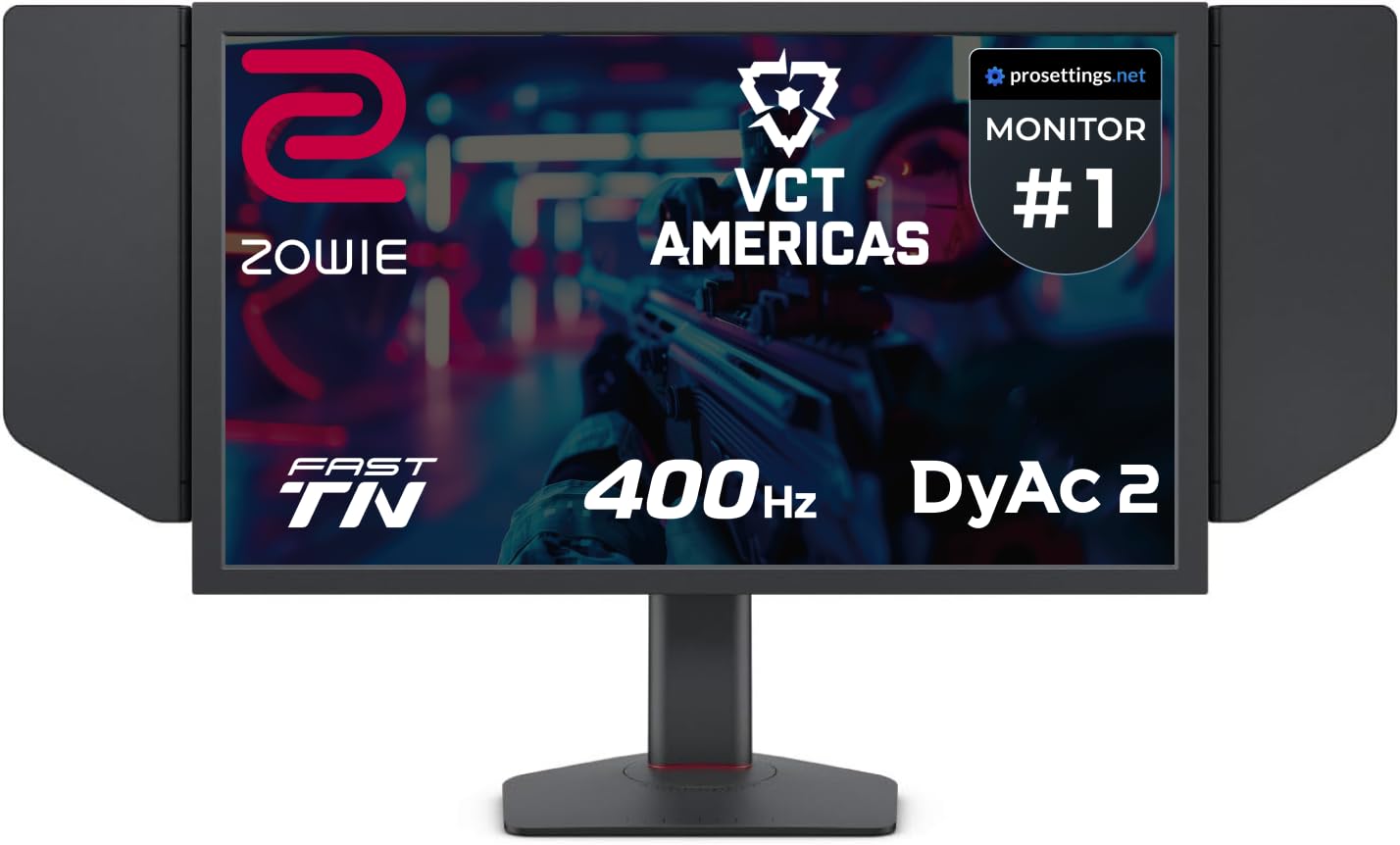
BenQ ZOWIE XL2566X+ 24.1-Inch 400Hz Esports Monitor
Bottom line: A 400Hz Fast TN esports monitor with DyAc 2 blur reduction, built for players who want the same type of screen used in pro play.
ZOWIE is the brand most associated with competitive shooters, and the XL2566X+ is its 400Hz model for players who want that familiar esports layout.
Pros & Cons
Pros- 400Hz refresh rate for very low frame-to-frame delay
- DyAc 2 dual-backlight blur reduction sharpens fast movement
- Native 1080p on a 24-inch class panel, the pro-standard combination
- Fast TN panel with reduced overshoot for clean motion
- Matte finish and a 320 cd/m2 panel
- Headphone jack, HDMI and DisplayPort on the back
Cons- TN color and viewing angles are weaker than IPS or OLED
- Priced well above mainstream 1080p gaming monitors
- Colors look flatter for movies and single-player games
Why We Picked It
Fast TN panels still lead on raw motion clarity, and DyAc 2 adds backlight strobing aimed at reducing blur during fast movement. If your priority is tracking heads and clean flicks rather than picture quality, this is the style of screen built for it.
Who It's For
You treat Valorant as a competitive game, you want a monitor that does one job very well, and you do not mind that a TN screen is not the nicest choice for movies or story games.
It also works well on a LAN or tournament-style desk where a ready-to-go esports screen is the goal.
Specs & Configurations
- Size
- 24.1 inches
- Resolution
- 1920x1080
- Refresh Rate
- 400Hz
- Panel
- Fast TN
- Motion Blur Reduction
- DyAc 2
4
Best Entry to Esports TN
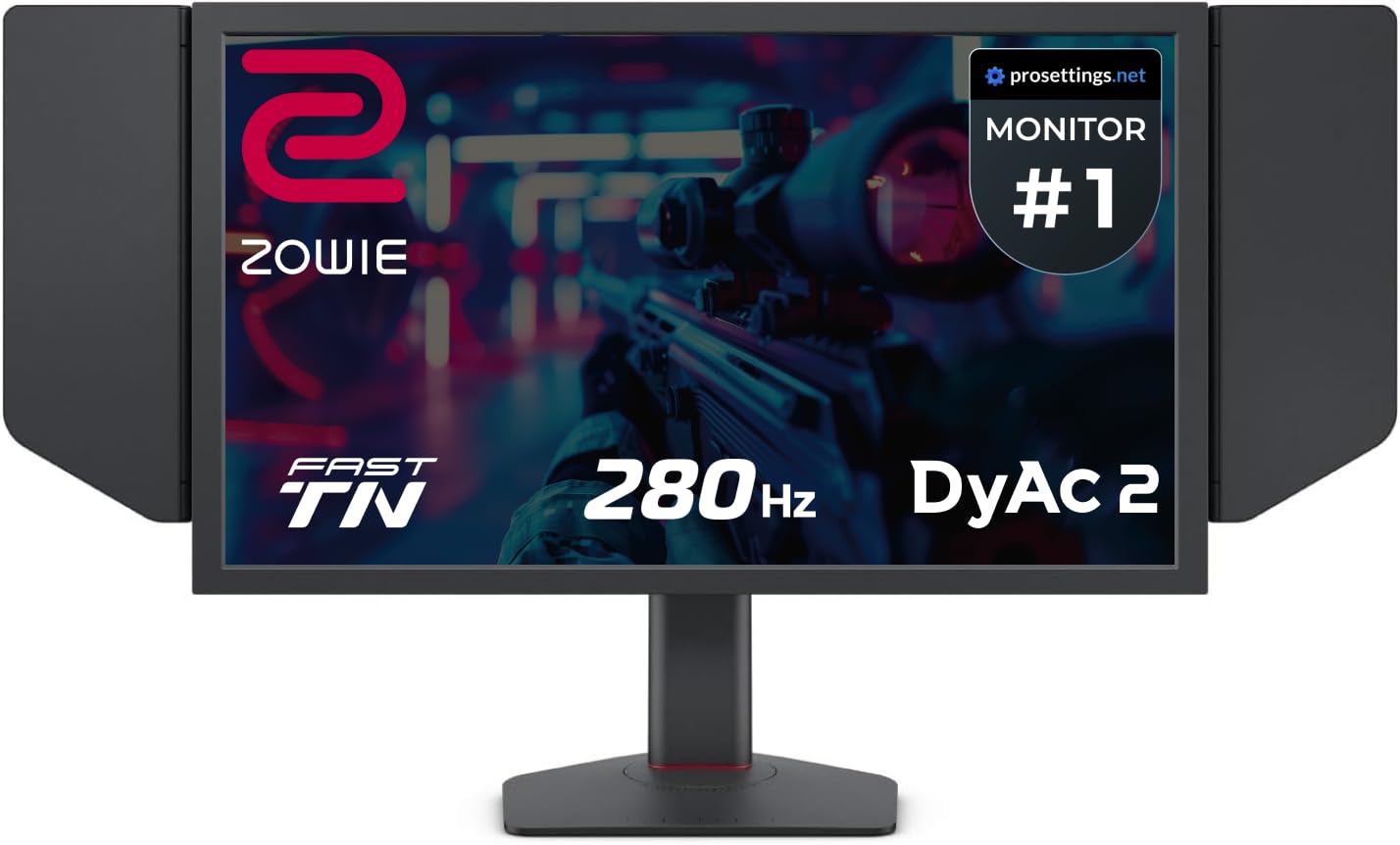
BenQ ZOWIE XL2546X+ 24.1-Inch 280Hz Esports Monitor
Bottom line: A 280Hz Fast TN panel with DyAc 2 for players who want a ZOWIE feel without paying 400Hz prices.
For players who want the ZOWIE approach but not the 400Hz price, the XL2546X+ keeps the key features at a lower refresh rate.
Pros & Cons
Pros- 280Hz refresh rate is well above the 240Hz baseline for competitive play
- DyAc 2 motion blur reduction with a soft backlight
- Fast TN panel with 0.5ms response time
- Reduced overshoot for clean, ghost-free motion
- Native 1080p on a 24-inch class panel
- HDMI and DisplayPort inputs
- Sharper moving outlines than a typical IPS panel
Cons- TN color and viewing angles are limited
- Costs more than IPS monitors with similar refresh rates
- The box ships with the monitor only, so budget for a DisplayPort cable if you need one
Why We Picked It
At 280Hz it clears the 240Hz mark many guides call the competitive baseline, and DyAc 2 is the same blur-reduction technology found in the higher-end ZOWIE models. A 24.1-inch screen at 1080p also keeps everything close enough to see without moving your eyes.
Who It's For
You play Valorant seriously, your PC reaches 250+ FPS, and you want a tournament-style screen with a straightforward esports feature set.
It also suits players who already know they prefer TN motion clarity and want to stay in that lane without stepping up to the most expensive model.
Specs & Configurations
- Size
- 24.1 inches
- Resolution
- 1920x1080
- Refresh Rate
- 280Hz
- Panel
- Fast TN
- Motion Blur Reduction
- DyAc 2
5
Best for NVIDIA G-SYNC Players
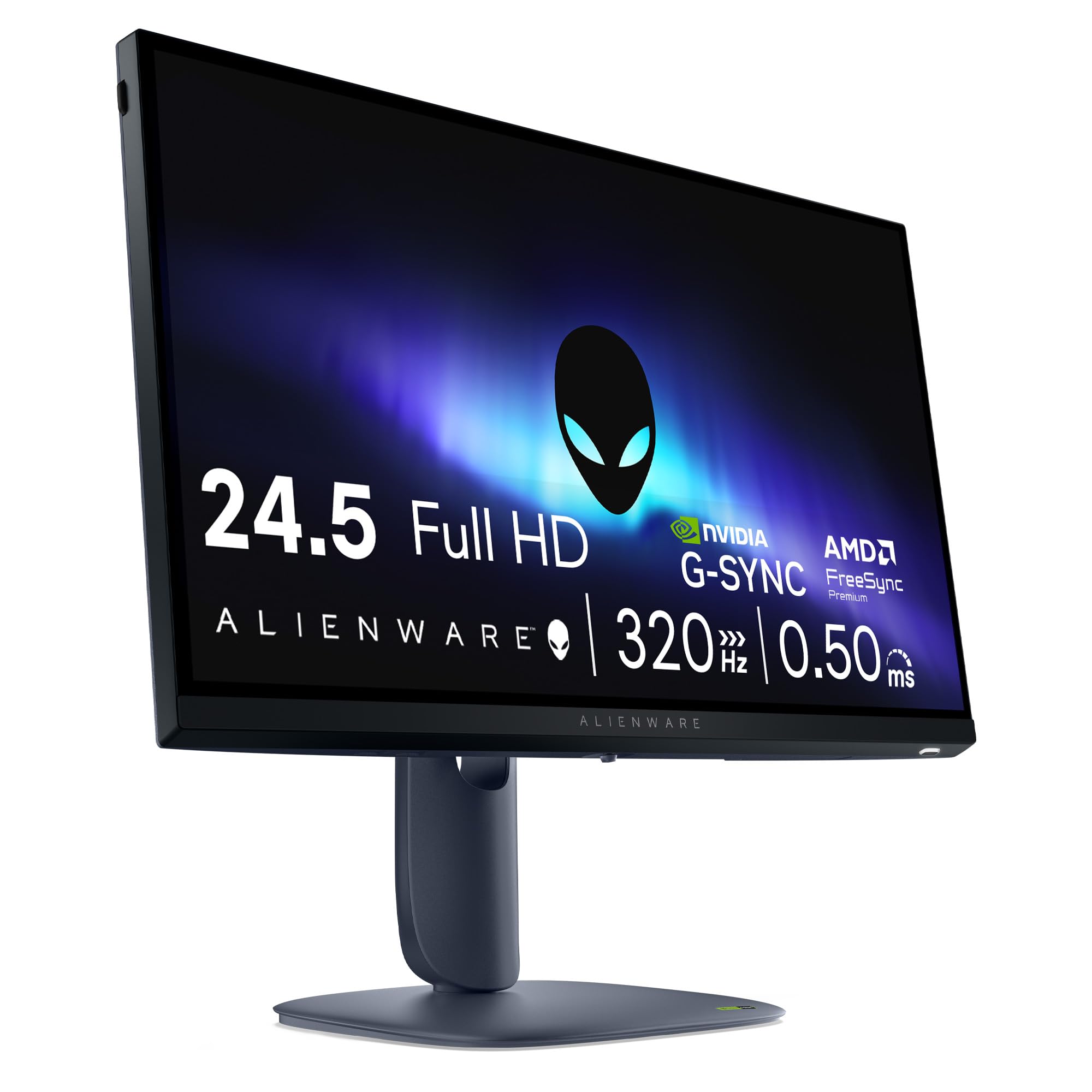
Alienware AW2525HM 24.5-Inch 320Hz Gaming Monitor
Bottom line: A 320Hz Fast IPS monitor with G-SYNC Compatible support and HDMI 2.1, for players who want a modern spec sheet at a mid-range level.
Alienware's AW2525HM is the practical choice when the other 24.5-inch Alienware screens are more monitor than you need.
Pros & Cons
Pros- 320Hz refresh rate sits between 240Hz and 360Hz classes
- NVIDIA G-SYNC Compatible, AMD FreeSync Premium and VESA AdaptiveSync
- 0.5ms GtG response time in Fast IPS
- 99% sRGB color coverage
- 400 nit brightness
- DisplayPort 1.4 and HDMI 2.1 inputs, with a DisplayPort cable in the box
- ComfortView Plus low blue light mode
Cons- 1080p only, so it is not the sharpest choice for desktop work
- 320Hz is a smaller step up from 240Hz than the jump to 360Hz
- Lacks the strobing blur reduction of a ZOWIE screen
Why We Picked It
It packs the details that matter into one panel: a 320Hz refresh rate, 0.5ms GtG response time, G-SYNC Compatible support and both HDMI 2.1 and DisplayPort 1.4. That makes it useful beyond Valorant, because the same screen works with a console as well.
Who It's For
You run an NVIDIA GPU, you play Valorant daily, and you want a clean 24.5-inch 1080p screen with enough refresh rate to stay ahead of a 240Hz monitor.
It also fits mixed use, where Valorant is the main game and the monitor shares a desk with a console or other titles.
Specs & Configurations
- Size
- 24.5 inches
- Resolution
- 1920x1080
- Refresh Rate
- 320Hz
- Panel
- Fast IPS
- Response Time
- 0.5ms GtG
6
Best on a Budget
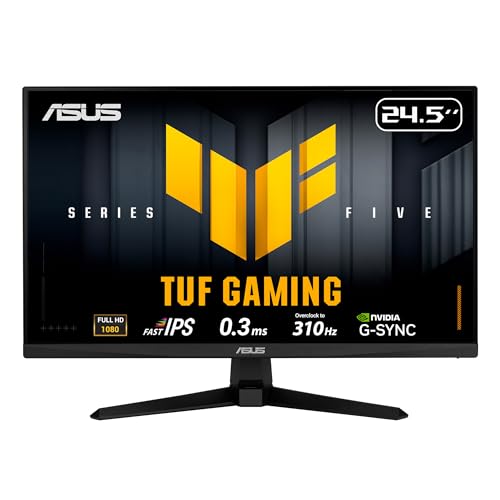
ASUS TUF Gaming VG259QMR5A 24.5-Inch 310Hz Monitor
Bottom line: A 310Hz overclockable Fast IPS screen with G-SYNC Compatible support that gives budget-minded Valorant players real esports specs.
ASUS's TUF line is the easiest way to reach 300Hz-class speed without paying for a flagship esports monitor.
Pros & Cons
Pros- 310Hz overclocked refresh rate at a budget-class level
- 0.3ms GtG minimum response time
- Fast IPS panel with 178 degree viewing angles
- ELMB Sync reduces motion blur while variable refresh rate is on
- FreeSync Premium and G-SYNC Compatible support
- DisplayPort cable included in the box
- TUV flicker-free and low blue light certification
Cons- The 310Hz figure is an overclock, so you need to enable it in the menu
- ELMB Sync is a simpler blur reduction than DyAc 2 strobing
- Stand adjustability and build are simpler than premium Alienware or ZOWIE screens
Why We Picked It
Budget monitors rarely list a 310Hz overclocked refresh rate, a 0.3ms response time and a Fast IPS panel together. The VG259QMR5A does, and it is the 24.5-inch 1080p size that suits Valorant. A DisplayPort cable comes in the box, so you can reach the high refresh rate on day one.
Who It's For
You are upgrading from a 60Hz or 144Hz screen, you want a clear leap in smoothness, and you do not want to spend flagship money on a monitor for one game.
It also suits players building a first competitive setup who plan to spend the rest of the budget on a mouse and keyboard.
Specs & Configurations
- Size
- 24.5 inches
- Resolution
- 1920x1080
- Refresh Rate
- 310Hz (overclocked)
- Panel
- Fast IPS
- Response Time
- 0.3ms GtG
7
Best for a 600Hz Maximum Setup
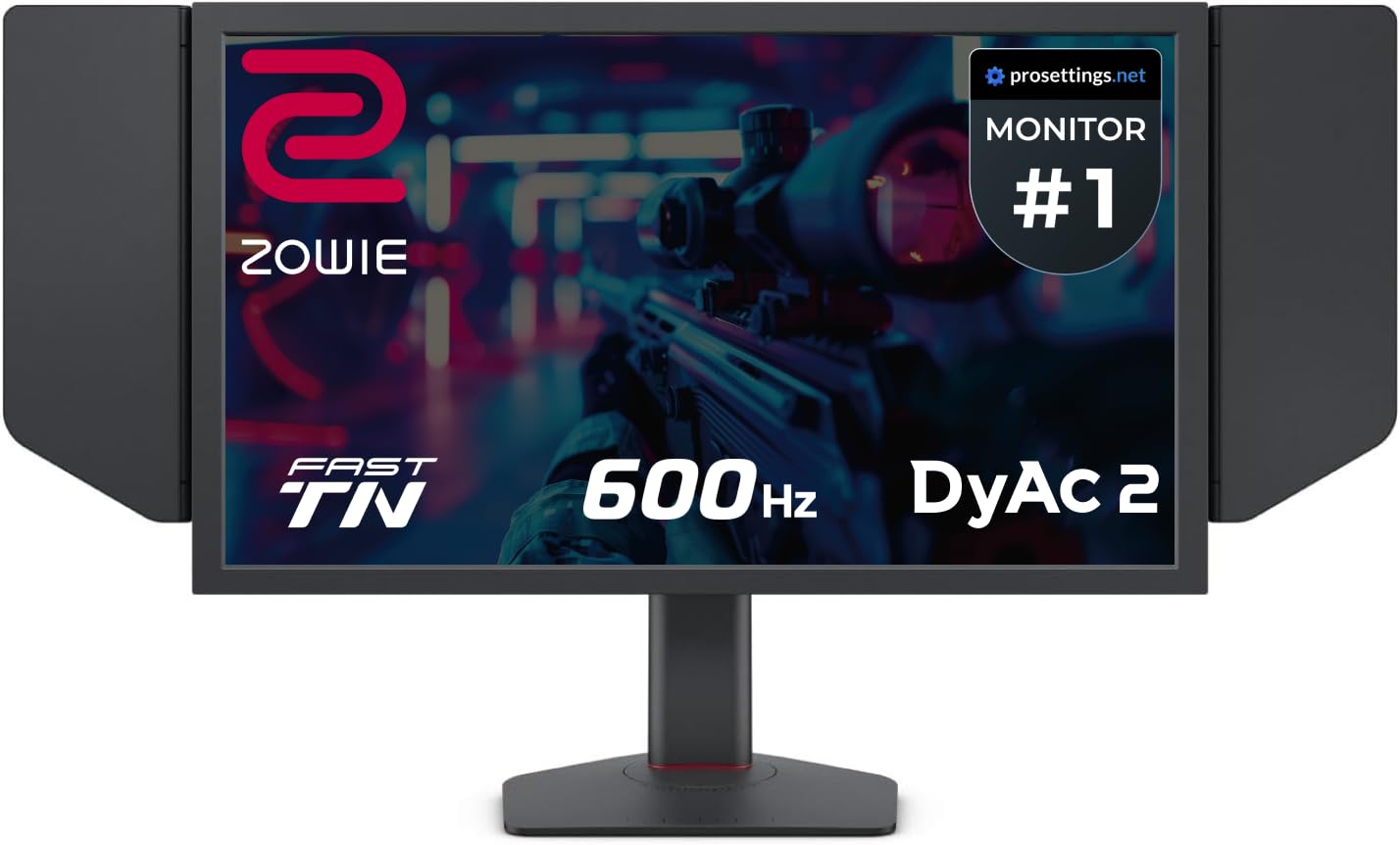
BenQ ZOWIE XL2586X+ 24.1-Inch 600Hz Esports Monitor
Bottom line: A 600Hz Fast TN monitor with DyAc 2 for players with a top-tier PC who want the highest refresh rate available in a standard esports size.
The XL2586X+ is for the player who wants the fastest display ZOWIE makes and has the hardware to feed it.
Pros & Cons
Pros- 600Hz refresh rate, the highest on this list
- DyAc 2 dual-backlight blur reduction
- Native 1080p on a 24.1-inch panel
- Fast TN panel with reduced overshoot
- Vivid color film improves TN color washout
- Matte finish and 300 cd/m2 brightness
Cons- The most expensive pick here by a wide margin
- Needs a very powerful PC to push anywhere near 600 FPS in Valorant
- TN color and viewing angles are weaker than IPS or OLED
Why We Picked It
At 600Hz, each frame stays on screen for under 2ms, which is the smallest gap between frames of any monitor on this list. DyAc 2 adds blur reduction on top.
Who It's For
You compete seriously, your PC runs Valorant at several hundred FPS, and every small reduction in delay matters to you.
It is a niche purchase, aimed at the top of the competitive ladder rather than at casual players.
Specs & Configurations
- Size
- 24.1 inches
- Resolution
- 1920x1080
- Refresh Rate
- 600Hz
- Panel
- Fast TN
- Motion Blur Reduction
- DyAc 2

8
Best for Sharper Visuals at 1440p
Alienware AW2725DF 27-Inch 360Hz QD-OLED Gaming Monitor
Bottom line: A 1440p 360Hz QD-OLED with a 0.03ms response time for players who want sharper, richer visuals without giving up speed.
The AW2725DF is the one pick here that trades the traditional esports size for a better picture. If you are weighing it against other panels, our best OLED gaming monitor guide covers the wider field.
Pros & Cons
Pros- 360Hz refresh rate at 1440p
- 0.03ms GtG response time virtually eliminates blur and ghosting
- QD-OLED gives deep blacks and rich color, with 99.3% DCI-P3 coverage
- More detail than 1080p for spotting distant targets
- AMD FreeSync Premium Pro and VESA AdaptiveSync
- HDMI, DisplayPort and USB connections
- Matte finish reduces glare
Cons- 1440p lowers frame rates compared with 1080p, so you need a stronger PC
- 27 inches can feel a little large for competitive play
- OLED costs more than IPS and TN options at the same refresh rate
Why We Picked It
OLED pixels switch almost instantly, so a 0.03ms response time leaves very little blur, and 360Hz at 1440p is enough for competitive play. Valorant's colorful effects and dark corners also look better on QD-OLED than on a standard panel, and 1440p gives extra detail on long-range targets.
Who It's For
You want one screen for Valorant and everything else, your PC holds well over 300 FPS at 1440p, and you care about how the game looks as much as how it feels.
It suits players who find 24-inch 1080p screens too small or too soft for their desk.
Specs & Configurations
- Size
- 26.7 inches
- Resolution
- 2560x1440
- Refresh Rate
- 360Hz
- Panel
- QD-OLED
- Response Time
- 0.03ms GtG
What to Look for in a Valorant Monitor
Refresh Rate
144Hz is a solid minimum and a huge step up from 60Hz. 240Hz is the competitive baseline, and 360Hz is where many serious players land. Valorant is light enough that mid-range PCs often reach 250 to 400 FPS at competitive settings, so a faster panel actually gets used. The gain shrinks as the numbers climb, so match the monitor to the frames your PC really produces.
Resolution and Screen Size
Most pros play on 24 to 25 inch 1080p screens. 1080p gives higher frame rates and lower input delay, while 1440p looks sharper but asks more of your PC. A 27-inch 1440p monitor is a slight disadvantage for competitive play, because larger screens make your eyes and head move more.
Panel Type
TN is the fastest and the traditional esports choice, but its colors and viewing angles are weaker. Fast IPS now reaches similar speeds with better color. OLED has the quickest response time and the best contrast, usually at a higher cost.
Response Time
Aim for a gray-to-gray response time of 1ms or lower to limit ghosting and blur. For Valorant, anything under 3ms is the practical floor.
Connection and Adaptive Sync
HDMI 2.0 caps 1080p at 240Hz, so use DisplayPort for anything faster. G-SYNC or FreeSync reduces tearing. Cap your frame rate just below the refresh rate and use exclusive fullscreen for the cleanest results.
FAQ
What monitor is best for Valorant?
A fast 24 to 25 inch 1080p monitor at 240Hz or higher is the best fit. The AW2523HF at 360Hz is a strong all-round choice.
Is 240Hz or 360Hz better for Valorant?
360Hz is smoother and suits PCs that hold 300+ FPS. 240Hz is plenty if your PC does not, and it costs less.
What size monitor do Valorant pros use?
Most use a 24 to 24.5 inch screen at 1080p.
Is 144Hz enough for Valorant?
Yes for most players, and it is far better than 60Hz. Serious competitors tend to step up to 240Hz or 360Hz.
Which Monitor Should You Buy for Valorant?
If you want one answer, the best monitor for Valorant is a 24.5-inch 1080p screen at 360Hz, which makes the Alienware AW2523HF our default recommendation. Choose the ASUS TUF VG259QMR5A if you want speed on a tight budget, a ZOWIE model if you want a pure esports tool, and the AW2725DF if you would rather have a sharper, richer picture. Whichever you choose, set the refresh rate in Windows and use DisplayPort so the monitor delivers what you paid for.

