GameCuki is reader-supported. When you buy through links on our site, we may earn an affiliate commission at no extra cost to you. As an Amazon Associate I earn from qualifying purchases. Learn more.
SteelSeries Arctis Nova 5 vs Nova 7 looks like a simple step up in price, but both headsets share the same 40 mm drivers, the same 2.4 GHz dongle and the same companion app. The real question is whether you will actually use the Nova 7’s extras: playing game and phone audio at the same time, a wired backup and a steel-supported headband.
Best Overall
Arctis Nova 5 Wireless
Bottom LineThe better buy for most players: lighter, longer on Bluetooth and cheaper, as long as you switch between audio sources instead of mixing them.
Both names cover several models. This comparison uses the standard Arctis Nova 5 Wireless and the standard Arctis Nova 7 Wireless Gen 2, the versions for PC, PlayStation, Switch and mobile. Xbox players need the Nova 5X or Nova 7X Gen 2 instead. The Gen 2 is the successor to the original Nova 7 Wireless and adds longer battery life.
This is the difference that decides most purchases. The Nova 7 Gen 2 keeps the 2.4 GHz dongle and Bluetooth connected at once, so game audio and music or calls from your phone play together. Its mic still works from one source at a time.
The Nova 5 uses Quick-Switch instead. One button press moves you between the dongle and Bluetooth 5.3, and the headset can beep when a call comes in while you game, but it does not blend the two streams. If you never listen to two devices at once, the Nova 7’s main advantage goes unused.
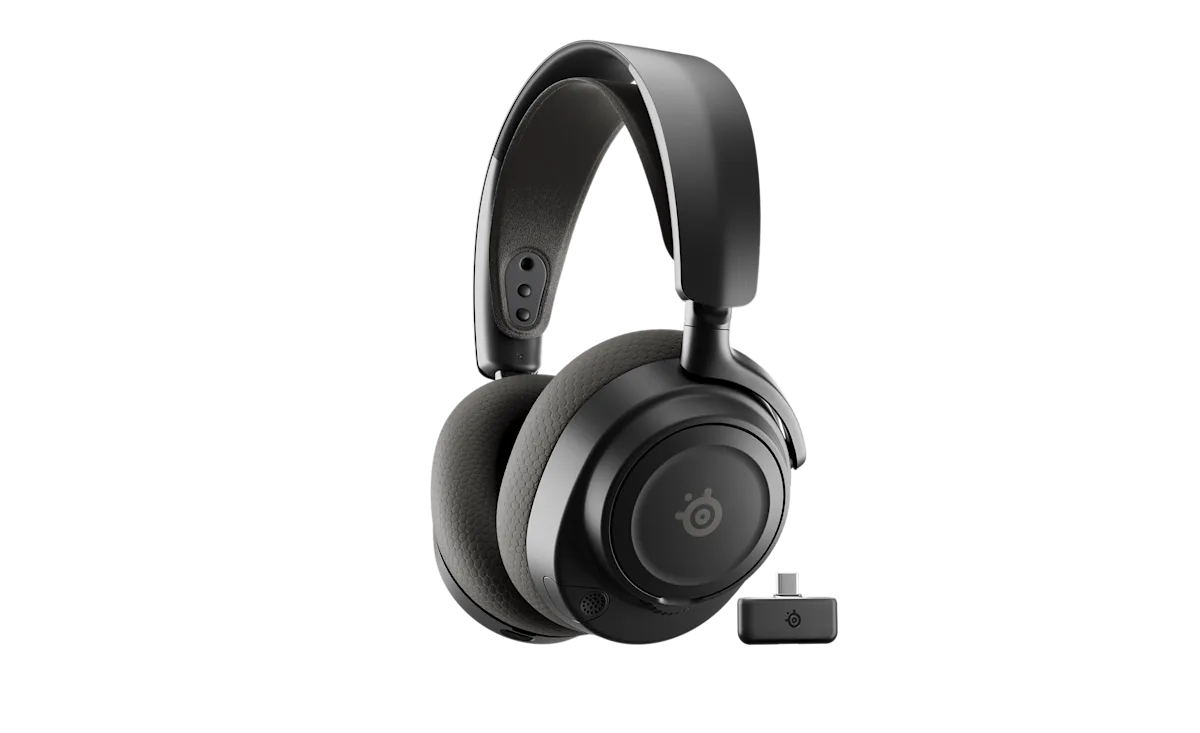
The Arctis Nova 7 Wireless Gen 2 with its USB-C 2.4 GHz dongle (Image: SteelSeries)
Battery Life: Nova 5 Wins on Bluetooth
SteelSeries rates the Nova 7 Gen 2 at up to 54 hours on 2.4 GHz, up to 42 hours on Bluetooth and up to 38 hours with both radios running. The Nova 5 is rated at up to 50 hours on 2.4 GHz and up to 60 hours on Bluetooth. Both give about 6 hours of use from a 15-minute USB-C fast charge. Real runtime depends on volume, mic use and battery age, so treat these as ceilings.
Comfort and Build: 60 Grams Lighter vs Steel Frame
The Nova 5 weighs 265 g (9.5 oz) and the Nova 7 Gen 2 weighs 325 g (11.5 oz), a 60 g gap you may notice over a long session. The Nova 7 pairs an elastic headband with a steel-supported frame and is the sturdier-feeling design on paper. The Nova 5 uses a lighter suspension headband without the steel support. Both use fabric ear cushions, and fit still depends on your head shape.
The Nova 7 Gen 2 also ships with a 3.5 mm cable and jack for wired use. SteelSeries documents no analog connection on the Nova 5, so a dead battery or a device without dongle support leaves it unusable until you can recharge.
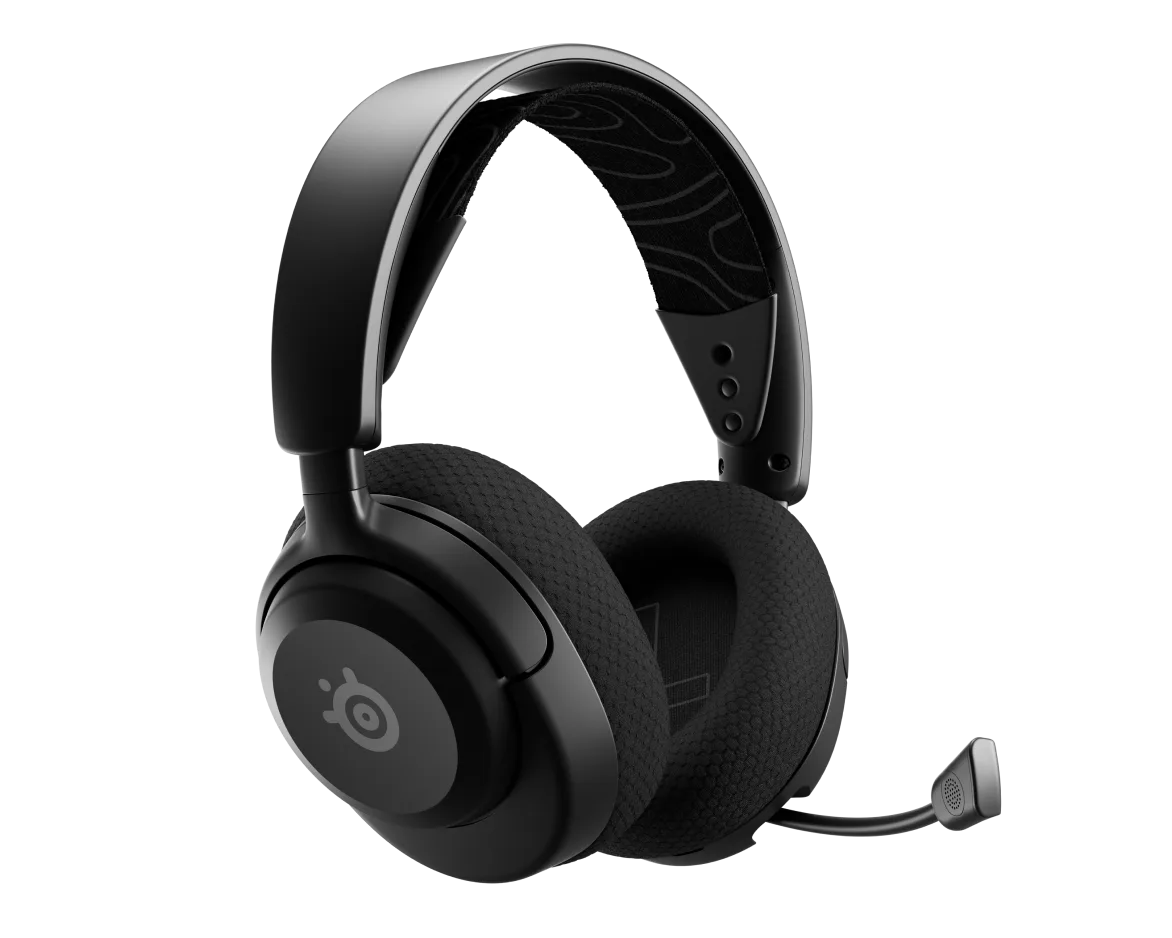
The Arctis Nova 5 Wireless from the front (Image: SteelSeries)
Controls and Software: Dial vs App
Both headsets work with the Arctis Companion app on iOS and Android, and with SteelSeries GG and Sonar on Windows for EQ, mic settings and routing. The Nova 7 Gen 2 has a physical ChatMix dial for balancing game and voice audio. The Nova 5 handles ChatMix through Sonar only, and ChatMix is not supported on Mac or PlayStation. The Nova 5 on-ear controls cover power, mute, volume and the Quick-Switch button.
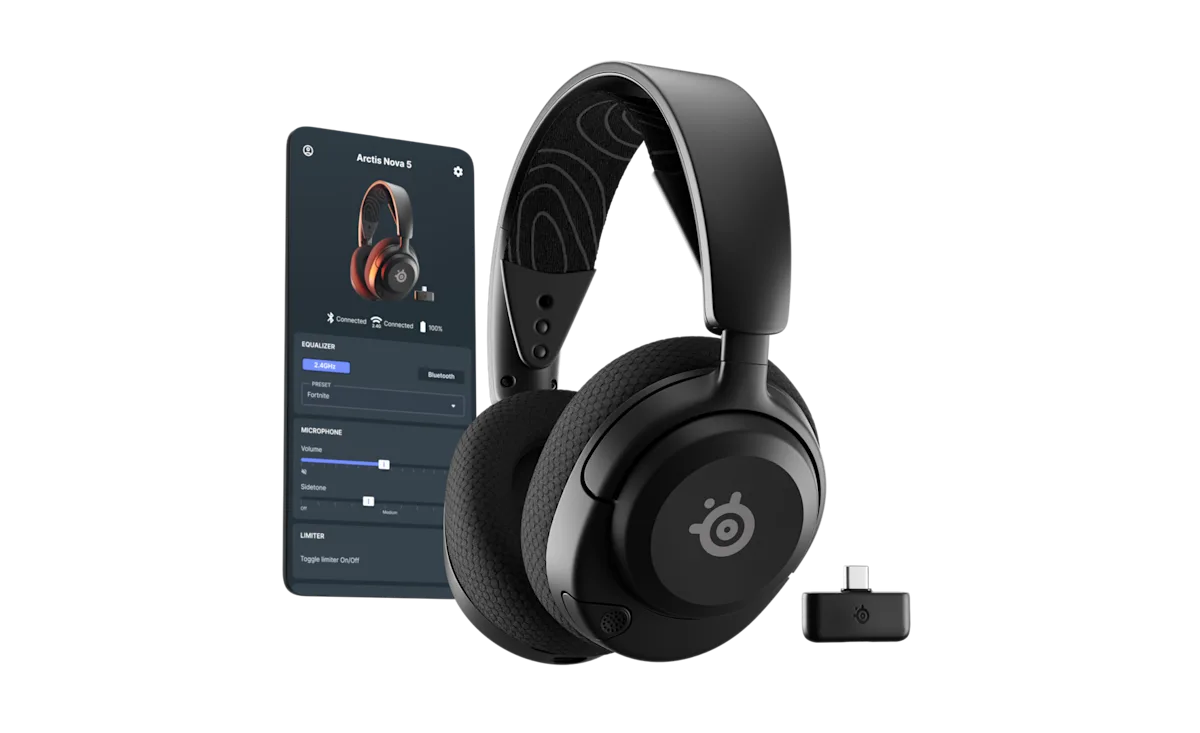
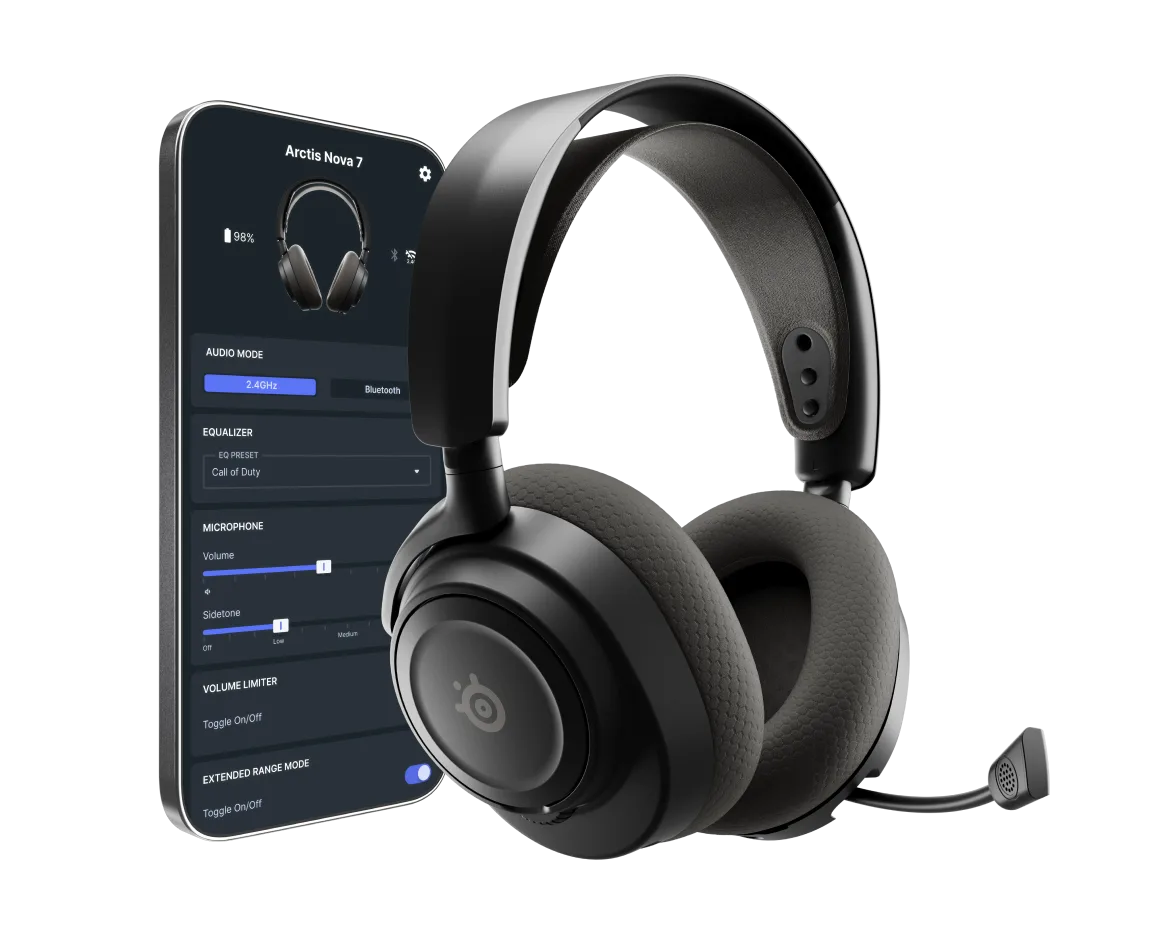
The Arctis Nova 5 and its app controls for EQ, mic volume and sidetone (Image: SteelSeries)The Arctis Nova 7 Wireless Gen 2 and its app settings (Image: SteelSeries)
Sound and Mic: Close on Paper
Both list 40 mm neodymium drivers with a 20 Hz to 22 kHz response, so the spec sheet does not separate them, and neither headset has listener noise cancellation. Mic processing is the only noise reduction on either one. The Nova 5 uses the retractable ClearCast 2.X mic with a 32 kHz/16-bit path, while the Nova 7 Gen 2 uses the retractable ClearCast Gen 2 mic with Sonar AI noise rejection on PC. Pick on features, not on a sound upgrade. If footsteps and positional audio matter most, our best gaming headset for hearing footsteps guide covers the Nova 7 Gen 2 alongside other options.
PS5 and Xbox: Check the Variant
On PS5, the standard Nova 5 covers one source at a time and the standard Nova 7 Gen 2 adds phone audio on top. Xbox needs the X models, and a PlayStation-compatible model should not be assumed to work there.
Arctis Nova 5 vs Nova 7 Gen 2: Full Specs
Feature
Arctis Nova 5 Wireless
Arctis Nova 7 Wireless Gen 2
Weight
265 g (9.5 oz) Wins
325 g (11.5 oz)
Battery, 2.4 GHz
Up to 50 h
Up to 54 h Wins
Battery, Bluetooth
Up to 60 h Wins
Up to 42 h
Battery, both sources
Not applicable
Up to 38 h
Fast charge
6 h from 15 min
6 h from 15 min
Drivers
40 mm neodymium, 20 Hz to 22 kHz
40 mm neodymium, 20 Hz to 22 kHz
Microphone
Retractable ClearCast 2.X, 32 kHz/16-bit
Retractable ClearCast Gen 2
Wireless
2.4 GHz dongle + Bluetooth 5.3, one at a time
2.4 GHz dongle + Bluetooth, simultaneous Wins
3.5 mm wired option
Not documented
Yes, with cable Wins
ChatMix
Sonar software only
Physical dial Wins
Headband
Lighter suspension
Elastic suspension, steel support Wins
Companion app
iOS and Android
iOS and Android
And the Winner Is…
WinnerArctis Nova 5 Wireless
The Nova 7 Gen 2 does more: it mixes 2.4 GHz and Bluetooth, includes a 3.5 mm backup cable, adds a physical ChatMix dial and has a sturdier steel-supported frame. If those features match how you play, it is the better headset. For most people deciding between the SteelSeries Arctis Nova 5 vs Nova 7, though, the Nova 5 is the smarter buy. It is 60 g lighter, rated for longer Bluetooth use, shares the same drivers and app, and costs less. Pick the Nova 7 Gen 2 if you want phone audio under your game or need a wired fallback, and skip both if you expect noise cancellation.
Think about where your second audio source lives. If your phone sits face down while you play, the Arctis Nova 5 gives you the same drivers in a lighter frame for less money. If you keep a podcast, a Discord call on mobile or a match stream running under your game, the Nova 7 Gen 2 is the one that earns its higher price.
I'm Sean, and I write the comparisons on GameCuki. I cover anything gamers weigh up before buying: consoles and handhelds, PC components and gaming laptops, monitors, controllers, headsets and accessories, plus subscriptions and services like Game Pass and PlayStation Plus. I put both options on the same checklist, using official specs, professional reviews and owner feedback, and I only mention what owners say when at least two of them report the same thing. Every comparison ends with one clear verdict and the type of player each option suits. I don't accept free products or payment from brands, and what I write comes from research, not my own use of the products. You can read my full process on our How We Review page.
Areas of Focus
Controller Match-UpsHeadset Match-UpsConsole vs. ConsoleSpecs & Latency