GameCuki is reader-supported. When you buy through links on our site, we may earn an affiliate commission at no extra cost to you. As an Amazon Associate I earn from qualifying purchases. Learn more.
Logitech sells two Lightspeed wireless headsets that look almost alike and sit close in price, so the Logitech G733 vs G535 choice is easy to get wrong. One adds RGB, a detachable mic and a driver upgrade. The other is lighter and runs longer between charges. Here is how they compare on sound, mic, battery, comfort and range.
Best for Sound and Voice Chat
Logitech G733
Bottom LineThe better all-rounder if you want PRO-G drivers, a detachable mic and RGB, and can accept a heavier headset with a shorter battery.
Design and Comfort: Same Suspension Band, Different Weight
The two headsets share one basic design. Both use a suspension headband that is soft, elastic and reversible, plus memory foam ear cups with a breathable mesh cover. The difference you feel is weight. The G733 is 278 g (about 9.8 oz) and the G535 is 236 g (about 8.3 oz), so the G535 is the one you are more likely to forget you are wearing over a long evening.
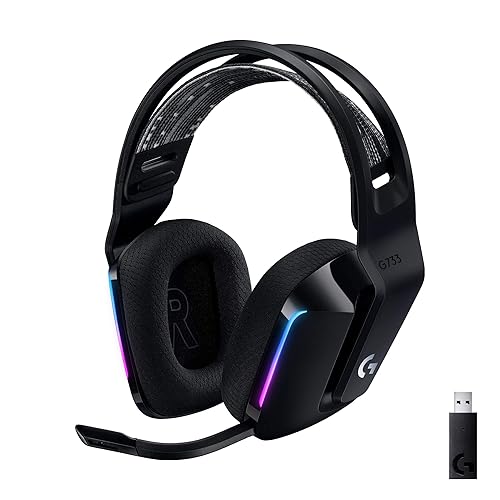
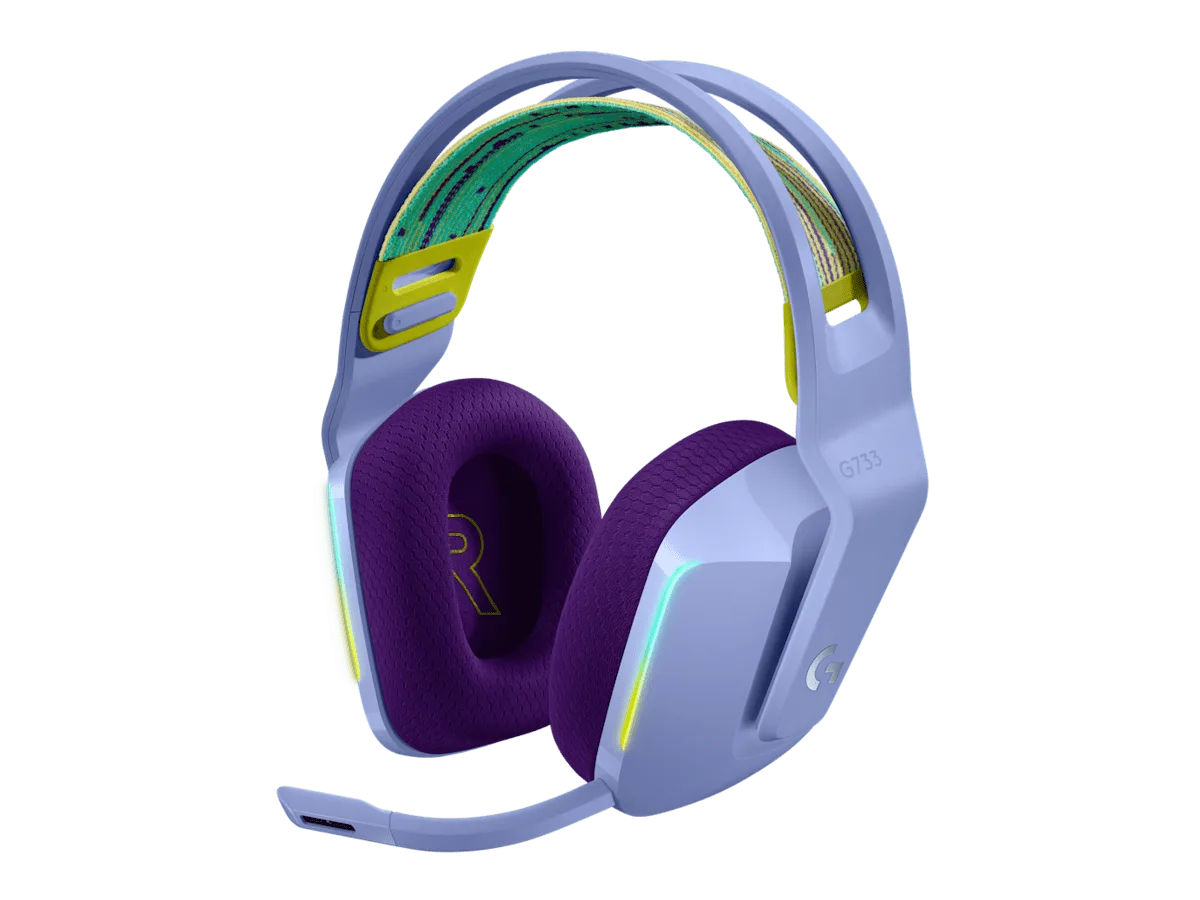
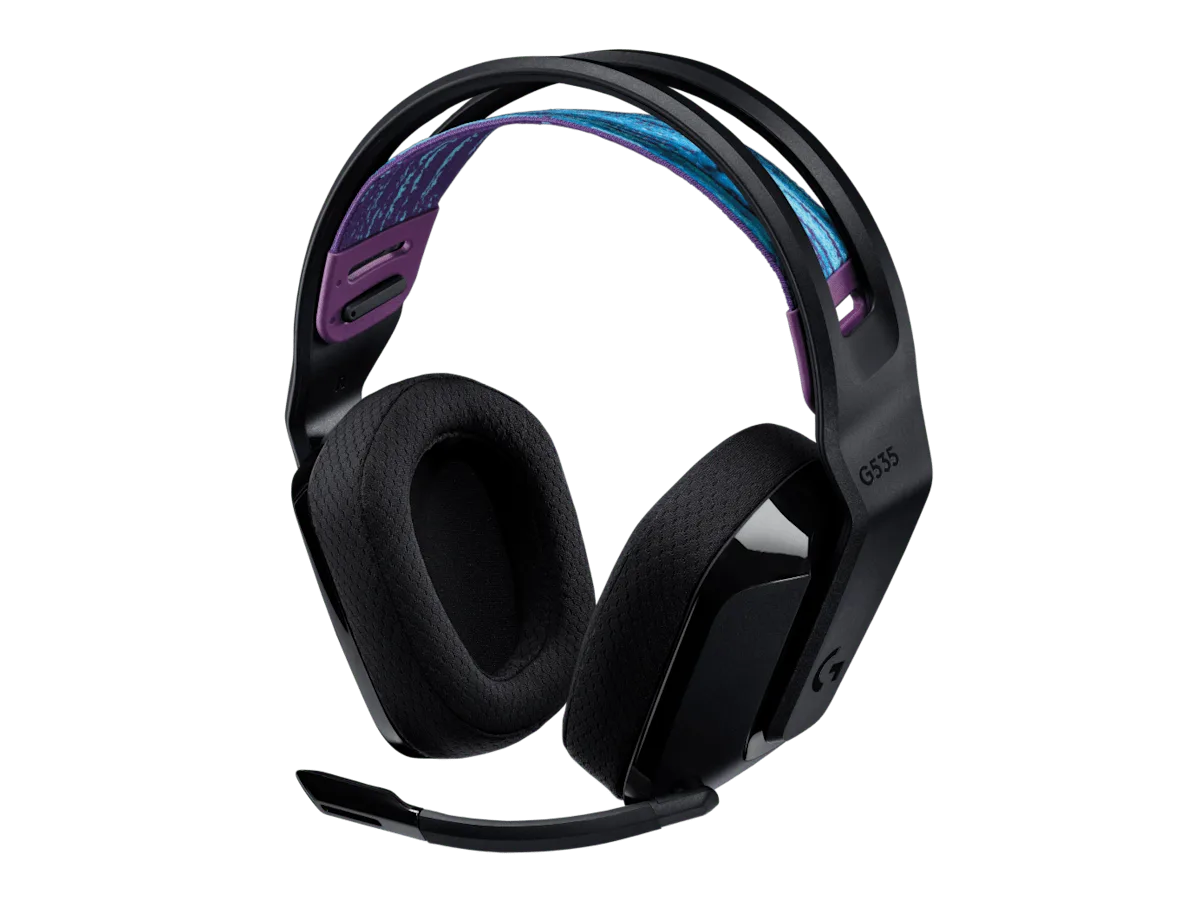
The G733 gives some of that back in looks. It comes in several colors and has two zones of LIGHTSYNC RGB on the ear cups. The G535 has no lighting at all, which suits a plain desk and a lower-profile look. One small downside on the G535 is that its ear cups swivel very little, which can hurt fit for some head shapes.
The G733 adds RGB strips to the ear cups. (Image: Logitech)The G535 skips the lighting and drops about 1.5 oz. (Image: Logitech)
Pick the G535 if weight is your first concern. Pick the G733 if you want a headset that stands out and do not mind the extra heft.
Sound: PRO-G Drivers vs Standard 40 mm Drivers
This is the clearest audio gap. The G733 uses 40 mm PRO-G drivers with a hybrid-mesh diaphragm, and it supports DTS Headphone:X 2.0 surround through Logitech G HUB. The G535 uses 40 mm neodymium drivers without the PRO-G label. Both list a 20 Hz to 20 kHz frequency response, but the G535 sounds flatter and less punchy in busy scenes, with a narrower soundstage.
For casual play that gap is small. For competitive shooters, where you pick out footsteps in a crowded mix, the G733 gives you more to work with. If sound is why you are reading this, spend the little extra on the G733.
Microphone: Detachable Boom vs Flip-to-Mute
The G733 has a detachable boom mic with a cardioid pickup and Blue VO!CE filters you can tune in G HUB. You can pull the mic off when you only want to listen to music or a movie. The G535 has a fixed flip-up boom that mutes when you raise it, which is quick and gives a clear signal that you are muted.
Both list a 100 Hz to 10 kHz mic response, and both are Discord certified. On the G535, the sidetone feature (hearing your own voice) is off by default and only works while G HUB is open, which is an annoyance if you rely on it.
Battery and Wireless Range: G535 Lasts Longer, G733 Reaches Farther
Logitech rates the G535 at up to 33 hours at 50% volume. The G733 is rated at up to 29 hours with lighting off, and 20 hours with default lighting on. If you leave the RGB running, the G535 gives you roughly 13 more hours between charges.
Range goes the other way. The G733 lists up to 20 m (about 65.6 ft) of wireless range and the G535 up to 12 m (about 39.4 ft). In a single room that rarely matters. If you like to wander to the kitchen with the headset on, the G733 is less likely to cut out.
Go with the G535 if you hate charging. Go with the G733 if you walk around the house while you play.
Logitech G733 vs G535: Full Specs
Feature
Logitech G733
Logitech G535
Best for
Sound quality, voice chat, RGB fans
Light weight, long battery, plain look
Drivers
40 mm PRO-G Wins
40 mm neodymium
Surround sound
DTS Headphone:X 2.0 (via G HUB) Wins
Not listed by Logitech
Microphone
Detachable boom, Blue VO!CE Wins
Fixed flip-up boom, mutes when raised
Lighting
2 zones of LIGHTSYNC RGB Wins
None
Battery
Up to 29 hours (20 with lighting on)
Up to 33 hours Wins
Wireless range
Up to 20 m (about 65.6 ft) Wins
Up to 12 m (about 39.4 ft)
Weight
278 g (about 9.8 oz)
236 g (about 8.3 oz) Wins
Headband
Reversible suspension band
Reversible, washable suspension band
Connection
Lightspeed USB receiver
Lightspeed USB receiver
Platforms
PC and PlayStation
PC and PlayStation
And the Winner Is…
WinnerLogitech G733
The G535 does two things the G733 cannot: it weighs less and it lasts longer, and for a player who wants a plain, light headset that rarely needs a charge, that is a fair trade. But most people comparing these two care about how the headset sounds and how clear they are to teammates, and there the G733 is the stronger pick. It has the PRO-G drivers, a detachable mic with tunable voice filters, longer range and optional RGB. Choose the G535 if weight and battery life matter most. Otherwise, the Logitech G733 vs G535 decision tilts toward the G733.
The Logitech G733 vs G535 comparison is less about specs than about habits. If you play competitive games, talk to friends all night or want lighting on your desk, the G733 is the headset to buy. If you value a feather-light fit and a battery that outlasts a work week, the G535 delivers that without the extras you may not use. Want a mic you can remove for music and movies? See our best gaming headset with detachable mic picks for more options.
I'm Sean, and I write the comparisons on GameCuki. I cover anything gamers weigh up before buying: consoles and handhelds, PC components and gaming laptops, monitors, controllers, headsets and accessories, plus subscriptions and services like Game Pass and PlayStation Plus. I put both options on the same checklist, using official specs, professional reviews and owner feedback, and I only mention what owners say when at least two of them report the same thing. Every comparison ends with one clear verdict and the type of player each option suits. I don't accept free products or payment from brands, and what I write comes from research, not my own use of the products. You can read my full process on our How We Review page.
Areas of Focus
Controller Match-UpsHeadset Match-UpsConsole vs. ConsoleSpecs & Latency